Vibe-Coding Security: Making an AI-Built App Safe for Real Users
RedHub AI Editorialupdated September 7, 20268 min read

Jump to a section7
You make a vibe-coded app safe for real users by closing the gap the AI builder skipped: move every secret out of the code, check authorization on the server instead of in the browser, put limits on requests and on AI-API spend, sanitize your error messages, and turn on basic monitoring before you launch. An AI tool writes the code that works — the demo runs, the feature does the thing — but "it works" and "it's safe for strangers on the internet" are two different finish lines. The hardening pass between them is short, mostly mechanical, and almost always skipped. This guide walks the whole gap: what breaks, why AI builders leave it broken, and the pre-launch checklist that closes it.
TL;DR: AI builders optimize for "the code runs," not "the code is safe," so vibe-coded apps ship with a predictable set of holes: secrets baked into the browser bundle, auth checked only in JavaScript, no rate limits or cost caps, verbose errors that leak internals, and over-broad database permissions. None are exotic — they're the same handful of patterns over and over. Fix them with a hardening pass: secrets in environment variables, server-side authorization, per-user limits and spend ceilings, sanitized errors, least-privilege credentials, and monitoring. That gets you to roughly production-safe. It is not a penetration test and not a guarantee — the last stretch needs professional tools and a real review.
Why "it works" isn't "it's safe"
An AI coding assistant is trained to produce code that satisfies the request. Ask it for a login and it builds a login that lets the right person in. What it doesn't do — because you didn't ask, and because it optimizes for the happy path — is make sure the wrong person is kept out at the layer that matters. It puts the API key where the code runs, not where it's safe. It checks the user's role in the browser, where anyone can edit it, not on the server, where they can't. It writes the simplest call to an AI API, with no thought to what happens if that call runs ten thousand times.
This isn't a knock on the tools or on vibe coding — building a working app in an afternoon is genuinely valuable, and a vibe-coded app can absolutely be production-ready. It's just that the tools finish at "works," and production starts one step later. Independent testing has put hard numbers on how often that step gets skipped: Veracode's evaluation of 100+ models found that roughly 45% of AI-generated code introduced an OWASP Top 10 security weakness. The gap is real and common — which also means it's predictable, and predictable problems have checklists.
The gap, in six layers
Nearly every hole in a vibe-coded app falls into one of six buckets. This is the shape of the whole problem:
| Layer | What the AI shipped | What safe looks like |
|---|---|---|
| Secrets | API keys in code that reaches the browser | Every credential in an environment variable or secrets manager; nothing sensitive in the client bundle |
| Auth | Role checked in JavaScript before showing a page | Authorization verified on the server for every protected route and API call |
| Rate limits | Every endpoint accepts unlimited requests | Per-user and per-endpoint limits so one script can't take you down |
| Cost ceilings | AI-API calls with no caps | Per-user daily limits, per-tenant monthly caps, billing alerts |
| Errors | Stack traces and schema details returned to the client | Sanitized errors in production — no internals in the response |
| Observability | No logging, no alerts — you find out from a user | Error tracking, uptime monitoring, one dashboard you actually watch |
The individual clusters go deeper: the vibe-coding mistakes guide catalogs the specific patterns AI builders generate, exposed API keys and secrets covers the single highest-leverage fix, how to secure an app you didn't fully write is the non-expert's angle, and the pre-launch check is the go/no-go list.
The two fixes that matter most
If you do nothing else before launch, do these two.
Get the secrets out of the browser. AI builders routinely hardcode an API key (OpenAI, Anthropic, your database service role) directly into code that ships to the client, because that's where the code "works." Anyone can open browser dev tools and read it in under a minute, and a leaked key can be used to run up your bill or reach your data. Move every credential into an environment variable on the server, and run a plain text search for sk- and api_key across both your repo and your built bundle. If anything comes up, you're not done.
Check authorization on the server. A vibe-coded app often "protects" a page by hiding it in the frontend — the JavaScript decides whether to show the admin screen. But the server sends the data regardless, so anyone using curl or the browser's network tab can request it directly. Every protected route and API endpoint has to verify who the user is and what they're allowed to do on the server, on every request. If a user can bypass your auth by deleting some JavaScript, it was never really there.
curl hit your API and get data they shouldn't, or empty your AI-API budget with a short script? If the honest answer is "maybe," those are the two fixes to make first.The pre-launch checklist, in one line
Six layers, run before you put real users on the app: secrets (server-side only), auth (verified on the server), rate limits, cost ceilings, sanitized errors, and observability. The two that cause the worst headlines are the gates: if a search for sk- / api_key across your repo and built bundle turns up a real key, or if deleting the frontend JavaScript exposes protected data, you're not ready — fix those before anything else. The pre-launch check walks all six with a testable "you're not done until…" question for each, so you can verify every layer instead of just ticking a box.
Where hardening stops and the professionals start
This pass gets a vibe-coded app to roughly production-safe — the common, catastrophic holes closed. It is explicitly not a penetration test, a security guarantee, or a compliance certification. Think of it as getting to about 80%: enough to launch responsibly, not enough to call the app "secure" as an absolute. The last stretch is professional work — automated scanners like Snyk or Semgrep, and a real human security review — and it's worth doing once you have users and revenue to protect.
The neighboring problems have their own homes, too. If your app is an AI agent — tools, autonomy, prompt injection surface — that's a different threat model, handled by the Agentic AI Security Bundle ($269). If you want the AI features themselves (the prompts your app runs) tested for quality and regressions, that's the Prompt Evaluation & Versioning System ($49). A genuine line-by-line review of the codebase is the Codex Code-Review & PR-Hygiene Pack ($79). And once the app is live, stress-testing it end to end for reliability and uptime is the job of the Agent Reliability Harness ($149).
The full audit — the 10 most common AI-generated antipatterns, each with a prompt you paste back to your AI builder plus the manual fix, the six-layer checklist, and a monitoring template for Vercel, Cloudflare, AWS, and Supabase — is packaged in the Vibe-Coded App Hardening Kit ($79). It's built for exactly this moment: you shipped, and now it needs to survive real users.
Hardening the app and hardening the model are two different passes. The free LLM Security Audit (opens in a new tab) is the second — 21 questions on the prompt, output and data-handling layer, about ten minutes, returning a verdict and the one thing to fix first. It inspects nothing and it is not a penetration test.
More in this guide
Frequently asked questions
What is vibe-coding security?
It's the practice of hardening an app built quickly with an AI coding tool so it's safe for real users. AI builders produce code that works but skip the security last mile — secrets handling, server-side authorization, rate limits, cost caps, error sanitizing, and monitoring. Vibe-coding security is closing that gap before launch.
Are AI-built apps actually insecure?
They're not doomed, but they commonly ship with a predictable set of holes because the AI optimizes for "the code runs," not "the code is safe." Independent testing (Veracode, across 100+ models) found roughly 45% of AI-generated code introduced an OWASP Top 10 weakness. The good news: the problems are common and patternable, so a checklist catches most of them.
I'm not technical — can I actually fix these myself?
Most of them, yes. Many fixes are a specific instruction you paste back to the same AI tool that built the app ("move this API key to an environment variable and read it server-side"). Some need a bit of care, but the highest-leverage fixes — secrets out of the browser, server-side auth — are within reach for a non-expert with clear steps.
Is a hardening pass the same as a security audit?
No. A hardening pass closes the common, catastrophic holes and gets you to roughly production-safe — about 80%. It is not a penetration test or a guarantee. The last 20% needs professional scanners (Snyk, Semgrep) and a real human security review, which is worth doing once you have users and revenue to protect.
Does this apply to my Lovable / Bolt / v0 / Replit app?
Yes. The antipatterns are tool-agnostic — if there's AI-generated code in your app, the same patterns tend to show up regardless of which builder wrote them. The specifics (like where a given platform stores secrets or deploys) differ, but the six layers are the same.
What's in the Vibe-Coded App Hardening Kit?
A 10-antipattern catalog (each with a prompt-back-to-the-AI fix and a manual code fix), a six-layer pre-launch checklist with testable "is this enough" questions, and a monitoring template for Vercel, Cloudflare, AWS, and Supabase — for $79, with 12 months of updates. It's the bridge between "I shipped" and "I'm ready for a real security review," not a replacement for one.
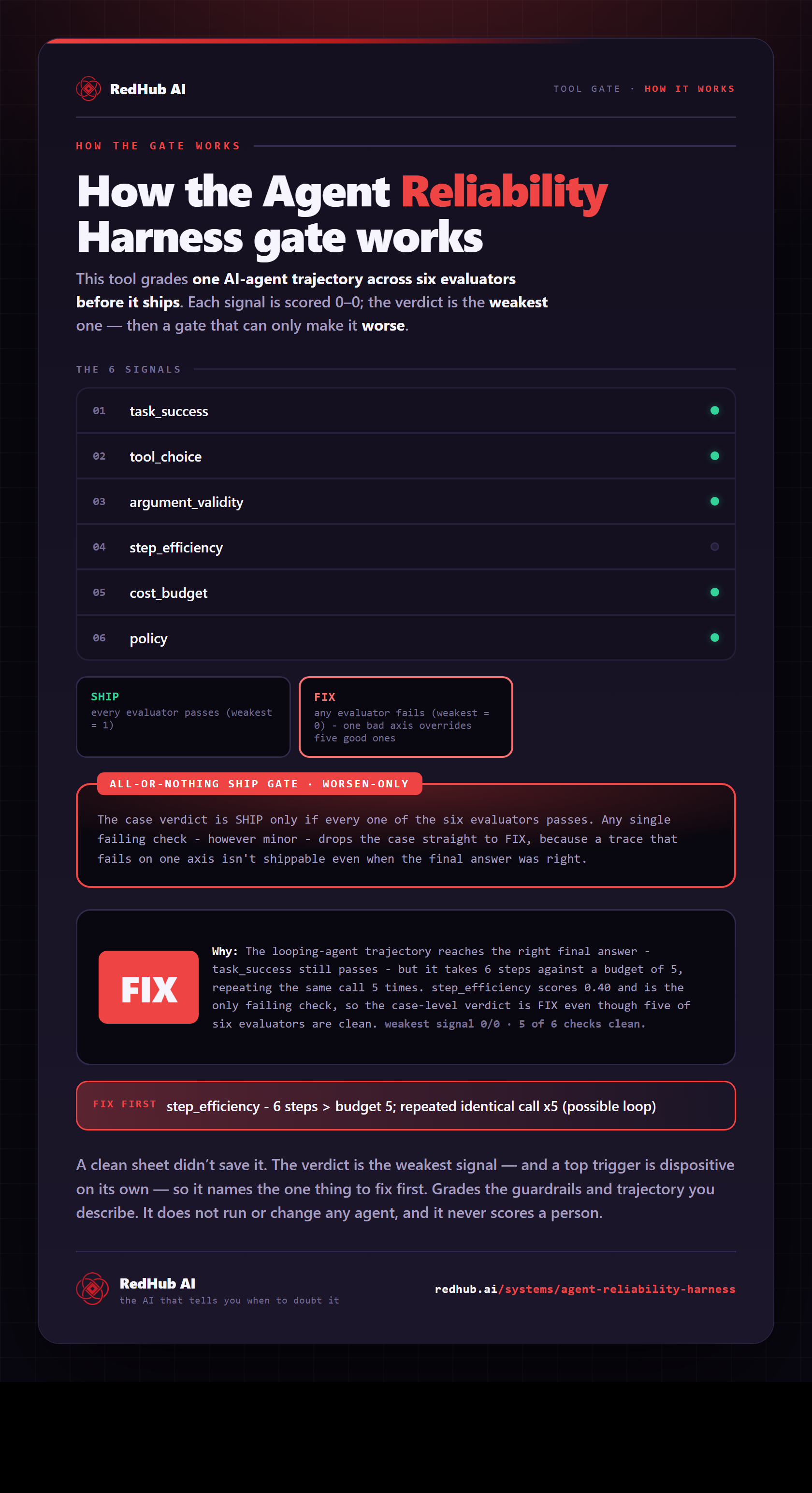
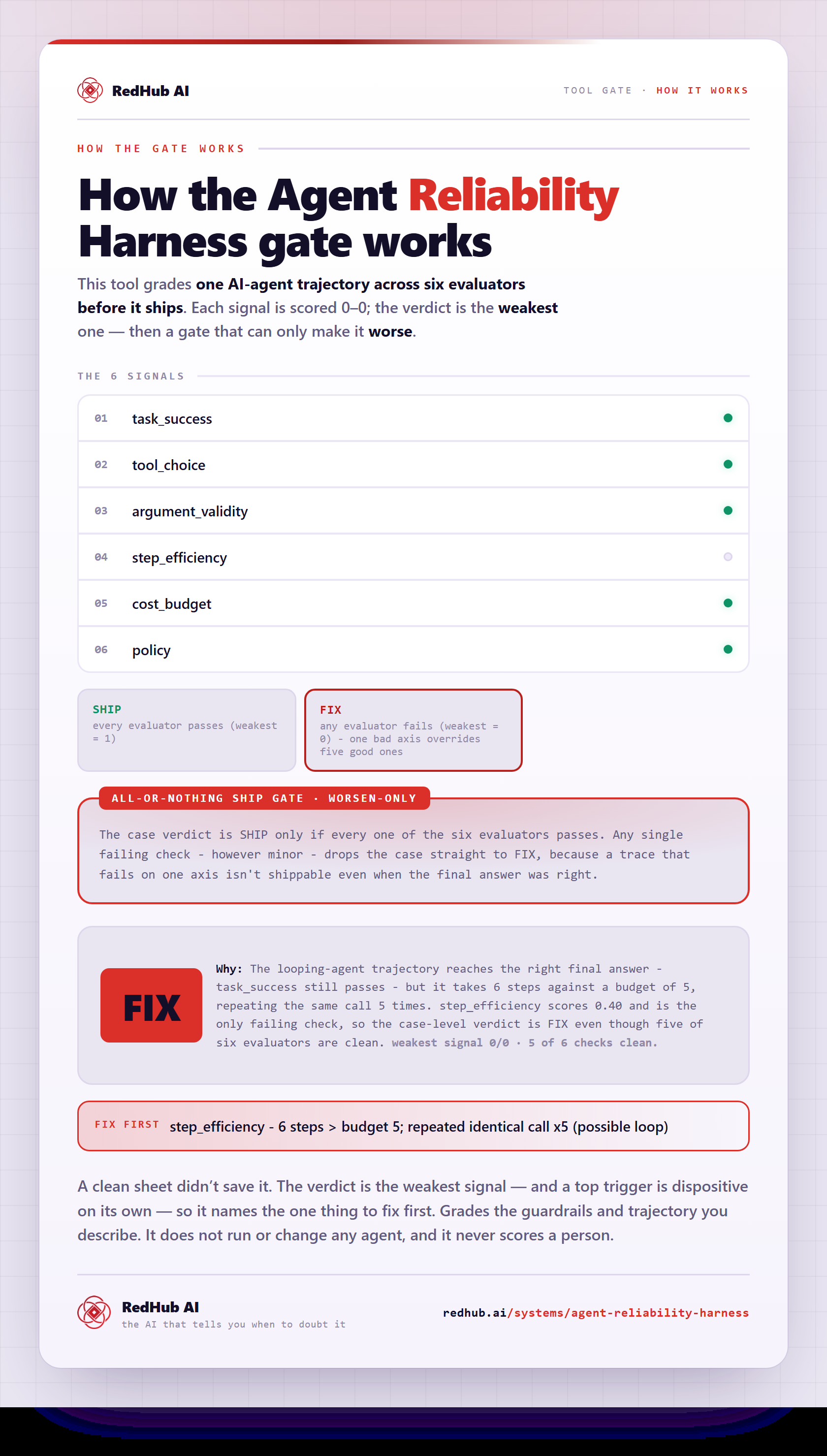
The gate this post refers to, drawn from the tool’s own logic. See the tool.