

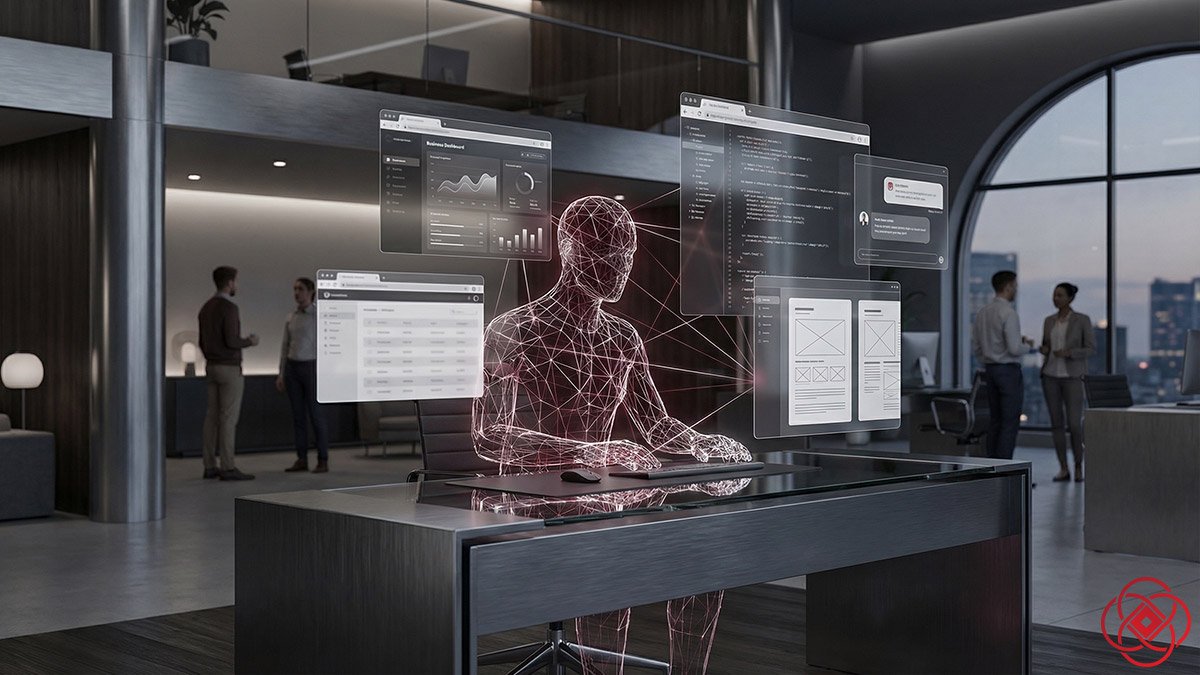
Perplexity Computer: A New Digital Worker for Founders
TL;DR
- What it is: Perplexity Computer is a cloud-based AI system that orchestrates 19 different models to execute end-to-end workflows—from research to deployment—based on plain-language goals.
- Who it's for: Founders, operators, and lean teams who need to automate research, reporting, and repetitive glue work across multiple tools without hiring additional staff.
- How it works: You describe an outcome, Computer breaks it into tasks, spins up specialized sub-agents, and executes across your tools (email, GitHub, Notion, Slack, CRMs) while running asynchronously for hours to months.
- Bottom line: Computer turns "someone should do this" projects into delivered results, freeing humans for judgment and relationships instead of busywork.
What is Perplexity Computer?
Perplexity Computer is a cloud-based AI orchestration system that takes a goal described in plain language and transforms it into an end-to-end workflow: research, design, code, deploy, and monitor. It coordinates 19 different AI models under the hood, routing each task to the model best suited for it, and runs entirely in the cloud with its own filesystem, real browser, and tool integrations.
Best for: Automating research, reporting, and internal tool development. • Not ideal for: Highly sensitive judgment calls or customer-facing interactions. • Fast takeaway: Computer is a digital worker that handles the glue work across your stack so you focus on strategy.
📚 Explore the Perplexity Pro Business Series
Start here: Perplexity Pro for Business. Then go deeper with these implementation guides:
Most AI tools still treat your business like a chat thread. You ask. They answer. Then you copy, paste, and hope your team follows through.
Computer is Perplexity's attempt to break that pattern. It's not another chatbot. It's a digital worker that can plan, coordinate, and execute real workflows across your tools, for hours or even months at a time.
Below is what founders and operators need to know—how it actually works, where it's strong, where it's early, and how to plug it into your stack.
What Computer Actually Is
Perplexity Computer is a cloud-based system that takes a goal you describe in plain language and turns it into an end-to-end workflow: research, design, code, deploy, and monitor.
Key facts:
- It orchestrates 19 different AI models under the hood, routing each task to the model best suited for it.
- It runs entirely in the cloud with its own filesystem, real browser, and tool integrations, so it can actually use software the way a teammate would.
- It can run asynchronously for hours to months, spinning up sub-agents when it hits problems.
Right now, Computer is available to Perplexity Max subscribers at about $200/month, with 10,000 monthly credits and rollout to Pro and Enterprise on the roadmap.
How Computer Works Under the Hood
When you give Computer an outcome like "launch a local digital marketing initiative for my restaurant" or "build an internal dashboard for churn analysis," it does three things:
- Planning: It breaks your request into tasks and subtasks—research, data collection, content generation, coding, integration, QA.
- Delegation: It spins up sub-agents for each part, running them in parallel where possible (e.g., one agent drafts copy while another scrapes data or configures an integration).
- Execution: Agents use a real browser and connectors (email, GitHub, Notion, Slack, CRMs, data platforms) to do the work, then Computer stitches the outputs together into a finished result.
Multi-model orchestration looks roughly like this:
- A high‑reasoning model (e.g., Opus 4.6) handles planning and complex decision-making.
- Other models specialize: some for deep research, some for long-context recall, some for images and video, some for quick lightweight tasks.
You never see this complexity; you see one "worker" giving you progress updates and final deliverables.
Why This Matters for Founders
Most founders are juggling three classes of work that Computer is built to attack:
- Research that never gets fully systematized (markets, competitors, pricing, risks).
- Glue work between tools (copying data, updating docs, triggering workflows).
- Projects that stall at the "someone should just do this" stage (dashboards, internal tools, recurring reporting).
Computer's pitch is simple: tell it the outcome, and it does the glue work and busywork across many tools, so your humans focus on judgment and relationships.
If you're already using Perplexity Pro for competitive intelligence, Computer takes that capability several steps further—executing the entire workflow instead of just answering questions.
Concrete Use Cases for Business
1. Market & Competitor Deep Dives → Actionable Briefs
Instead of manually stitching together 20 tabs and a Notion doc, you can say:
Computer can:
- Run parallel research agents on segments, competitors, and pricing.
- Pull in public data, filings, reviews, and news.
- Generate structured briefs, tables, and even CSVs or code for dashboards.
For a founder, this turns a 2–3 day research sprint into something closer to an afternoon review session.
2. Automated Reporting & Ops Dashboards
Recurring reporting is ideal Computer territory: predictable, structured, and boring for humans.
Example outcome:
Computer can:
- Use connectors to hit CRM, billing, and support platforms.
- Run data pulls and transformations in the background.
- Generate charts and written summaries, then push into email/Slack.
Over time, that's dozens of hours a month you're no longer spending on "what happened last week?"—you go straight to "what are we going to do about it?"
3. Product & Engineering: From Spec to Prototype
For builders, the interesting part is Computer's ability to research, code, and test in one loop.
Example prompt:
The workflow:
- One agent researches your stack and relevant APIs.
- Another drafts the frontend and backend code.
- A third handles tests, deployment scripts, and integration.
You still review the code and control credentials, but you're no longer starting from a blank folder. For lean teams, that's the difference between "someday" and "ship it this quarter."
This mirrors the promise of Anthropic's Claude Cowork use capabilities, but with tighter integration into Perplexity's research and multi-model orchestration.
4. GTM "Digital Operator" for Smaller Teams
Imagine giving Computer a mandate like:
Because Computer can:
- Run for weeks or months.
- Spin up agents for lead research, copy generation, enrichment, and analytics.
- Work asynchronously across time zones.
You effectively get a junior "rev ops + growth" worker that never gets tired, and you only step in to approve templates, tune targeting, and adjust based on results.
Teams using Perplexity for sales research can now go from "here's what I learned about this account" to "here's a personalized outreach campaign automatically executed and tracked."
5. Founder "Chief of Staff Lite"
Founders are overloaded with follow‑ups, docs, and small-but-important tasks. Computer can be a persistent operator that runs in the background of your company:
- Maintain and update living strategy docs based on new research or internal decisions.
- Track key industry or regulatory changes and flag when they hit a defined threshold.
- Spin up quick analyses when board questions arrive ("How exposed are we to X vendor or Y region?").
Think of it as a chief of staff that never sleeps, focused on the mechanical work so your brain can stay on priorities and people.
Pricing, Access, and Practical Limits
Right now, Computer is positioned as a premium power tool:
- Accessible to Perplexity Max at roughly $200/month with 10,000 credits monthly.
- Available on the web today, with access coming to Pro and Enterprise tiers later.
The early press also noted imperfections: Perplexity reportedly canceled an initial live demo because they uncovered flaws hours before the event. That's a signal to treat this as powerful but still evolving—more like hiring an ambitious junior than a seasoned VP.
Risks and Caveats for Operators
Before you hand Computer the keys, there are real considerations:
- Reliability: Any system that runs for weeks across many tools can fail in strange ways. You'll want guardrails, approvals, and logging.
- Security & credentials: Computer can find and use API keys and integrate with external systems, which is powerful but requires tight access control and secrets management practices.
- Overshoot: It's easy to over-automate processes that still need human judgment, especially in sales, hiring, and sensitive customer interactions.
The pragmatic play is to start with bounded, reversible workflows: research, reporting, internal tools—where a mistake is annoying, not catastrophic.
Mental Model: Computer as "Cloud OS for Workflows"
Perplexity's own framing is blunt: "the AI is the computer." Computer is described as what a personal computer in 2026 should be: not a box that runs your programs, but a system that runs your projects.
Instead of thinking in apps (Docs, Sheets, Jira), you start thinking in outcomes ("launch this," "monitor that," "build this prototype"), and Computer assembles the pieces—choosing models, tools, and steps—on your behalf.
For founders, the question shifts from "What can AI do?" to "What parts of our operating system can we safely hand to a digital worker—and how fast can we learn from that?"
If you're organizing work using Perplexity Spaces, Computer becomes the execution layer for those structured knowledge environments.
Should you use Perplexity Computer?
Use it if: You have recurring research, reporting, or internal tool projects that take hours each week but don't require deep human judgment. You're comfortable experimenting with new automation and have basic API/integration hygiene in place.
Skip it if: Your workflows involve highly sensitive data without proper access controls, you need immediate production-grade reliability, or you're automating customer-facing interactions that require nuanced empathy.
Best first test: Pick a single recurring report or research sprint, run Computer alongside your current process for 2 weeks, and compare quality + time savings before expanding.
FAQ
What is Perplexity Computer in simple terms?
Perplexity Computer is an AI system that takes a goal you describe (like "research competitors and draft a strategy brief") and does all the steps—researching, writing, coding, integrating tools—automatically, running for hours or even months in the background.
How is Perplexity Computer different from ChatGPT or other chatbots?
Unlike chatbots that require you to copy-paste results and manually execute steps, Computer actually operates software on your behalf—it can browse the web, use your CRM, write and deploy code, and coordinate multi-step workflows without constant human intervention. It's more like hiring a digital worker than using a chat interface.
How long does it take to see results with Perplexity Computer?
It depends on the task complexity. Simple research briefs can be completed in hours, while multi-week campaigns (like automated lead outreach) run asynchronously and deliver weekly summaries. Most founders see meaningful time savings within the first 2-week pilot on recurring tasks.
What are the biggest risks when using Computer for business workflows?
The main risks are reliability (workflows can fail in unexpected ways), security (Computer needs API access to your tools), and over-automation (handing off tasks that still need human judgment). Start with low-stakes, reversible workflows like research and internal reporting before tackling customer-facing or high-sensitivity tasks.
Can Perplexity Computer integrate with my existing tools and tech stack?
Yes, Computer supports connectors for popular tools including email, GitHub, Notion, Slack, CRMs, and data platforms. It uses a real browser and API integrations to interact with software just like a human teammate would, though you'll need to configure access and credentials for each tool.
