

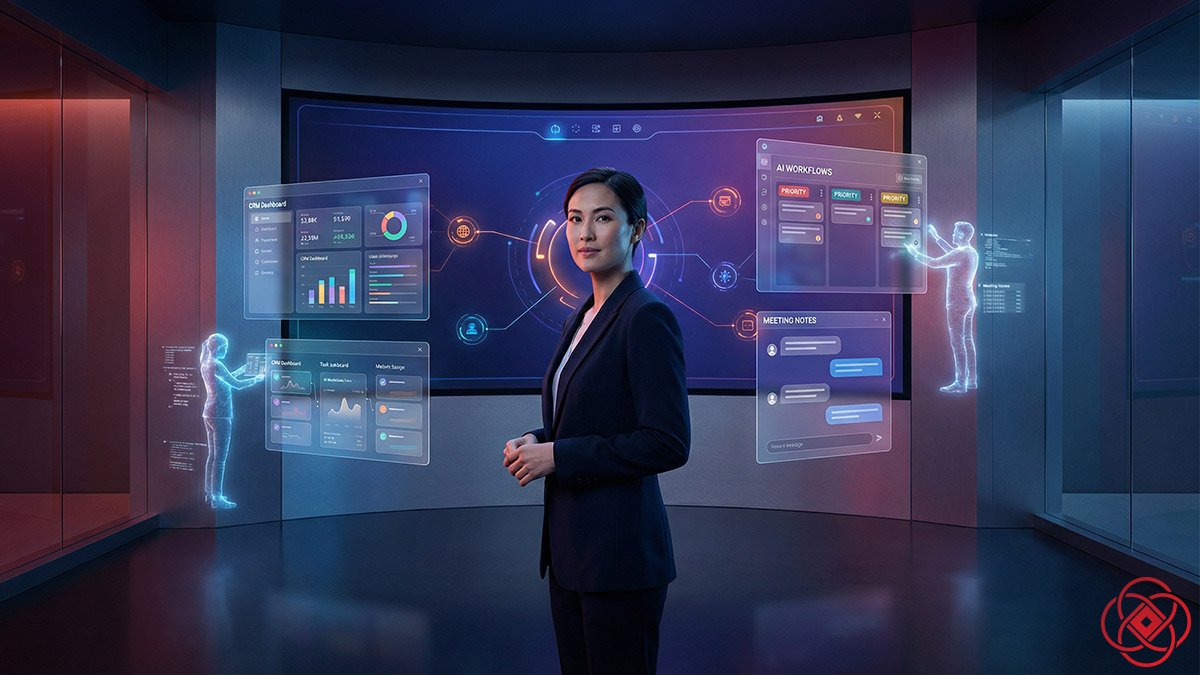
Slackbot and the Agentic Enterprise
⏱️ 7 min read
TL;DR
- What it is: Salesforce is transforming Slackbot from a simple chatbot into an orchestration layer for AI agents, workflows, and enterprise tools—turning Slack into the control surface for work.
- Who it's for: Teams drowning in disconnected apps, scattered data, and lost context across meetings, channels, and CRMs.
- How it works: Slackbot will soon take notes in meetings, run reusable skills you define, watch your desktop, update your CRM, and route requests to specialized agents through the Model Context Protocol.
- Bottom line: Work stops happening in a dozen separate tools. It happens where the conversation is—and Slackbot becomes the interface for the agentic enterprise.
Quick Answer
Slackbot and the agentic enterprise refers to Salesforce's vision of Slack as the unified interface where employees interact with multiple AI agents, automation workflows, and business tools through a single conversational surface. Instead of switching between apps, users talk to Slackbot—and behind the scenes, a network of specialized agents handles tasks like meeting notes, CRM updates, and cross-platform workflows.
Best for: Enterprise teams ready to centralize fragmented workflows and give employees one place to manage work.
Not ideal for: Small teams without complex tool stacks or strict security needs that conflict with desktop-level AI assistants.
Fast takeaway: Slackbot is becoming the front door to your company's AI enterprise.
The story starts with a feeling you probably know too well: that moment when you open your laptop and realize your day is already out of control.
Your calendar is packed. Your Slack is flooded with unread messages. You have three project management tools, two CRMs, a help desk, a shared drive, and fifteen browser tabs all screaming for attention. None of them talk to each other in a way that feels natural.
You bounce between apps like a pinball. You try to remember what was decided in the last meeting, where the latest deck lives, and who owns which follow‑up. By the time you find what you need, half the day is gone.
Salesforce is betting your workday shouldn't look like that anymore. And the surprising hero of this story is a tiny character you used to ignore: Slackbot.
From chatbot to coworker
For years, Slackbot was basically a polite pop‑up. It answered simple questions, sent reminders, and occasionally delivered a fun message when you joined a new channel. It was useful, but not important.
Now Salesforce is turning Slackbot into something very different: an agentic work assistant with more than 30 new abilities rolling out over the coming months. This isn't just a smarter chatbot. It's a move to make Slack the place where all your company's AI agents, tools, and workflows come together.
Inside Salesforce, they're already talking about Slack as the "control surface" or "front door" for the agentic enterprise. In plain language, that means this: instead of you chasing down tools, apps, and data, you talk to Slackbot—and Slackbot orchestrates everything behind the scenes.
The meeting that doesn't get lost
Imagine a Monday status call. It's on Zoom, or Google Meet, or a Slack huddle—it doesn't really matter which. People join late, multitask, and drop off early. By the end, nobody is totally sure what was decided, or who owns what.
With the new Slackbot, that same meeting looks different.
Slackbot can listen in through your desktop app, transcribe the conversation, and do more than just dump a wall of text into a channel. It identifies decisions, pulls out action items, and assigns them to the right people as soon as the call ends. A structured summary lands in Slack automatically.
No one has to say, "Can someone send notes?" The notes are already there.
Now picture what that unlocks over time. Your sales meetings feed straight into your pipeline. Your support reviews update customer records. Your planning sessions automatically create tasks in whatever system your team uses. The conversation is no longer separate from the work.
Slackbot becomes the coworker who never forgets what was said.
Skills you teach once
The second big shift is something Salesforce calls reusable "skills."
Today, when you want an AI tool to do something—summarize a brief, draft an email, build a plan—you usually have to explain the task each time. New chat, new prompt, new configuration. It gets old fast.
In the new Slackbot world, you can define a workflow once and save it as a skill.
"Summarize this campaign brief for the sales team."
"Turn this meeting into a project plan with deadlines."
"Generate a budget for this event using last quarter's numbers."
You give Slackbot the steps, the inputs, and the expected outputs. Then you name it.
From then on, whenever Slackbot recognizes that pattern—say, a new campaign brief dropped into a channel—it can offer to run that skill for you automatically. No more rebuilding the same process.
Over time, your team builds a library of shared skills. Sales has theirs. IT has theirs. HR, marketing, support—everyone teaches Slackbot how they like to work. The company's know‑how stops living only in people's heads and starts living in a system that can act on it.
A bot that sees your desktop
The next leap is the one that feels the most like science fiction: Slackbot stepping out of the chat window and onto your desktop.
Instead of waiting for you inside Slack, the new desktop agent can watch how you work across apps—with your existing permissions in place—and use that context to help you in real time.
It can see the deal you were just looking at in your CRM, the email you drafted but never sent, the calendar event you have in an hour, and the threads you've missed while you were offline. Then it can suggest next steps: a follow‑up message, a quick summary, a draft reply, a reminder.
Instead of you thinking, "What should I do next?" you'll start seeing Slackbot ask, "Do you want me to handle this?"
To some people, that sounds exciting. To others, it sounds a little unsettling. The important detail is that Slack says this all works with the permissions you and your company already control, and inside a secure environment. But the direction is clear: your assistant is no longer trapped in a chat box. It's sitting on top of your actual work.
Slack as your mini CRM
Salesforce is also using Slackbot to blur the line between chat and customer management.
Alongside the 30 new capabilities, Slack is rolling out a lightweight CRM directly inside Slack. You can track deals, contacts, and accounts without ever leaving your conversations.
Slackbot reads channels, spots when someone mentions a new lead or updates a deal, and quietly updates the CRM behind the scenes. If your business is small, you might be able to run everything from Slack alone. If you grow and need the full Salesforce CRM, the company says you can move up without losing your data.
It's another step toward the same goal: the work happens where the conversation already is.
The secret sauce: Model Context Protocol
All of this would be less interesting if Slackbot could only talk to Salesforce tools. But that's not the plan.
The real power move is that Slackbot is becoming a client for something called the Model Context Protocol, or MCP.
MCP is a way for different AI agents and apps to talk to each other in a common language. When Slackbot acts as an MCP client, it can route your request out to other agents and services—like Salesforce's own Agentforce platform, third‑party tools, or even external AI models—and then bring the results back into Slack.
Ask Slackbot to "check on this customer's status," and it doesn't have to know everything itself. It can hand the question off to the best‑suited agent somewhere else in your enterprise, let that specialist do the work, and deliver the answer in the thread you're already in.
Behind the scenes, there might be dozens of agents doing different jobs: sales forecasting, IT troubleshooting, HR support, data analysis. You don't see that complexity. You just see Slackbot.
That's why Salesforce and its partners are calling Slack the interface for the "agentic enterprise." It's the single surface where people, agents, and apps all meet.
The new way work will feel
If this all sounds abstract, bring it back to a single day in your life.
You open your laptop. Slackbot shows you a summary of what you missed: key decisions from yesterday's calls, tasks assigned to you, updates from your top accounts.
You jump into a channel, drop in a document, and ask Slackbot to "turn this into a three‑step rollout plan for the team." It runs a saved skill your team defined last month.
You get pulled into an ad‑hoc meeting. You don't take notes. When you're done, Slackbot posts a recap, adds action items to your task system, and updates the CRM record for the customer you talked about.
Later, you're staring at your screen, unsure what to do next. Slackbot, watching your workflow from the desktop agent, suggests three follow‑ups that would move your most important projects forward.
None of these moments on their own are dramatic. But stacked together, they change the texture of your day. Less hunting, less copying and pasting, less "What did we decide again?" More time spent actually doing the work only you can do.
That is the bet Salesforce is making with Slack. Not just that AI belongs in your tools, but that your tools should melt into a single, conversational surface. A place where you talk, your teammates talk, and a network of invisible agents quietly turns those conversations into real, completed work.
Decision Guide
Use Slackbot and the agentic enterprise approach if: Your team loses context across meetings, channels, and tools—and you're ready to invest in a unified system where work and conversation happen in the same place.
Skip it if: Your team is small and uses only a few simple tools, or if desktop-level AI monitoring doesn't align with your company's security or privacy policies.
Best first step: Audit how your team currently tracks meeting notes, action items, and CRM updates. If those processes feel scattered or manual, explore AI for business solutions that centralize workflow orchestration—starting with Slack's new Slackbot features.
Frequently Asked Questions
What does "agentic enterprise" actually mean?
An agentic enterprise is a company where AI agents handle specialized tasks—like sales forecasting, customer support, data analysis—and work together through a shared interface. Instead of employees managing a dozen tools, they interact with one surface (like Slack), and agents coordinate behind the scenes to complete work.
How is the new Slackbot different from the old one?
The old Slackbot answered basic questions and sent reminders. The new Slackbot orchestrates workflows, transcribes and summarizes meetings, runs reusable skills you define, updates your CRM automatically, and routes complex requests to specialized agents across your company's tech stack.
Can Slackbot really take notes in meetings automatically?
Yes. The new desktop agent can listen to meetings through your Slack app, transcribe the conversation, identify decisions and action items, and post a structured summary to a channel—without anyone manually taking notes. It works across Zoom, Google Meet, and Slack huddles.
What are "skills" in Slackbot?
Skills are reusable workflows you define once and save. For example, you might create a skill that turns a campaign brief into a sales summary, or converts meeting notes into a project plan with deadlines. Once saved, Slackbot can run that skill automatically when it recognizes the right context.
Does the desktop agent watch everything I do?
The desktop agent uses your existing permissions and works within your company's security settings. It can see context across apps to help you—like the CRM deal you're viewing or the email you drafted—but Salesforce says this happens in a secure environment and respects the access controls already in place.
Do I need Salesforce CRM to use the new Slackbot features?
No. Slack is rolling out a lightweight CRM inside Slack itself, so small teams can track deals, contacts, and accounts without a full Salesforce subscription. If you grow and need more power, you can upgrade to Salesforce CRM without losing your data.
When will these 30 new features be available?
Salesforce announced the features in early 2026 and said they'll roll out over the coming months. Some capabilities—like meeting transcription and reusable skills—are expected first, with desktop agent features and full MCP integration coming later. Check TechCrunch's coverage or the official Slack blog for the latest timeline.