What Goes in an AI Decision Record
RedHub AI Editorialupdated September 2, 20266 min read

Jump to a section6
An AI decision record holds four things: what the system decided and about what, a frozen copy of the inputs it saw at that moment, the identifier of the prompt and policy version in force that day, and the name of the person who approved the system for that use. Anything less is a log entry, and a log entry cannot be explained to a stranger.
TL;DR: Most decision records capture the outcome and nothing around it. The three fields that make an outcome explicable — frozen inputs, dated rule version, named approver — are the ones teams skip, because at the time of writing they all look redundant. This is the field-level companion to the AI audit trail guide.
The Fields, One at a Time
The point of each field is that somebody who was not there can follow it. Test every one against that, not against whether it feels thorough.
Decision identifier and outcome
A stable ID for this decision, what the system determined, and about which subject or object. Stable means it survives a re-run and a database migration. Most teams do this part well.
Timestamp, with a zone
The moment of the decision, stored with an explicit time zone rather than server-local time. A record that says 14:22 with no zone becomes ambiguous the first time somebody reads it from another country, and evidence that needs a caveat is weaker than evidence that does not.
A frozen copy of the inputs
This is the field that decides whether the whole record works. Store the inputs as they stood at the moment of the decision, not a pointer to somewhere they can be looked up later.
The reason is that almost every natural place to point at is mutable. A customer row gets updated. A document gets re-indexed. A configuration table gets a new default. Six months on, a record that points at a live customer row will show you that customer as they are today, and the decision will look inexplicable against facts that did not exist when it was made.
Freezing does not mean copying everything. It means copying what the model actually saw: the assembled prompt, the retrieved passages, the specific field values passed in. If that is large, store a hash of it alongside a copy in cheaper storage, so the record at least proves what the payload was.
Rule version
An identifier for the prompt, the policy, the thresholds and the model version in force on that date. A version string is enough as long as somewhere else holds a dated record of what that version contained.
The failure here is subtle. Teams improve prompts constantly, and each improvement is a small good decision, so nobody flags any of them as a thing that needed recording. Then a decision from March is read against the June prompt and judged for something it was never running.
Named approver
Who accepted that this system was permitted to make this class of decision, and on what date. Not the engineer who deployed the change — the person answerable for the system operating this way.
This is one field and it is the one that keeps an account from ending in "the system did it." A record with no name on it hands the reader nowhere to go next.
Optional but valuable: a confidence or score value if the system produced one, the fallback path if it declined to decide, and whether a human reviewed the output before it took effect. None is load-bearing. All three save arguments.
What Not to Put In
More fields is not better. Two things are worth actively keeping out.
Raw personal data you do not need. A decision record is a record you are deliberately keeping for a long time, which makes it exactly the wrong place to accumulate personal information you have no use for. Store what is needed to explain the decision. If a field is not doing explanatory work, leaving it out is the safer default, and a Retention Purge Scheduler ($59) is where you decide how long the rest stays.
Free-text notes that duplicate the structured fields. A note field fills up with commentary that contradicts the structured data within a year. Where a note is genuinely needed, write what a structured field cannot express, and never restate one.
Where to Put It
The storage choice matters less than two properties. The record has to be immutable once written, and it has to be retrievable by somebody other than its author.
Append-only is the useful shape: a decision record that can be edited is a record whose value depends on nobody having edited it, which is not a claim you can support later. Beyond that, an ordinary table in your application database is fine. Purpose-built storage is not the thing standing between most teams and a working trail.
The Test That Tells You If It Works
Take one record and hand it to a colleague who did not build the system. Ask them to tell you why the decision came out the way it did. Do not answer any questions.
If they can, the record works. If they need one clarification from you, the record does not work yet and you have just learned exactly which field is missing. This is a fifteen-minute exercise and it is more informative than a review of your logging configuration, because it tests the property that matters instead of the property that is easy to check.
Running it across every class of decision your systems make, consistently, is what the Audit Evidence Pack Assay ($119) does — 24 questions on the joins between a decision record and the context, policy and authorization behind it, returning ANSWERABLE, NEEDS A WITNESS or NO RECORD per join. It grades what you describe; every input is an answer you supply about your own wiring, and it is not a scanner.
The related question — whether the record will still be assemblable in six months — is what the free AI Compliance Assurance (opens in a new tab) assessment asks, in 24 questions across time, change and people. It measures whether evidence would survive being asked for, not whether the practice behind it is adequate. Self-declared, and not an audit.
Pairs well with
Decide how long each record lives with the Retention Purge Scheduler ($59), and turn the missing fields into tracked items with owners in the AI Risk Register & Treatment-Tracking System ($99).
This is general operational guidance, not legal advice. Nothing here states what any law requires of your records — ask a qualified lawyer about that.
More in this guide
What fields does an AI decision record need?
A stable decision ID and outcome, a timestamp with an explicit time zone, a frozen copy of the inputs the model saw, an identifier for the prompt and policy version in force, and the name of whoever approved the system for that use.
Why freeze the inputs instead of storing a reference?
Because almost everything worth referencing is mutable. A pointer to a customer row shows you that row as it is today, so a decision from six months ago gets read against data that did not exist when it was made, and looks arbitrary.
Do I need a special database for this?
No. An ordinary append-only table works. The two properties that matter are that a written record cannot be edited afterward, and that somebody other than its author can retrieve it.
Should the record include personal data?
Only what is doing explanatory work. These records are kept deliberately and for a long time, which makes them the wrong place to accumulate personal information with no purpose, so leaving a field out is the safer default when it explains nothing.
How do I know my record is good enough?
Hand one to a colleague who did not build the system and ask them why the decision came out that way, answering no questions. If they need a clarification from you, that clarification names the missing field.
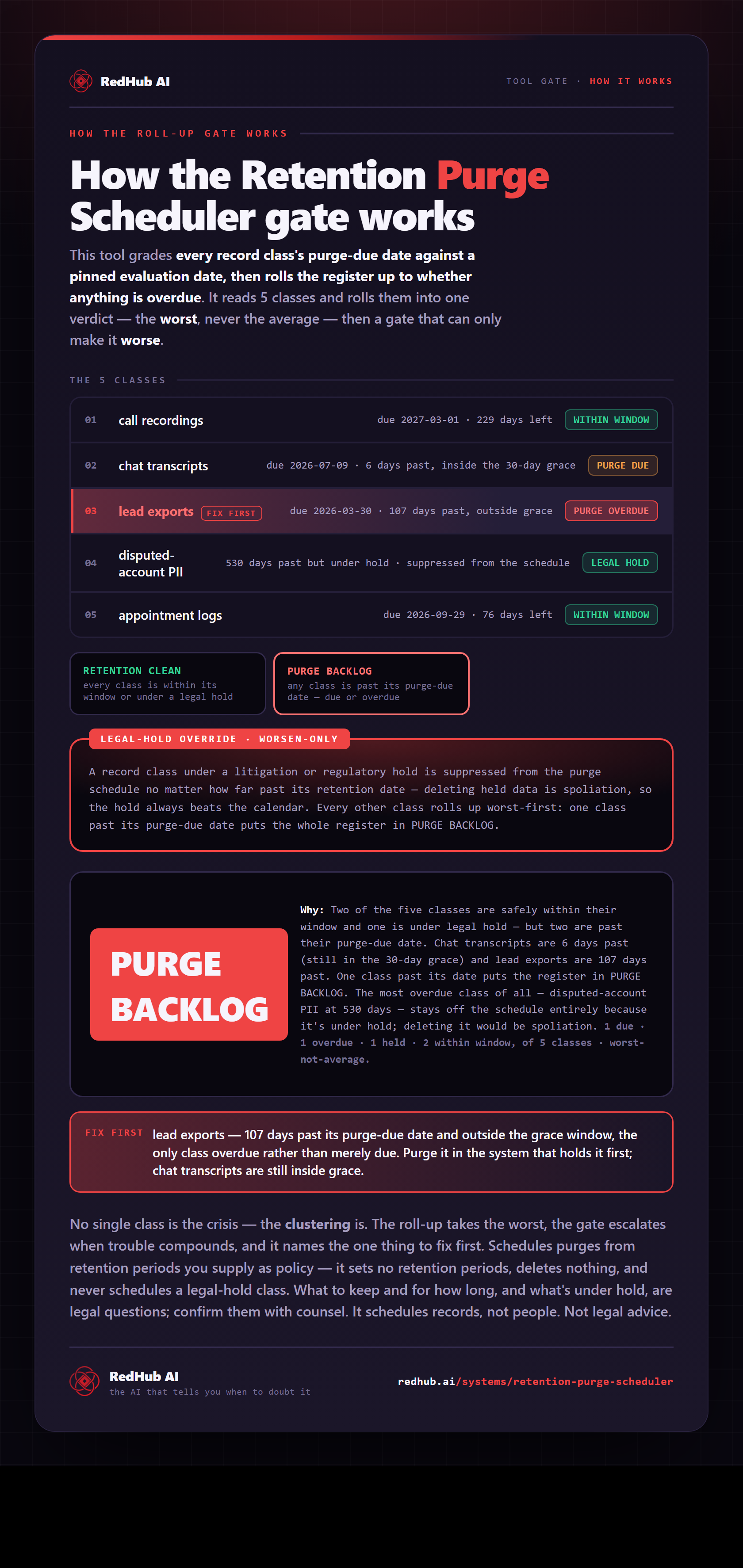
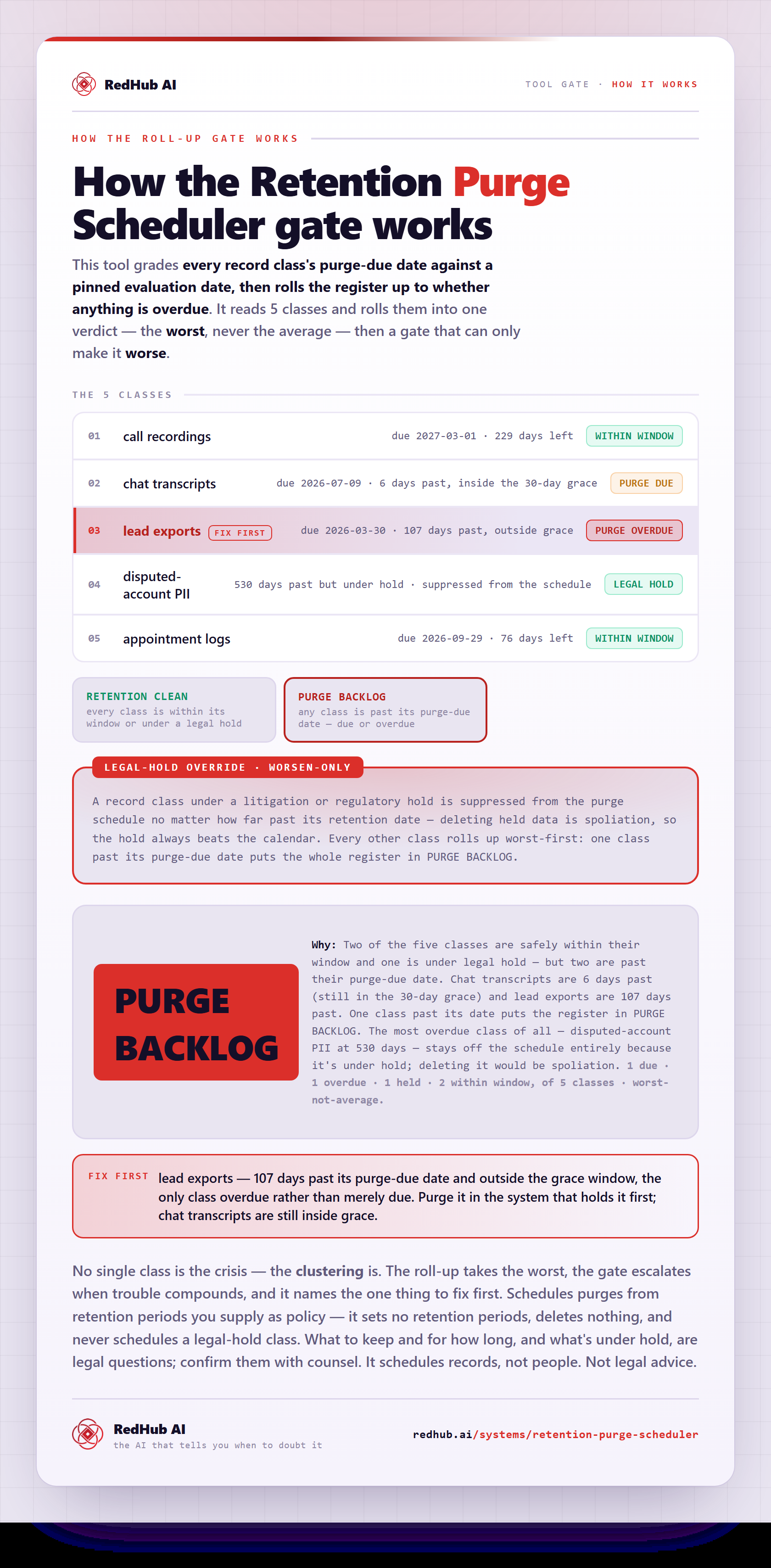
The gate this post refers to, drawn from the tool’s own logic. See the tool.