How to Get a Consistent AI Image Style Across Your Brand
RedHub AI Editorialupdated September 20, 20265 min read
Jump to a section9
TL;DR
- What it is: a consistent AI image style means every image you generate reads as part of the same set, no matter the subject.
- Who it's for: brand owners, social media managers, and creative directors juggling multiple images across a channel — see the Distinctive AI Visuals Kit.
- How it works: commit to one primary style and one accent, write them into a reusable prompt structure, and hold the line across every image.
- Bottom line: consistency comes from committing once and repeating — not from generating more images and picking the best ones.
How Do You Get a Consistent AI Image Style?
You get a consistent AI image style by committing to one primary visual style and one accent element, then writing both into a reusable prompt structure you apply to every image regardless of subject. Consistency breaks down when each new prompt is written from scratch with different style language — even small wording drift compounds across a dozen images into a set that doesn't look related. The fix is a documented, repeatable recipe, not a better single prompt.
Best for: anyone generating AI images across a brand, a content calendar, or a multi-person team who needs the output to look like one cohesive set. Distinctive AI Visuals Kit.
One striking AI image is easy. Ten images that all clearly belong to the same brand is hard — and it's the part most people skip. If your last month of AI-generated posts looks like ten different brands took turns posting, the problem isn't your prompting skill. It's that you never wrote down what your style actually is, so every session starts from a slightly different default.
Why consistency breaks down even when quality doesn't
Each image can look "good" on its own and still fail as a set. That's because consistency isn't a quality measure — it's a repetition measure. If you prompt "warm lighting" one day and "golden hour" the next, those are close in meaning but the model can render them differently enough that the images don't visually match. Small wording drift, multiplied across dozens of images, is what makes a feed look scattered instead of branded.
The two things you actually need to lock down
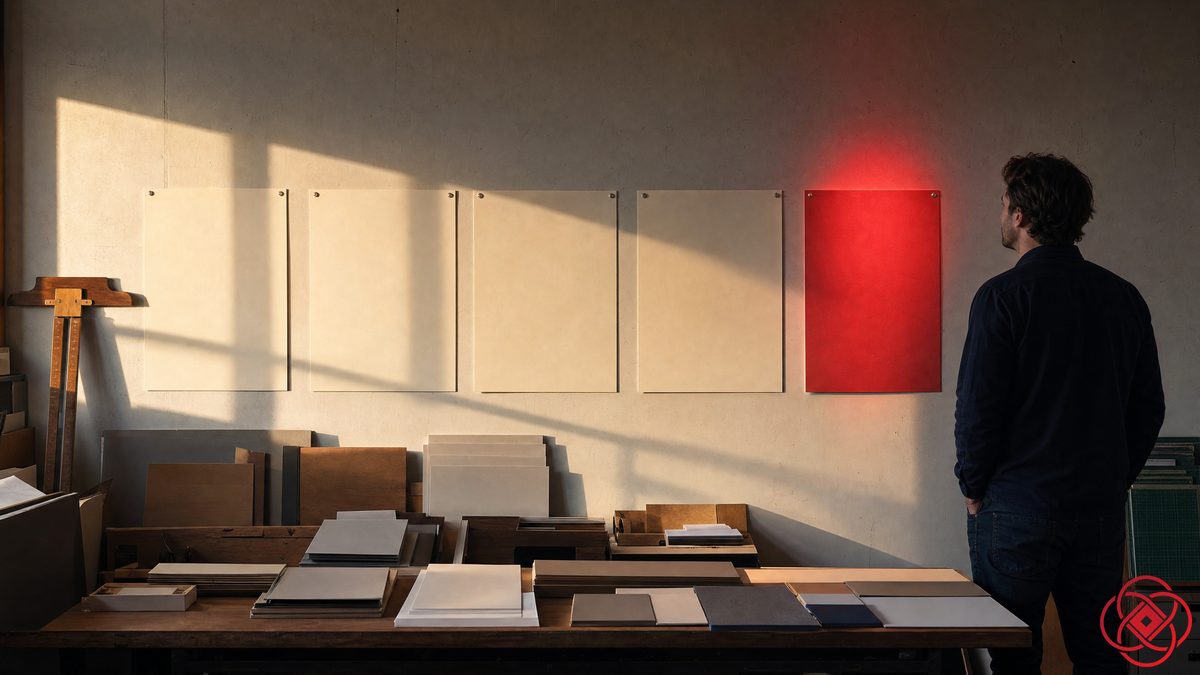
You don't need to lock down everything about an image — the subject should change post to post. What needs to stay fixed is your primary style and your accent.
Lock these down
- Your primary style: the lighting, rendering approach, and color mood
- Your accent: one recurring signature detail that appears every time
- Your exact prompt wording for style and accent — reuse it verbatim
Let these vary
- The subject in the frame
- The composition or angle, within reason
- The specific scene or setting
Writing the style down so it can't drift
The single biggest fix for consistency is writing your style and accent down in exact words, then reusing those exact words every time — not paraphrasing from memory. Memory drifts. A saved prompt block doesn't.
- Write one or two sentences describing your primary style in specific, concrete terms.
- Write one sentence describing your accent detail.
- Combine both into a base prompt block you save somewhere you'll actually reuse it — a note, a doc, a prompt manager.
- For every new image, start from that saved block and change only the subject and scene language.
- Every few weeks, line up your last ten images side by side and check they still read as one set.
Key insight: a team of multiple people generating images for one brand needs the saved prompt block even more than a solo creator does — it's the only thing keeping five different people's prompting habits aligned to one look.
Consistency across tools, not just across time
If you or your team use more than one image generator — maybe Midjourney for some images and Firefly for others — the saved style-and-accent language is what keeps the output looking related even across different models. The tools render differently under the hood, but a specific, concrete style description translates across all of them far better than a vague one does. That's also what makes a consistent style survive a future tool switch: the recipe is yours, not the tool's.
Build the recipe once, reuse it everywhere
The Distinctive AI Visuals Kit gives you the commitment system and prompt recipes to lock in one consistent style and accent — and a builder that assembles paste-ready prompts for whatever tool you use.
Get the Distinctive AI Visuals Kit — $79 →When to bring in a content system
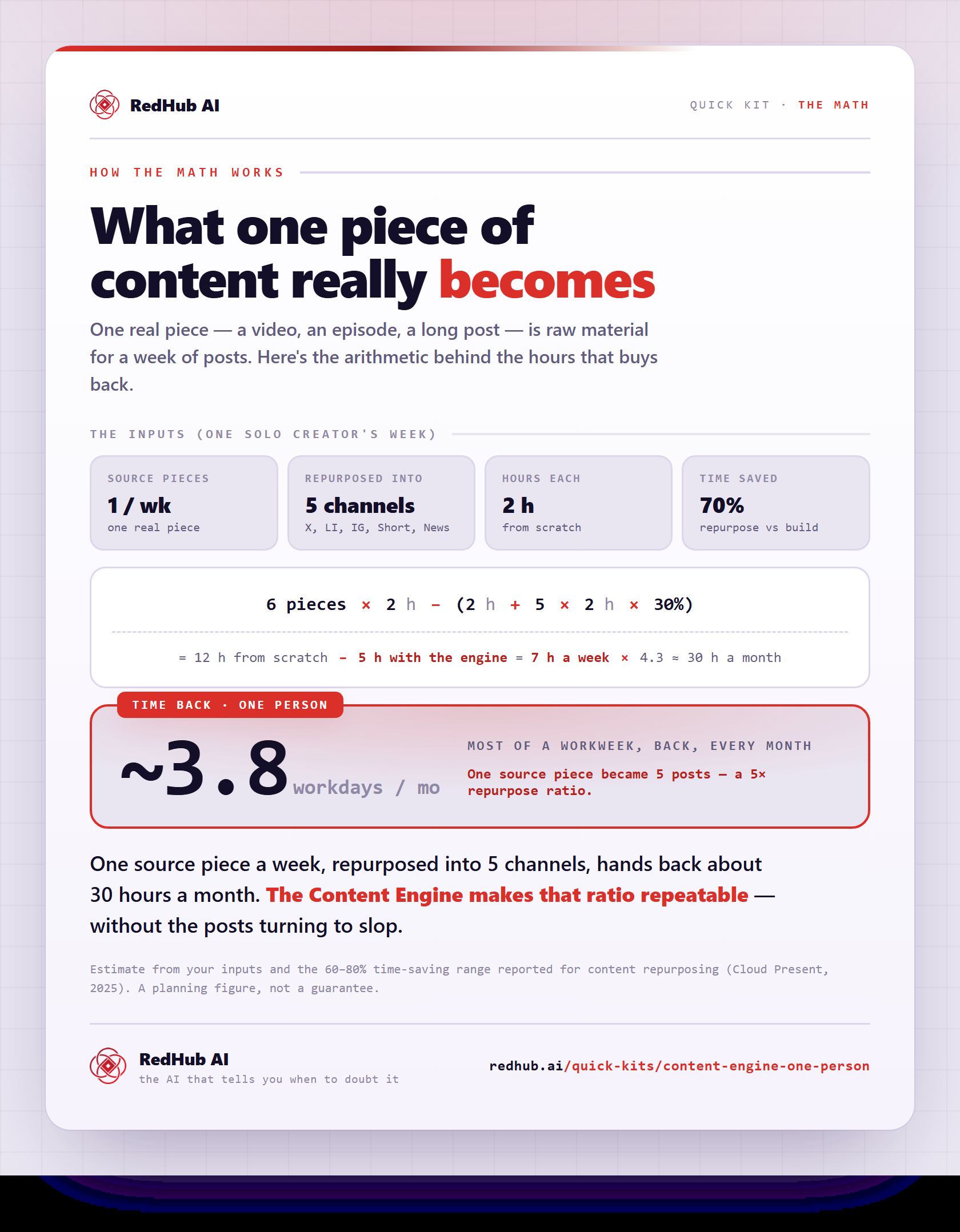
If you're managing a full content calendar and not just occasional images, pairing a locked visual style with a broader content structure keeps the whole output consistent, not just the pictures. The Content Engine for One Person is worth a look if you're producing regularly and solo.
For the full picture on distinctive AI visuals, see the pillar guide: How to Create Distinctive AI Visuals.
Decision Guide
Use it if: your AI images look fine individually but don't read as one cohesive set when viewed together.
Skip it if: you only need a single one-off image with no ongoing consistency requirement.
Best first step: write your primary style and accent down in exact words and save them somewhere you'll actually reuse.
FAQ
Why do my AI images look inconsistent even though each one looks good?
Consistency is a repetition measure, not a quality measure. Small differences in your prompt wording between sessions compound across many images into a set that doesn't visually match.
What's the fastest way to fix an inconsistent AI image style?
Write your primary style and accent down in exact words, save that text, and reuse it verbatim for every new image instead of re-describing your style from memory each time.
Do I need to use the same AI tool for every image to stay consistent?
No. A specific, concrete style description translates reasonably well across different tools. The consistency lives in your saved recipe, not in the tool.
How many things should I keep fixed across images?
Two: your primary style and your accent. Everything else, especially the subject, should change from image to image.
How often should I check that my images still look consistent?
Every few weeks, line up your most recent images side by side and confirm they still read as one set before drift accumulates.
Is this useful for a team, not just a solo creator?
Yes, and arguably more useful — a saved style-and-accent recipe keeps multiple people's prompting aligned to the same brand look.
Make every image look like it belongs to the last one
Stop reinventing your style every session. Commit once, save the recipe, and reuse it across your whole channel.
Get the Distinctive AI Visuals Kit — $79 →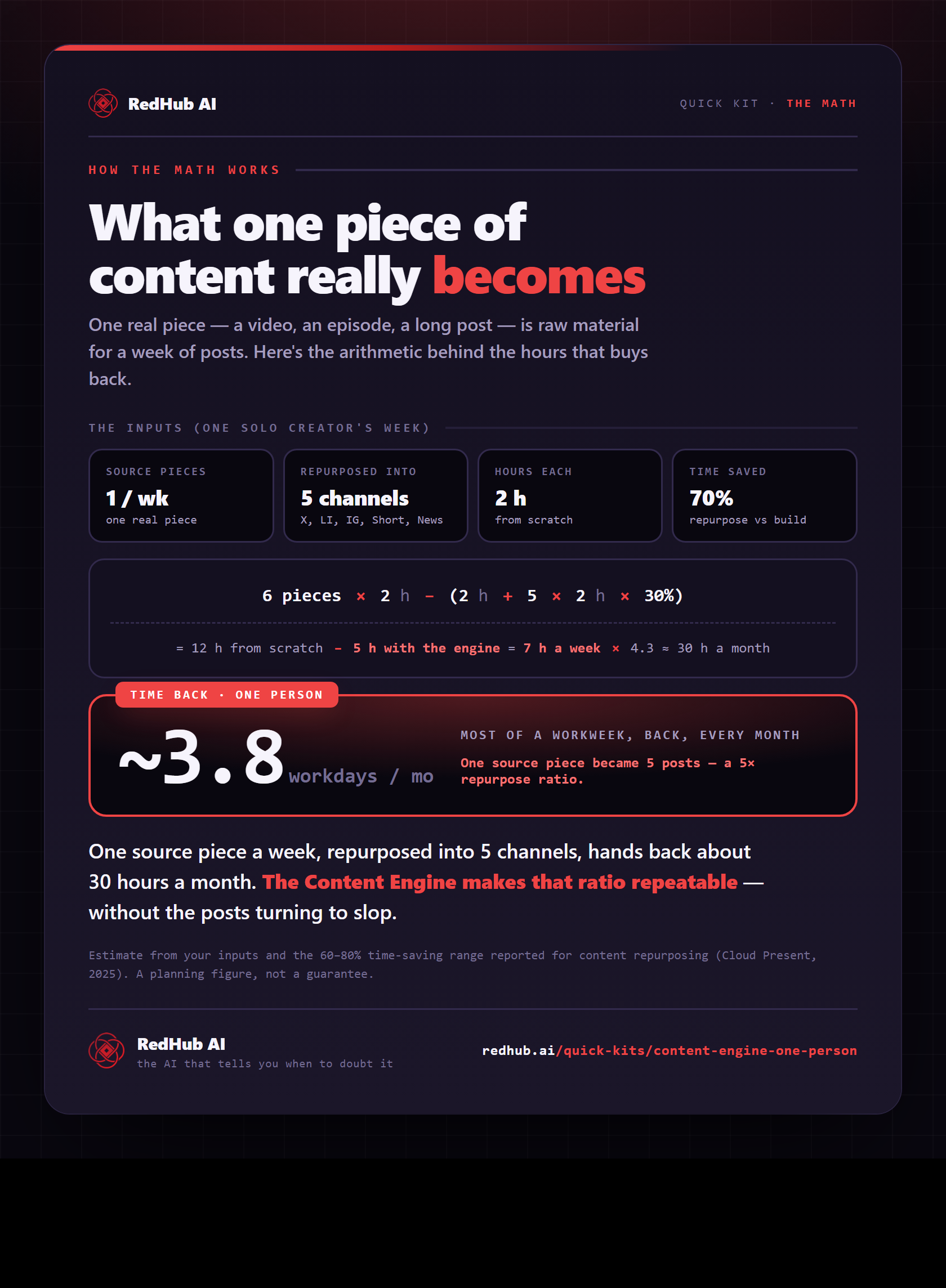
The gate this post refers to, drawn from the tool’s own logic. See the tool.