How to Gate Bad Commits Before They Reach CI
RedHub AI Editorialupdated October 4, 20265 min read

Jump to a section8
The cheapest place to catch a bad commit is your own machine, a second before the push leaves it. A pre-push hook CI gate does that with one read-only script run in two places. Locally, Git runs it as a pre-push hook and it reads the commits you are about to push, then returns PASS or BLOCK with the file and line of each problem. A BLOCK exits non-zero and the push stops. In CI, the same script runs again as a required check, for everyone who skipped the hook or never installed it.
TL;DR: Point the hook at the commits being pushed, not at the staging area, which is usually empty by push time. Run the same script in CI with the base branch fetched, and make it a required check. Treat "nothing to check" as a misconfigured gate, not a pass. The Codex Code-Review & PR-Hygiene Pack ($79) includes a dependency-free gate script that takes a base branch to diff against. For what the gate should check, read PR hygiene: the checks that belong in every pull request.
Why the gate belongs before CI as well as in it
A check that only runs in CI catches the problem after the commit has reached the remote. By then a job is queued, the branch is visible to the team, and a secret in that commit is already on someone else's server. The same check as a pre-push hook answers in seconds and nobody else ever sees the bad push.
Check what you are pushing, not what you staged
Many hook recipes run a hygiene check against staged changes. That works in a pre-commit hook. In a pre-push hook it quietly checks nothing, because by the time you push, your work is committed and the staging area is usually empty. An empty diff has no problems in it, so the gate passes. The push goes through, and the hook looks like it worked.
Diff the branch against the point where it split from its base instead, for example git diff origin/main...HEAD. The three dots mean "the changes on this branch since it left main." If you need the exact range, Git hands the hook one line per ref on standard input, in the form <local-ref> <local-object-name> <remote-ref> <remote-object-name>.
Then test the hook the only way that proves anything. Commit a deliberate console.log on a scratch branch and push. If the push goes through, the hook is reading the wrong diff, and every green result before that told you nothing.
Setting up the hook
- Put the gate script in your repo. A script that needs only the standard library and git has no install step to fail on a teammate's machine.
- Wire it to
pre-push. Git runs an executable file at.git/hooks/pre-pushbefore a push completes. That folder is not committed with the repo, so put the hook in a tracked folder and pointcore.hooksPathat it. Each clone still has to set that once. - Diff against the base. Run the gate on the branch's commits since it left the base branch, as above.
- Exit non-zero on BLOCK. Git's docs say that if this hook exits with a non-zero status,
git pushaborts without pushing anything. The developer sees the file-and-line output right away.
Run the same script in CI
The local hook is optional by nature: a fresh clone, a new teammate or a different laptop will not have it. The CI copy closes that gap, and it has its own version of the empty-diff trap.
GitHub's actions/checkout fetches a single commit by default. A diff against main needs main to be there, so set fetch-depth: 0 or fetch the base branch first. Without it, the comparison has nothing to compare, and a gate that reads an empty result as clean passes every pull request. Inside a pull-request workflow, github.base_ref gives you the target branch name.
Finally, make the job a required status check. GitHub's docs say that once required status checks are on for a protected branch, all of them must pass before collaborators can merge. A gate that is not required is a suggestion.
What the gate should check
Keep the BLOCK list short and high-confidence:
- Leftover merge-conflict markers
- Debug statements such as
console.log,debuggerandpdb.set_trace() - Hardcoded secrets
- Focused or skipped tests such as
.onlyand.skip
Softer signals, such as untracked TODOs, oversized diffs and source changed with no test, work better as warnings, since context sometimes makes them fine.
Skipping the hook on purpose
Sometimes you need to push past the hook once, for an emergency hotfix or a deliberate work-in-progress branch. git push --no-verify does it, and Git's docs say the hook is then bypassed completely. That is why the CI copy matters: a skipped local hook still meets the same check before merge.
A gate script you can run in a hook and in CI
The Codex Code-Review & PR-Hygiene Pack's gate is plain Python with no install. It reads a diff against a base branch, returns PASS or BLOCK with file-and-line proof, exits non-zero on BLOCK and never edits your code. Five skills for descriptions, security smells, breaking changes, commits and review comments come with it.
Get the Codex Code-Review & PR-Hygiene Pack — $79Pairs well with
The Prompt Regression Lab ($89) puts the same kind of gate in front of prompt changes: it diffs a committed baseline and fails CI on any regression. For AI agents, the Agent Reliability Harness ($149) scores the whole run, from tool choice to cost and policy, and gates CI on a ship, hold or fix verdict. When the push is a framework upgrade, the Codex Migration & Refactor Pack ($99) has its own verifier that returns SHIP or HOLD with file-and-line proof.
More in this guide
What's the fastest way to stop bad commits before CI?
A pre-push git hook that runs a read-only gate script on the commits being pushed and exits non-zero on a hard rule violation. The push stops on your machine, before CI or anyone else sees it.
Why does my pre-push hook pass even when the code has problems?
It is probably checking staged changes. By push time your work is committed and the staging area is usually empty, so there is nothing to find. Diff the branch against its base instead, then push a deliberate console.log to confirm the hook blocks.
Should the same gate also run in CI?
Yes. Not everyone has the local hook, so run the identical script as a required status check. In GitHub Actions, fetch the base branch first, since actions/checkout fetches a single commit by default.
Can a developer bypass the hook?
Yes. git push --no-verify bypasses the pre-push hook completely, according to Git's docs. The CI copy of the gate is what catches anything a skipped hook let through.
What should block a push and what should only warn?
Merge-conflict markers, debug statements, hardcoded secrets and skipped tests are strong enough signals to block. Untracked TODOs, oversized diffs and source changed with no test work better as warnings.
Does gating commits replace a security audit?
No. A pre-push gate checks hygiene in the current diff. It is not a validated, whole-repo security review, so pair it with a dedicated SAST tool such as Snyk or SonarQube for that depth.
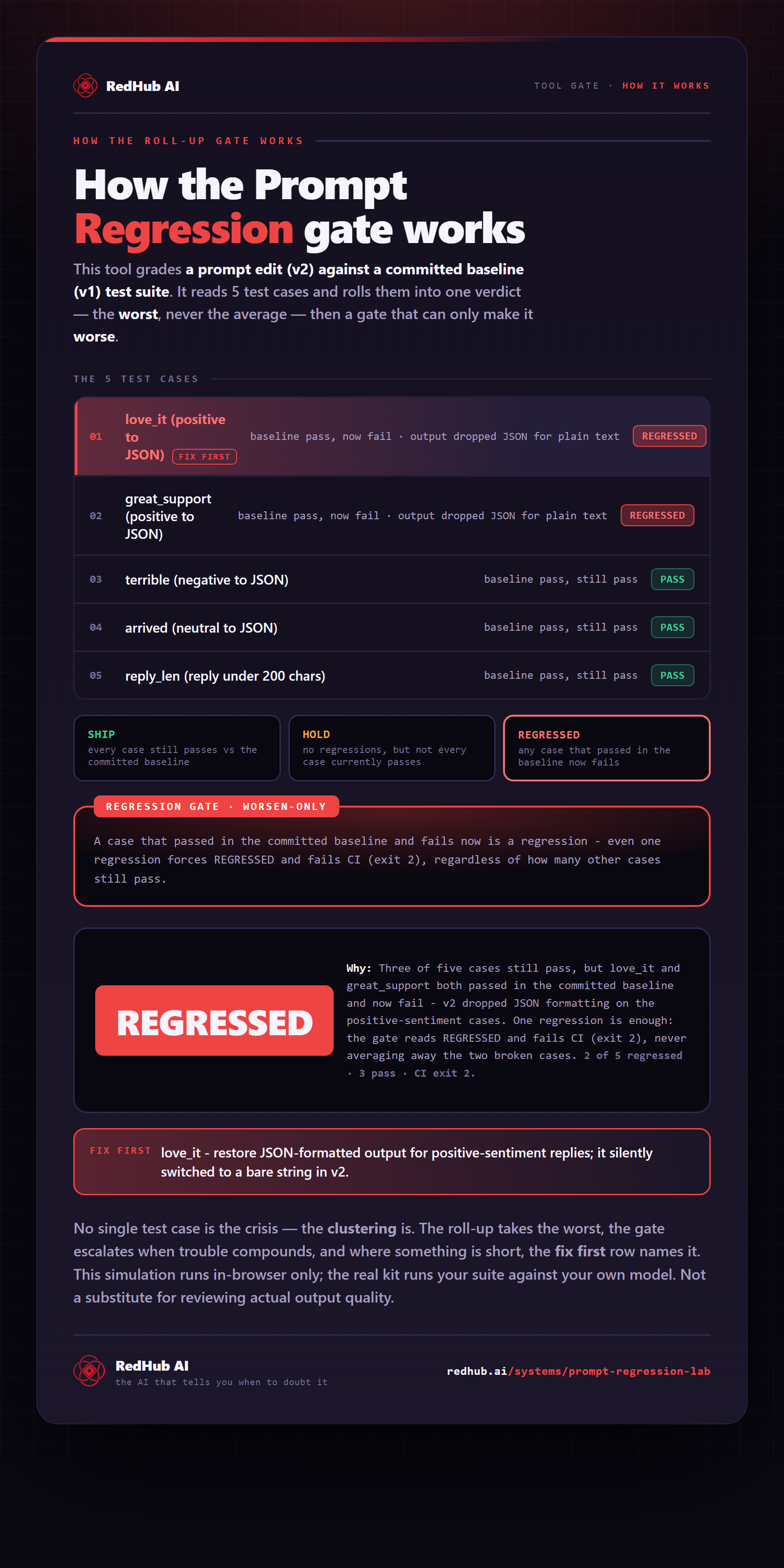
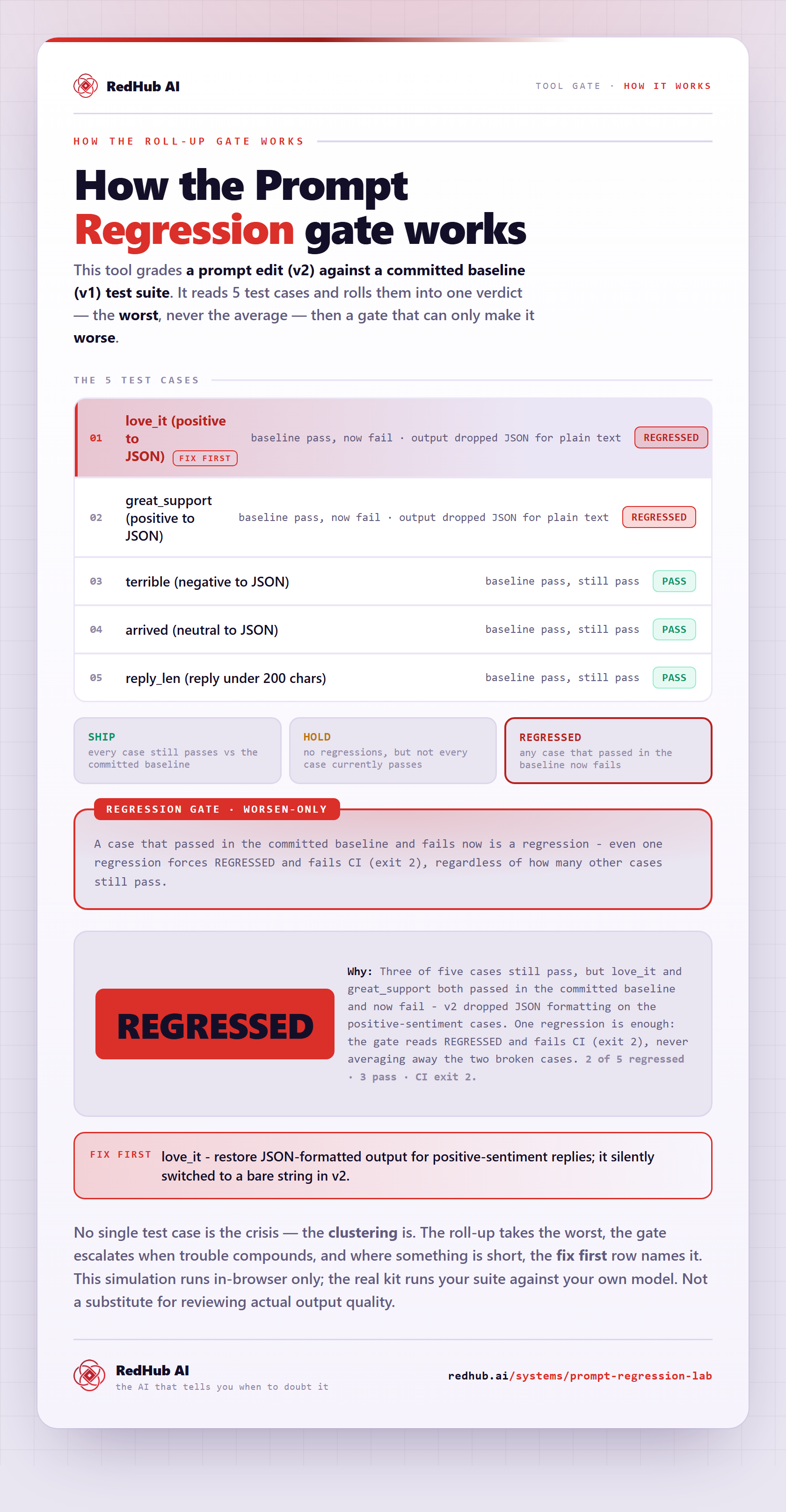
The gate this post refers to, drawn from the tool’s own logic. See the tool.