AI for Bank Reconciliation: What It Can and Can't Do
RedHub AI Editorialupdated September 20, 20264 min read

Jump to a section8
AI can speed up reconciliation prep — matching bank feed lines to ledger entries and flagging the ones that don't line up — but it can't sign off on a reconciliation. Matching is mechanical; deciding what an unmatched item actually means still takes a bookkeeper.
TL;DR: AI can pre-match bank feed transactions against ledger entries and surface likely duplicates, timing gaps, and outliers before you sit down to reconcile — a real time saver on the mechanical matching. It can't judge whether an unmatched item is a bank error, a fraud flag, or a timing difference; that call stays with the bookkeeper. Not accounting or tax advice.
What AI Can Do in Reconciliation
Reconciliation is fundamentally a matching problem: does every ledger entry have a corresponding bank line, and vice versa. AI is genuinely good at the mechanical side of that:
- Pre-matching — pairing bank feed lines to ledger entries by amount, date proximity, and description similarity, before you review the pairs.
- Flagging likely duplicates — spotting two entries that look like the same transaction recorded twice.
- Surfacing timing gaps — highlighting outstanding checks or deposits in transit that explain a bank-vs-ledger difference.
- Sorting outliers — pulling out unmatched items so you're not scanning a full transaction list line by line.
What AI Can't Do in Reconciliation
Once the mechanical matching is done, what's left is judgment — and that's where AI stops being useful on its own:
- Deciding what an unmatched item means. A bank error, a fraudulent charge, a data-entry mistake, and a legitimate timing difference can all look identical as a raw unmatched line. Only a human with client context can tell them apart.
- Judging materiality. AI doesn't know which small discrepancies are worth chasing down and which are immaterial rounding differences — that's a professional judgment call, not a pattern match.
- Signing off on the reconciliation. A completed, approved reconciliation is a professional attestation. AI output is a draft, not an approval.
A Reconciliation Workflow That Uses AI Correctly
The safest structure keeps AI strictly in the pre-work stage:
- Run AI pre-matching on the bank feed and ledger before your reconciliation session.
- Review the auto-matched pairs quickly — confirm they're genuinely the same transaction, not just similar amounts.
- Investigate every unmatched or flagged item yourself, using client context the AI doesn't have.
- Complete and approve the reconciliation as you always would — the AI step just moved faster to get you here.
Watch for False-Positive Matches
An AI matcher can pair two transactions that happen to share an amount and rough date but aren't actually the same transaction — two separate $500 charges to the same vendor in one week, for example. A false-positive match is worse than an unmatched item because it looks resolved when it isn't. Spot-check a sample of auto-matched pairs, not just the flagged unmatched ones.
When to Escalate Instead of Force a Match
If an unmatched item doesn't resolve after reasonable investigation — a bank charge with no clear source, a ledger entry with no bank counterpart — don't force a match to make the reconciliation balance. Escalate it: to the client for clarification, or to a senior bookkeeper or CPA if it looks like it could be an error or something more serious. A reconciliation that balances because a mismatch was quietly forced is worse than one that stays open with a documented question.
Pairs Well With
For reconciliations that span more than a single bank feed, the Multi-Source Data Reconciliation Engine ($89) matches records across multiple systems at once. Once reconciliations are clean, the Finance & Reporting Automation Kit ($129) automates the reporting that sits on top.
More in this guide
FAQ
Is this accounting or tax advice?
No. This is educational content about using AI to speed up reconciliation prep, not accounting, tax, or legal advice. Reconciliations should always be reviewed and finalized by a qualified bookkeeper.
Can AI fully automate bank reconciliation?
No. AI can pre-match transactions and flag likely duplicates or gaps, but deciding what an unmatched item means and approving the reconciliation still requires a human bookkeeper.
What's the biggest risk of AI-assisted reconciliation?
False-positive matches — two transactions that share an amount and date but aren't actually the same one. A false match looks resolved when it isn't, which is riskier than an item that's honestly flagged as unmatched.
Should I let AI decide whether a discrepancy is material?
No. Materiality is a professional judgment call that depends on client context AI doesn't have. Use AI to surface discrepancies, not to decide which ones matter.
What should I do with an unmatched item that won't resolve?
Escalate it — to the client for clarification or to a senior bookkeeper or CPA if it looks like an error — rather than forcing a match just to make the reconciliation balance.
Does AI reconciliation prep work across multiple bank accounts?
Basic AI-assisted matching works well on a single feed against a single ledger. For reconciliations spanning multiple accounts or data sources, a dedicated multi-source reconciliation tool is a better fit.
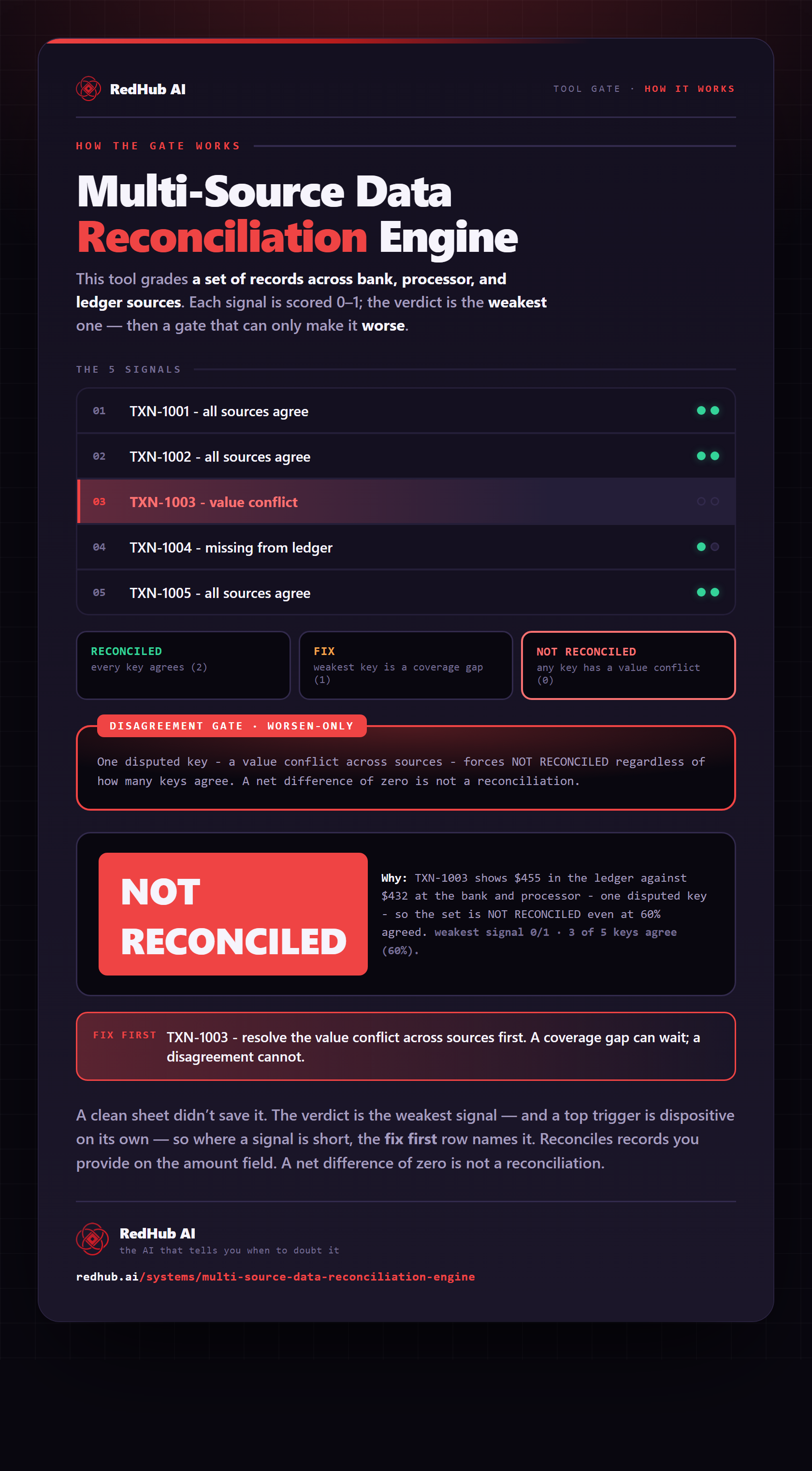
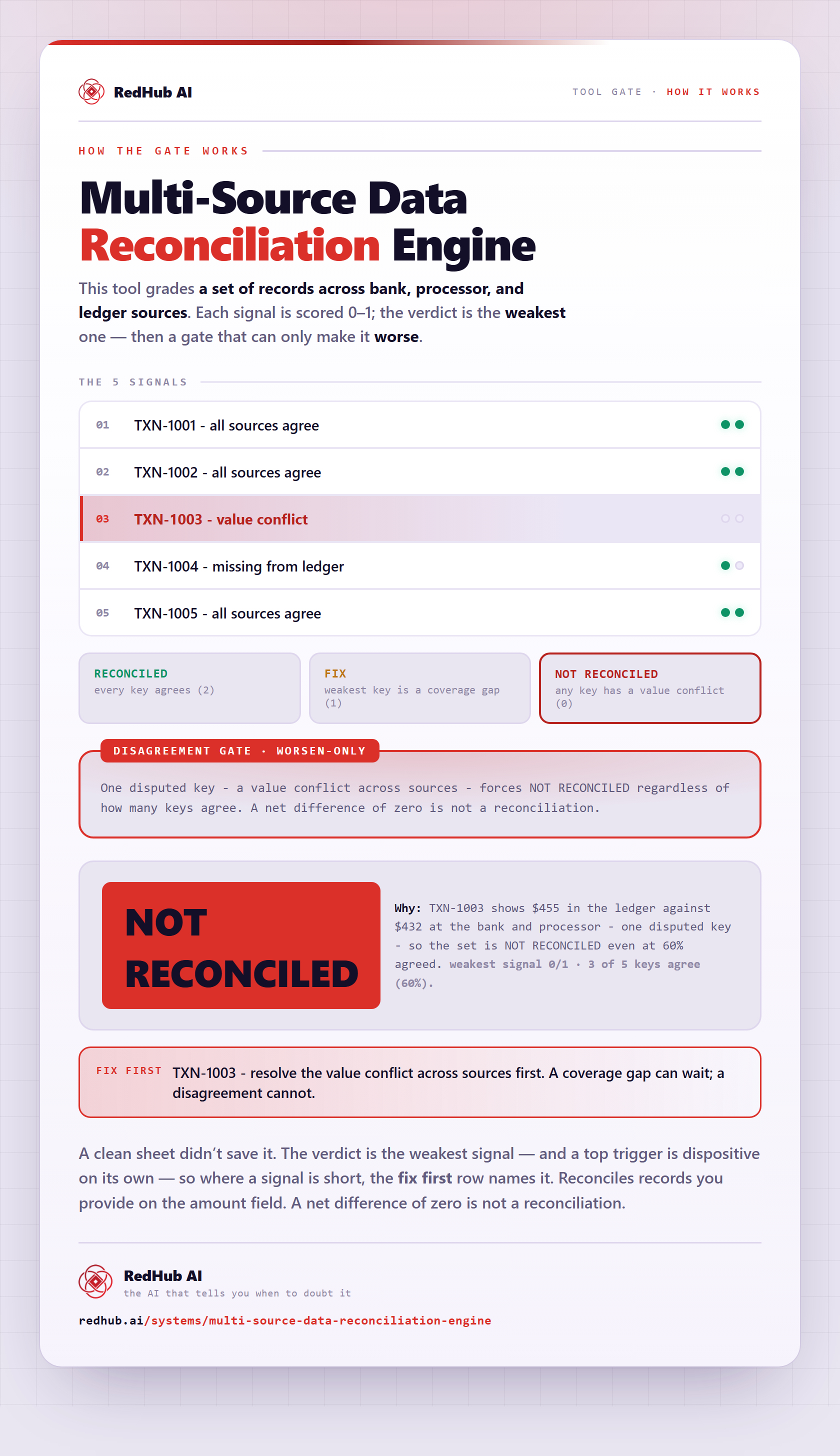
The gate this post refers to, drawn from the tool’s own logic. See the tool.