AI for Bookkeepers: How to Use It Without Risking the Books
RedHub AI Editorialupdated September 20, 20265 min read

Jump to a section11
- What AI Actually Does for a Bookkeeper Today
- Where AI Genuinely Helps
- Where AI Can Get You in Trouble
- A Simple Rule for Using AI in the Books
- Protecting Client Data When You Use AI Tools
- Ship This Week: A Starter AI Workflow
- Try It on One Client Before You Try It on All of Them
- Pairs Well With
- Go Deeper
- More in this guide
- FAQ
AI helps a bookkeeper move faster on the repetitive parts of the job — categorizing transactions, prepping reconciliations, reading receipts, flagging month-end oddities, and drafting client notes. It does not replace the bookkeeper's judgment, and it should never touch the books without a human reviewing what it produced.
TL;DR: AI is a drafting assistant for bookkeeping work, not an autopilot. Use it to speed up categorization suggestions, reconciliation prep, receipt reading, month-end anomaly flags, and client-note drafts — then have a human bookkeeper review and approve every entry before it posts. This is educational content, not accounting, tax, or legal advice.
What AI Actually Does for a Bookkeeper Today
Practical AI use in bookkeeping is narrow and specific, not a full "run the books for me" tool. The realistic use cases right now:
- Transaction categorization suggestions — proposing a category based on vendor name, amount, and history, for you to confirm or correct.
- Reconciliation prep — surfacing likely matches and outliers between bank feeds and the ledger before you sit down to reconcile.
- Receipt and document capture — pulling vendor, date, amount, and line items off a receipt or invoice image into a draft entry.
- Month-end flags — pointing out entries that look duplicated, miscoded, or unusually large compared to history.
- Client notes — drafting a plain-language summary of what changed this month, for you to edit before sending.
Notice the pattern: every one of these is a draft, not a decision. That distinction is the whole game.
Where AI Genuinely Helps
The time AI saves a bookkeeper isn't in judgment calls — it's in the first pass. Sorting a stack of transactions, reading a blurry receipt, or noticing that an invoice amount doesn't match the PO is tedious, repetitive work that AI can draft in seconds. That frees up the bookkeeper's actual expertise for the calls that matter: is this a legitimate business expense, does this pattern suggest a client cash-flow problem, does this vendor need a 1099.
Where AI Can Get You in Trouble
The risk isn't that AI is useless — it's that AI is confident even when it's wrong. A language model will categorize an ambiguous transaction with the same tone of certainty whether it's right or badly wrong. It doesn't know your client's chart of accounts nuances, it doesn't know that "Amazon" charge was inventory not office supplies, and it has no idea a transaction is fraudulent unless the pattern is obvious. Left unchecked, a wrong categorization compounds: it skews the P&L, it misleads the client, and it can create real tax exposure. The fix isn't avoiding AI — it's never letting an AI suggestion post without a human eyes-on approval.
A Simple Rule for Using AI in the Books
One rule covers almost every AI use case in bookkeeping: AI drafts, the bookkeeper approves. Nothing posts to a client's books because a model suggested it. Practically, that looks like:
- AI proposes a category, match, or flag with its reasoning visible.
- The bookkeeper reviews the suggestion against context the AI doesn't have — the client relationship, prior periods, known one-offs.
- The bookkeeper approves, corrects, or rejects — and only then does it post.
Protecting Client Data When You Use AI Tools
Client financials are sensitive. Before pasting transaction data, bank statements, or receipts into any AI tool, check whether that tool trains on your inputs, and get client consent for using AI-assisted workflows in the first place — many engagement letters should now say so explicitly. Favor tools that are transparent about data handling over free consumer chatbots for anything touching real client numbers.
Ship This Week: A Starter AI Workflow
You don't need to overhaul your process to start. A small, low-risk starting point:
- Pick one low-stakes task — receipt capture or transaction categorization suggestions — for one client.
- Run the AI draft, then review every single suggestion against your own judgment for two full weeks.
- Track where the AI was wrong or borderline, and note the pattern (a vendor, a category, an amount range).
- Expand to a second task only once the first is running cleanly and you trust the review habit.
Try It on One Client Before You Try It on All of Them
The AI for the Bookkeeper kit walks through five focused lessons — categorizing transactions, reconciliation prep, receipt capture, month-end flags, and client notes — each with a short retrieval quiz and a ship-this-week workflow, built for bookkeepers who want to move carefully.
Pairs Well With
Once categorization and reconciliation prep are running smoothly, two tools extend the same discipline further. The Finance & Reporting Automation Kit ($129) picks up where day-to-day bookkeeping ends — automating the reporting and close work a finance team layers on top of clean books. For reconciliations that go beyond a single bank feed, the Multi-Source Data Reconciliation Engine ($89) matches records across multiple systems at once.
Go Deeper
More in this guide
FAQ
Is this accounting or tax advice?
No. This article and the AI for the Bookkeeper kit are educational content about using AI tools in a bookkeeping workflow. They are not accounting, tax, or legal advice — always have a qualified professional review your books and consult a CPA for tax matters.
Can AI replace a bookkeeper?
No. AI can draft categorization suggestions, reconciliation prep, and client notes, but it doesn't have the client context, judgment, or accountability a bookkeeper has. It's an assistant, not a replacement.
Is it safe to use AI tools with client financial data?
Only with care. Check whether a tool trains on your inputs, get client consent for AI-assisted workflows, and avoid pasting sensitive financials into tools without clear data-handling terms.
Where should a bookkeeper start with AI?
Start with one low-stakes task for one client — like receipt capture or transaction categorization — and review every AI suggestion for a few weeks before trusting the workflow or expanding it.
What's the biggest risk of using AI in bookkeeping?
A confidently wrong suggestion that posts without review. AI has no idea when it's guessing — the human review step is what catches that, not the AI itself.
Does AI for the Bookkeeper require any technical setup?
No. It's a self-paced kit — five lessons with short quizzes and a starter workflow — designed to be read and applied directly, no software installation required.
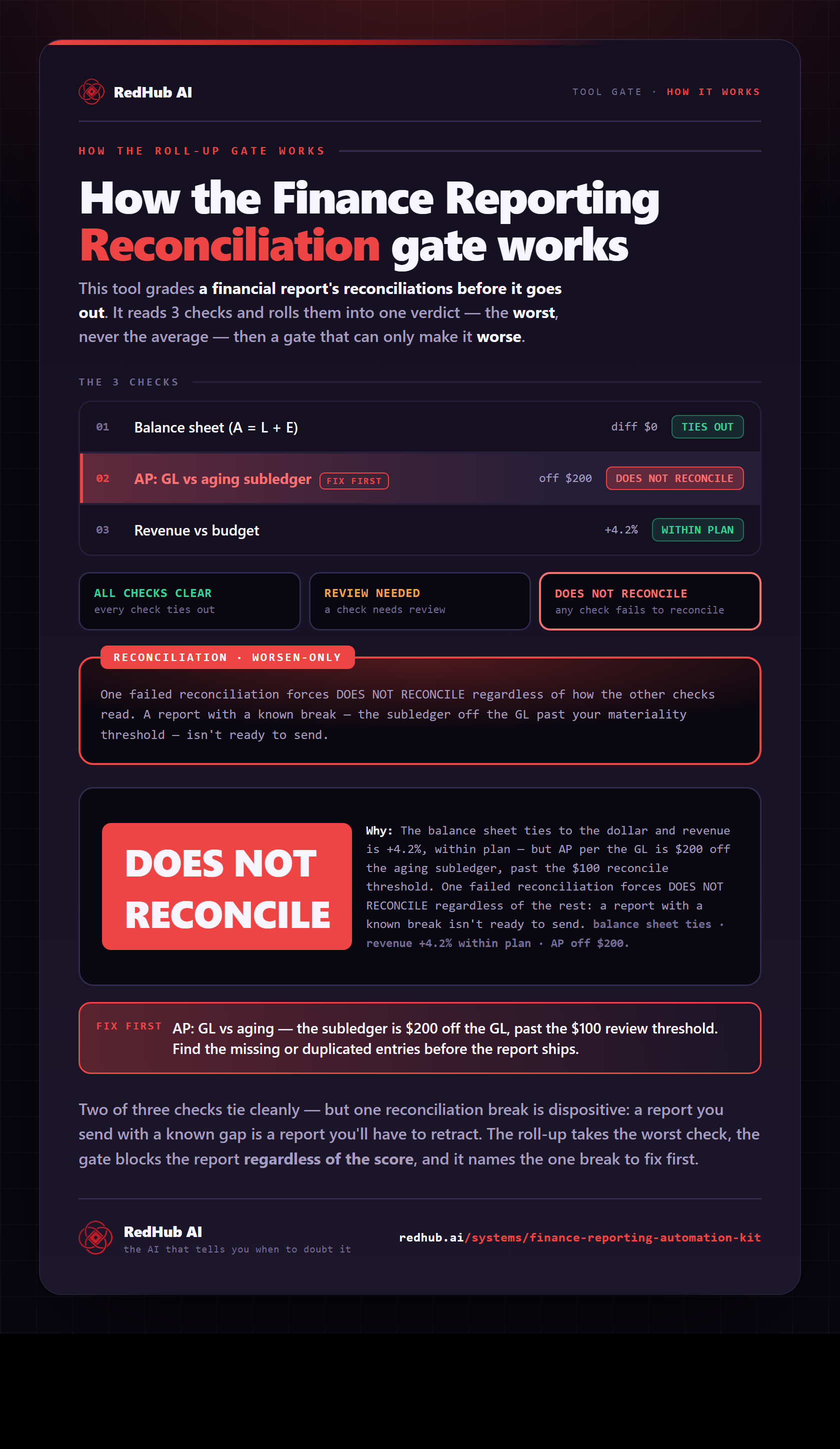
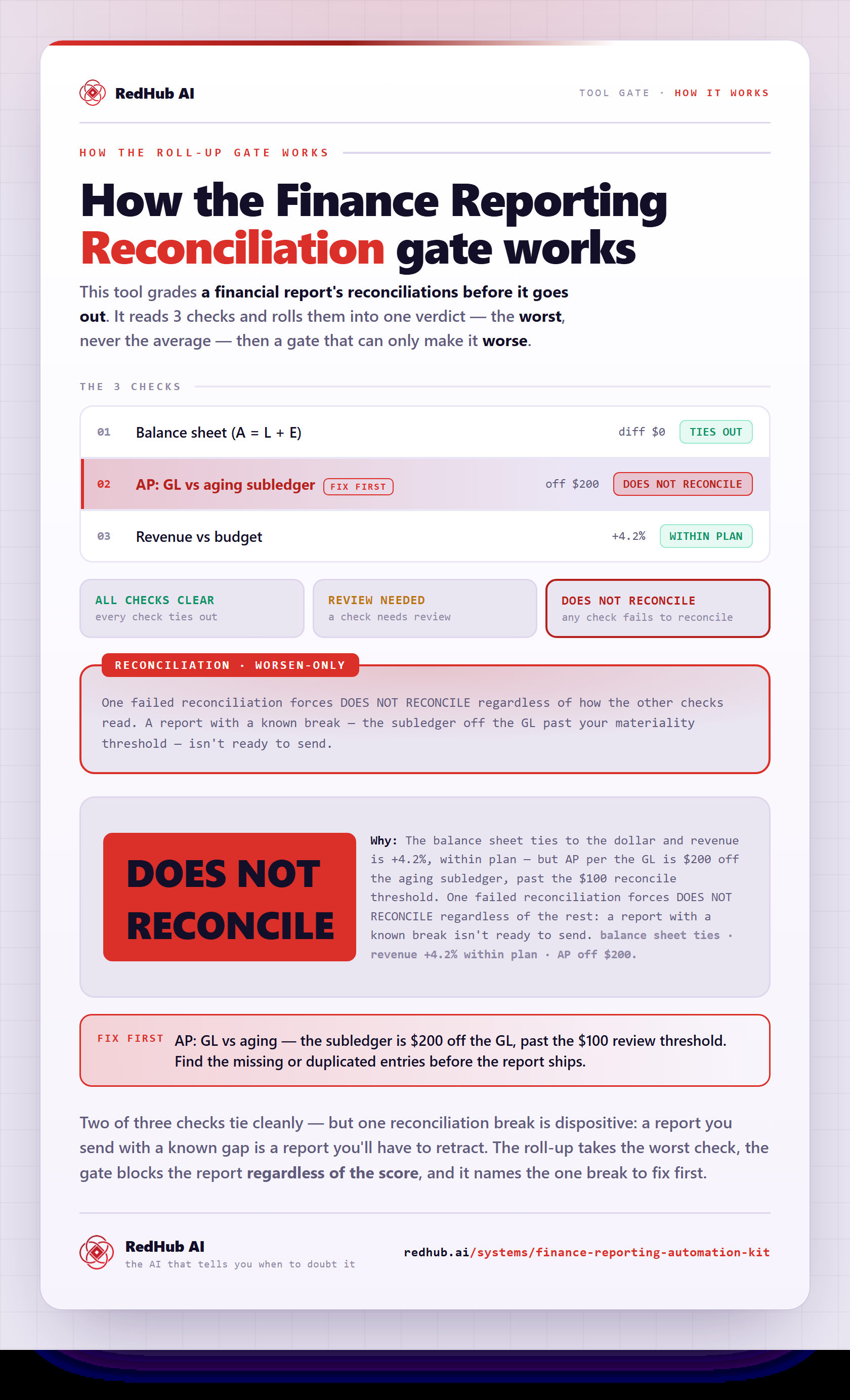
The gate this post refers to, drawn from the tool’s own logic. See the tool.