How to Use AI to Categorize Transactions (and Catch the Miscodes)
RedHub AI Editorialupdated September 20, 20264 min read

Jump to a section8
AI can propose a category for a transaction in seconds based on vendor, amount, and history. It can also confidently miscode that transaction with the same certainty it uses when it's right. The fix isn't skipping AI categorization — it's building a review habit that catches the miscodes before they post.
TL;DR: Use AI to draft transaction category suggestions from vendor, amount, and history — it's fast at the first pass. But AI has no memory of client-specific exceptions and will miscode confidently. Review every suggestion, watch for the recurring miscode patterns below, and never let a category post without a human check. Not accounting or tax advice.
What AI Categorization Actually Does
Feed an AI tool a transaction description — vendor name, amount, sometimes a memo line — and it will suggest a chart-of-accounts category based on patterns it's seen before: "Amazon" often means office supplies, a recurring monthly charge to a software vendor often means a subscription expense. That pattern-matching is genuinely useful for the bulk of routine, unambiguous transactions. It's the ambiguous ones where it breaks down.
Where AI Categorization Breaks Down
AI has no idea about the specific facts that change a transaction's real category. A few recurring failure patterns:
| Situation | Why AI Gets It Wrong |
|---|---|
| Ambiguous vendor (e.g. "Amazon," "Walmart") | Could be inventory, supplies, equipment, or personal — the AI guesses based on the most common historical use, not this client's actual purchase. |
| Client-specific chart-of-accounts nuances | Every firm and client sets up accounts differently; AI defaults to generic categories unless it's been explicitly told the client's structure. |
| One-off or unusual transactions | A large, non-recurring purchase (equipment, a settlement, a one-time refund) doesn't match a learned pattern, so the AI forces it into the nearest familiar category. |
| Owner draws vs. business expenses | AI can't tell from a bank line alone whether a charge was personal or business — a categorization gap that has real tax consequences. |
A Review Checklist That Catches Most Miscodes
Before approving an AI-suggested category, run it against a short checklist:
- Does the vendor name genuinely match the suggested category, or is it a common vendor with multiple possible uses?
- Is the amount consistent with prior transactions in that category, or is it an outlier that deserves a second look?
- Could this be a personal charge rather than a business expense?
- Does this client's chart of accounts have a more specific category than the generic one the AI suggested?
Build a Feedback Loop, Not a One-Time Fix
Miscodes tend to repeat — a specific vendor gets miscategorized the same wrong way every month until someone corrects the pattern, not just the individual entry. Keep a running note of vendors or transaction types the AI consistently gets wrong for a given client, and check new transactions from those vendors more carefully. That short list does more to protect accuracy than reviewing every transaction with equal scrutiny.
What This Frees You Up to Do Instead
The point of AI-assisted categorization isn't fewer review hours — it's shifting review hours from typing categories to actually thinking about whether they're right. The bookkeeper's real value was never "type the category," it was "know when the category is wrong." AI drafting the first pass gives more time to that second, higher-value task.
Pairs Well With
Categorization is one piece of the reconciliation picture. The Multi-Source Data Reconciliation Engine ($89) matches categorized transactions across multiple data sources at once, and the Finance & Reporting Automation Kit ($129) turns clean, correctly-categorized books into automated reporting.
More in this guide
FAQ
Is this accounting or tax advice?
No. This is educational content about using AI in a transaction-categorization workflow, not accounting, tax, or legal advice. Categorization decisions affect financial statements and tax filings — always have a qualified professional review them.
Can I trust AI to categorize transactions automatically?
Not without review. AI is fast and often right on routine transactions, but it can't see client-specific context and will confidently miscode ambiguous ones. Every suggestion needs a human check before it posts.
What kinds of transactions does AI get wrong most often?
Ambiguous vendors with multiple possible uses, one-off or unusual purchases, and anything that could be a personal charge rather than a business expense.
How much time should I spend reviewing AI categorization suggestions?
Enough to check every suggestion, at minimum for the first several weeks with a new client or workflow. Once you've identified which vendors or transaction types the AI tends to miscode, you can focus review time there.
Should I tell the AI tool about a client's specific chart of accounts?
Giving the tool more context about a client's actual account structure generally improves suggestion accuracy — but the categorization still needs human review before it's treated as final.
Is client transaction data safe to paste into an AI categorization tool?
Only with care. Check whether the tool trains on your inputs and get client consent for AI-assisted workflows before using real financial data in any AI tool.
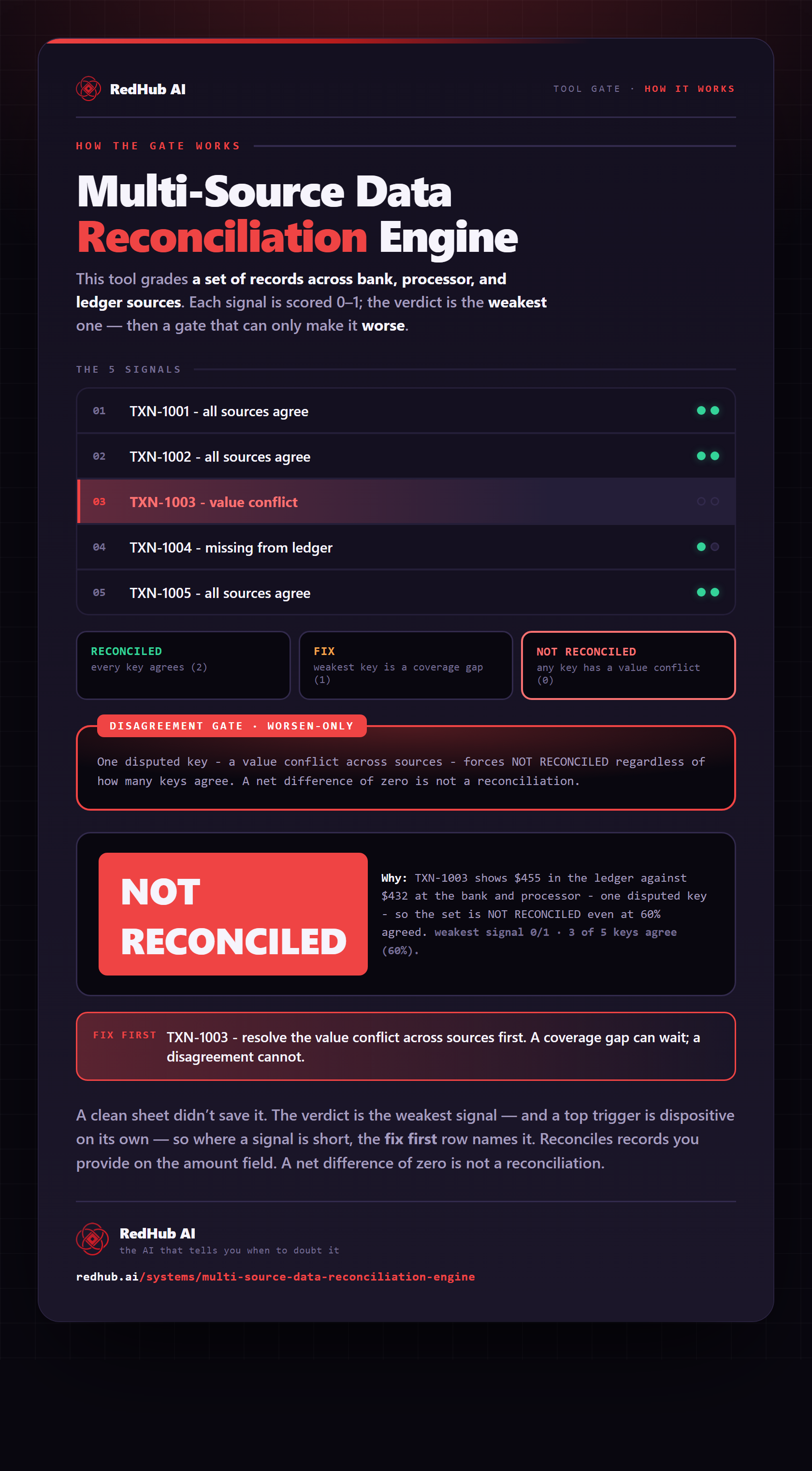
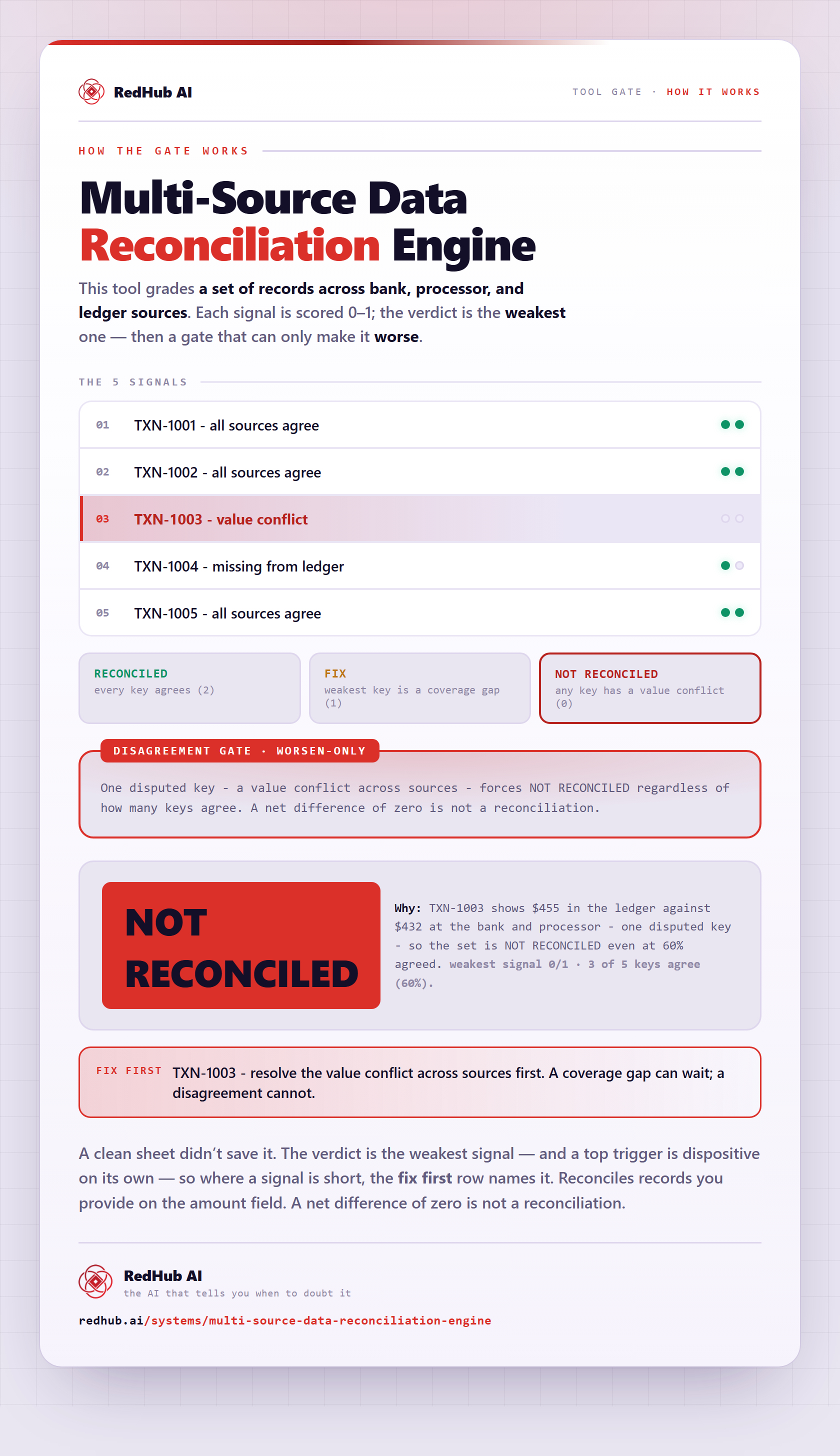
The gate this post refers to, drawn from the tool’s own logic. See the tool.