Consolidate SaaS Tools: Stop Paying Twice
RedHub AI Editorial5 min read

Jump to a section8
TL;DR
- What it is: Consolidating SaaS tools means folding a job into a tool you already pay for — and canceling the duplicate.
- Who it's for: Teams where different people bought different tools for the same job — see the AI & SaaS Subscription Auditor.
- How it works: Group your tools by category, flag any category with more than one tool, pick a survivor on fit (not loyalty), migrate, and cancel.
- Bottom line: Duplicates are the sneakiest waste in a stack because every duplicate has a real user defending it. The waste is in the overlap, not the tools.
How do you consolidate SaaS tools?
You consolidate SaaS tools by grouping every subscription into one category per job — CRM, project tracking, AI assistant, forms, design — and flagging any category where you pay for more than one tool. For each flag, pick the survivor based on fit, contract terms, and what the rest of your stack already integrates with. Then migrate the losing tool's data and users, run both briefly in parallel, and cancel the duplicate. Each consolidation recovers the full cost of the tool you drop.
Best for: stacks built one card-swipe at a time by different owners — the AI & SaaS Subscription Auditor flags overlapping categories automatically.
Nobody sets out to buy two project trackers. It happens because marketing picked one in 2023, engineering picked another in 2024, and neither team ever saw the other's invoice. Duplicate tools are the quietest leak in software spend — quieter than dead subscriptions, because every duplicate is genuinely used. When you consolidate SaaS tools, you're not canceling something nobody wants. You're deciding that one job deserves one tool. That's what makes it the hardest — and often the largest — piece of cutting SaaS costs.
Why duplicates don't look like waste
A dead subscription is easy to spot: nobody defends it. A duplicate has two defenders. Both tools have logins, activity, and someone who says "we need this." All of that is true — and you're still paying twice for one job. The waste isn't in either tool. It's in the overlap between them, which no single invoice ever shows.
Key insight: you can't see overlap by reading a statement line by line. You see it by grouping tools into categories and counting. Any category with a count above one is a flag — two form builders, two schedulers, three AI assistants.
AI tools are today's fastest-growing duplicate category. Assistants get adopted person by person, so a 15-person team can easily carry three subscriptions that answer the same prompts. The AI-specific version of this problem is covered in how to audit your AI subscription costs.
Picking the survivor
Once a category is flagged, someone has to choose. Loyalty and habit are the wrong criteria. Use these four, in order:
- Coverage. Which tool covers both teams' actual workflows — not feature lists, workflows? A tool that does 90% of both jobs beats one that does 100% of one.
- Stack fit. Which one already integrates with the tools you're keeping? The survivor should reduce glue work, not add it.
- Contract position. Check renewal dates and terms. If one tool's annual contract just renewed and the other's expires next month, the calendar may pick your survivor for you — or set your migration date.
- Real per-seat cost. Price the survivor at the seat count you'll actually need after the merge. Sometimes the "cheaper" tool stops being cheaper once everyone's on it.
Make the case without starting a turf war
Consolidation fails politically more often than technically. The fix is to bring numbers, not opinions: this category costs $X a month across two tools; one tool covers both workflows; here's the migration plan and the date; here's the annual savings. A written, neutral proposal turns "your tool versus my tool" into "our money versus this overlap." The Subscription Auditor ships a copy-paste consolidation proposal script for exactly this conversation.
Consolidate when
- One tool covers both workflows at 90%+
- The overlap cost is real money every month
- A renewal date gives you a natural switch window
- The survivor reduces integrations, not adds them
Don't consolidate when
- The "duplicates" actually serve different jobs on closer look
- Migration cost exceeds a year of savings
- A regulated or client-mandated requirement pins a tool in place
- You'd be forcing a clearly worse tool on a team to save a small overlap
That second column matters. Consolidation done out of tidiness — merging tools that only look similar — costs more in lost productivity than the subscription ever did. An honest audit will sometimes tell you the two tools should both stay. That's a finding, not a failure.
Run it, then bank it
Migrate the data, run both tools in parallel for one billing cycle, confirm nothing broke, and cancel the loser using the process in how to cancel unused subscriptions. Log the recovered amount — consolidation recovers the dropped tool's full monthly cost, every month, permanently. In the worked example inside the Subscription Auditor, consolidations and cuts drive most of the $508 a month recovered on a $1,344 stack.
Find every overlap in your stack automatically
The AI & SaaS Subscription Auditor ($49, one-time) flags any category where you pay for more than one tool, computes the recoverable dollars per verdict, and includes the copy-paste consolidation proposal for your team. One .xlsx, about 30 minutes, nothing leaves your computer.
Get the Subscription Auditor — $49 →Decision Guide
Consolidate if: a category audit shows two or more tools on one job, one of them covers both workflows, and the overlap costs real money monthly.
Skip it if: the tools only look similar but serve different jobs, or migration would cost more than a year of the savings.
Best first step: group your subscriptions by category and count. Every count above one is a conversation worth having.
FAQ
What does it mean to consolidate SaaS tools?
It means moving a job from one paid tool into another tool you already pay for, then canceling the duplicate. You recover the dropped tool's full cost without giving up the capability.
How do I find duplicate software tools?
Give every subscription one category label — one label per job — then count tools per category. Any category with more than one tool is a duplicate flag. A spreadsheet can do this automatically once the register exists.
How do I choose which tool to keep?
Score coverage of both teams' workflows first, then integration fit with the rest of your stack, then contract position and true per-seat cost at the merged headcount. Never choose on habit or on who argues loudest.
What if both teams insist on keeping their tool?
Put the numbers in front of them: the monthly overlap cost, the coverage comparison, and the migration plan. Framing it as "our money versus this overlap" beats "your tool versus mine." A written proposal script helps keep it neutral.
Is consolidation always worth it?
No. If migration costs more than about a year of savings, or the tools genuinely serve different jobs, keep both — and record why, so the question doesn't re-litigate every quarter.
Are AI assistants the same kind of duplicate?
Often, yes — they're adopted per person, so overlap builds faster than with team tools. Audit AI assistants as one category and ask whether each extra subscription answers anything the first one can't.
One job, one tool
Flag the overlaps, pick the survivors on the numbers, and recover the full cost of every duplicate you drop.
Get the AI & SaaS Subscription Auditor — $49 →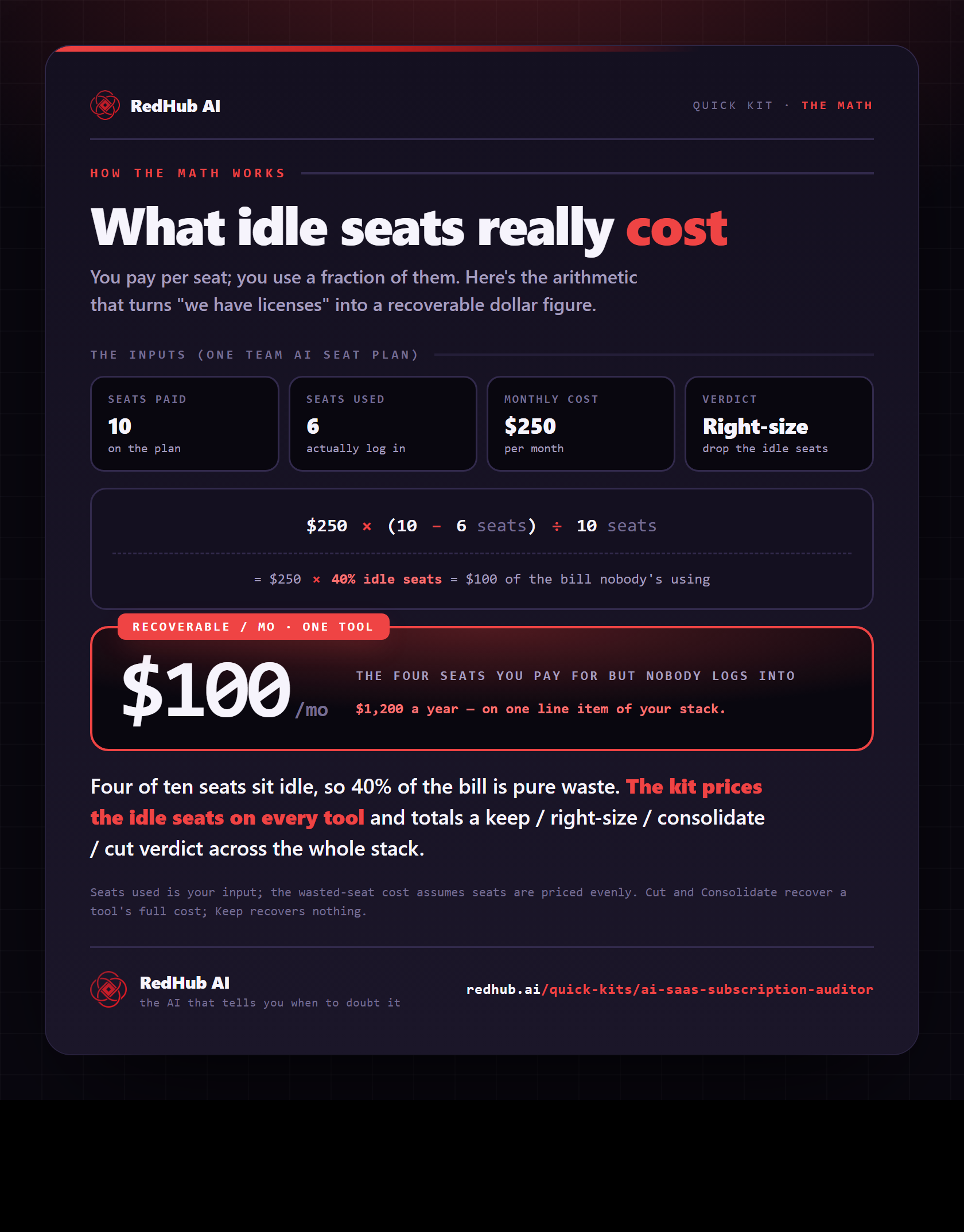
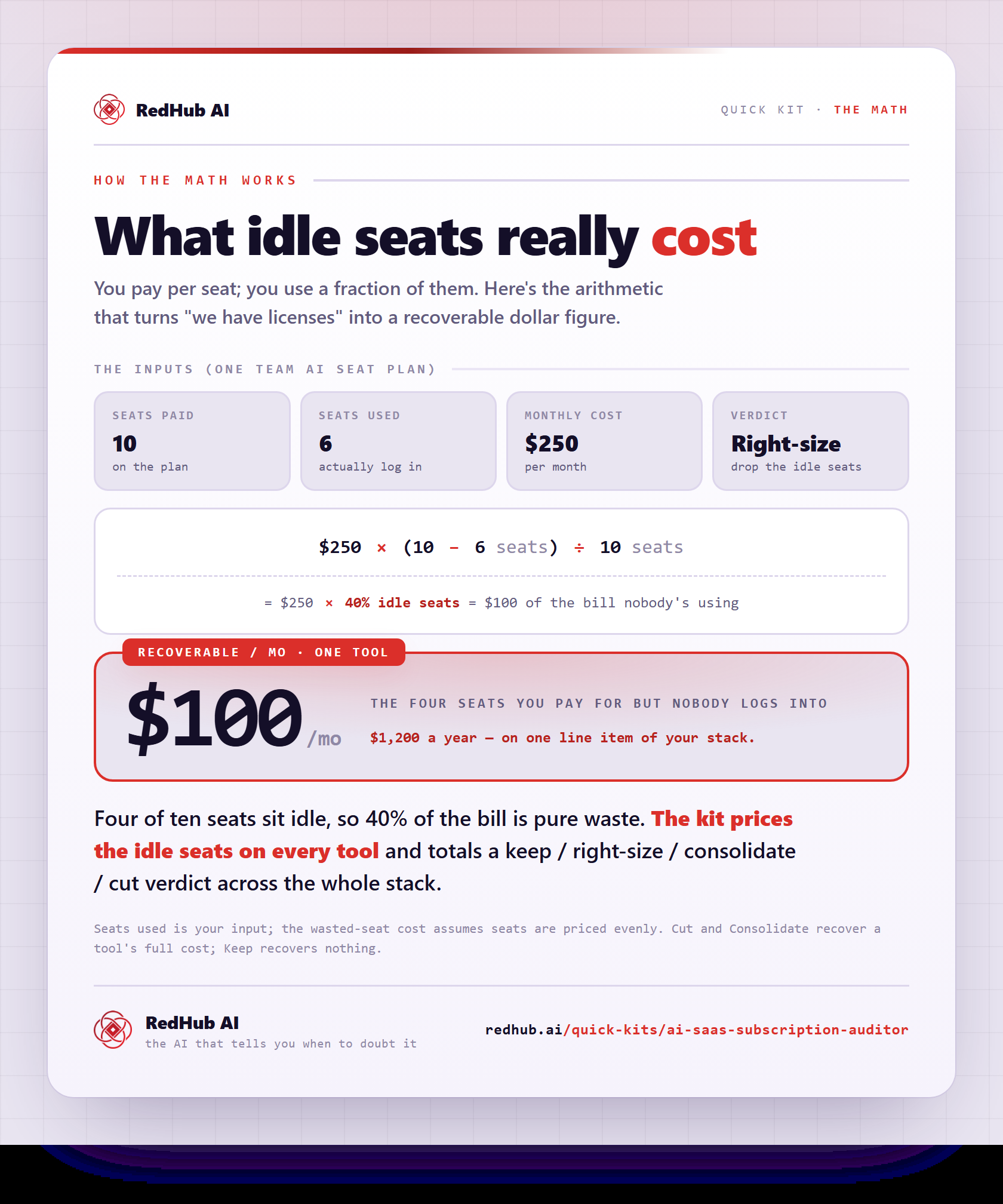
The gate this post refers to, drawn from the tool’s own logic. See the tool.