Email Batching: Check Email Less, Miss Nothing
RedHub AI Editorialupdated August 18, 20266 min read

Jump to a section9
TL;DR
- What it is: email batching means processing email in a few scheduled blocks a day instead of reacting to every alert.
- Who it's for: anyone whose deep work keeps getting cut into thirty-second checks — see RedHub systems.
- How it works: one main morning block plus one or two short check windows; alerts off in between; a real escalation channel for true emergencies.
- Bottom line: batching works only when each block actually finishes the email — triage, draft, send, track. A block that just reads the pile is procrastination on a schedule.
What is email batching?
Email batching is the practice of checking and processing email in a few scheduled blocks each day — typically one main block and one or two short check windows — instead of responding to every notification as it arrives. Similar messages get handled together, which cuts the constant context switching that fragments focused work. The trade is deliberate: replies go out a few hours later at most, and in exchange you get uninterrupted blocks for real work.
Best for: operators whose day is fragmented by the inbox — the Inbox-to-Done Engine makes the main block fast enough to actually finish.
The most expensive way to handle email is the way most people handle it: constantly. Every ping pulls you out of whatever you were building, and each thirty-second check costs far more than thirty seconds — you pay again on the way back, re-finding the thread of the work you left. Email batching is the boring, effective fix: decide in advance when email gets your attention, and protect everything in between.
Why constant checking costs so much
Checking email isn't one interruption — it's two. The check itself, then the re-entry: re-loading the context of the task you abandoned. Do that a few dozen times a day and the losses compound invisibly, because no single check feels expensive. Worse, constant checking doesn't even make email go faster. Reading a message you're not ready to act on just means reading it again later — the same thread, paid for twice. Deciding when to do email is itself a cadence decision, the same class of choice as when to run your weekly review or your pipeline check. (Founders who like that framing should look at the Operating Cadence Engine ($299), which grades how your whole operating rhythm is actually running.)
The batching schedule that works for operators
| Block | When | What happens |
|---|---|---|
| Main block (30 min) | Morning, after your first deep-work session | Full pipeline: triage, draft, send, delegate, track |
| Check window (10 min) | Early afternoon | Scan for genuinely urgent items only; no browsing |
| Close-out (10 min) | End of day | Clear stragglers, update the waiting-on list |
Two or three touches a day is enough for most founder and operator inboxes. The exact times matter less than the rule: between blocks, email is closed and alerts are off. A batching schedule with notifications still on is just interruptions with extra steps.
"But what if something urgent comes in?"
This is the fear that keeps people checking forty times a day, so it deserves a straight answer: in most businesses, true emergencies don't arrive by email. They arrive by phone or text, because people in an actual crisis escalate past the slow channel. The honest fix is to make that explicit — tell your team and key clients: "I do email at set times; if something's on fire, call or text." That single sentence converts email from an always-on pager into what it should be: an asynchronous channel. If afterward you still find real emergencies landing in the inbox, that's rare — and it's a routing problem to fix at the source, not a reason to keep the pager on.
Key insight: replying to everything within minutes trains everyone to expect it — and buys you very little. Consistent same-day replies from a finished block beat instant replies from a fragmented day.
Batching fails when the block doesn't finish
Here's the failure mode nobody warns you about: you protect a 30-minute block, open the inbox, and spend all 30 minutes reading and re-reading without finishing anything. The pile survives, tomorrow's block inherits it, and within two weeks you're back to constant checking — now with guilt. Batching only works when the block runs a pipeline that actually completes: sort every thread by action, write the replies, hand off the delegations, log the follow-ups. That per-thread sorting method is covered in our email triage guide, and the full pipeline — the system the block executes — is the inbox zero pillar.
Making the block small enough to keep
The math of batching is simple: the faster a block finishes the inbox, the easier the discipline is to keep. This is where orchestration earns its price. The Inbox-to-Done Engine ($129, one-time) works your inbox before you do: four Claude Skills read your threads via the Gmail MCP, triage everything into reply-now / delegate / schedule / archive, draft the replies that need you in your voice, and hand you one ordered brief. Your main block becomes review-and-send instead of read-and-decide — for many operators that turns the morning block into roughly 30 minutes, done. And to be straight about the limits: it never sends, archives, or deletes on its own. The block still happens; it's just short enough to protect.
One more source of email worth batching away entirely: the follow-ups meetings generate. The Meeting Intelligence System ($49) captures actions and owners from calls directly, so they never have to bounce through your inbox at all.
- Pick your blocks and put them on the calendar. One main block, one or two check windows. Treat them like meetings.
- Kill the alerts and close the tab. Batching with notifications on isn't batching.
- Announce the escalation channel. "Email at set times; call or text if urgent." Say it once, then live it.
- Run a finishing pipeline inside each block. Triage, draft, send, delegate, track — done means done.
Make the morning block a 30-minute finish, not an hour of reading
The Inbox-to-Done Engine triages and drafts before you sit down, so your batch is review-and-send. It drafts; you send. $129, one-time.
Get the Inbox-to-Done Engine — $129 →Decision Guide
Batch if: your deep work keeps getting cut into pieces by the inbox, and honest reflection says almost none of those interruptions were emergencies.
Don't batch if: your role is genuinely real-time — frontline support or on-call ops. Batch the non-urgent stream instead, and keep the urgent channel separate.
Best first step: calendar tomorrow's three blocks and turn alerts off tonight. Then make the main block finishable with the Inbox-to-Done Engine.
FAQ
What is email batching?
Processing email in a few scheduled blocks a day — instead of reacting to every alert — so similar messages get handled together and focused work stays unbroken.
How many times a day should I check email?
For most founders and operators, two to three scheduled touches: one main processing block and one or two short check windows. It's a starting guideline, not a law — adjust to your role's real response expectations.
Won't I miss something urgent?
Almost never — true emergencies rarely arrive by email. Set an explicit escalation channel ("call or text if it's on fire") and the fear loses its basis. If real emergencies do land in your inbox, fix the routing at the source.
Will people be annoyed by slower replies?
Rarely, if you're consistent. Same-day replies from a finished block meet almost every real expectation. What annoys people is unpredictability — instant on Monday, silent on Wednesday.
Why does my batching block never finish the inbox?
Because it's a reading block, not a processing block. Run a pipeline inside it — triage by action, draft, send, delegate, track — or shrink the deciding work with an orchestration layer that pre-triages and pre-drafts.
Does the Inbox-to-Done Engine reply while I'm heads-down?
No. It reads and drafts only — nothing is sent, archived, or deleted without you. Your batch block is where you review its triage and drafts and hit send yourself.
Is email batching the same as inbox zero?
They're partners. Batching decides when email gets your attention; inbox zero's pipeline decides what happens inside the block. Batching without the pipeline reads; the pipeline without batching interrupts.
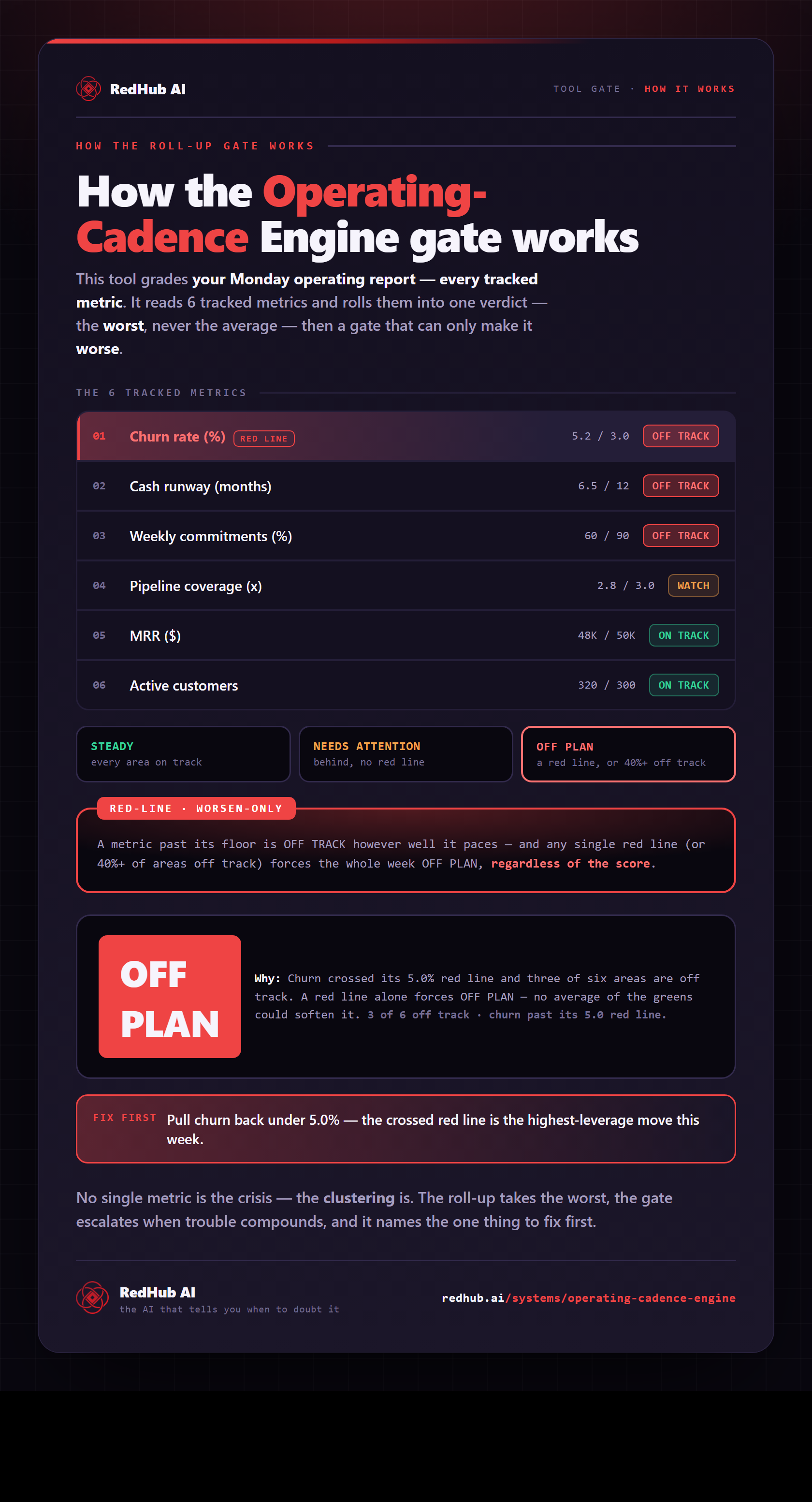
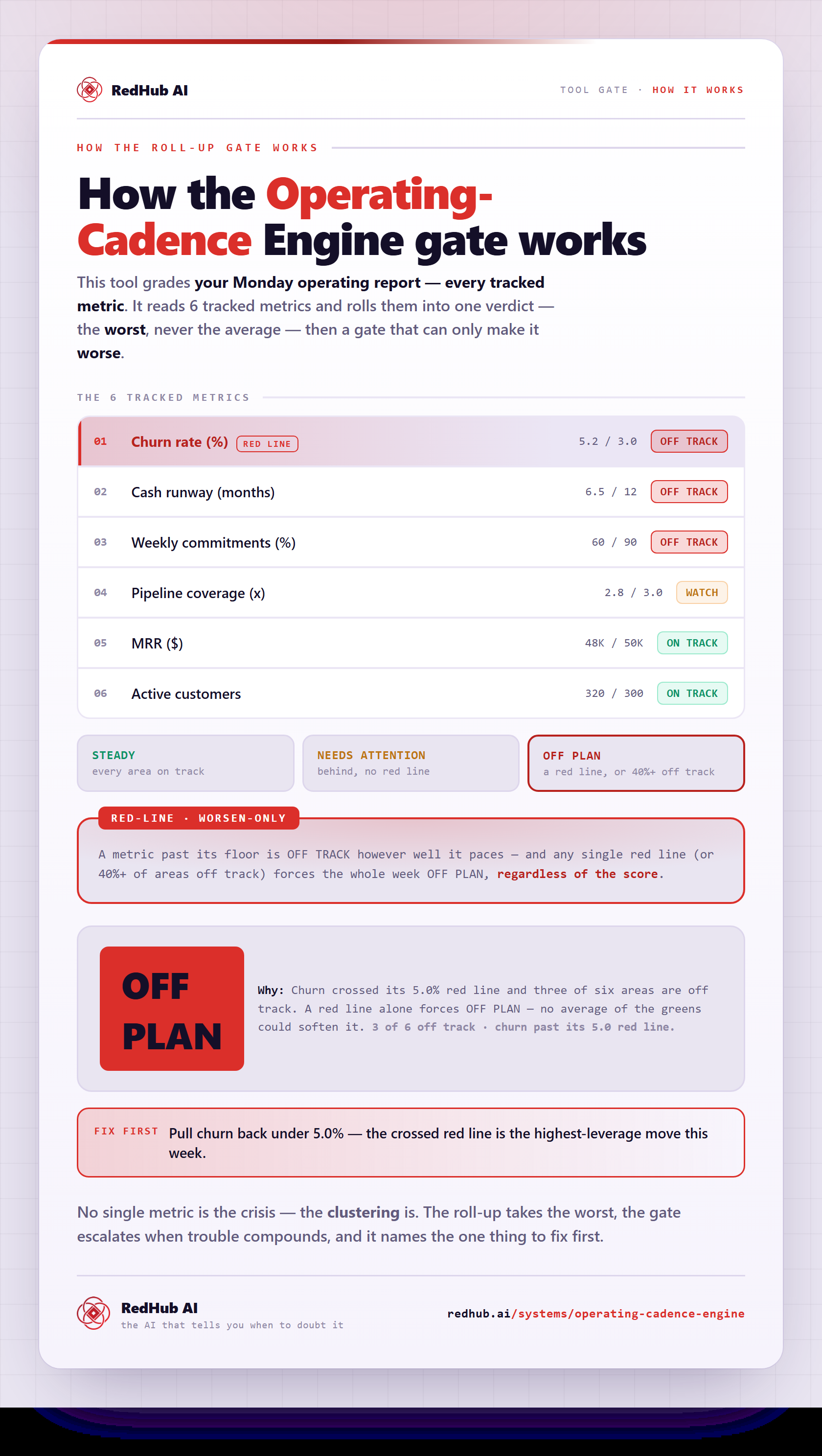
The gate this post refers to, drawn from the tool’s own logic. See the tool.