The Solopreneur AI Stack: What You Actually Need
Todd Brooks, Founder6 min read

Jump to a section9
TL;DR
- What it is: a solopreneur AI stack is the small set of AI tools a one-person business runs on — and small is the point.
- Who it's for: solo founders and one-person businesses drowning in subscriptions — see the full map in AI for solo founders.
- How it works: three layers — one assistant, installed skills for recurring jobs, and one or two point tools. Everything else is sprawl.
- Bottom line: most solopreneurs don't have a tool gap. They have a middle-layer gap: nothing that loads itself and remembers the business.
What is a solopreneur AI stack?
A solopreneur AI stack is the set of AI tools a one-person business actually runs on. A working stack has three layers: one general AI assistant (the engine), a set of installed skills that handle your recurring jobs automatically (the operating layer), and at most one or two specialized point tools for jobs the assistant genuinely can't do. Most founders over-build the first and third layers and skip the middle one entirely — which is why the stack grows but the work doesn't get easier.
Best for: founders paying for four or more AI subscriptions — the middle layer is the Solo Founder Skills Pack.
The solopreneur AI stack question usually gets answered with a list of twenty tools. That answer is wrong for a one-person business. Every tool you add is a login, a bill, and a context switch — and you are the only person absorbing all three. The right question isn't "which AI tools exist?" It's "what's the smallest set that covers my recurring work?"
First, do the subscription math
AI subscriptions are individually cheap and collectively not. Before adding anything, count what the current pile costs per year. Type your own numbers in — the result updates as you go.
What does your AI stack cost per year?
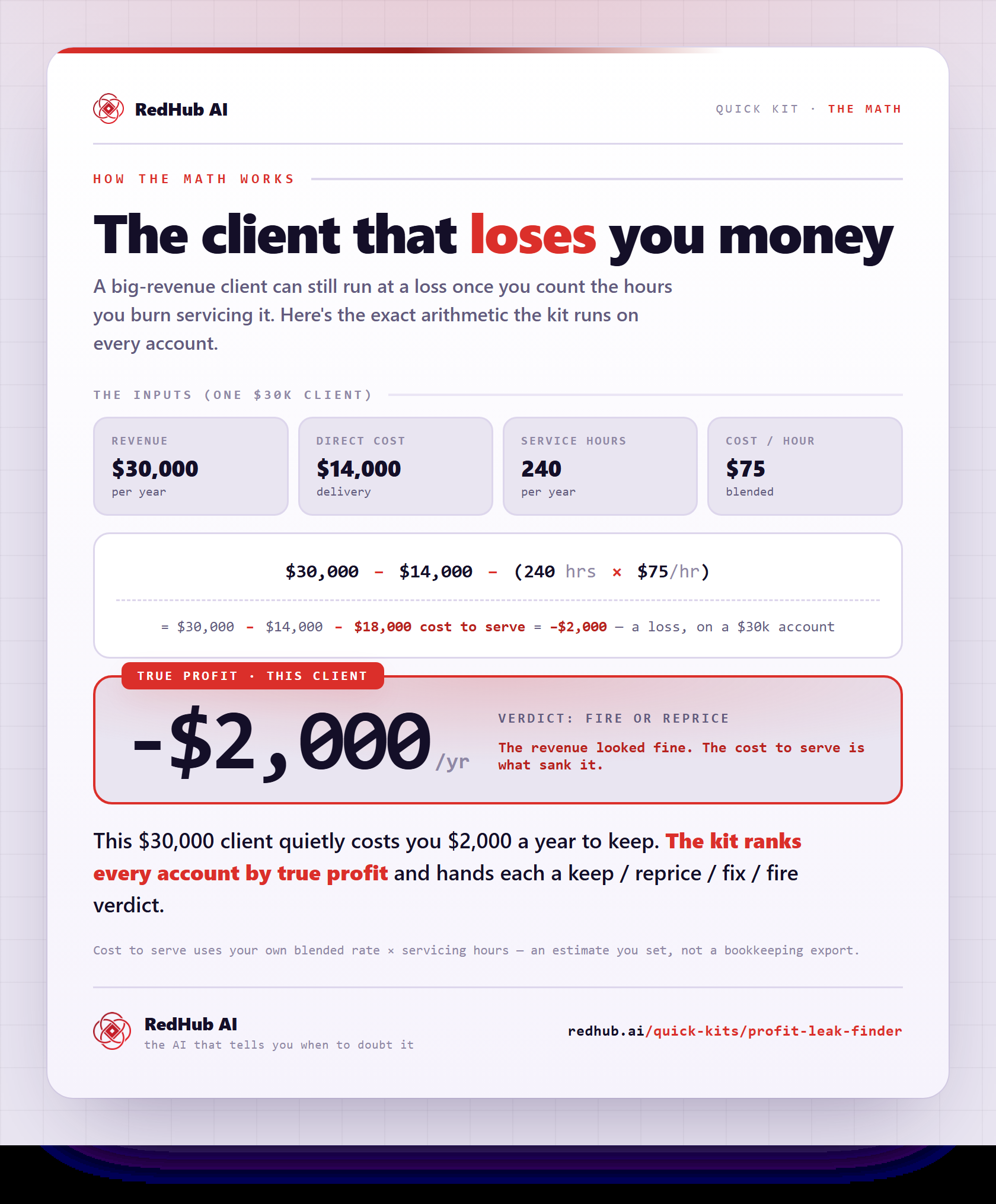
There's no universal right number. But if the tools you didn't open this week are costing you hundreds a year, that's not a stack — that's a graveyard with a billing cycle. If you want a systematic pass at recurring costs across the whole business, not just AI, the Profit Leak Finder is built for exactly that audit.
The three layers of a working stack
| Layer | What it does | What belongs there |
|---|---|---|
| 1. The assistant | The engine. Reasoning, drafting, analysis. | One paid assistant you actually live in (Claude Pro, or your equivalent). One, not three. |
| 2. Installed skills | The operating layer. Loads itself for recurring jobs, carries your formats and vocabulary. | Skill files for your repeating work: updates, memos, research synthesis, money models, weekly planning. |
| 3. Point tools | Jobs the assistant genuinely can't do. | Transcription for calls, maybe a design tool. Held to a high bar — each one must earn its login. |
Layer two is the one almost everyone skips, because it doesn't come from a subscription page. It comes from installing skills — instruction files your assistant auto-loads when a request matches. That's what turns layer one from a smart blank page into something that knows how your business writes an investor update. How skills work, and why they beat prompt packs and custom GPTs, is its own topic: Claude skills for founders.
Key insight: a new subscription adds capability. A skill adds behavior — the assistant you already pay for starts doing a recurring job to a standard, without being asked twice. When in doubt, add behavior, not capability.
How to build the stack in one afternoon
- List your recurring jobs. Not tasks — jobs that repeat weekly or monthly. For most solo founders it's some version of: investor update, board or advisor memo, deck review, customer research, runway model, weekly plan.
- Pick one assistant and cancel the duplicates. Two general assistants doing the same job is pure sprawl. Keep the one whose ecosystem supports installed skills.
- Install skills for the recurring jobs. Pre-built beats hand-rolled to start — you can edit the markdown later. A set like the Solo Founder Skills Pack covers the six founder jobs in about 20 minutes of setup.
- Keep point tools only if they survive the question: "could my assistant plus a skill do this?" Transcription usually survives. Most writing tools don't.
- Re-run the subscription math quarterly. Sprawl regrows. Fifteen minutes with the calculator above keeps it honest.
What the money layer looks like
One category deserves a special note for solopreneurs: money. A one-person business lives and dies on cash, and "I'll check the bank balance" is not a system. The stack answer here has two parts. The runway model — cash, burn, months left, scenarios — is a recurring job for layer two, and we walk through it in solo founder runway. Ongoing cash monitoring is a legitimate point tool: RedHub's Cash-Flow Sentinel exists for exactly that watch-the-money job.
The middle layer, pre-built
The Solo Founder Skills Pack ($79, one-time — not another subscription) installs six skills into the assistant you already pay for: investor updates, board memos, pitch deck review, customer interview synthesis, runway modeling, and the weekly cadence. Works in Claude Pro, Claude Code, Codex CLI, Cursor, Gemini CLI, and GitHub Copilot.
Get the Solo Founder Skills Pack — $79 →When you outgrow the solo stack
The three-layer shape holds as you grow — you just add skills, not tools. When you hire or take on client companies, role-specific packs (sales, support, recruiting) slot into the same layer two. That's the point at which the Complete Skills Library becomes better math than buying packs one at a time. Until then, six skills and one assistant is a complete stack for one person.
Decision Guide
Use this approach if: you pay for several AI tools, use two of them, and still start every recurring job from a blank page.
Skip it if: you genuinely run everything through one assistant with installed skills already — you've built the stack; go improve the skills.
Best first step: run the calculator above, cancel one tool you didn't open this week, and put the middle layer in its place.
FAQ
What should a solopreneur AI stack include?
Three layers: one general AI assistant, installed skills for your recurring jobs, and one or two point tools for jobs the assistant can't do (like call transcription). Most working solo stacks are under five tools total.
How much should a one-person business spend on AI?
There's no magic number, but the pattern to avoid is clear: paying monthly for overlapping general tools. One assistant subscription plus one-time skill purchases keeps the recurring cost near the price of a single seat.
Do I need a different AI tool for each task?
Usually not. A modern assistant with the right skill installed covers writing, analysis, research synthesis, and financial modeling. Reserve separate tools for genuinely different capabilities — transcription, design — not for different documents.
What are installed skills?
Small instruction files (markdown) that your AI assistant loads automatically when your request matches their description. They carry your formats, vocabulary, and quality rules, so recurring jobs stop starting from zero. See Claude skills for founders for the full picture.
Is a $79 one-time pack really better than a $19/month tool?
They're different things. A $19/month tool is $228 a year for one capability in its own tab. A one-time skills pack changes how the assistant you already pay for behaves, with no new login and no new bill. For recurring founder jobs, the skill wins on both cost and friction.
Which tools does the Solo Founder Skills Pack work with?
Claude Pro or Claude Team at minimum, with Claude Code for the terminal experience. Because the Agent Skills format is an open standard, the same files also work in OpenAI Codex CLI, Cursor, Gemini CLI, and GitHub Copilot, with some features being Claude-specific.
Build the stack that works alone — because you do
One assistant. Six installed skills. No new subscriptions. The Solo Founder Skills Pack is the middle layer most solo stacks are missing.
Get the Pack — $79, one-time →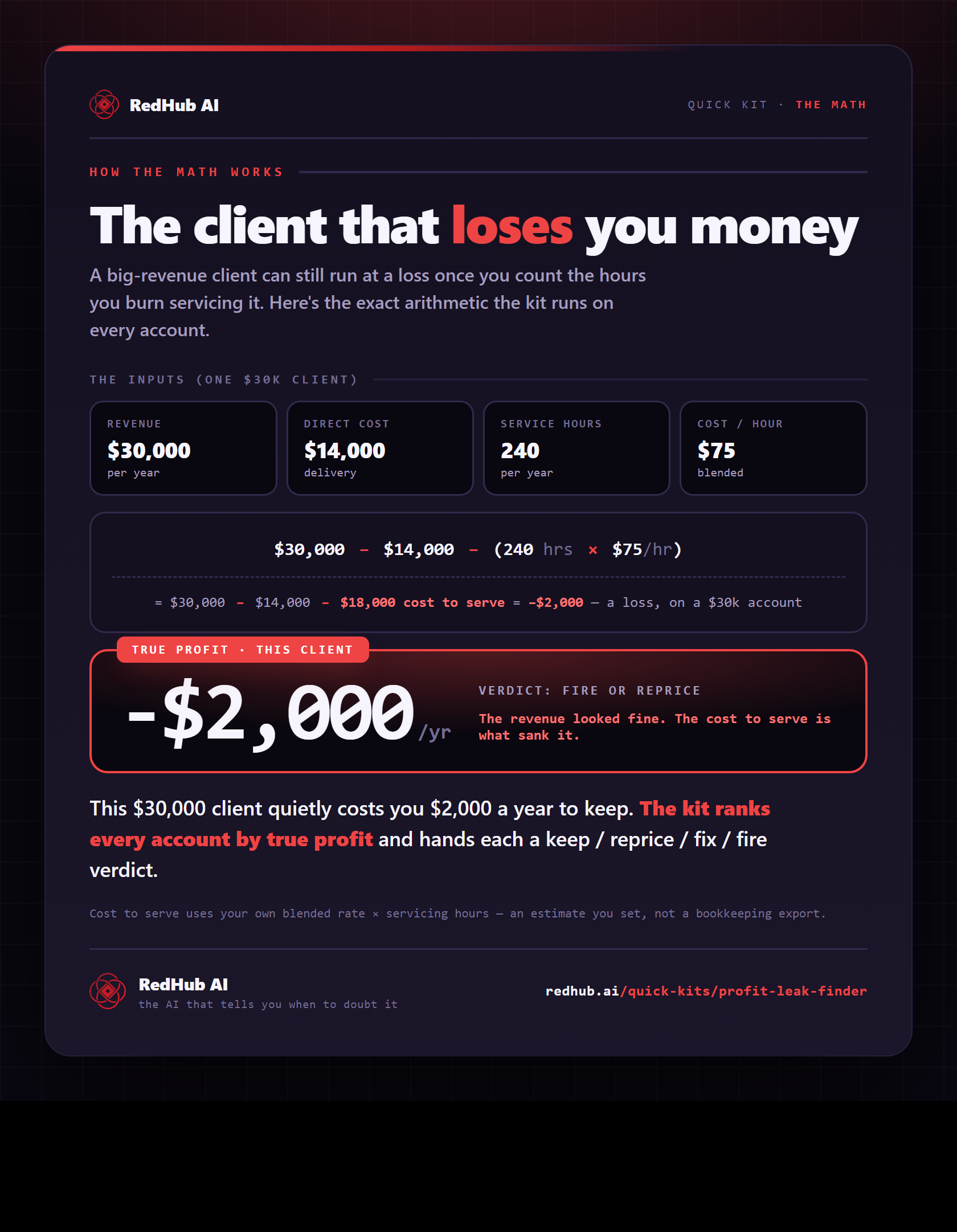
The gate this post refers to, drawn from the tool’s own logic. See the tool.