The Abandoned Cart Email Sequence, Graded Lever by Lever
RedHub AI Editorialupdated November 5, 20269 min read

Jump to a section10
- What counts as a sequence
- The seven levers and their weights
- The arithmetic, on one flow
- The three bands, and the two rules on top
- Why the biggest weight is not always the first fix
- How to read your own sequence by hand
- What the workbook does, and what it does not
- Where to go next
- More in this guide
- Frequently asked questions
An abandoned cart email sequence is the set of messages you send after someone adds items to a cart and leaves without buying. The useful word there is “sequence.” One email is a reminder. A sequence is two or more distinct messages, sent in order, each doing a different job. You can grade one without reading a word of its copy, because the parts that matter most are structural: how many messages, when they fire, what they show, and who they stop chasing.
TL;DR: Seven structural levers, each marked 0, 1 or 2 and weighted to 100, give a cart-recovery flow a score. Sequence depth (22) and timing (20) are the two heaviest. Two rules sit on top of the score: a one-message flow reads DORMANT whatever it scores, and a flow with no purchase or opt-out suppression cannot read OPTIMIZED. This post maps all seven, walks the arithmetic on real examples, and gives you a hand check you can run today.
What counts as a sequence
Most of the ways a flow goes wrong are visible in the flow editor. There may be only one message. The first one may fire a day late. The cart may show a generic line instead of the items. A discount code may sit in message one. And the flow may keep emailing someone who already bought.
Each message in a working sequence has its own job. The first reminds and shows the cart. The second handles whatever likely stopped the purchase: shipping cost, sizing, returns. A third, if you use one, makes a final case. The same email sent three times is still one message. That is why the depth lever below counts distinct recovery messages, not sends.
The seven levers and their weights
The weights below are the ones the Cart-Recovery Sequence Effectiveness Gate uses. Each lever gets a mark of 0, 1 or 2, and the mark is scaled to its weight. A 2 earns the full weight, a 1 earns half, a 0 earns nothing.
| Lever | Weight | What a 2 looks like |
|---|---|---|
| Sequence depth | 22 | Three or more distinct messages across the recovery window (two messages is a 1, one or none is a 0) |
| Timing & cadence | 20 | First touch while intent is warm, around an hour, with follow-ups across the next one to three days |
| Dynamic cart contents | 16 | Every message shows the shopper’s actual items: image, name, price |
| Discount discipline | 12 | Value first, with any incentive held to a later touch or kept for price-sensitive segments |
| Mobile rendering | 12 | Mobile-first, tested on a phone, one tap back to the cart |
| Deliverability & inbox placement | 10 | Authenticated sending (SPF, DKIM, DMARC), low complaint rate, aimed at the primary inbox |
| Purchase & opt-out suppression | 8 | Real-time suppression of buyers and opt-outs across channels |
The arithmetic, on one flow
The workbook ships with a sample row called “Flagship store (single email).” It is a made-up flow, built to show the first rule. It scores 2 on six levers and 0 on depth.
The math: depth 0, then 20 + 16 + 12 + 12 + 10 + 8 for the six full marks. That is 78 out of 100, a score that would normally read OPTIMIZED. The verdict is DORMANT. The Gate column reads FIRED.
The single-message gate caused that. In the product’s own words, a one-message flow “is capped at DORMANT no matter how good the rest is.” The score still shows 78. Only the verdict is held down.
Now add a second message. Depth moves from 0 to 1 and earns 11 points. The score becomes 89 and the verdict becomes OPTIMIZED. Add a third and depth earns all 22, for 100. The second message is the change that moves the verdict. The third moves the score.
The three bands, and the two rules on top
The score sorts into three bands. 75 and above reads OPTIMIZED. 50 to 74 reads UNDERPERFORMING. Under 50 reads DORMANT. Two rules can then override the band, and both only make a result worse.
| Rule | When it applies | What it does |
|---|---|---|
| Single-message gate | Sequence depth is marked 0 | The verdict is DORMANT, whatever the score |
| Suppression gap | Purchase & opt-out suppression is marked 0 | A 0 on Purchase & opt-out suppression caps the result at UNDERPERFORMING, regardless of score. |
Here is the suppression rule at work. Mark depth and the next five levers at 2 and suppression at 0. The score is 92. The verdict is UNDERPERFORMING, the Gate column reads CAPPED, and the fix it names first is suppression. When the cap is what sets the result, RedHub’s written explanation of that case reads, word for word:
Your score falls in the OPTIMIZED AS DESCRIBED band, but Purchase & opt-out suppression is marked “no suppression (already-purchased shoppers still get chased),” which triggers this instrument’s Suppression gap gate and caps the final result at UNDERPERFORMING. The gate can worsen—but never improve—the score-derived band.
A 0 on suppression also adds a flag to the row, whatever the score: “Suppression gap: Purchase or opt-out suppression is not shown. Confirm that purchasers and people who opted out are excluded before activating the flow.” If the score is already under 75, the cap changes nothing, and the fix-first goes back to the largest weighted gap.
Why the biggest weight is not always the first fix
The grader names the lever with the largest weighted gap, meaning the most points left on the table. That is not always the heaviest lever. Another sample row, “Home goods reminder pair,” marks five levers at 1, mobile at 2, and discount discipline at 0. It scores 50 and reads UNDERPERFORMING.
Depth at 1 leaves 11 points unclaimed. Discount discipline at 0 leaves 12. So the fix it names first is Discount discipline, even though depth carries the bigger weight. A flow that reads OPTIMIZED can still name a fix-first if any lever is short. Only a flow with every lever at 2 names nothing.
That leaves a complication the grader cannot settle for you. It ranks gaps by points, and points are a stand-in for value. Your own store may get more from a fix the weights rank second. The grader gives you an order to start from. It cannot know your list.
How to read your own sequence by hand
You can do a first pass without any tool. Open your live flow in your email platform’s flow editor and work through it in order.
- Count the messages. Count the distinct emails that fire on an abandoned cart. Skip duplicates of the same content. Look at: the flow diagram, not a document describing the flow as it was first built.
- Check the delays. Note the delay before message one, then the gap to message two and three. Look at: the delay setting on each step, in hours or days.
- Open each email on your phone. Check that it shows the actual items left behind and that the layout holds on a small screen. This one check covers two levers: cart contents and mobile rendering. Look at: a live test send opened on a phone, not the desktop preview.
- Find the discount, if there is one. Note which message it first appears in and whether everyone gets it. Look at: the code itself and where in the flow it shows up.
- Check where the emails land. Send a test to two or three different mailbox providers and note inbox, promotions or spam. Look at: the folder the message actually lands in.
- Test the suppression. Abandon a test cart, then complete the purchase. Look at: whether email two or three still arrives after you have already bought.
Six checks, seven levers. Write a 0, 1 or 2 beside each lever using the table above. Then multiply each mark by half its weight and add them up. You now have the same score the workbook would give, and you can apply the two rules by hand.
Why the cart got abandoned in the first place is a separate question. It is a read on your checkout, not your recovery flow. The Checkout Friction & Abandonment Exposure Gate ($79) grades the checkout. This guide grades the chase.
If your test sends landed in spam or a promotions tab, the deliverability lever deserves a closer look of its own. It carries 10 points here, but a message nobody sees cannot recover anything. The Email Deliverability & DMARC Enforcement Readiness Gate ($79) is built for that question.
What the workbook does, and what it does not
The Cart-Recovery Sequence Effectiveness Gate is one .xlsx with three tabs: Start Here, Dashboard and Recovery Scorecard. You mark the seven levers for up to five flows, one row each. Each row returns a score, a Gate column, a verdict, the fix to make first and, when suppression is 0, the suppression flag. The Dashboard counts each verdict, shows a mean score and gives a portfolio verdict set by the worst flow: one DORMANT flow makes it PORTFOLIO DORMANT.
There is an optional revenue panel. You enter monthly abandoned carts, average order value, your current recovery rate and a target rate you choose. It multiplies carts by AOV by the gap between the two rates, monthly and yearly. Leave the target blank, or set it at or below the current rate, and it shows nothing. It ships no recovery benchmark. The third post in this guide explains why.
Know its limits before you buy. The marks are yours, and the workbook does not check them against your platform. It sends nothing. It reads no copy, so it cannot tell a good subject line from a bad one. The mark cells have no input validation, so type only 0, 1 or 2. No recovery or revenue outcome is guaranteed.
Where to go next
Each cluster below takes one part of this read in full. If your hand check found a single message, start with the first one.
More in this guide
Frequently asked questions
What is an abandoned cart email sequence?
It is a set of two or more distinct messages, sent in order over a few days, that follow up after someone leaves items in a cart without buying. The same email sent more than once is one message repeated, not a sequence.
Is one abandoned cart email enough?
On the Cart-Recovery Sequence Effectiveness Gate, a one-message flow reads DORMANT whatever its score. Its shipped sample scores 78 out of 100 with one email and still reads DORMANT. Adding a distinct second message lifts that gate.
What matters more, the number of emails or the copy?
This grading does not read copy at all. It scores seven structural levers, and sequence depth (22 points) and timing (20 points) are the two heaviest. Together they carry 42 of 100 points, so the other five levers still decide most of the score.
Can a flow score high and still get a low verdict?
Yes, in two cases on the Cart-Recovery Sequence Effectiveness Gate. A flow with depth marked 0 reads DORMANT whatever it scores. A 0 on Purchase & opt-out suppression caps the result at UNDERPERFORMING, regardless of score.
Do I need a tool to check my own sequence?
No. Six hand checks in your flow editor cover all seven levers, and you can add the weighted points yourself. The workbook does the same math for up to five flows at once and adds a portfolio verdict.
How is this different from a checkout-abandonment check?
A recovery-sequence grade covers what you send after a cart is abandoned. The Checkout Friction & Abandonment Exposure Gate covers why carts get abandoned at checkout in the first place, which is a different question with a different fix.
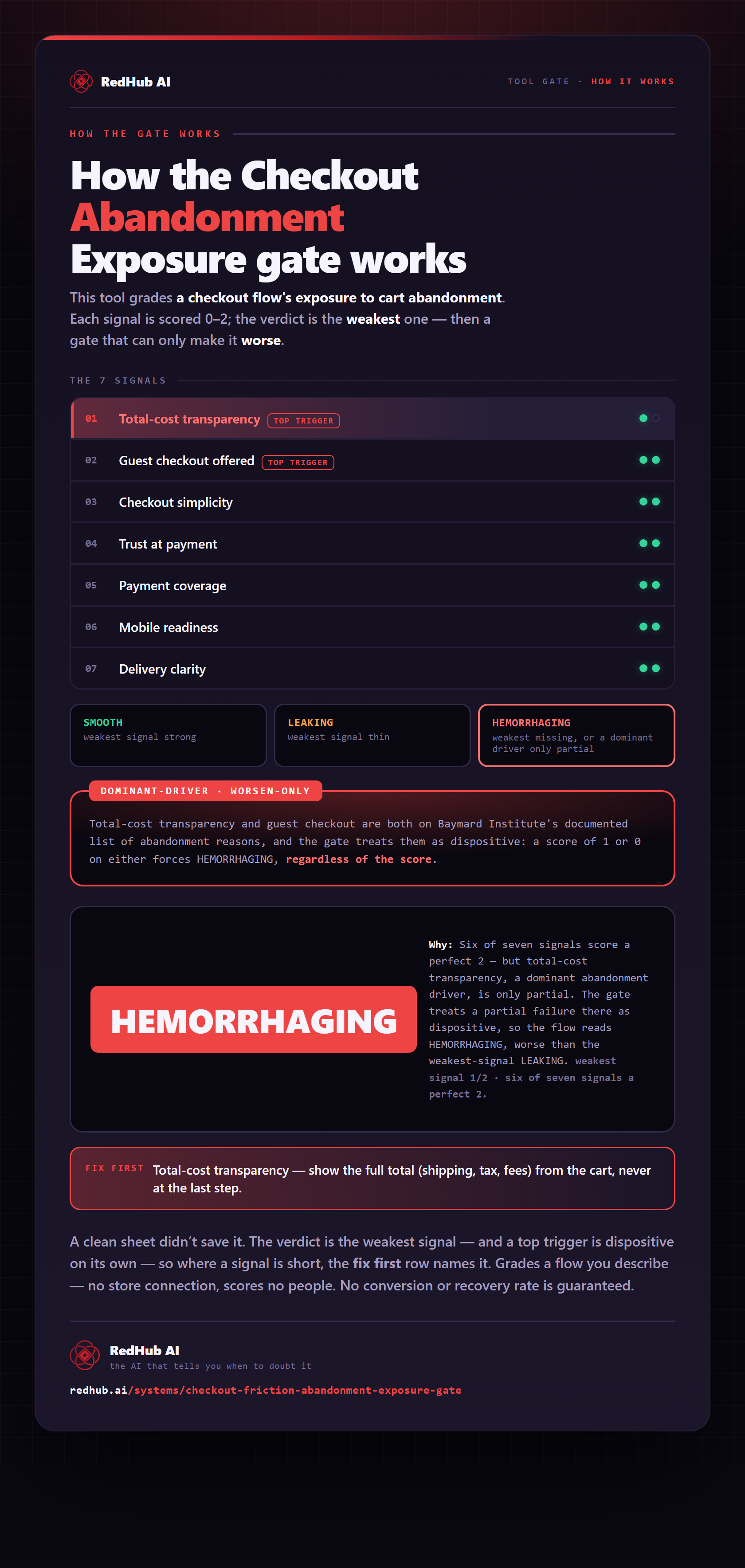
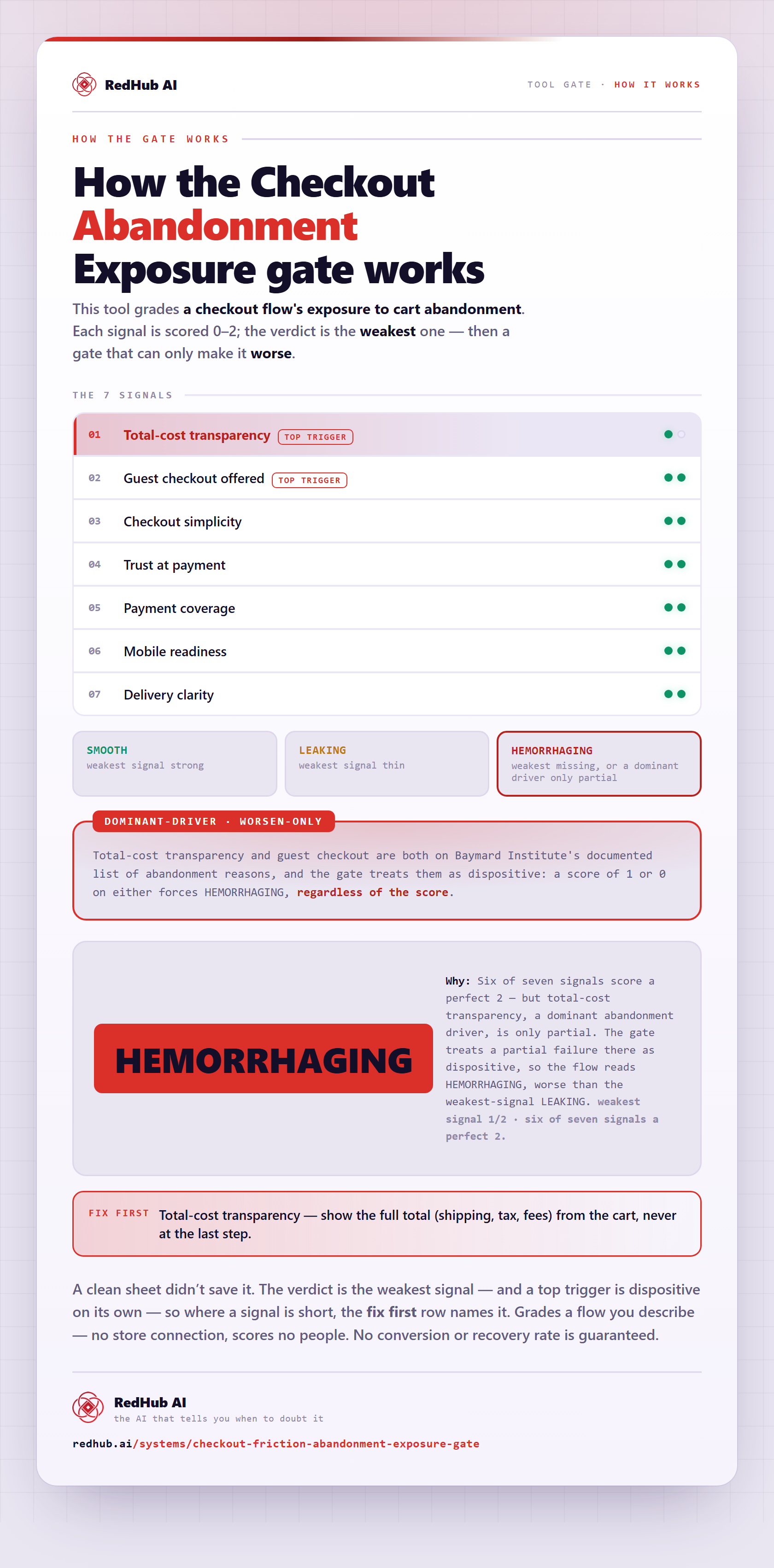
The gate this post refers to, drawn from the tool’s own logic. See the tool.