AI Data Analysis: How to Analyze a Spreadsheet With AI (Without Getting Fooled)
RedHub AI Editorialupdated October 5, 20266 min read

Jump to a section9
Three things go wrong in AI data analysis, and none of them looks wrong on the screen: a number estimated instead of calculated, a conclusion drawn from a handful of rows, and a cause inferred from data that only shows two things moving together. The rest of the work on a spreadsheet, from reading the columns and counting gaps to spotting outliers and drafting a first summary, AI does well and fast. Check those three every time the output feeds a decision.
TL;DR: AI is strong at profiling a spreadsheet, spotting patterns and drafting a summary. It goes wrong on estimated numbers, small samples and correlation read as cause. Upload the file to a tool that runs code so the math is calculated, profile the data before you ask for conclusions, flag thin segments, and downgrade every causal claim until evidence from outside the spreadsheet backs it. The AI Data Analysis Starter Kit ($79) writes those checks into every prompt.
A wrong answer arrives as fast as a right one
Dropping a CSV into a chat window and asking "what does this tell me" takes ten seconds. A wrong answer arrives in the same ten seconds, formatted just as neatly. Nothing on the screen separates a figure the model calculated from one it produced because it sounded right for a spreadsheet like yours.
You would not send a junior analyst's first draft to the board without checking the math. A model's first draft deserves the same treatment. What it needs is a process, and the process is short.
What AI does well on a spreadsheet
- Fast structural profiling: column types, missing values, obvious outliers, date ranges, category counts.
- Pattern surfacing: pointing you to the three columns worth a closer look out of forty you would have scanned by hand.
- Drafting the narrative: turning a table of numbers into a readable first summary that you then edit and verify.
- Better follow-up questions: "is this seasonal?" or "is one customer skewing the average?" come faster from a model than most people think to ask them.
Three ways it goes wrong
Each one reads as confidently as a correct answer.
- Estimated numbers. Ask for an average, a growth rate or a standard deviation from a table the model is reading as text, and it can return a plausible figure the data does not support. A tool that runs code on an uploaded file calculates instead, but the answer will not always tell you which of the two it did.
- Small-sample overconfidence. Twelve rows and two hundred rows get the same tone. A model rarely volunteers "this rests on 6 rows" unless you tell it to.
- Correlation stated as causation. "Sales went up while the promotion ran" turns into "the promotion drove sales," a step the data alone cannot support.
A repeatable process instead of a vibe check
- Upload, don't paste. Give the file to an assistant that runs code on uploads, and ask it to calculate rather than estimate.
- Profile first. Get types, gaps, ranges and the row count per segment before asking for any conclusion. Our guide to data profiling covers the step almost everyone skips.
- Ask for the method behind each number. "Show the calculation" turns an unverifiable figure into a ten-second check.
- Flag small samples on purpose. Have the model label every thin segment as a hypothesis, not a result. Do not assume it will.
- Separate correlation from causation. Our post on correlation vs causation covers the mistake AI makes most confidently.
- Re-verify anything that becomes a decision. Recalculate the figures a decision rests on from the raw file before you act.
Not every number earns a check
Verification costs time, and a team that checks everything soon checks nothing carefully. A figure that only shapes which question you ask next can ride on the model's draft. A figure that is about to justify a hire or a budget line gets recalculated from the raw file.
The trouble is that numbers change jobs. Last month's "interesting" churn figure from a quick AI pass becomes this month's slide, and nobody re-checks it on the way. No process fully closes that gap. The best available habit is to label unverified numbers as unverified wherever they travel, so the person who promotes one to a slide knows it still needs a check.
Where ChatGPT trips people up
For most people, the first AI analysis is a table pasted into ChatGPT. That route has its own traps: a pasted table is text the model may read rather than calculate on, a long paste gives you no sign of whether every row made it in, and a vague question gets a confident answer anyway. Our guide on how to analyze data with ChatGPT covers the workflow that avoids them, and AI for data analysis sorts the jobs it does well from the ones that need a check.
Instructions do the work tone cannot
Almost every failure above traces back to one gap: the model was never asked to show its work or state its uncertainty. The AI Data Analysis Starter Kit closes that gap with five rules pasted into every prompt: compute on the actual data, state a confidence level on every finding, flag small samples, separate correlation from causation, and surface data-quality problems first. They are instructions to the model, not a guarantee about it, which is why every analysis ends with a VERIFY BEFORE ACTING list of the specific things to check.
What's inside the Starter Kit
- One master prompt that profiles a dataset in one pass, data health first
- Eight focused prompts: Data Health Check, Exploratory Overview, Insight Extraction, Anomaly Detection, Trend & Comparison Analysis, Chart Recommendations, "Ask Your Data" Q&A and a One-Page Executive Summary
- A five-rule honesty layer in every prompt, with a HIGH, MEDIUM or LOW confidence level on every finding
- A 24-question starter bank across Sales, Marketing, Finance and Operations
- A VERIFY BEFORE ACTING list at the end of every analysis
Run the five honesty rules on your own spreadsheet
The AI Data Analysis Starter Kit works in any AI assistant that runs code on your uploads. Start with the Data Health Check, which ends READY or FIX FIRST before a single insight is drawn. One-time $79, with 12 months of prompt updates.
Get the AI Data Analysis Starter Kit — $79Pairs well with
If the data is still trapped in PDFs, invoices or receipts, the AI Document Extraction Kit ($99) pulls it into structured fields and marks anything low-confidence, missing or invalid REVIEW for a person instead of guessing. If the numbers come from several systems that should agree, the Multi-Source Data Reconciliation Engine ($89) classifies every key AGREED, DISPUTED or INCOMPLETE before you analyze anything. If the spreadsheet is a model full of formulas, the Spreadsheet Formula & Model Integrity Auditor ($69) grades each formula cell SOUND, REVIEW or BROKEN, and one broken cell makes the whole model BROKEN.
More in this guide
Can I trust AI's numbers in a spreadsheet analysis?
Not without checking them. Upload the file to a tool that runs code, ask it to show the calculation behind each figure, and recalculate the ones a decision rests on before you act.
Is AI actually good at data analysis, or is this all hype?
It is good at profiling, pattern-spotting and drafting summaries, and the speed gain is real. It is weak on estimated arithmetic, small samples and causal claims, so use it for the first group and check it on the second.
What's the single biggest mistake people make analyzing data with AI?
Letting a correlation get restated as a cause. "X happened alongside Y" becomes "X drove Y" in the model's summary, and most readers miss the swap because both sentences sound equally sure.
How small is "too small" a sample for AI to draw conclusions from?
There is no universal cutoff. Thirty rows per segment is a common rule of thumb, but a segment whose values swing widely can need far more. Have the model label thin segments as hypotheses rather than results, and state each segment's row count.
Does the AI Data Analysis Starter Kit replace a real data analyst?
No. It speeds up the first pass of profiling and summarizing a spreadsheet and builds in confidence levels, small-sample flags and a correlation-versus-causation rule. Complex modeling and experiment design still benefit from a specialist.
What format does the Starter Kit come in?
A master prompt, eight focused prompts and a 24-question bank that you paste into an AI assistant able to run code on an uploaded file. It is a one-time $79 purchase with 12 months of prompt updates, and no subscription.
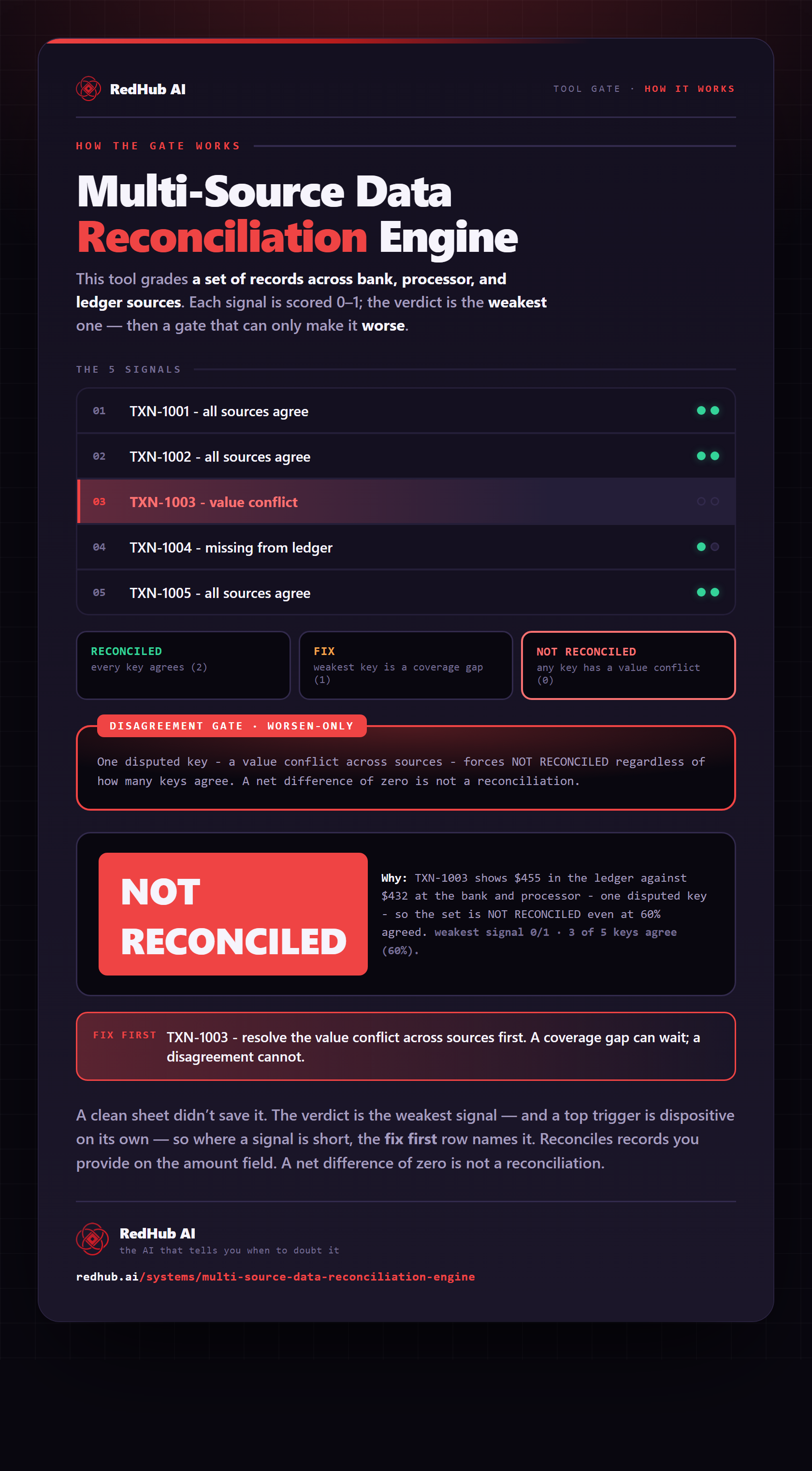
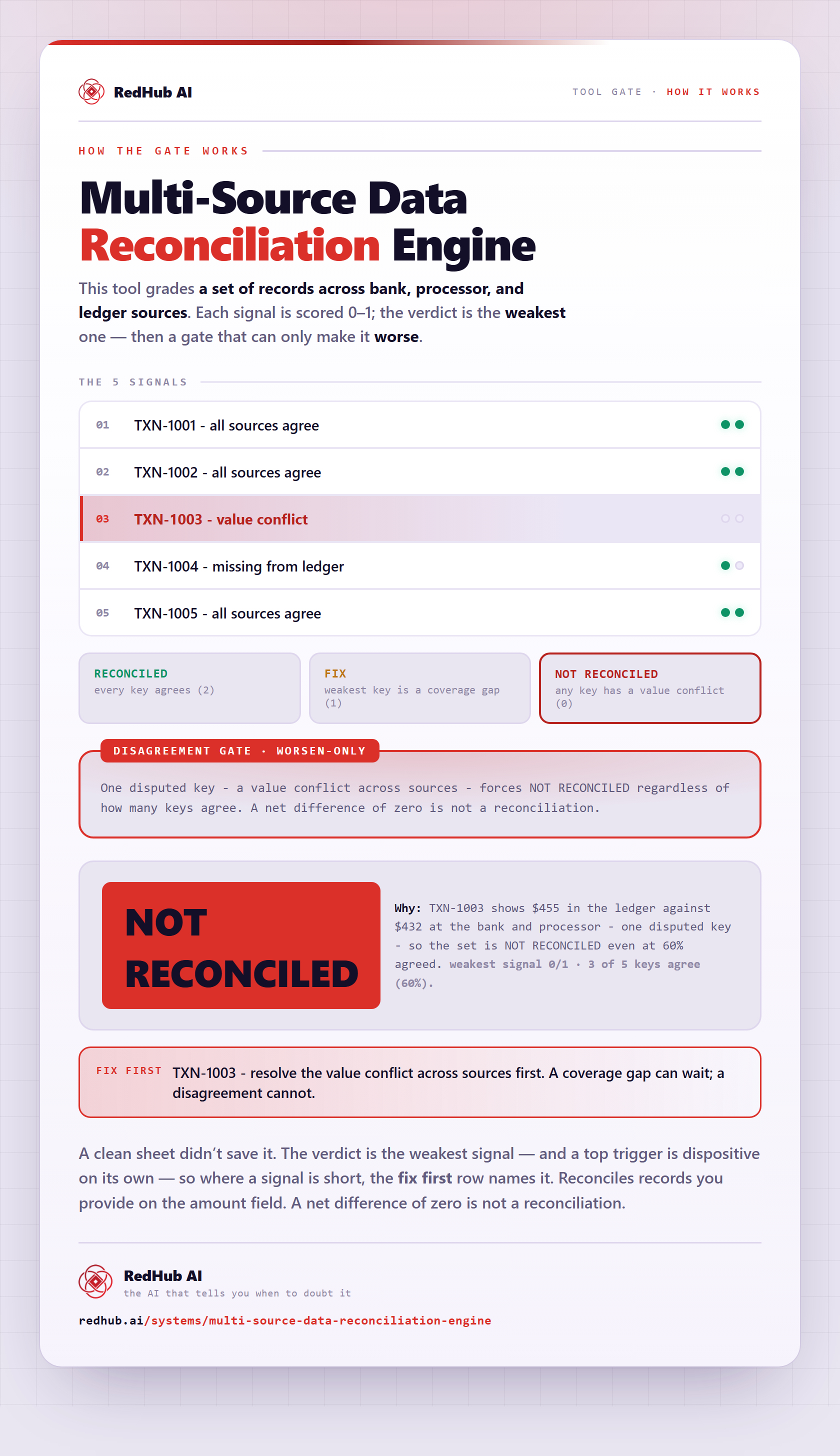
The gate this post refers to, drawn from the tool’s own logic. See the tool.