How to Analyze Data With ChatGPT (and What to Never Trust)
RedHub AI Editorialupdated October 5, 20265 min read

Jump to a section7
To analyze data with ChatGPT, upload the spreadsheet instead of pasting it, ask one specific question at a time, and have it show the calculation behind every number. An uploaded file lets ChatGPT run real code on your data. A pasted table is text in the chat, and the reply will not always tell you whether a total was calculated or estimated. Even a calculated number needs one more check: whether it used the right rows.
TL;DR: ChatGPT is fast and useful for profiling and summarizing a spreadsheet. Upload the file so it can calculate, ask narrow questions, and make it state the row count and method behind each figure. A calculated number can still be right about the wrong rows, so recalculate a sample before a figure informs a decision, and read every causal claim as a correlation. The AI Data Analysis Starter Kit ($79) builds that discipline into every prompt.
The workflow that holds up
- Upload the file, don't paste it. OpenAI's help center says ChatGPT can run Python calculations on files you give it, and recommends structured data with clear column names and one record per row. Paste a table instead and you often can't tell from the reply whether it ran code on the numbers or worked them out in the text.
- Ask one specific question at a time. "Analyze this" invites a generic answer. "What's the month-over-month change in average order value, and how many rows is that based on?" gets you something you can verify.
- Ask it to show its method. A number with no calculation behind it is unverifiable. A number with the formula or code shown next to it is a five-second check.
- Cross-check on a sample. Recalculate one or two of the reported figures from the raw file before trusting the rest of the summary.
What to never trust without checking
- Any total, average or percentage that will be used anywhere that matters. Recalculate at least a sample.
- The row count behind a figure. Confirm the number of rows it worked from matches your file, especially after a long paste.
- "Significant" or "strong trend" language. Ask what sample size the claim rests on before you accept the framing.
- Causal words in the answer. Treat any sentence with "causes," "drives" or "leads to" as a correlation claim. A spreadsheet alone almost never proves causation. Our post on correlation vs causation explains why.
Right about the wrong rows
Uploading fixes the arithmetic. It does not fix the question the arithmetic answers. When ChatGPT runs code, a sum is a real sum, but a sum of the wrong rows is still wrong. A filter applied without comment, blank cells read as zero, or a header line counted as data all produce a figure that was calculated correctly and is still not your answer.
Reading the code helps if you read Python. If you don't, the check that works on every route is plain: ask how many rows each figure used and what was excluded, then compare that with your file.
Prompts that produce checkable answers
A vague prompt gets a vague answer delivered with certainty. A specific one makes the model hand over what you need to check it. Try this: "For each finding, give the number, the rows it is based on, how you calculated it, and a HIGH, MEDIUM or LOW confidence level with a one-line reason." That one sentence turns a paragraph you have to take on faith into a list you can audit.
Where ChatGPT earns its keep
None of this argues against using it. Profiling a new dataset, drafting a first summary, picking the three columns worth a closer look out of forty: ChatGPT does all of that faster than you can by hand, and the draft is usually a good place to start. The discipline is keeping "draft" and "verified" as two different labels.
Give ChatGPT a careful analyst's instructions
The AI Data Analysis Starter Kit pastes five honesty rules into every prompt: compute on the actual data, state a confidence level on every finding, flag small samples, separate correlation from causation, and report data-quality problems first. It works in ChatGPT or any AI assistant that runs code on your uploads. One-time $79.
Get the AI Data Analysis Starter Kit — $79Pairs well with
The Prompt Practice Lab ($69) grades the prompts you write STRONG, WORKABLE or WEAK, and a prompt that never asks the model to check its own work cannot score STRONG. The AI Over-Reliance & Critical-Thinking Check ($69) seeds AI text with a fabricated statistic and other planted errors and scores how many you catch as INDEPENDENT, ASSISTED or RELIANT. If the data you want to analyze started life as a PDF, invoice or receipt, the AI Document Extraction Kit ($99) gets it into structured fields first and flags low-confidence ones for review.
More in this guide
Can I trust the numbers ChatGPT calculates from a spreadsheet?
Not without checking. An uploaded file lets it run real calculations, but a calculation can still include the wrong rows, such as a totals row or blank cells read as zero. Recalculate a sample before you use a figure anywhere that matters.
Should I paste my spreadsheet into ChatGPT or upload it?
Upload it. OpenAI's help center says ChatGPT can run Python calculations on files you give it. With a pasted table you often can't tell whether it calculated or estimated, so if you do paste, ask for the row and column count it worked from and compare that with your file.
Is ChatGPT good enough to replace a spreadsheet formula or a real calculation?
Use it to draft the analysis and surface patterns, but treat any specific number as a claim to verify, especially anything computed across many rows.
How do I get better, more checkable answers out of ChatGPT for data analysis?
Ask one specific question at a time, and ask for the number, the rows behind it, the method and a confidence level with every finding. Vague prompts produce answers you cannot check.
Will ChatGPT tell me if a trend it found is causal?
It will often phrase a correlation as a cause unless you push back. Treat any "causes," "drives" or "leads to" as a correlation claim until evidence from outside the spreadsheet supports it.
What does the AI Data Analysis Starter Kit add that a plain ChatGPT prompt doesn't?
Five rules pasted into every prompt: compute on the actual data, state a HIGH, MEDIUM or LOW confidence level on every finding, flag small samples, separate correlation from causation, and report data-quality problems first. It comes as a master prompt, eight focused prompts and a 24-question bank for $79.
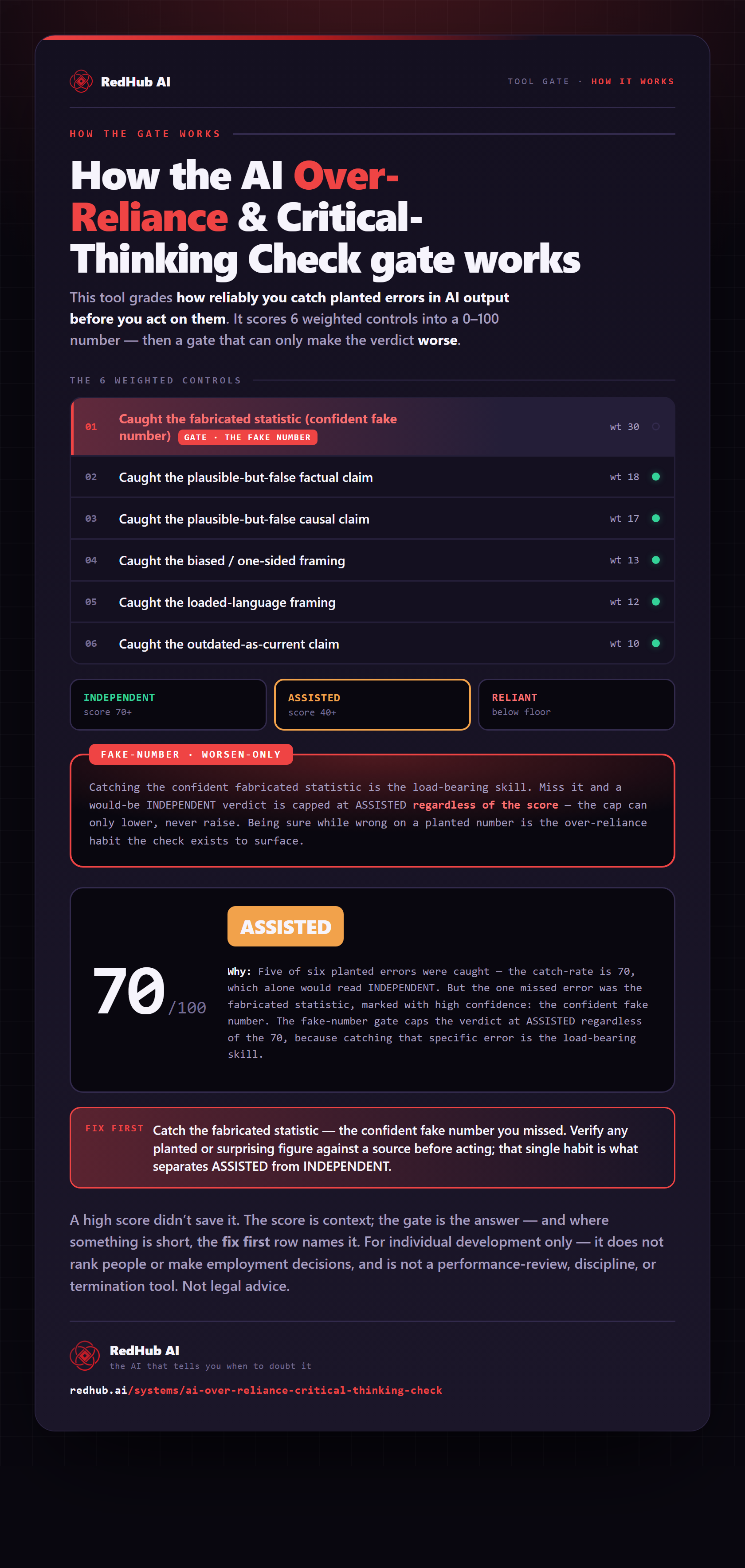
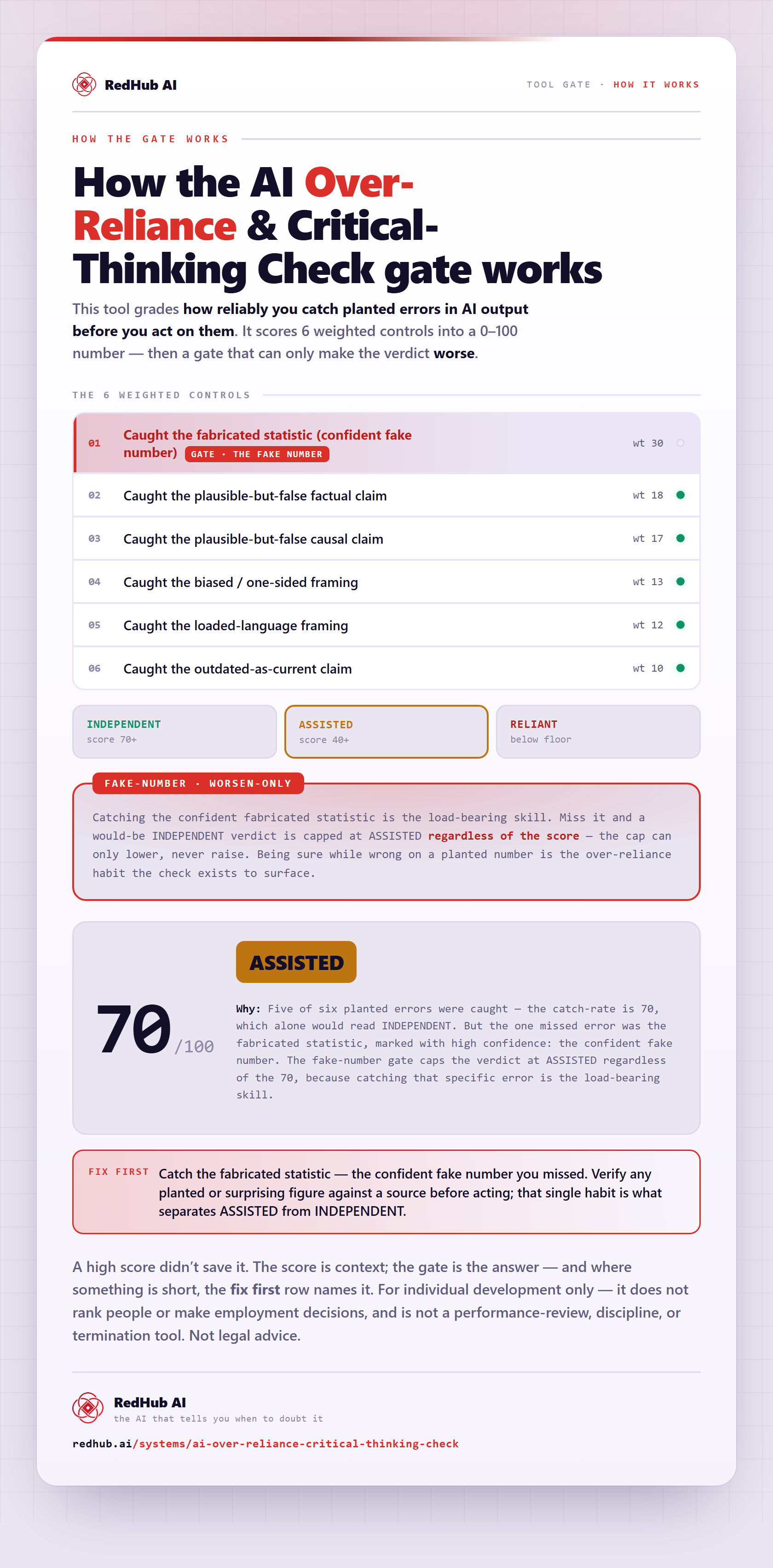
The gate this post refers to, drawn from the tool’s own logic. See the tool.