How to Profile a Dataset Before You Analyze It (the Step Everyone Skips)
RedHub AI Editorialupdated October 5, 20265 min read

Jump to a section9
Data profiling is a structural check of a dataset before you ask what it means: the type of each column, where the gaps are, the range of values, duplicate rows, and how many rows sit in each segment you plan to compare. With AI doing the legwork it takes minutes. Skip it, and the conclusions that follow arrive with no way to tell a solid finding from one built on eight rows.
TL;DR: Profiling maps column types, missing values, ranges, duplicates and the sample size per segment before you ask AI for any conclusion. It tells you which later findings to trust and which to treat as thin. It cannot tell you whether the values were right at the source, so a clean profile is a floor, not a pass. The AI Data Analysis Starter Kit ($79) runs a data health check before any insight.
What profiling covers
Profiling is a structural pass that happens before any interpretation. It asks what type each column is (number, date, category or free text), where the gaps are, what range the values cover, and how many rows exist in each segment you are about to compare. None of that tells you what the data means yet. It tells you how much weight the meaning can bear once you find it.
What skipping it costs
Jump straight to "what trends do you see" and AI will compare a segment with 400 rows to one with 9, present both findings with equal confidence, and never mention the imbalance unless you knew to ask. A profile surfaces "this segment only has 9 rows" before that segment quietly carries a conclusion three steps later.
A five-part profile
- Column types. Dates should read as dates and numbers as numbers. A date stored as text won't sort or calculate correctly, and AI won't always flag the mismatch.
- Missing values. Which columns have gaps, and how many? A column that is 40% empty deserves a different level of trust than a complete one.
- Ranges and outliers. Check the minimum and maximum, and whether anything looks like a data-entry error rather than a real value.
- Sample size per segment. Before comparing groups, know how many rows each one holds.
- Duplicates and near-duplicates. Repeated rows can inflate a total or skew an average without any sign in the result.
How to prompt for a profile, not a summary
"Summarize this spreadsheet" gets you a narrative. A profile needs a structural answer, so ask for one: "For each column, report its type, the count and percentage of missing values, and the range. For each category or segment, report the row count. List duplicate rows. No conclusions yet." Upload the file to a tool that runs code so the counts are calculated, and you get a table you can act on instead of a paragraph to take on faith.
What a clean profile can't tell you
A profile checks shape, not truth. Picture a CRM export where every deal has a close date, every date is a real date, and the range looks sensible. The profile passes. But if the sales team updates the close date only when someone remembers, the column is complete and wrong, and nothing in the file shows it.
Only someone who knows how the data was entered can catch that, which means asking the people who fill in the fields. A profile tells you where the data is thin or broken. It stays silent on errors that look tidy. And if the file is a financial model full of formulas rather than a data export, profiling is the wrong tool. Our guide on how to audit a spreadsheet you didn't build covers the formula layer.
What a good profile changes downstream
- Thin segments get labeled as hypotheses before any trend claim is made about them.
- Findings that depend on a column with heavy gaps carry a caveat.
- Obvious outliers get investigated or excluded before they skew an average.
- Date and number columns calculate correctly instead of sorting as text.
The step order that works
Profile, then analyze, then verify. Profiling tells you what you are working with. Analysis suggests what it might mean. Verification checks whether the analysis is right. Most bad AI-assisted analysis comes from collapsing all three into one prompt and reading the output as if each step had happened separately. Our post on AI for data analysis shows which of those steps AI handles well on its own.
Run the health check before the first insight
The AI Data Analysis Starter Kit's Data Health Check reports row and column counts, missing values by column, duplicates, mixed types and likely entry errors, then ends READY or FIX FIRST with the fixes ranked. The master prompt reports data health before any insight. Bring your own assistant, as long as it can run code on an uploaded file. One-time $79.
Get the AI Data Analysis Starter Kit — $79Pairs well with
If your dataset is coming out of PDFs, invoices or receipts, the AI Document Extraction Kit ($99) extracts it into structured fields and marks low-confidence, missing or invalid ones REVIEW instead of guessing. The Document Field Validator ($79) then checks each extracted record against fixed rules for format, range, required fields and cross-field math, returning PASS, REVIEW or REJECT. If the data comes from more than one system, the Multi-Source Data Reconciliation Engine ($89) classifies every key AGREED, DISPUTED or INCOMPLETE before you profile it.
More in this guide
Can I trust AI's profile of my dataset without checking it?
Spot-check it. Confirm the column types, row counts and missing-value figures it reports against a quick look at the raw file, especially on a large or messy spreadsheet.
What does "profiling a dataset" actually mean?
A structural pass before any interpretation: column types, missing values, value ranges, sample size per segment and duplicates. It tells you how much to trust the analysis that follows, not what the data means.
Why does skipping profiling lead to bad conclusions?
Without it, AI will compare segments of wildly different sizes, miss columns that are mostly empty, and let outliers skew an average, all in the same confident tone as a well-supported finding.
Does a clean profile mean my data is accurate?
No. A profile checks shape: types, gaps, ranges and counts. A column can be complete and correctly typed and still be wrong at the source, so ask the people who enter the data how each field gets filled in.
What's the right prompt to get a real profile instead of a generic summary?
Ask for specifics per column (type, missing-value count, range) and per segment (row count), and say "no conclusions yet." Asking it to "summarize" the spreadsheet produces a narrative instead of a structural answer.
Does the AI Data Analysis Starter Kit include a profiling step?
Yes. Its Data Health Check is a quality-only pass that ends READY or FIX FIRST, and the master prompt reports data health before any insight, with a confidence level on every finding and small-sample flags. $79, one-time, with eight focused prompts and a 24-question bank.
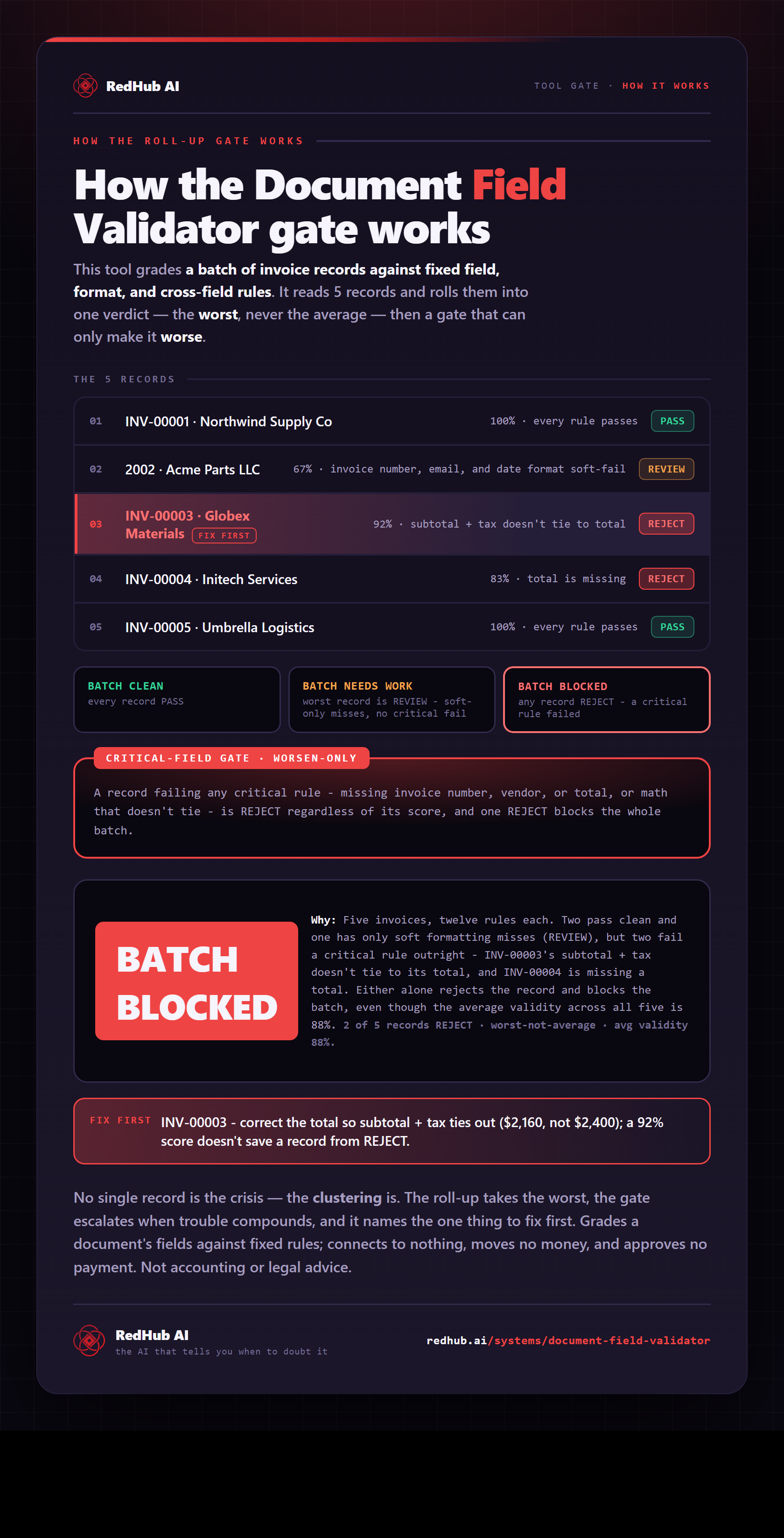
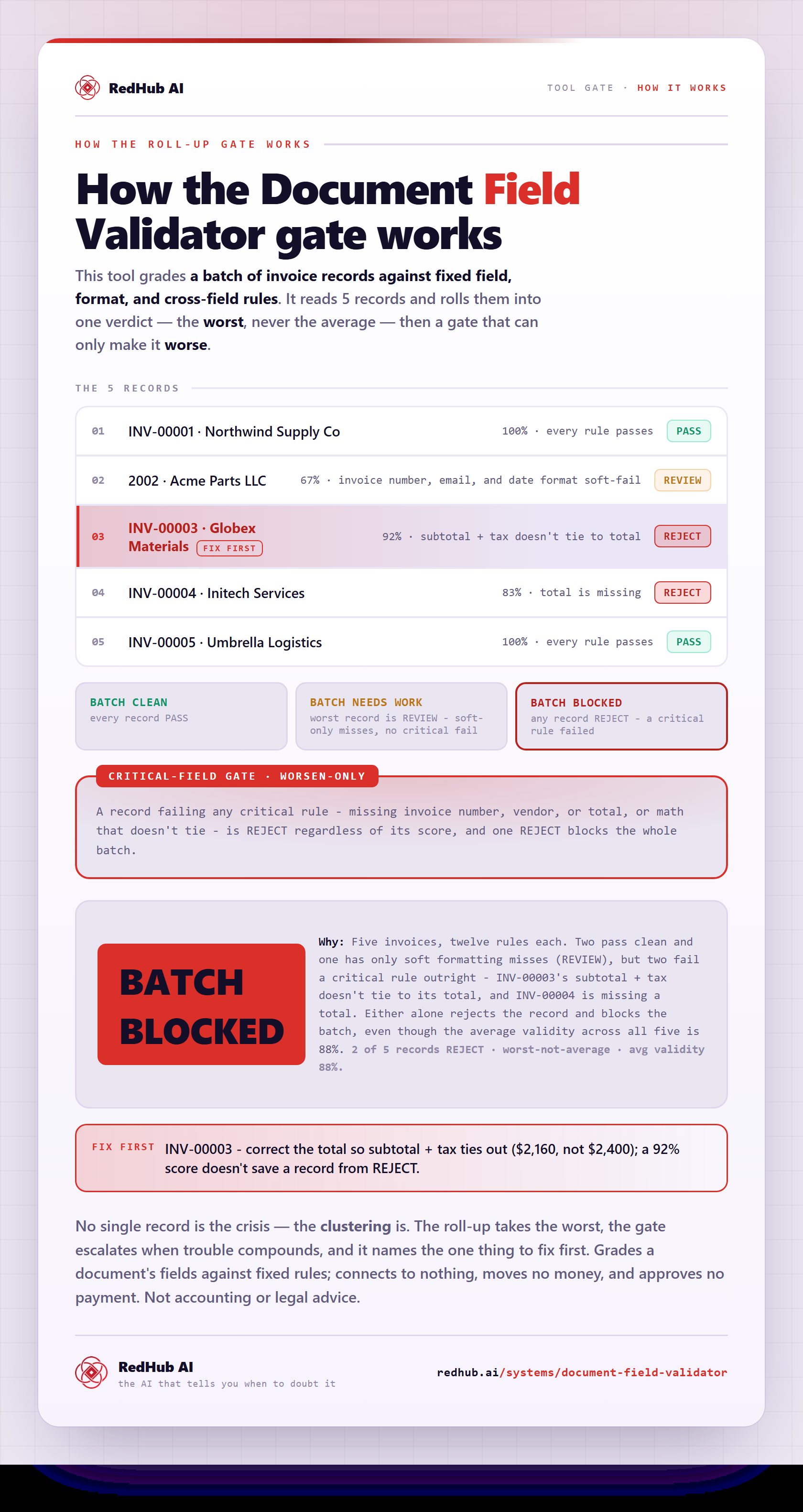
The gate this post refers to, drawn from the tool’s own logic. See the tool.