What Are Core Web Vitals? LCP, INP, and CLS in Plain English
RedHub AI Editorialupdated October 5, 20266 min read

Jump to a section7
The short answer to what are Core Web Vitals: they are three measurements Google uses to judge how a page feels to a real visitor. LCP tracks how fast the main content shows up. INP tracks how quickly the page responds to a tap or click. CLS tracks whether things jump around while it loads. They are three separate report cards, not one speed score, and a page can pass two and still fail the third.
TL;DR: LCP measures loading, INP measures responsiveness, and CLS measures visual stability. Google's web.dev rates each one good, needs improvement or poor, judged at the 75th percentile of real page loads. Each breaks for a different reason. For whether any of it touches your sales, read the pillar guide on Core Web Vitals and revenue.
LCP: Largest Contentful Paint (loading)
LCP measures how long the biggest visible element on the page takes to render. That is usually a hero image, a product photo or a large block of text. It is the closest metric to "did this page feel loaded" from a visitor's side. Google's web.dev guidance (opens in a new tab) calls 2.5 seconds or less good, more than 4 seconds poor, and anything in between "needs improvement."
LCP problems usually come from one of three places: an image that is too heavy, a slow server response before anything can start, or CSS and JavaScript that block the browser from painting. Picture an 8MB hero photo straight off a camera. The browser has to download the whole file first, then it can show the thing the visitor came to see.
INP: Interaction to Next Paint (responsiveness)
INP officially replaced First Input Delay on March 12, 2024, according to Google's web.dev announcement. FID only timed the first interaction, and only the wait before the browser started to respond. INP watches every click, tap and key press during the visit, times each one until the screen visibly updates, and reports the slowest, ignoring outliers.
Web.dev's thresholds: 200 milliseconds or less is good, more than 500 milliseconds is poor, and the band between needs improvement. INP tends to break on pages loaded with third-party scripts such as chat widgets, ad trackers, review embeds and analytics tags. A site running a dozen marketing plugins can look fast on first load and still feel laggy at the first click, because the browser's main thread is busy running scripts instead of answering the visitor.
CLS: Cumulative Layout Shift (visual stability)
CLS measures how much content moves without warning. You have felt it: you reach for a button, an ad loads above it, and the page shoves down so you tap the wrong thing. Web.dev defines CLS as the largest burst of unexpected shifts during the page's whole life, where a burst is a run of shifts less than a second apart, capped at five seconds.
The thresholds: 0.1 or less is good, above 0.25 is poor. CLS has no unit. It is a score built from how much of the screen moved and how far. The usual culprits are images and ads with no reserved size, web fonts that swap in and reflow text, and content injected above what is already on screen. A newsletter banner that slides in above the headline three seconds after the page looks finished is the classic case.
How Google measures these
There are two kinds of Core Web Vitals data, and mixing them up causes most of the confusion. Field data comes from real Chrome users visiting your site, collected in the Chrome UX Report (CrUX), and it feeds Search Console's Core Web Vitals report. Google's Search Central documentation says "Core Web Vitals are used by our ranking systems," and the report you check is built on field data. Lab data comes from one simulated visit in a tool like Lighthouse. It is useful for debugging a single page, but it is one test on one simulated connection.
Small sites hit a snag here. Field data only exists when enough Chrome users visit. Google's Search Console help says that when there is not enough CrUX data for a device type, the report shows "No data available." In that case you are left with lab numbers and your own judgment, and no field grade exists to fix toward yet.
What this looks like on a real page
Take a mid-size Shopify store selling home goods. The product page loads a 4MB unresized hero photo, which is an LCP problem. It runs five marketing and review scripts that all fire on load, which is an INP problem. And a "free shipping over $50" bar pops in above the Add to Cart button two seconds after the page looks ready, which is a CLS problem. Compressing the photo fixes LCP and leaves the other two failing.
An image-heavy blog looks different. It is usually fine on INP because there is little to click, often poor on LCP from uncompressed images, and sometimes poor on CLS when embedded videos or ad units have no reserved height. On a plugin-heavy WordPress site, INP is usually the metric to watch, since every extra script competes for the main thread on every click.
- LCP: how long until the biggest element shows. Good is 2.5 seconds or less.
- INP: how fast the page answers a click or tap, across the visit. Good is 200 milliseconds or less.
- CLS: how much content jumps while loading. Good is 0.1 or less.
Fixing the failing metric, mostly without a developer, is covered in How to Improve Core Web Vitals Without a Developer.
Put a dollar figure next to each metric
The Core Web Vitals Revenue-Impact Gate is one spreadsheet. Paste each page's field LCP, INP and CLS plus your own traffic and conversion numbers. It grades every page PASSING, NEEDS WORK or BLEEDING by its worst metric and names the one to fix first.
Get the Core Web Vitals Revenue-Impact Gate — $49Pairs well with
The Website Lead-Leak & Form-Failure Gate ($49) checks whether the forms on your fast pages deliver the leads, from your own test submissions. The AI Search Brand-Presence Diagnostic ($49) runs a fixed prompt battery across AI engines and scores whether your brand shows up at all. The AEO Citation Audit & Optimizer Kit ($79) audits how citable your pages are to AI answer engines, with a five-axis rubric and a schema library.
More in this guide
What are the three Core Web Vitals?
LCP (Largest Contentful Paint) for loading, INP (Interaction to Next Paint) for responsiveness, and CLS (Cumulative Layout Shift) for visual stability.
What replaced FID as a Core Web Vital?
INP replaced First Input Delay on March 12, 2024, per Google's web.dev. FID timed only the delay before the first interaction. INP times the full response across every interaction in the visit.
What are good LCP, INP and CLS scores?
Google's web.dev calls LCP good at 2.5 seconds or less and poor above 4 seconds. INP is good at 200 milliseconds or less and poor above 500 milliseconds. CLS is good at 0.1 or less and poor above 0.25. Each is judged at the 75th percentile of page loads.
What's the difference between field data and lab data?
Field data comes from real Chrome visitors and powers Search Console's Core Web Vitals report. Lab data comes from one simulated test in a tool like Lighthouse. Lab data is good for debugging, but it does not show what your real visitors experience.
Why does Search Console say "No data available" for my site?
Google's help page says this appears when the property is new or when there is not enough Chrome UX Report data for that device type. Low-traffic sites often have no field data, so use lab tests for debugging until they do.
Do all three Core Web Vitals matter equally?
Each is graded on its own, and Search Console gives a URL group the status of its worst metric. A page with two good metrics and one poor one is still poor, so fix the failing one first.
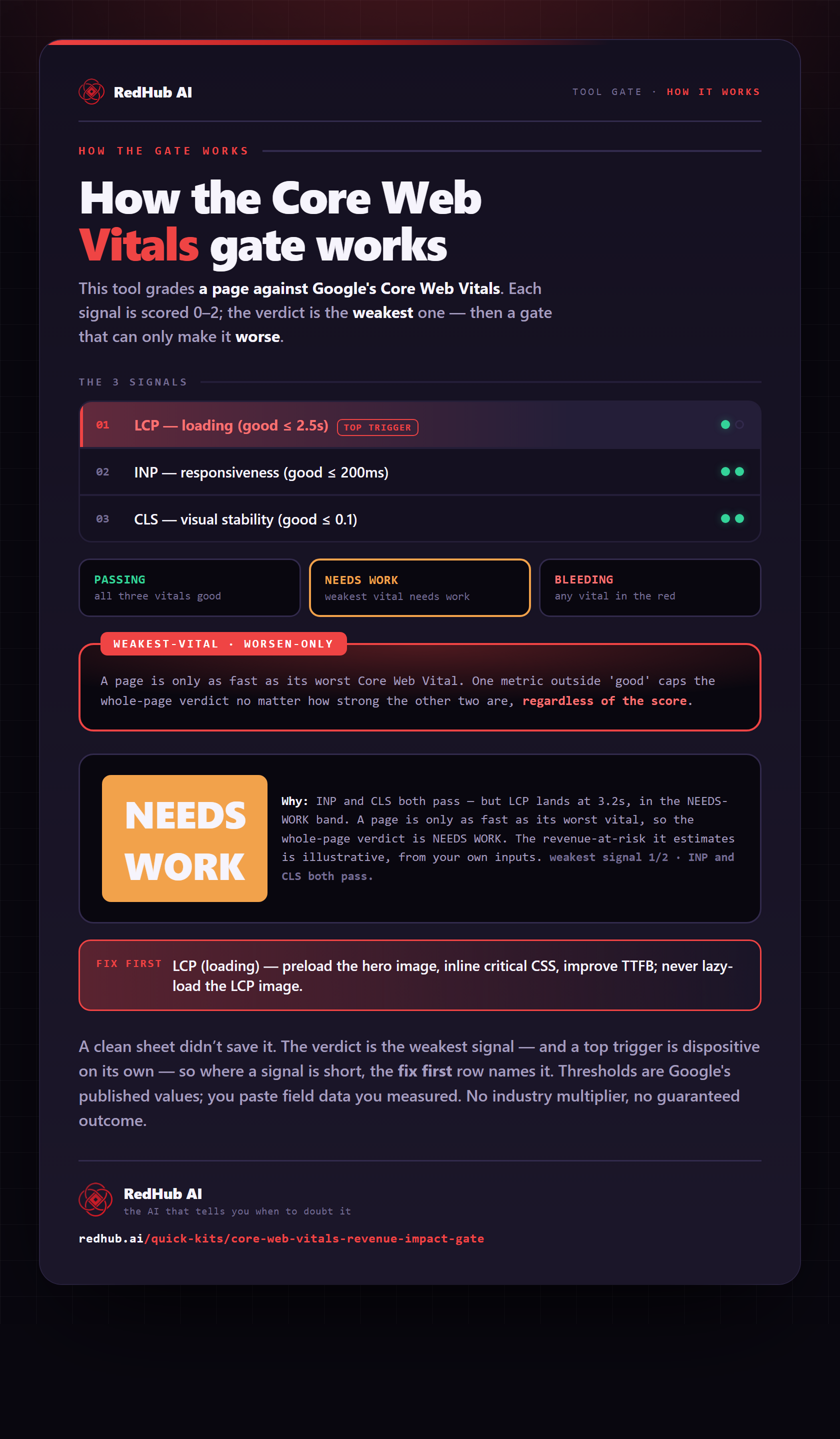
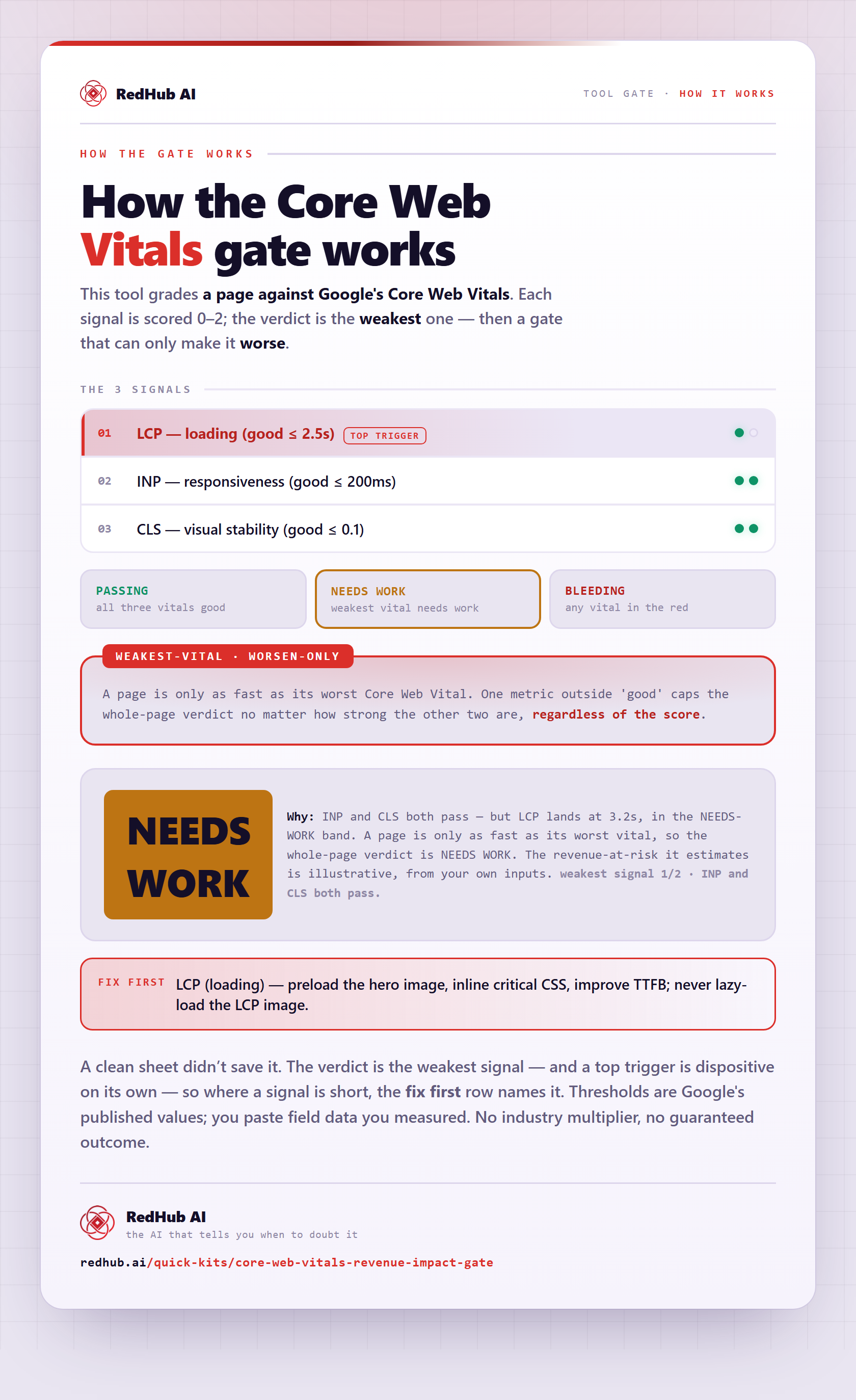
The gate this post refers to, drawn from the tool’s own logic. See the tool.