Why Your Data Doesn't Match Across Systems (and How to Fix It)
RedHub AI Editorialupdated November 5, 20266 min read

Jump to a section8
When data doesn't match across systems, the cause is usually one of four things. The systems identify the same record differently. They write the same value in different formats. They update on different schedules. Or one system holds the same thing twice. Most of these are not errors in anyone's data. They come from systems that were never built to agree, and each one has its own fix. The order you check them in matters, because the cheap causes explain most mismatches.
TL;DR: Check formatting first, then IDs, then timing, then duplicates. Fix formats and IDs before you compare, because no comparison can join two keys that are written differently. Treat a record missing from one system as a question about timing before calling it lost. Clear duplicates inside each source before reconciling across sources. The Multi-Source Data Reconciliation Engine ($89) shows which keys disagree and which are missing. It does not fix formats, IDs or duplicates for you.
Cause 1: The same value, written differently
This is the most common false alarm. The data agrees and the writing doesn't.
- Case and spaces. "Settled" and "settled ", or an ID with a trailing space.
- Amounts. "$1,200.00," "1200" and "1,200 USD."
- Names. "Acme Corp." and "Acme Corporation," or "Smith, John" and "John Smith."
- Dates. 03/04 is March 4 in one regional setting and April 3 in another, and both are valid.
The fix: clean the columns before you compare, not exception by exception afterward. Trim and lowercase text, strip currency symbols and unit labels from amounts, and convert every date to one format. Leave free-text names out of an exact comparison unless you have cleaned them to one spelling.
Cause 2: Different IDs for the same record
One system writes ORD-0042 and another writes ORD-42. One pads invoice numbers with zeros and one doesn't. One stores the processor's charge ID and another stores your order number. To any exact comparison these are different records, and each one looks like it is missing from the other system.
The fix: agree on one key that every system stores the same way, and rewrite the odd system's IDs into that form before the comparison. If no field is shared, add one: have billing pass its invoice number to the processor as metadata, so the next export carries it.
Cause 3: Timing
A payment lands on the bank feed on the 3rd and in the accounting system on the 5th. An order placed a minute before midnight on the last day of the month falls into different periods depending on each system's cutoff. Neither system is wrong. They run on different clocks.
The fix: timing usually shows up as a record that is present in some systems and missing from one. Before calling it lost, check whether it posts a day or two later. Widen the date range of each export by a few days so records near the edge appear in every source. If the same lag shows up every cycle, write it into the process so nobody investigates it as new each month.
Cause 4: Duplicates inside one system
A customer signs up twice with a mistyped email. A sales rep cannot find the existing contact and creates another. Now one customer is two records, and a comparison against a second system can go wrong two ways. The second system's single record matches one copy and the other copy looks missing. Or activity gets split between the copies and neither one agrees with anything.
The fix: clear duplicates inside each source before you reconcile across sources. Near-duplicates, the same person under two emails, need a person to decide which record to keep. Do not let a tool merge them unattended, because a wrong merge combines two customers' histories.
A worked example: what a comparison shows, and what it can't
Four orders from a CRM, a billing system and a fulfillment export, each with an amount and a status. The data is illustrative, with the problems planted on purpose:
| Order | What was planted | What the engine printed |
|---|---|---|
| ORD-0042 | Fulfillment wrote the ID as ORD-42 | ord-0042 INCOMPLETE, missing from fulfillment. ord-42 INCOMPLETE, missing from crm, billing |
| ORD-0043 | Billing wrote the amount as $310.00 | DISPUTED, conflict on amount |
| ORD-0044 | Billing wrote 1,500.00 and "Closed " with a capital and a trailing space | AGREED |
| ORD-0045 | CRM wrote "ord-0045 " in lowercase with a space. Fulfillment has no row | INCOMPLETE, missing from fulfillment |
That is the real output of the Multi-Source Data Reconciliation Engine on that file. It reads the set NOT RECONCILED and names ord-0043 as the key to fix first.
Read what it got right and what it left to you. It handled case, spaces and the comma, so ORD-0044 and ORD-0045 lined up across systems. It did not handle the two causes that need cleaning first. The short ID split one order into two keys, each reported missing from somewhere. And the dollar sign made billing's amount unreadable, so a $310.00 order with three matching amounts reads as a conflict. Both are format and ID problems that look like something else in the results. That is why cleaning comes before comparing.
Which of the four are you looking at?
Work through them in this order when a record does not line up:
- Formatting. Trim, lowercase, strip symbols, standardize dates. Does it match now?
- IDs. Is the same record carrying a differently written key in one system? Look for two "missing" records that are really one.
- Timing. Does the record appear if you widen the export by a few days?
- Duplicates. Does one system hold a second record with a similar name, email or phone?
If none of those explains it, you have a real exception. A person decides which system is right and corrects the wrong one at its source. For the steps that turn this into a routine, see the reconciliation process. For the CRM, billing and payments case specifically, see how to reconcile across systems. The overview is in the main guide to data reconciliation.
See which keys conflict and which are missing
The Multi-Source Data Reconciliation Engine reads every key AGREED, DISPUTED or INCOMPLETE across three or more exports you clean and supply, and, when a key falls short, names the key to fix first. It never edits your systems.
Get the Multi-Source Data Reconciliation Engine — $89Pairs well with
For cause 4, the Duplicate & Near-Duplicate Finder ($49) reads every row in one list UNIQUE, REVIEW or DUPLICATE and leaves the merge decision to you. If only two systems disagree, the Two-List Reconciliation Kit ($49) reads each key RECONCILED, EXCEPTION or ORPHANED. For invoices that don't match their purchase orders, the Invoice-PO-Receipt 3-Way Match ($79) checks each invoice line against the PO and the goods receipt.
More in this guide
Why doesn't my data match across systems?
Usually one of four causes: the same value written in different formats, different IDs for the same record, systems updating on different schedules, or duplicate records inside one system. Check them in that order.
What's the fastest way to fix formatting mismatches?
Clean every source before comparing. Trim and lowercase text, strip currency symbols and unit labels from amounts, and convert dates to one format. Doing it once, up front, beats patching each exception later.
How do I know if a mismatch is a timing issue?
A timing issue usually shows as a record present in some systems and missing from one. Widen each export's date range by a few days. If the record appears, it was timing. If the lag repeats every cycle, write it into your process.
How do duplicates cause reconciliation problems?
One customer stored twice can make one copy look missing from another system, or split activity so neither copy agrees with anything. Clear duplicates inside each source before reconciling across sources, with a person confirming any merge.
Does the Multi-Source Data Reconciliation Engine clean formats or merge duplicates?
No. It trims and lowercases keys, ignores case in text fields and reads commas in amounts. It does not fix currency symbols, dates, differently written IDs or near-duplicates, and it refuses a file where a key repeats within one source.
Should I fix the mismatch in one system or both?
Fix it in whichever system holds the wrong or outdated value. Correcting only the reconciliation table leaves the source wrong, and the same mismatch returns next cycle.
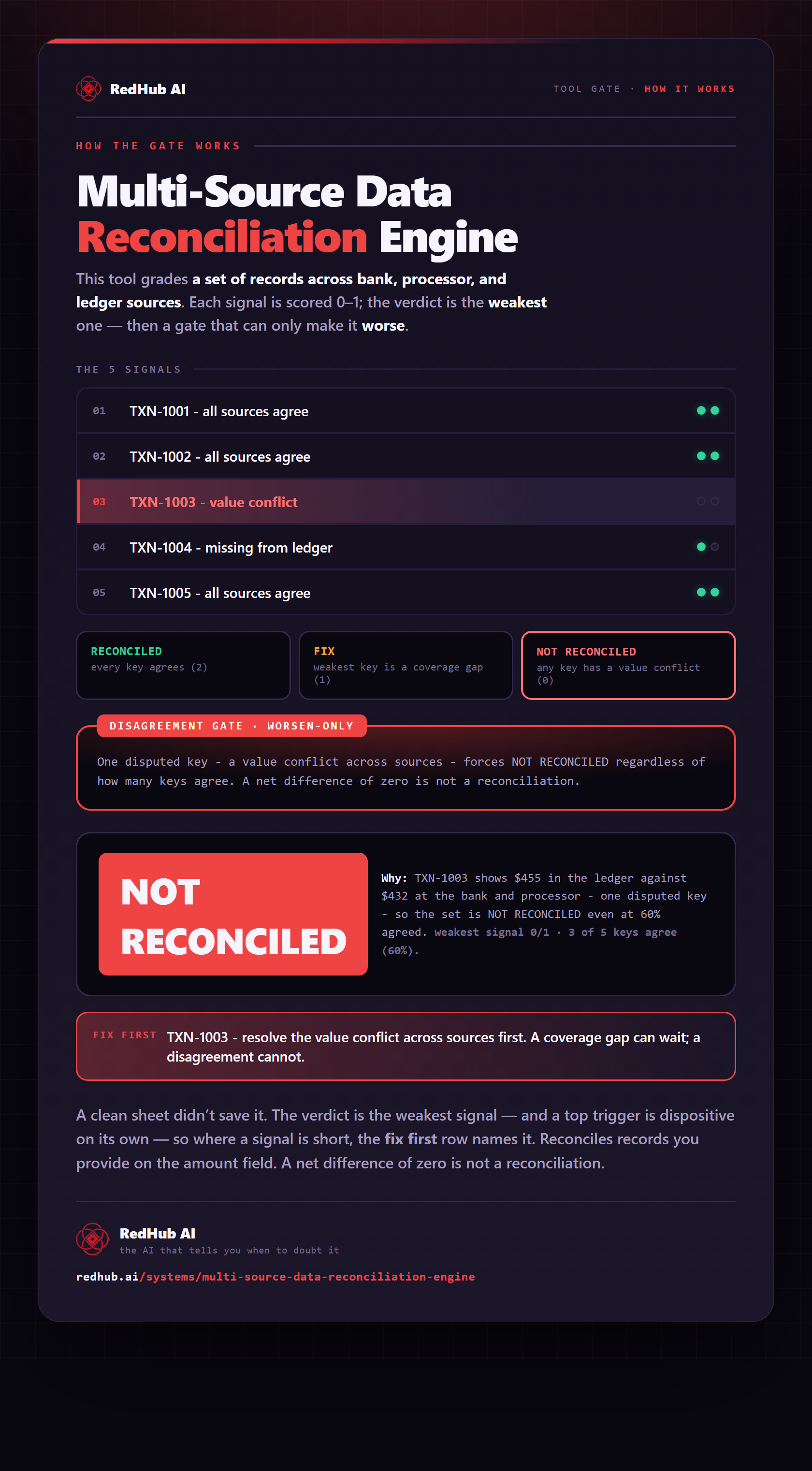
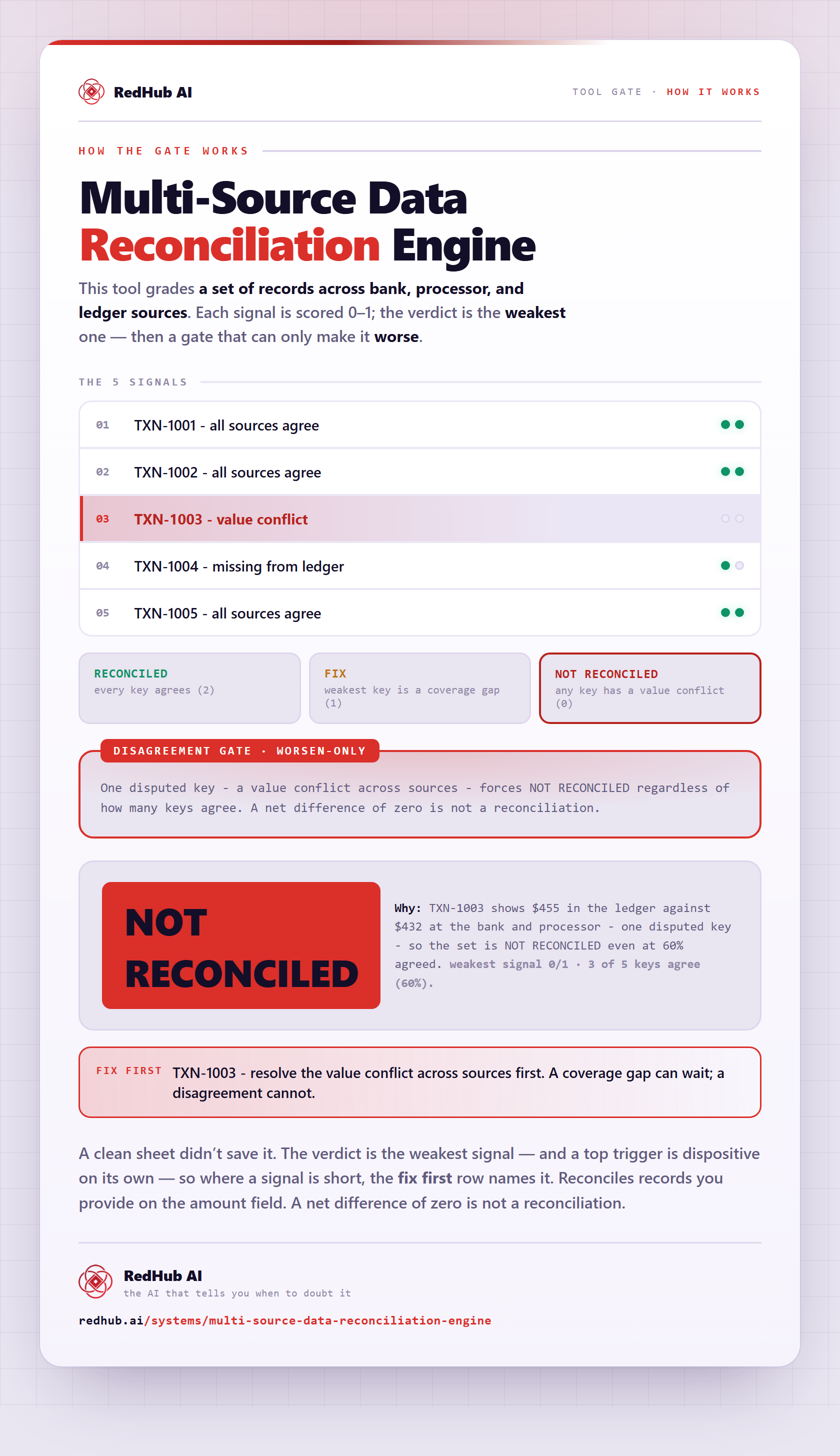
The gate this post refers to, drawn from the tool’s own logic. See the tool.