How Many Pricing Tiers Should You Have?
RedHub AI Editorialupdated September 20, 20265 min read

Jump to a section6
Most products should start with three pricing tiers — enough to create a real comparison and an anchor without asking the visitor to evaluate too many options at once — but the right number for you depends on how differentiated your actual buyers are, not a fixed rule. A single-person freelancer and a 50-person team buying the same software have different needs, and if your product genuinely serves both, one tier can’t honestly represent them. This guide walks through the tradeoffs at one, two, three, and four-or-more tiers, and how to tell which count fits your buyers instead of copying whatever a competitor happens to run.
TL;DR: Three tiers is the strongest default — it creates a comparison and an anchor without decision fatigue — but the right count depends on how different your buyer segments really are, not a rule to copy. The Pricing Page Performance Pack ($49) checks whether your tier count and framing actually fit your buyers. Related reading: pricing page design, pricing page best practices, and price anchoring.
Why the tier count is a real decision, not decoration
Every additional tier is a comparison the visitor has to make, and every comparison is a chance for them to hesitate and leave without deciding. But too few tiers means a buyer who would happily pay more sees no path to do it, and a buyer who needs less feels overcharged for features they’ll never touch. The right count balances those two costs against each other — it isn’t a stylistic choice, it's a tradeoff with a real answer for your specific buyers.
The tradeoffs at each tier count
| Tier count | Strength | Risk |
|---|---|---|
| One tier | Zero decision fatigue — the simplest possible page | No anchor, no upsell path, and it forces every buyer type into one price whether it fits them or not |
| Two tiers | Creates a basic comparison and anchor with minimal complexity | Can feel like an artificial upsell wall if the gap between tiers is mostly arbitrary feature-gating |
| Three tiers | Strong default — enables a clear recommended-tier anchor without overwhelming choice | Still fails if the tiers aren't genuinely differentiated by real buyer need |
| Four or more tiers | Fits products with genuinely distinct buyer segments (solo, team, business, enterprise) | Decision fatigue rises fast past four — each added tier needs to earn its place with a real, distinct buyer |
How to pick your count instead of guessing
- List your real buyer segments. Not aspirational ones — the actual distinct groups who buy today, based on team size, usage volume, or feature need.
- Count how many of those segments need genuinely different limits or features. If two segments would be happy with the identical feature set, they don’t need separate tiers — that's an artificial split.
- Check whether each tier has an honest reason to exist. A tier added purely to make another tier look better by comparison, with no real buyer it's built for, is decoration, not structure.
- Default to three unless you have a clear reason not to. It's the count with the strongest track record for balancing comparison against fatigue — move up or down only when your buyer segments genuinely demand it.
What changing your tier count can't promise
Going from two tiers to three, or trimming four down to three, is a structural change worth testing — but there's no universal number that lifts conversion for every product, and nobody can promise you a specific result before you try it on your own traffic. The right count is the one that matches how your actual buyers already think about the decision, which is a diagnosis, not a formula.
Pairs well with
If you're unsure whether your tiers are priced right in the first place — not just structured right — that's a separate question for Should I Raise My Prices? ($49). If restructuring your tiers means rewriting the surrounding offer copy, that's the job of the AI Offer & Landing-Page Conversion Kit ($79). And once a buyer picks a tier, the Checkout Friction & Abandonment Exposure Gate ($79) checks that the next step doesn't lose them.
More in this guide
How many pricing tiers should I have?
Three is the strongest default for most products — it creates a real comparison and anchor without overwhelming the visitor with choices. But the right number depends on how many genuinely distinct buyer segments you actually serve, not a fixed rule to copy.
Is one pricing tier ever the right choice?
Yes, if your buyers are genuinely similar in need and usage. A single tier removes decision fatigue entirely, but it also removes any anchor or upsell path, so it tends to leave revenue on the table if your buyer base is actually more varied than one price implies.
When should I add a fourth tier?
Only when you have a real, distinct buyer segment that the existing tiers don't serve well — typically an enterprise or high-volume buyer with different needs. Adding a tier purely to make another one look better by comparison is decoration, not structure.
Does more tiers always mean more revenue?
No. Past four tiers, decision fatigue tends to rise faster than the benefit of finer segmentation, and a visitor who can't quickly tell which tier fits them is more likely to leave without choosing any of them.
Should I copy a competitor's tier count?
Not directly. Their tier count was built for their buyer segments and price point, which may not match yours. Use their structure for ideas, then check it against your own real buyer segments before adopting it.
How do I know if my current tiers are structured right?
Check whether each tier has a real, distinct buyer it's built for, or whether some exist mainly to make another tier look better. The Pricing Page Performance Pack ($49) audits your tier structure against this exact question.
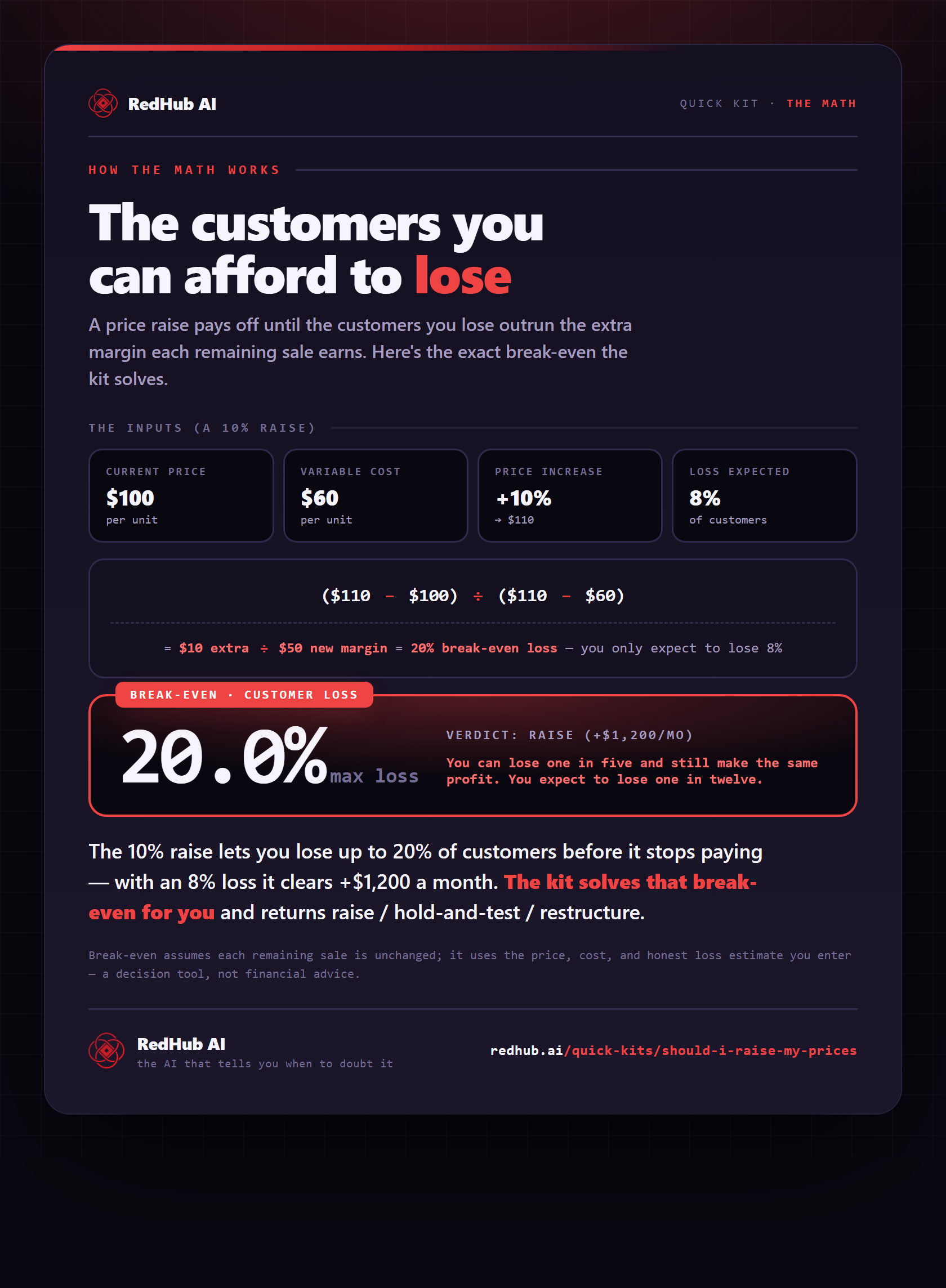
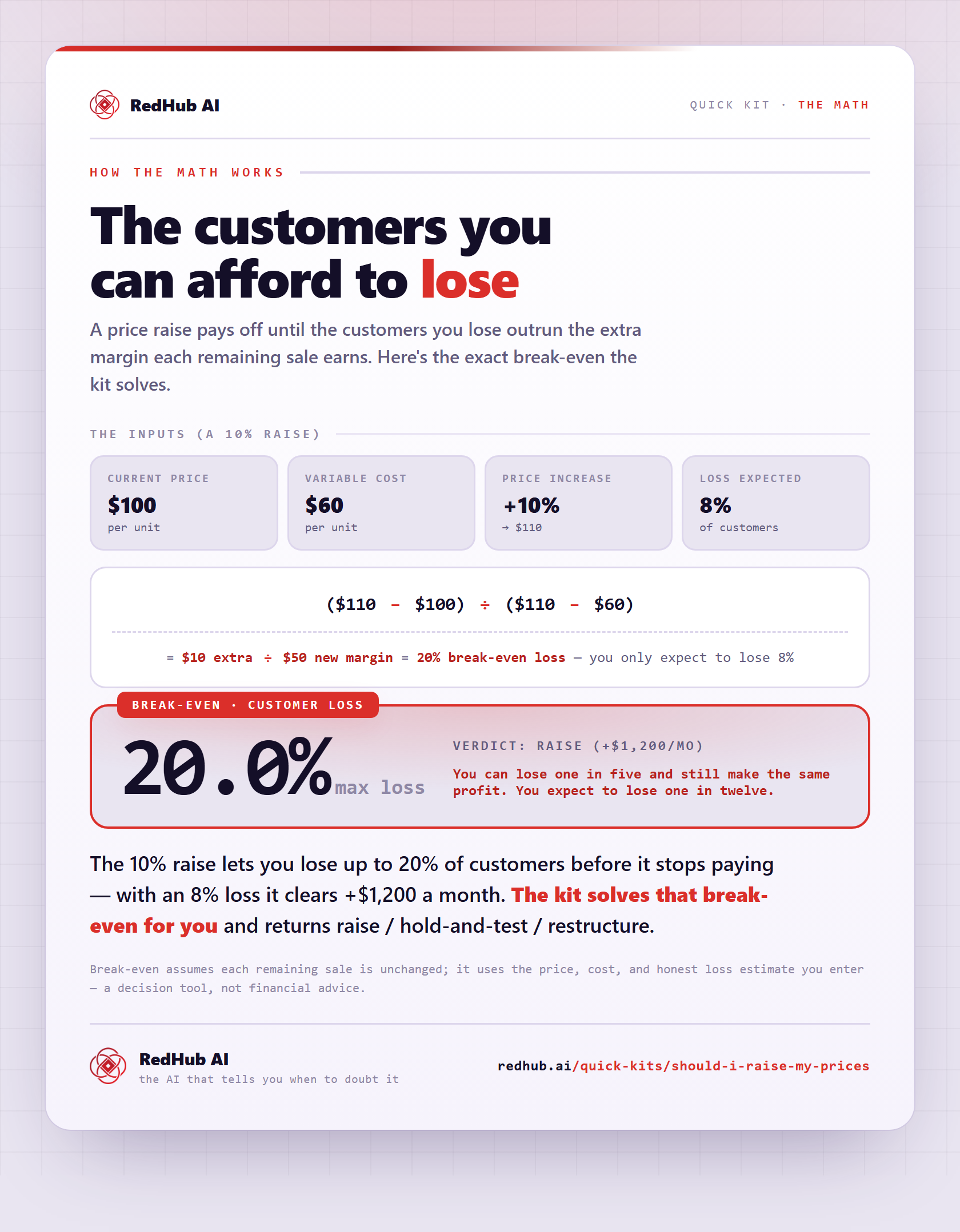
The gate this post refers to, drawn from the tool’s own logic. See the tool.