SaaS Pricing Pages: The Patterns the Good Ones Share
RedHub AI Editorialupdated September 20, 20265 min read

Jump to a section7
Good SaaS pricing pages share a handful of specific patterns beyond the general rules for any pricing page: a clear monthly-vs-annual toggle with real math shown, usage limits stated in plain numbers instead of vague terms like “unlimited,” a “Contact us” tier that leads to a real sales conversation, and trial or freemium framing that's honest about what happens when the trial ends. These are SaaS-specific because recurring billing and usage-based value create friction points a one-time-purchase product never has to solve. This guide covers the patterns unique to subscription software, on top of the general pricing page fundamentals.
TL;DR: Strong SaaS pricing pages get the toggle, the usage limits, the enterprise tier, and the trial-to-paid transition right — the recurring-billing-specific friction points a one-time product doesn't have. The Pricing Page Performance Pack ($49) audits these alongside the general structure and anchoring checks. This post is part of a guide that also covers pricing page design, pricing page best practices, and price anchoring.
Why SaaS pricing pages need their own rules
A one-time purchase page has one job: convince the visitor the price is fair for what they get once. A SaaS pricing page has to convince the visitor the price is fair every month, indefinitely, which means it also has to answer questions a one-time product never faces — what happens if I outgrow my plan, what happens when my trial ends, and am I locked in. Skip those and the page can look clean while still losing buyers to unanswered recurring-billing anxiety.
The four patterns worth getting right
| Pattern | What good looks like | What goes wrong |
|---|---|---|
| Monthly / annual toggle | Shows the real monthly-equivalent cost of the annual plan next to the actual monthly price, so the saving is a true number | A toggle that only shows a percentage discount with no dollar math to check it against |
| Usage limits | States exact numbers — seats, records, API calls — so a buyer can tell if a tier fits them before they sign up | Vague terms like “unlimited” or “generous limits” that hide a real cap the buyer discovers only after hitting it |
| Enterprise / Contact Us tier | A real path to a sales conversation for buyers with needs the visible tiers don't cover | A tier added purely to make the top visible price look cheap, with no actual sales process behind it |
| Trial-to-paid transition | States plainly what happens when the trial ends — auto-charge, downgrade, or a reminder first | Silence on the transition, which reads as an intent to auto-charge without warning |
Freemium vs. free trial: say which one you're running
These are different offers and conflating them on the page creates real confusion. A free trial is time-limited access to the full (or a close) product, after which payment is required to continue. Freemium is a permanently free tier with real, if limited, ongoing value, alongside paid tiers for more. A page that calls its free trial “free forever” or its freemium tier a “trial” sets the wrong expectation before the buyer even reaches the price. Name the offer accurately and the rest of the page can be built around it honestly.
Usage-based pricing adds one more layer
If your SaaS product bills by usage — seats, API calls, storage — the pricing page has an extra job: helping the visitor estimate their own likely cost before they commit. A raw per-unit price with no worked example forces the buyer to do math they may get wrong, and a wrong guess that turns into a bill shock is one of the fastest ways to lose trust after the sale. A simple, clearly hypothetical example (“for a team of 10 sending 5,000 emails a month, this would cost approximately”) does more for confidence than a bare rate card.
These patterns don't replace the fundamentals
Getting the toggle, the limits, the enterprise tier, and the trial disclosure right matters, but it sits on top of the same three jobs every pricing page has to do — comparison, anchoring, and friction removal. A SaaS page that nails the toggle but still has no marked recommended tier or a vague CTA is still an underperforming page. The Pricing Page Performance Pack ($49) checks both layers together, since a SaaS-specific fix rarely matters if the page's basic structure is already broken.
Pairs well with
If your subscription price itself needs a second look — not just the page presenting it — work that with Should I Raise My Prices? ($49). If your trial and onboarding messaging needs a rewrite beyond the pricing page itself, that's the AI Offer & Landing-Page Conversion Kit ($79). And once a trial converts to paid, the Checkout Friction & Abandonment Exposure Gate ($79) checks that the billing step itself isn't where you're losing people.
More in this guide
What makes a good SaaS pricing page different from any pricing page?
It has to answer recurring-billing questions a one-time product never faces — what happens at usage limits, what happens when a trial ends, and whether the buyer is locked in. Getting the monthly/annual toggle, usage limits, enterprise tier, and trial disclosure right on top of the general fundamentals is what separates a strong SaaS page from a generic one.
Should I show monthly or annual pricing first?
Either can work, but whichever you lead with, show the real math — the true monthly-equivalent cost of the annual plan next to the actual monthly price. A percentage-off badge with no dollar figure to check it against is a weaker, less trustworthy anchor.
Should I say "unlimited" on my pricing page?
Avoid it if there's a real cap the buyer will eventually hit. Stating exact numbers — seats, records, API calls — lets a buyer self-select the right tier honestly, instead of discovering the real limit only after they've hit it.
What's the difference between a free trial and freemium?
A free trial is time-limited full access that requires payment to continue after it ends. Freemium is a permanently free tier with real ongoing value alongside paid upgrades. Naming your offer accurately on the page sets the right expectation before the buyer reaches the price.
Do I have to disclose that a trial auto-converts to paid?
Yes, clearly and near the call to action, not buried in terms of service — it's both an honesty issue and, in some regions, a legal disclosure requirement. This is general information, not legal advice; confirm the specific rules for your markets.
How do I price usage-based SaaS tiers on the page?
Add a clearly labeled hypothetical example next to the raw per-unit rate — showing what a typical usage level would cost helps the buyer estimate their own bill instead of guessing and risking an unpleasant surprise later.
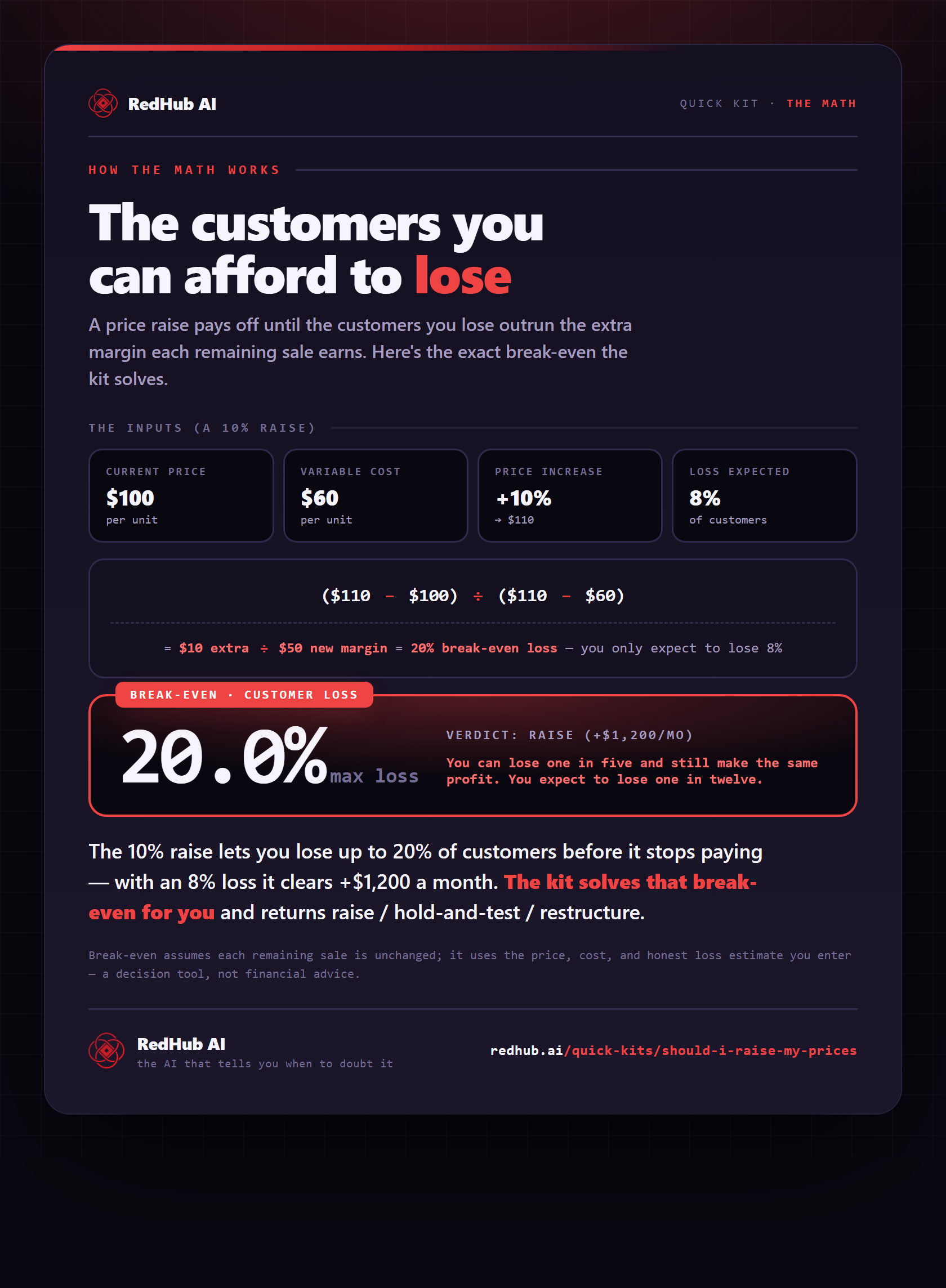
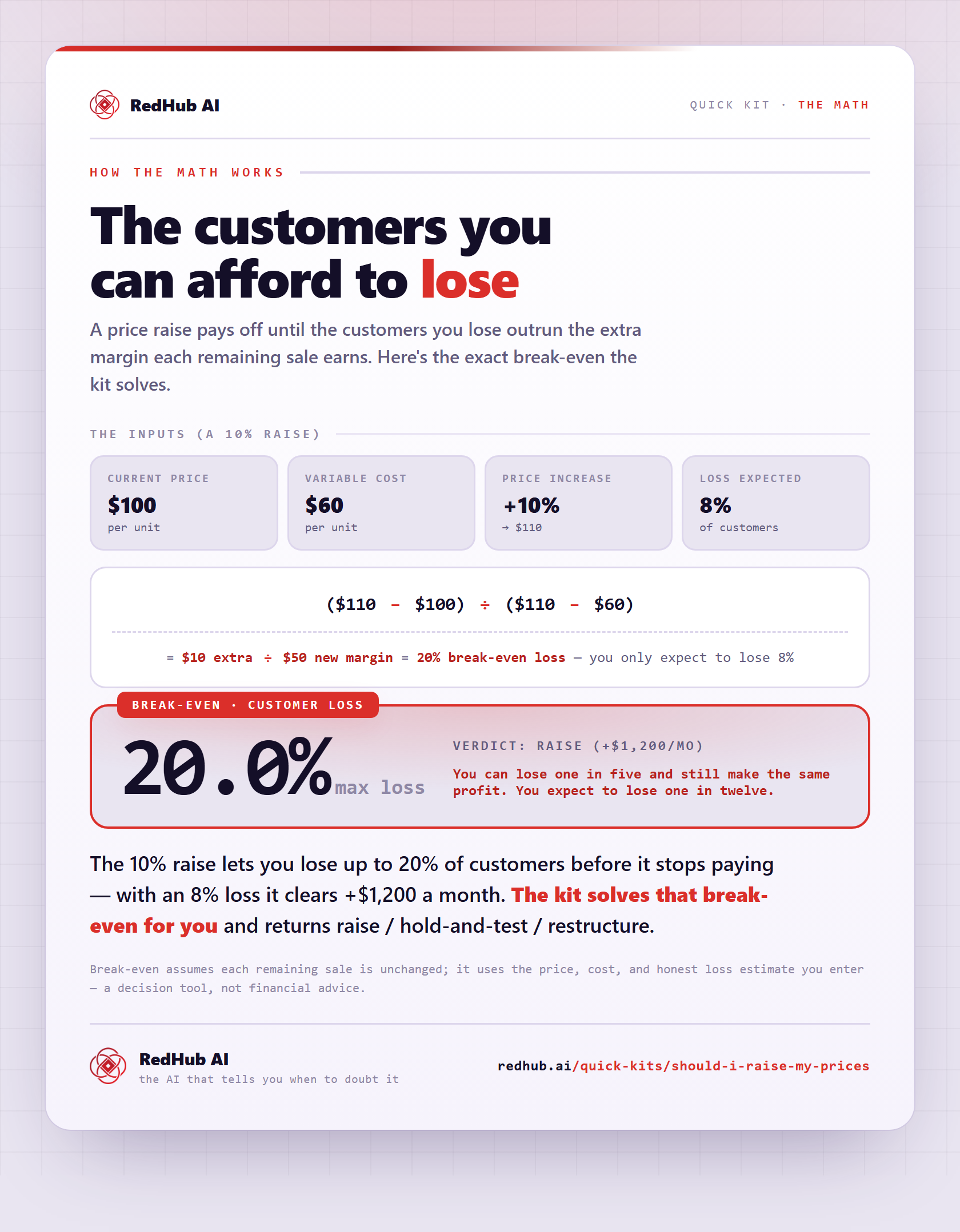
The gate this post refers to, drawn from the tool’s own logic. See the tool.