Price Anchoring: How Tier Framing Guides the Choice
RedHub AI Editorialupdated September 20, 20265 min read

Jump to a section6
Price anchoring is the effect where the first price a visitor sees on your pricing page shapes how they judge every price after it — a $299 tier makes a $79 tier look affordable, while the same $79 tier shown alone with nothing to compare it to just looks like a number. Tier framing is how you put that effect to honest use: arranging your plans so the comparison itself does the persuading, instead of leaving each price to stand or fall on its own. This guide explains how the effect actually works, where the line between honest framing and a dark pattern sits, and how to set an anchor that holds up.
TL;DR: Anchoring works because the first reference point a visitor sees shapes how they judge everything after it — used honestly, that means showing a real higher tier or a real annual-savings comparison, not a fake “was” price. The Pricing Page Performance Pack ($49) checks whether your page has an honest anchor at all. Related reading: pricing page design, pricing page best practices, and how many tiers to offer.
Why anchoring works
People are bad at judging price in a vacuum. Show someone a $79/month tool with nothing else on the page, and they have to decide, from scratch, whether $79 is fair for what it does — a hard, effortful judgment most people avoid making carefully. Show the same $79 tier next to a $199 tier with a couple more features, and the judgment gets easier: $79 now reads as the reasonable, accessible option relative to something real. That’s the anchor doing its job — not tricking anyone, just giving the brain a reference point it was going to reach for anyway.
Where honest anchoring becomes a dark pattern
The effect is well-documented and using it isn’t manipulative by itself. What makes it dishonest is when the reference point is fake. A struck-through “$199” that was never a real price you charged anyone is not an anchor — it’s a fabricated one, and buyers who later learn the “discount” was invented tend to feel it as a small betrayal, even if they still bought. The honest version only uses reference points that are true:
| Honest anchor | Dishonest version to avoid |
|---|---|
| A real higher tier shown alongside the target plan | A fake “enterprise” tier that exists only to make the middle tier look cheap |
| A genuine annual-vs-monthly savings comparison | A monthly price inflated specifically to make the annual discount look larger |
| A real “bought separately” total for a bundle | A struck-through list price that was never actually charged |
| Clearly marking your recommended plan as a suggestion | Hiding the cheapest tier entirely so visitors can’t find it |
Three honest anchoring patterns worth testing
- A genuine premium tier. Offer a higher tier that real customers actually buy — not a plan built to be rejected. Its real price gives the target plan an honest reference point and makes it look reasonable by comparison, because the tier is real, not bait.
- Annual framing with real math. Show the true monthly cost of the annual plan next to the actual monthly-billed price, so the visitor sees a real number, not a marketing percentage with no basis shown.
- The recommended-tier marker. A simple badge or highlighted border on one tier anchors attention and implies “most people land here” — use it honestly by actually recommending the plan that fits your typical buyer, not just your highest-margin one.
None of these guarantee a specific lift — anchoring is a real effect, but how much it moves your number depends on your price point and how your buyers already think about value. Treat each as something to test, not install and forget.
What to do if your page has no anchor at all
The most common problem isn’t a dishonest anchor — it’s no anchor whatsoever. Three tiers listed in a row with no marked recommendation, no real comparison, and no framing forces every visitor to build their own mental model of value from scratch, and most won’t bother. The Pricing Page Performance Pack ($49) checks specifically for this gap and suggests an honest reference point that fits your actual tier structure, rather than a generic template anchor that doesn’t match what you sell.
Pairs well with
If the real issue is that your price itself is too low or too high relative to the value delivered, anchoring can’t fix that — work it with Should I Raise My Prices? ($49). If your anchor needs to live inside a broader offer narrative, that copy work belongs to the AI Offer & Landing-Page Conversion Kit ($79). And once someone picks a tier, make sure the Checkout Friction & Abandonment Exposure Gate ($79) isn’t losing them on the next screen.
More in this guide
What is price anchoring?
Price anchoring is the effect where the first price a person sees shapes how they judge every price shown after it. A higher tier or a real comparison point makes your target price feel calibrated instead of arbitrary — it’s a well-documented psychology effect, not a trick.
Is price anchoring manipulative?
Not by itself. It becomes manipulative only when the reference point is fake — an inflated “was” price that was never real, or a decoy tier invented purely to distort the comparison. Honest anchoring uses real tiers, real math, and real recommendations.
How do I create an honest anchor on my pricing page?
Show a real higher tier, a genuine annual-savings comparison with actual numbers, or a true “bought separately” total. The test: if you'd be comfortable explaining exactly how the reference number was calculated to a customer, it's honest.
Does anchoring guarantee a conversion lift?
No. It's a real psychological effect, but how much it moves your specific number depends on your product, price point, and buyer. Treat any anchoring change as a test to run on your own traffic, not a guaranteed result.
Should I add a “decoy” tier to steer buyers?
No. A tier engineered purely to be rejected so another looks better is a choice-architecture trick, and buyers increasingly see through it. The honest version is a genuine premium tier that real customers actually buy — it anchors the comparison because it’s real, not because it’s bait.
My pricing page has three tiers with no anchor at all — where do I start?
Mark one tier as recommended and add a real comparison point — a genuine higher tier or a true annual-savings figure. The Pricing Page Performance Pack ($49) can diagnose which anchor fits your specific tier structure.
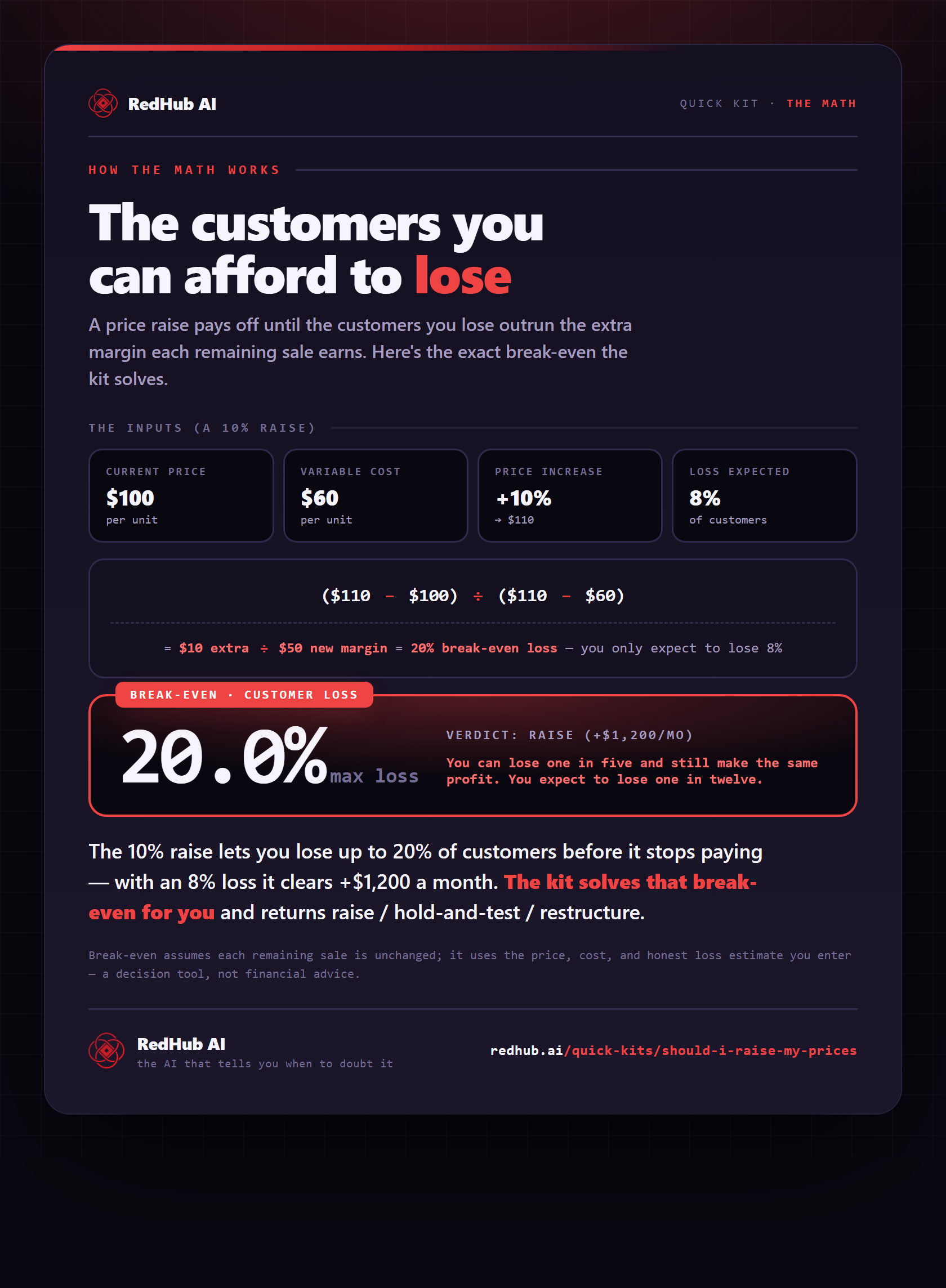
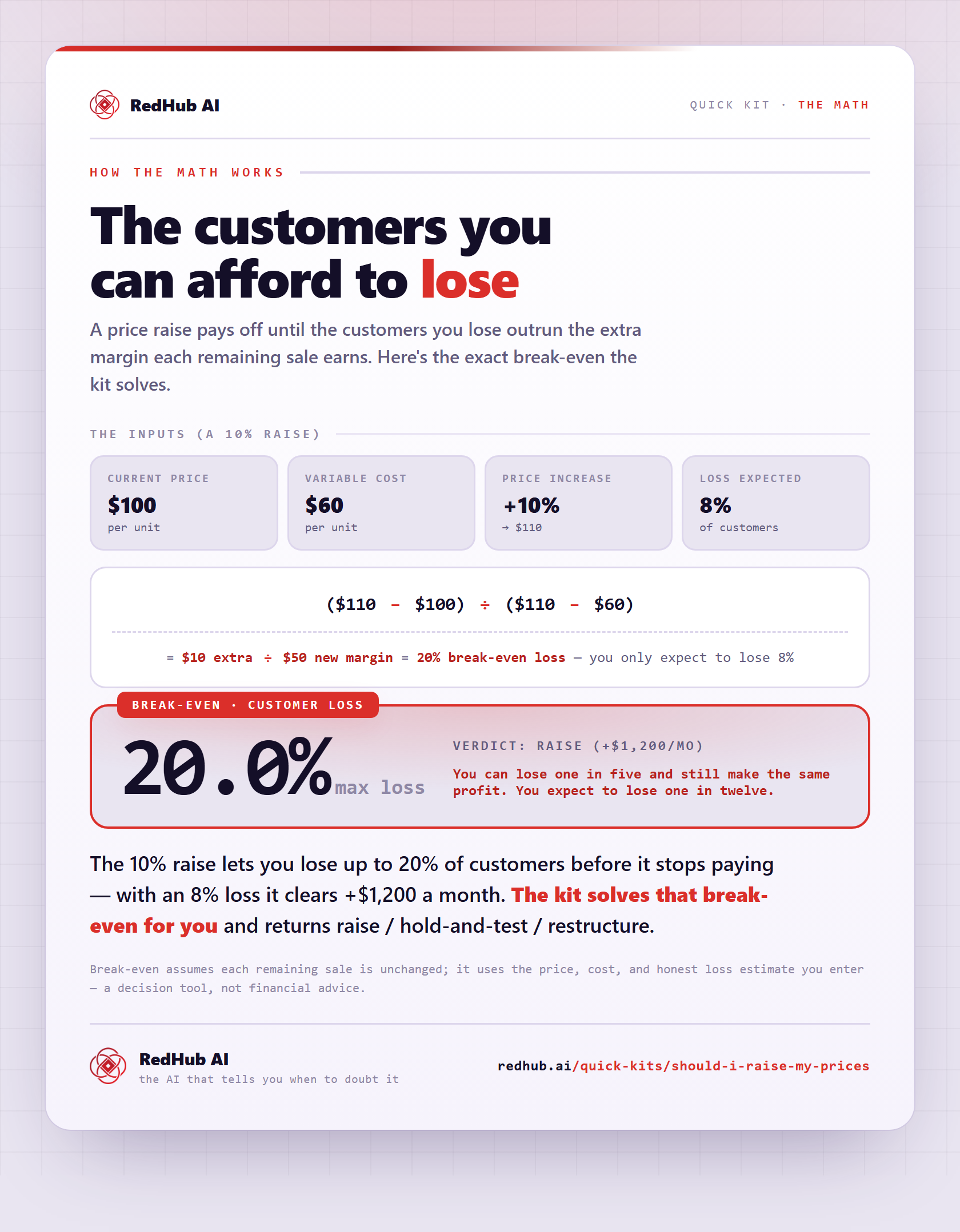
The gate this post refers to, drawn from the tool’s own logic. See the tool.