Pricing Page Best Practices That Actually Move Conversion
RedHub AI Editorialupdated September 20, 20265 min read

Jump to a section6
The pricing page best practices that actually move conversion are the ones grounded in reducing effort and adding clarity — a marked recommended tier, an honest anchor, a short objection-killing FAQ, and a CTA that states what happens next — not the trendy visual tricks that get copied from page to page without anyone checking if they work. A lot of “best practices” floating around are really just what one popular SaaS company did, repeated until it looks like a rule. This guide separates the practices with real psychological backing from the ones that are just decoration.
TL;DR: The best practices worth keeping reduce comparison effort and add honest clarity — a marked recommended tier, a real anchor, hidden-cost transparency, and a CTA that says what happens next. The ones worth dropping are visual copycats with no clarity payoff. The Pricing Page Performance Pack ($49) checks your page against the practices that hold up. This post is part of a guide that also covers pricing page design, price anchoring, and how many tiers to offer.
Why “best practices” lists disagree with each other
Search for pricing page best practices and you’ll find contradictory advice: always highlight the middle tier, sometimes highlight the top tier; always show annual pricing first, sometimes monthly; always use three tiers, sometimes four. The contradictions exist because most of these lists were written by looking at a handful of successful pages and reverse-engineering a rule from what they happened to do — not from testing the practice against an alternative. Some of what follows is genuinely well-supported by buyer psychology. Some of it is decoration that survived because nobody measured it.
Practices with real psychological backing
| Practice | Why it works |
|---|---|
| Mark one tier as recommended | Removes the burden of comparison — most visitors will default to the marked option rather than evaluate all of them equally |
| Show a real anchor (annual savings, a higher tier) | Gives the eye a reference point, so the target price reads as reasonable instead of arbitrary |
| Put every real cost in the price block | Trust breaks the moment a fee shows up later that wasn’t visible up front — surprise costs are one of the most common reasons carts get abandoned |
| State what the CTA actually does | “Start 14-day trial” removes the uncertainty of “Buy Now,” which reads as an immediate, unclear charge |
| Answer top objections on the page | A visitor who has to leave the page to find your refund policy may not come back — answer it before they have to ask |
Practices that are mostly cargo cult
Not everything that looks like a rule is one. A few examples worth questioning rather than copying blind:
- “Always use exactly three tiers.” Three is a reasonable default, not a law — the right count depends on how differentiated your buyers actually are. (Full breakdown in how many pricing tiers should you have.)
- “Charm pricing always wins” (ending prices in .99 or .97). This has mixed evidence outside consumer retail and can read as cheap or gimmicky for B2B software buying a $79/month tool. Test it rather than assume it.
- “Hide the lowest tier so people trade up.” This crosses from honest anchoring into a dark pattern — it works right up until a buyer feels tricked, and then it costs you the relationship, not just the sale.
- “Always show a countdown or scarcity banner.” Fake urgency for a SaaS product that isn’t actually running out of anything erodes trust the moment a visitor notices the timer resets on refresh.
How to know which practices apply to you
There is no universal “best” pricing page, so treat every item above as a hypothesis to test against your own traffic rather than a rule to install. What moves the number depends on your product, your price point, and how your buyers actually compare options — a $29/month tool and a $2,000/month platform don’t need the same page. The Pricing Page Performance Pack ($49) runs your specific page against the practices with real backing and flags where you’re relying on decoration instead, so you know what’s actually worth testing first.
Pairs well with
If your audit points at the price itself rather than the presentation, that’s a separate question worked with Should I Raise My Prices? ($49). If the fix involves your broader offer or landing-page copy, hand it to the AI Offer & Landing-Page Conversion Kit ($79). And once the page is clean, check the Checkout Friction & Abandonment Exposure Gate ($79) so a good pricing page isn’t undone by a clunky checkout.
More in this guide
What are the most important pricing page best practices?
Marking a recommended tier, showing an honest anchor, putting every real cost in the price block, and using a CTA that states what happens next. These reduce comparison effort and remove hidden friction, which is what actually moves buyers — not visual trends copied from other pages.
Are pricing page best practice lists reliable?
Only partially. Many were built by reverse-engineering a rule from a handful of successful pages rather than testing it. Treat every “always do this” claim as a hypothesis for your own traffic, not a settled fact.
Does charm pricing (.99 endings) work for SaaS?
The evidence is much weaker outside consumer retail. For a B2B software price like $79/month, a .99 ending can read as gimmicky rather than persuasive. It’s worth testing, not assuming.
Is hiding your cheapest tier a good practice?
No — it crosses from honest anchoring into a dark pattern. It can lift the average sale in the short term, but a buyer who later feels tricked into a higher tier tends to churn and talk about it, which costs more than it earned.
Should I copy a well-known SaaS company's pricing page?
Not directly. Their page was built for their product, buyer, and price point, which may not match yours. Use their page for ideas to test, not a template to install — there is no universal best pricing page.
How do I know which practices to prioritize first?
Start with the ones that fix a clear gap: no recommended tier marked, no anchor at all, or hidden fees. The Pricing Page Performance Pack ($49) ranks your specific fixes by likely impact so you're not guessing which to test first.
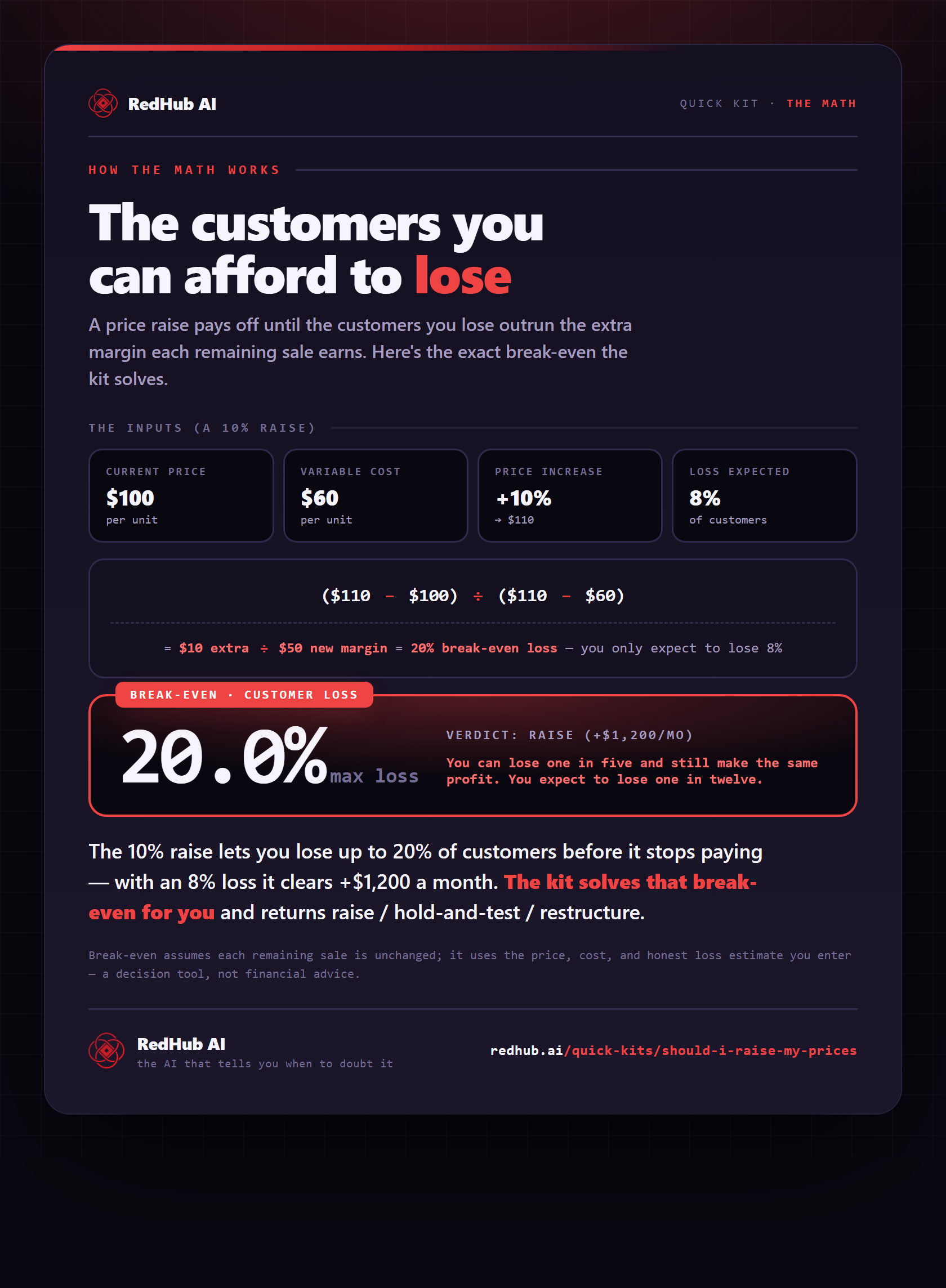
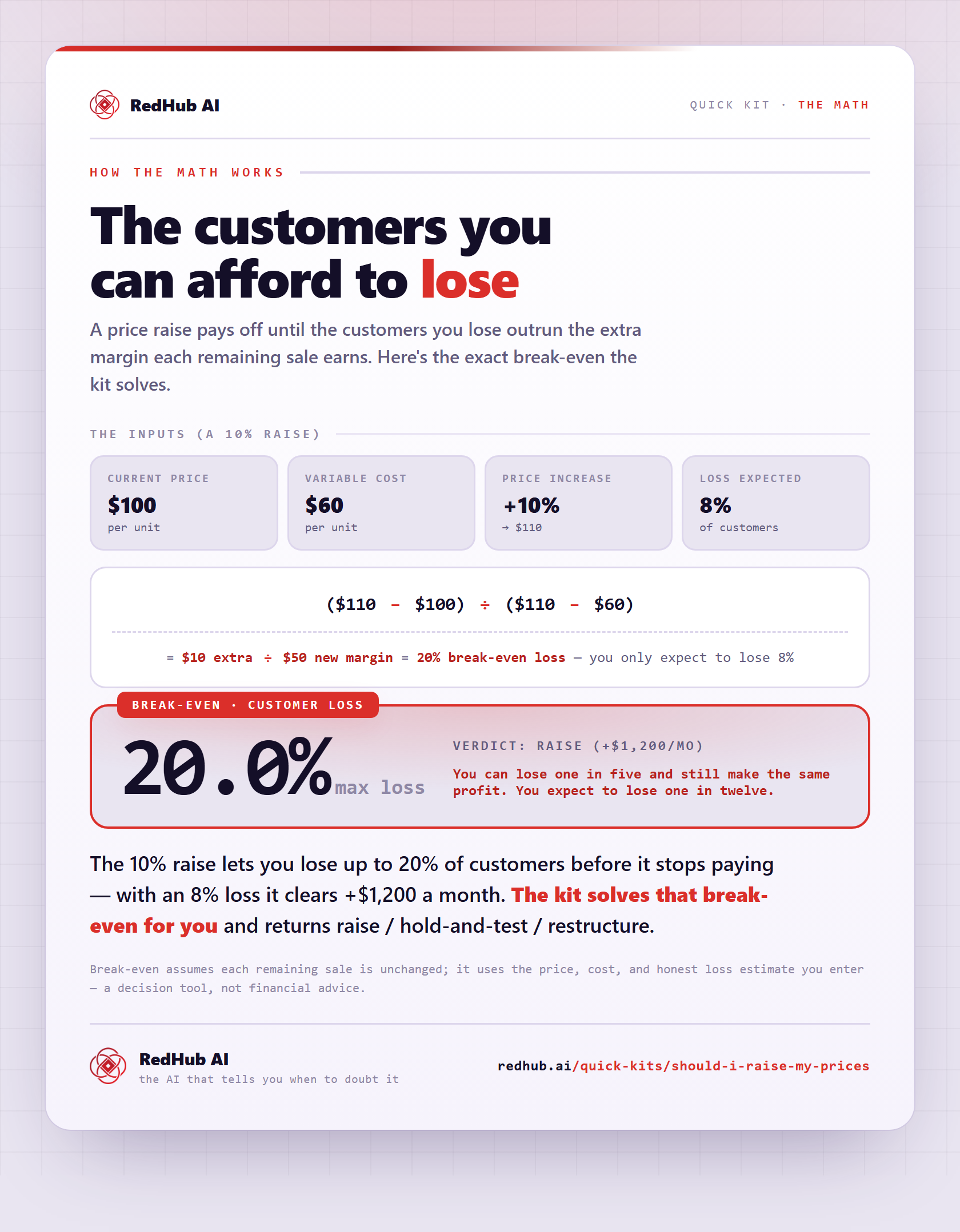
The gate this post refers to, drawn from the tool’s own logic. See the tool.