How to Automate Document Processing (Start Here)
RedHub AI Editorialupdated August 18, 20263 min read

Jump to a section7
TL;DR
- What it is: the practical starting point for turning a manual document process into an automated one.
- Who it's for: teams about to start a document-automation project — see intelligent document processing.
- How it works: diagnose the pipeline, pick one high-volume document type, fix the weak stage, then expand.
- Bottom line: don't start with a platform. Start with the one document type and the one stage that hurt most.
How do you start automating document processing?
You start by diagnosing, not buying. Score your current pipeline to find the stage that's actually the bottleneck, pick the single highest-volume document type to start with, fix that one weak stage for that one document type, prove it works, then expand. The most common mistake is starting with a big platform and trying to automate everything at once — which spreads effort thin and usually stalls on the stage nobody measured.
Best for: anyone scoping a first automation project. Score the pipeline first.
"How do I automate my document processing?" almost always gets answered with a tool recommendation. That's the wrong first move. The teams that succeed start narrow and diagnostic; the teams that stall start broad and buy a platform. Here's the sequence that works.
The start-here sequence
- Diagnose before you buy. Score your pipeline's six stages and find the weakest. This is the single highest-leverage 20 minutes in the whole project — it stops you automating the wrong step.
- Pick one document type. The highest-volume, most-repetitive one — invoices, applications, claims, whatever floods your team. One type, not all of them.
- Fix the weak stage for that type. A specific fix for the one bottleneck, on the one document type. Small, provable, real.
- Prove it, then expand. Measure the before-and-after on that slice, then apply the pattern to the next document type or the next stage.
Why narrow wins: a small automation that fully works beats a big one that half-works. One document type, one fixed stage, proven — then repeat. Breadth is the reward for a working first slice, not the starting point.
The trap: starting with a platform
Big document-automation platforms are built to do everything, which is exactly why a first project drowns in them. You spend the budget on capability you won't use for months, configure five stages when only one was broken, and can't point to a clear win. Start with the specific fix for the specific bottleneck; reach for a platform only once you've outgrown the specific fixes — which is a good problem to have and a much later one.
Where to start, concretely
Once the Pipeline Diagnostic names your weak stage, the fix is specific: a classification jam is the classify-and-route kit; the reading stage is the extraction kit; unchecked data is the field validator. Each is a start-here fix for one stage, not a platform to configure.
Start where it actually hurts
Score the pipeline, find the weak stage, and get routed to the specific first fix — no platform required.
Get the Pipeline Diagnostic — $79 →This is the on-ramp. The full pipeline picture is in the intelligent document processing guide.
Decision Guide
Start now if: a repetitive document type is clearly eating your team's time.
Diagnose first if: you can't name which stage is the jam — buying blind wastes the budget.
Best first step: score the pipeline, pick one document type, fix one stage, prove it.
Common Questions
How do I start automating document processing?
Diagnose the pipeline first, pick one high-volume document type, fix the weakest stage for it, prove it works, then expand. Don't start with a platform.
Which document type should I automate first?
The highest-volume, most-repetitive one. A single type flooding your team gives the clearest, fastest win.
Should I buy a document automation platform?
Not to start. A specific fix for the one broken stage beats a platform you'll barely use. Reach for a platform only once you've outgrown the specific fixes.
Why do document automation projects fail?
They start too broad — automating everything at once and stalling on the stage nobody measured. Narrow and provable wins.
How do I know which stage to fix?
Score the pipeline. The lowest-scoring stage is the constraint; fixing anything else spends money without moving the backlog.
How fast can I show a result?
Fast, if you go narrow — one document type and one stage produce a measurable before-and-after quickly, which funds the next slice.
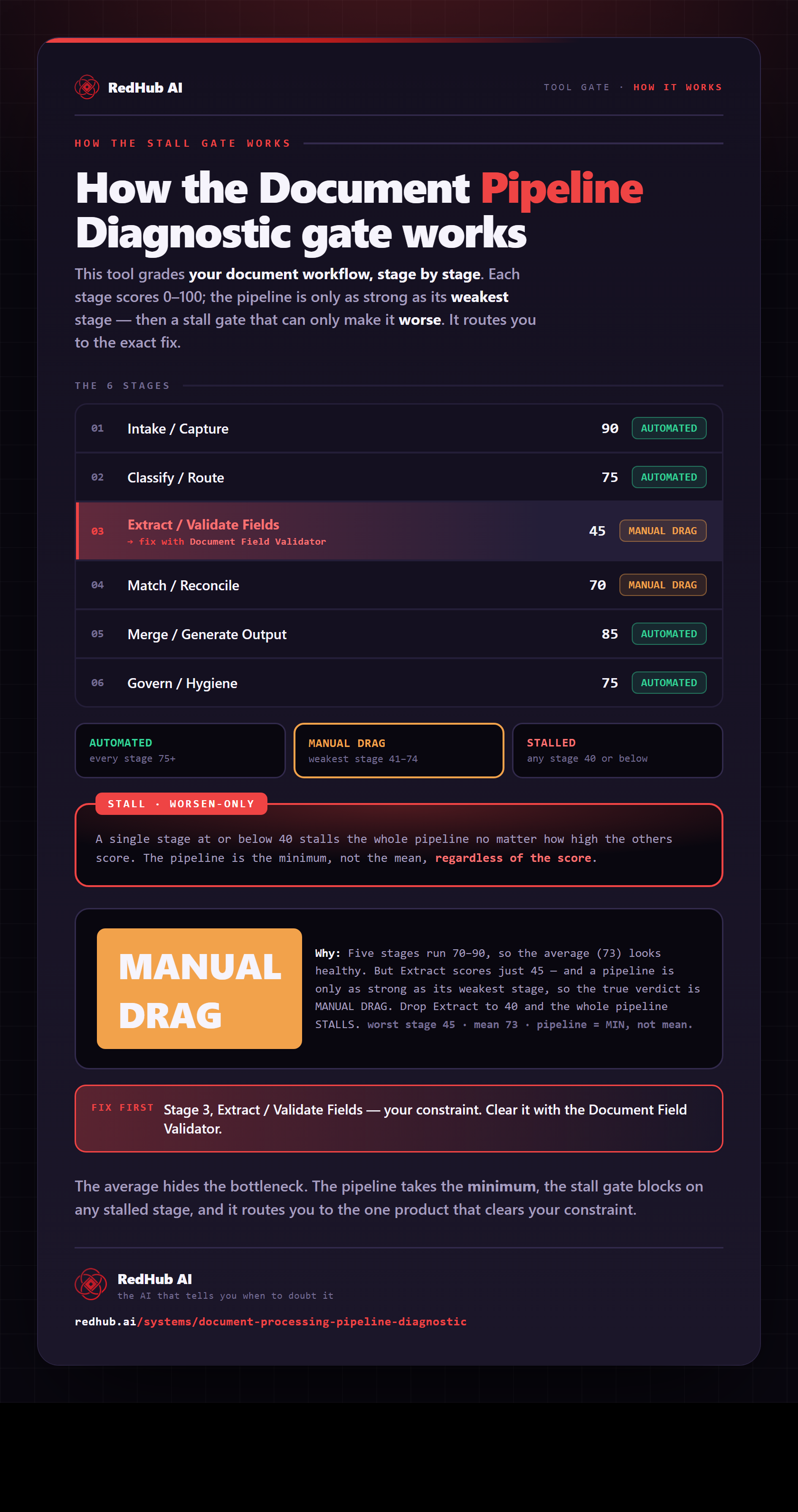
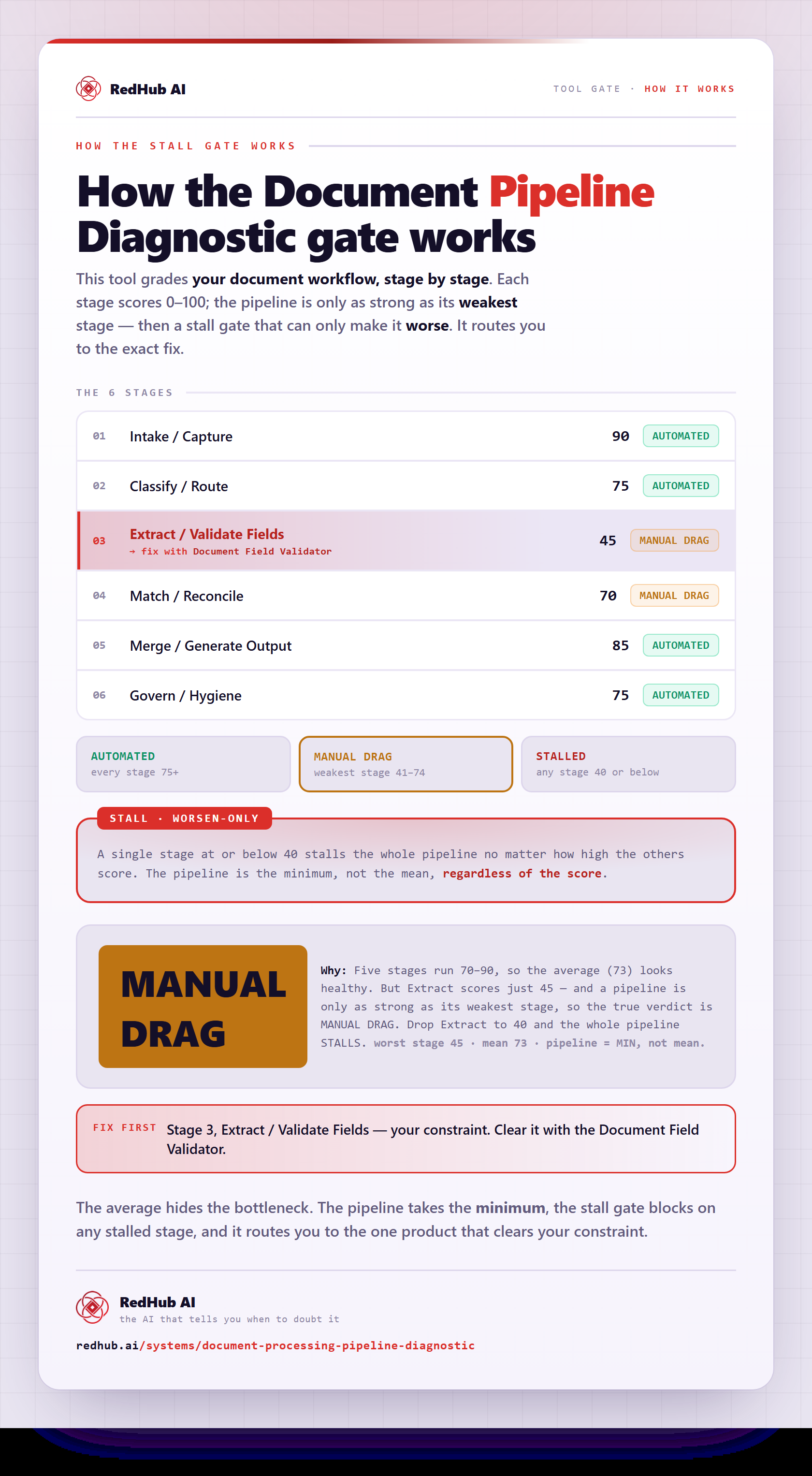
The gate this post refers to, drawn from the tool’s own logic. See the tool.