You Deleted the Key. It's Still in the Git History.
RedHub AI Editorialupdated October 7, 20267 min read

Jump to a section7
An API key committed to git is still in the project's history after you delete the line that held it. Version control keeps every earlier snapshot, so anyone who can open that history, or who cloned the project before your cleanup, can still read the key. A tidier deletion won't change that. A new key value will.
TL;DR: Version control keeps every old snapshot when you make a new commit. A key committed once and deleted in a later commit is still sitting in the earlier snapshot, readable by anyone who can see the project's history. That includes people who cloned the project before your cleanup, even if you later remove the commit from your own copy. If anyone outside the people meant to hold that key could reach the history, the key needs a new value.
Almost everyone who has built with an AI tool has done this: paste a key into a config file to get something working, commit the whole project because that's how you save your progress, and realize later that the key went in with everything else. It is an easy thing to do. A config file with a key in it looks like every other config file, and the tool doesn't ask whether this one is a secret before it saves.
Deleting the line leaves the record
Version control exists to remember. Every commit is a full snapshot of your project at that moment, and the system's job is to keep those snapshots reachable so you can go back to any of them. When you delete a key from your files and commit that change, you've added a new snapshot where the key is gone. The earlier snapshot is untouched. It sits one commit back, findable by anyone who opens the project's history and not only its current state.
A sent email is a closer comparison than a deleted file. You can delete a message from your own outbox, and every recipient still has their copy. A commit behaves the same way once it has been pushed to a remote, cloned by a collaborator, forked, or pulled down by a build service. Removing it from your branch changes what your branch shows from now on. It edits nobody else's copy.
What this means for the key itself
The rule from Moving a Key Isn't Fixing It: When You Actually Have to Rotate applies here without adjustment: a secret that has ever been reachable and hasn't been rotated since is still live, however clean the project looks now. Today's version of the file no longer shows the key. The string is still a valid credential until someone issues a new one and turns the old one off.
Take a key for sending email on your behalf. It goes into a config file on a Monday, gets committed with that week's changes, and gets noticed and removed by Friday. Four days, quickly caught. If the repository was public for those four days and the value was never reissued, the key is as live today as it was on Monday. A short window is still a window.
Rewriting history helps less than it feels like it should
Once you've found a key in an old commit, it is tempting to rewrite the project's history so the key never appears in it. That can clean up your own copy. It does nothing for a copy that already exists somewhere else. GitHub's documentation on removing sensitive data says so directly: "You cannot remove sensitive data from other users' clones of your repository."
The same page puts the steps in an order most people reverse. If the data is a secret, it says, "as a first step you need to revoke and/or rotate that secret," and once that is done, the extra work of rewriting history "may not be warranted." So rotation comes first, and the rewrite is optional housekeeping. A rewrite with no rotation leaves a working key in every clone you can't reach.
Who could open the history
You don't need to reconstruct which commit a key first appeared in. You need one answer: since the key went in, has anyone outside the people meant to hold it been able to open this repository's history? A repository that was public for a day counts. So does a contractor who has since left, a fork you don't control, and a build service somebody else administers. If the answer is yes, the key needs a new value.
The answer can also be no, and that changes the verdict. A key committed to a private repository that only you, or only the team meant to hold it, has ever reached has not been exposed in the sense that forces a rotation. It is still in the wrong place. In the Keys & Secrets Sorting Drill, that row reads MOVE IT, with the reason that more people can reach it than should and it stays in the history. A stricter reading rotates any secret that reached a repository at all, and GitHub's removal guidance leans that way. Where your own line sits between those two is a judgment about who has had access, and if you can't say who has, score it as exposed.
The Drill doesn't look through your repository and it never asks for a key's value. You answer from what you know about your project's history, one row per key: where the value lives now, whether it has ever been reachable, and whether it has been rotated since.
Reissuing a key that something is using breaks that thing the moment the old value stops working. List every place the key is wired in first and do the swap when you can watch it. The key still has to go; give it an hour, not thirty seconds.
Answer "has it ever been reachable" for every key
The Keys & Secrets Sorting Drill is one .xlsx with a row per key and four questions per row. A secret that was reachable once and never rotated reads ROTATE NOW wherever it sits today; a secret that has never been reachable but sits committed in a private repository reads MOVE IT. It never asks for a key's value, and it is not a scanner or a security audit.
Get the Keys & Secrets Sorting Drill — $49Pairs well with
The Vibe-Coded App Hardening Kit ($79) is how a key stays out of the next commit: its 6-layer pre-launch checklist has secret management as one layer. The Vibe-Coded App Pre-Launch Security Gate ($79) scores six controls before a launch, and the first is secrets out of the client bundle and the repository. The Browser Line Read-Off ($59) covers the other place a key gets handed to everyone, routing each check ENFORCED, TRUSTS THE BROWSER or FINE IN THE BROWSER.
More in this guide
Frequently asked questions
If I delete the line with the key and commit that change, is the key gone?
No. Deleting the line creates a new snapshot where the key is absent. The earlier snapshot where it was present still exists in your project's history and can be read by anyone who can view that history, including collaborators who already cloned the project.
Does rewriting my project's history remove the key everywhere?
It can clean up your own copy. It does not reach any other copy that already exists: a clone a collaborator has, a fork, or a build service that already pulled the commit. GitHub's documentation on removing sensitive data states that you cannot remove it from other users' clones, and tells you to revoke or rotate a secret as the first step.
Does this only matter if my repository was ever public?
No. Public is the clearest case, and it is not the only one. What matters is whether anyone outside the people meant to hold that key could open the history: a contractor who has since left, a fork you don't control, a repository that was public for a day. A key committed to a private repository that only you or your own team has reached is a different case. It needs to move, and if you can't say who has had access, treat it as reachable.
I committed a key by accident once. Did I do something wrong?
You did something common. A config file with a key in it looks like every other config file, and few people who have built a project with an AI tool have avoided this. What matters from here is whether that key gets a new value.
How do I know if a specific key ever appeared in my project's history?
Look through your own project's commit history for the file or setting where the key lived. Most version control tools and AI coding tools can show you the full history of a single file. You're checking your own record and nobody else's. If you can't reconstruct it, treat the key as if it was exposed.
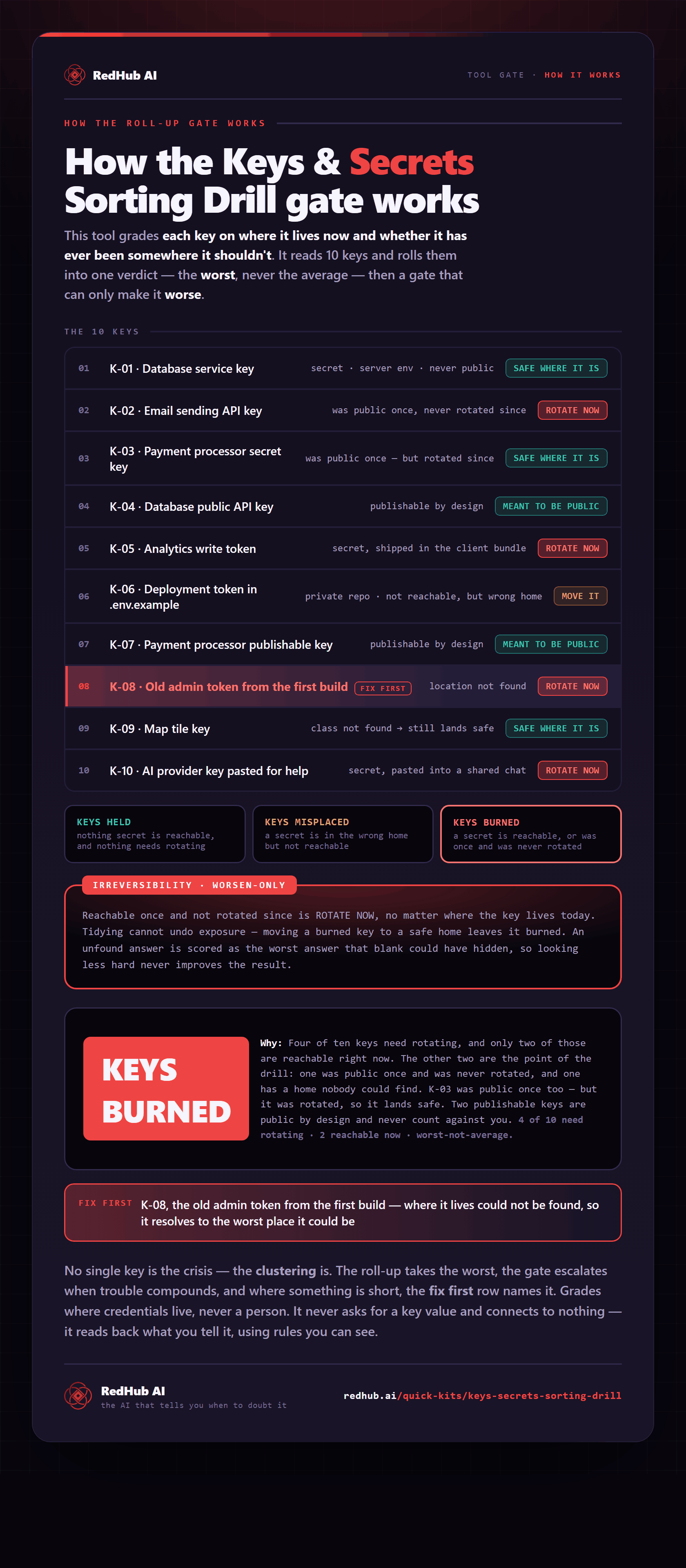
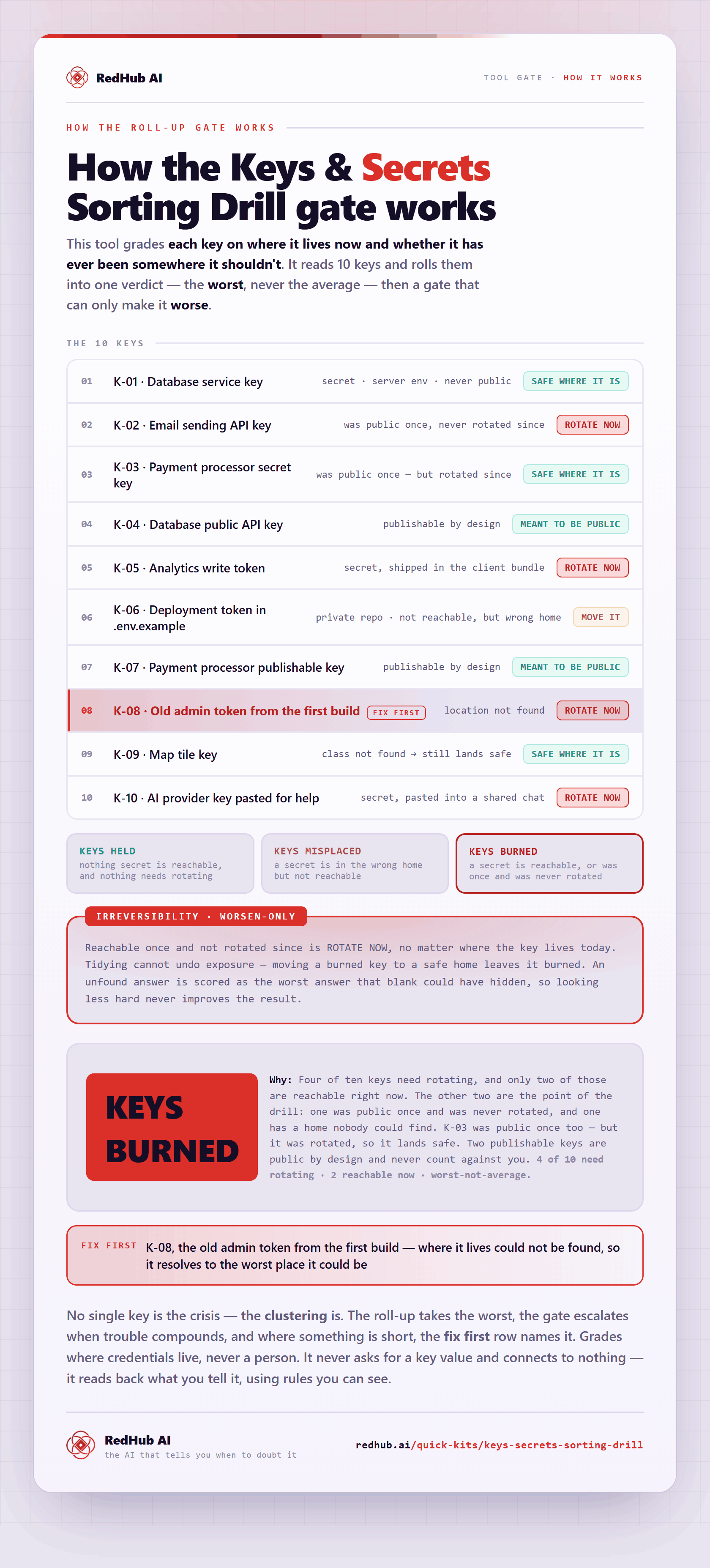
The gate this post refers to, drawn from the tool’s own logic. See the tool.