Why Your App Should Never Take the Price From the Page
RedHub AI Editorialupdated October 7, 20266 min read

Jump to a section8
Client side price manipulation is what happens when a checkout charges a price the browser sent. Anything shown or stored in the browser can be changed before it comes back to you, including a price in a hidden field or a JavaScript variable. A checkout is safe on this point only when your server looks the price up from a product ID in its own catalog. Otherwise the amount on the invoice is whatever the visitor sent.
TL;DR: If your checkout accepts a price or a total in the request, a visitor can send a different one. Have the server look the price up by product ID, at the moment of charging, and ignore any dollar figure in the request. A discount code is fine to accept, as long as the server works out the discount amount. Quantity needs limits too. The Browser Line Read-Off ($59) puts this check and the rest of your app's checks on one sheet. Start with the pillar: Client-Side vs Server-Side Validation: Which of Your App's Checks Are Real.
The cashier who reads the sticker
A cashier scans the barcode and lets the register find the price. A cashier who rang up whatever was written on a sticker the customer handed over would be charging a number the customer had in their hands. A checkout that reads its price from the page does the second thing, with a form field where the sticker was.
Nobody struggles with the idea that customers shouldn't write their own price tags. The harder part is seeing that your own checkout form does it.
How a price ends up on the page
It tends to arrive in one of three ordinary shapes, each a fast way to make a checkout work.
- The price sits in a hidden form field, filled in when the page loads and submitted unchanged.
- The total is calculated in JavaScript, quantity times price with a discount applied, and the final number is what gets sent.
- The price rides along as a URL parameter, the way a coupon code sometimes does.
In each shape the server's job at checkout shrinks to reading a number. The page did the deciding.
What the server should accept
A product ID and a quantity. The server takes "item 4471," finds that item's current price in its own catalog, and charges that, every time, at the moment of charging. The browser can still display a price and keep a running total for the customer. Neither is the number that gets charged.
Quantity comes from the browser too
Looking the price up closes the main gap and leaves a smaller one. The customer has to choose the quantity, so the quantity comes from the browser. A server that multiplies its own price by a quantity of -1 has produced a negative line item using a price it looked up correctly.
So the server needs rules for quantity as well: a whole number, at least one, and no more than you are willing to sell in one order. The right upper limit depends on what you sell, and it is your call to make. The same goes for anything else the customer picks that feeds the total, such as a shipping option or a plan tier. The server accepts the choice and looks up what the choice costs.
Test your own checkout
Use a test account, and your payment provider's test mode if it has one.
- Open the Network tab. It is in your browser's developer tools. Add something to your cart and watch the requests go out.
- Find the request that sends the order. Check whether it holds a dollar amount, a total or a price field, or only a product ID and a quantity.
- Send a changed copy. Do this only if a price is there. Firefox's Network panel has an Edit and Resend option on each request. In Chrome you can right-click a request, copy it as a cURL command, edit the price in the copy and run it.
- Check what was charged. If the amount you edited shows up on the charge or the invoice, your server takes the price from the page.
Why this check ranks first
A hidden menu item or a display-only banner costs you nothing when the browser's version of events is wrong. A checkout price costs you the difference on every order that exploits it, for as long as nobody notices.
The Browser Line Read-Off weights it the same way. Its worked example lists ten checks. Row C-02, "Amount charged at checkout," runs on the server and takes its number from the request. That single row sets the example's verdict to NO LINE, and the Dashboard names C-02 as the row to fix first, ahead of three other exposed checks. The three ENFORCED rows don't offset it.
Getting prices off the page fixes one class of mistake. The rest of your checkout, including what happens after the payment succeeds, is a separate set of questions that this test does not answer.
Put the checkout row next to every other check
The Browser Line Read-Off is one .xlsx. For each check you record what it guards, where it runs and what it decides from, and the sheet reads the row ENFORCED, TRUSTS THE BROWSER or FINE IN THE BROWSER. A money check that trusts the browser sets the whole verdict to NO LINE. It holds 30 rows and works offline. It reads back what you type and never sees your code.
Get the Browser Line Read-Off — $59Pairs well with
The Money Path Teardown ($69) follows an order past the price, one row per step, and rolls up to MONEY PATH HOLDS, PATH CAN BE FORGED or PATH BREAKS. The Test Mode vs Live Mode Line-Up ($49) reads the wiring between your sandbox and your live services, four observations per service, and rolls up to LINES SEPARATE, POINTING AT THE SANDBOX or WIRES CROSSED. Logged-In Is Not Allowed ($59) checks whether a signed-in user can reach records that aren't theirs.
More in this guide
Can someone change the price at checkout using their browser?
If the price is sent to your server in the request, in a hidden field, a JavaScript total or a URL parameter, a visitor can edit it with the browser's developer tools. Whether the edit works depends on whether your server looks the price up or believes the one it was sent.
What should my server accept instead of a price?
A product ID and a quantity. The server looks up the current price for that ID in its own catalog at the moment of charging. The price the browser displays is for the customer to read.
Is it safe to let the browser send a discount code?
Yes. A code is not a price. The server checks in its own records that the code is valid and unused, and calculates the discount. Don't let the request carry the discount amount.
Does the quantity need checking if the price is looked up?
Yes. The customer chooses the quantity, so it arrives from the browser. The server should accept only a whole number of at least one, up to a limit you set. A negative quantity multiplied by a correct price is still a wrong total.
Does using a payment processor fix this?
Not by itself. It depends on how your checkout is wired to it. If your own server decides which amount to charge and passes it along, the same rule applies. Check your processor's current documentation to confirm where the amount is set.
How do I check whether this affects my app?
Open the Network tab in your browser's developer tools, complete a test order, and look at the request your page sends. If a price or total appears in it, send an edited copy and see whether the charge follows the edit.
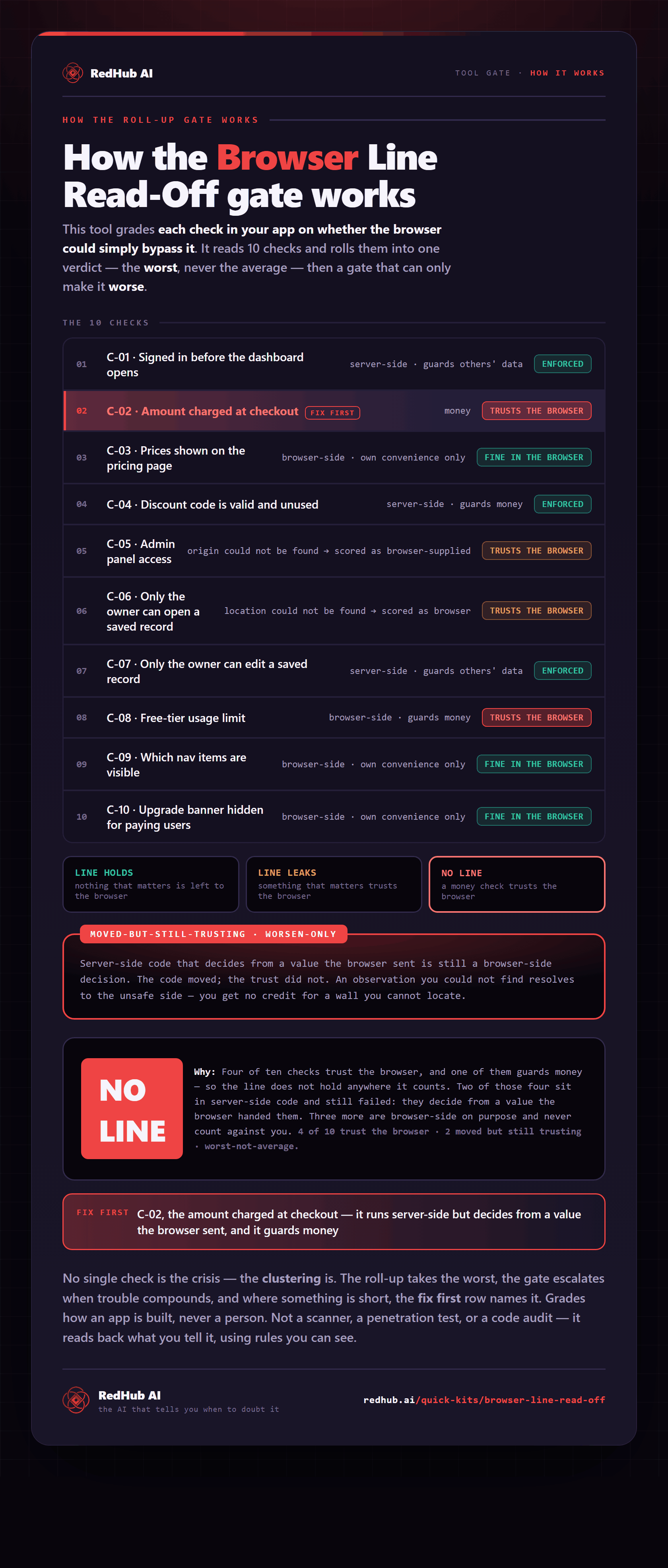
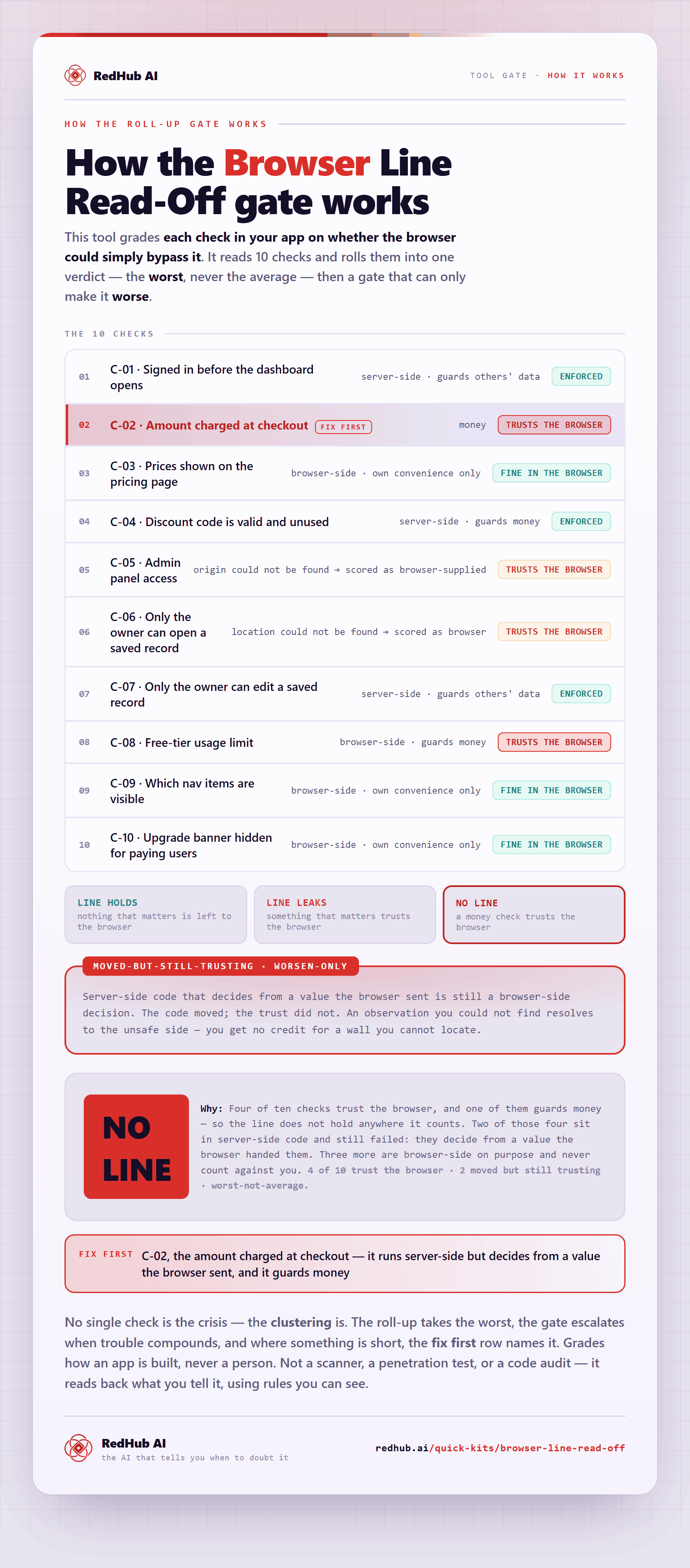
The gate this post refers to, drawn from the tool’s own logic. See the tool.