Sales Pipeline Stages: What Each One Should Require
RedHub AI Editorialupdated September 7, 20264 min read

Jump to a section7
TL;DR
- What it is: sales pipeline stages are shared language for where a deal sits — not proof it's actually progressing.
- Who it's for: teams whose deals stall inside a stage for months as part of managing the pipeline honestly.
- How it works: give each stage exit criteria — a specific thing that must be confirmed before a deal can move.
- Bottom line: a stage with no exit criteria lets a fake deal sit indefinitely; Pipeline Commander grades on qualification, not the stage label.
What are sales pipeline stages?
Sales pipeline stages are the named steps a deal moves through — Prospecting, Qualified, Proposal, Negotiation, Closed Won or Lost. They exist so a team has a shared language for where a deal sits. Stages are not proof a deal is progressing. Without a clear exit criteria for each one, a deal can sit in "Proposal" for months on hope alone, and the stage label won't tell you that's happening.
Best for: teams whose CRM stages don't actually mean anything anymore. Pipeline Commander grades every deal on qualification, independent of what stage it's parked in.
Every CRM ships with a list of stages, and almost every team leaves them exactly as they arrived: names with no teeth. A stage is only useful if moving into it means something specific just became true. Otherwise it's a label a rep drags a deal into because it feels like progress — and a pipeline full of those labels tells you nothing real.
Stages tell you where a deal sits, not whether it's real
This is the trap: a dashboard sorted by stage looks organized, and organized feels like control. But stage is a position in a process, not a measurement of truth. A deal can advance through every stage without ever having a confirmed buyer or a real next step — the CRM will happily let it, because nothing in most stage setups checks for that.
What each stage should require to move forward
The fix is exit criteria: a specific, confirmable fact that has to be true before a deal is allowed into the next stage. A reasonable starter set for most B2B motions:
| Stage | Exit criteria — what must be true to advance |
|---|---|
| Prospecting → Qualified | Confirmed pain, and a named economic buyer identified |
| Qualified → Meeting Scheduled | A specific next step is booked with the buyer confirmed to attend |
| Meeting Scheduled → Proposal | Buyer has seen pricing and scope, and a next step is already booked |
| Proposal → Negotiation | Buyer has responded specifically to the proposal, not gone quiet |
| Negotiation → Closed Won | Signed agreement, or a verbal commitment with contract sent |
Adapt the exact criteria to your own sales cycle — the point isn't this specific list, it's that every stage boundary has a confirmable fact behind it, not a rep's judgment call.
Why a deal can sit in a stage and still be fake
Key insight: exit criteria control how a deal moves forward, but they don't re-check a deal that's already sitting still. A deal parked in "Proposal" for two months can quietly lose its buyer or its next step and the stage will never flag it — which is exactly why grading a deal's live qualification matters more than trusting where it's parked.
This is the real limit of a stage system: it's a one-way gate, checked once on the way in. It was never built to catch a deal that goes stale after it's already inside. That's a different job — checking every open deal, every review, against the same qualification signals regardless of stage.
Grade the deal, not the stage label
Pipeline Commander reads your CRM and grades every open deal on qualification — an economic buyer, a real next step — independent of what stage a rep parked it in. A deal stuck at "Proposal" with nothing behind it gets called AT RISK, exactly as it should.
Get Pipeline Commander — $249 →Exit criteria are only half the picture — see how the qualification signals themselves work in how to qualify a deal, or start from the top with the sales pipeline management guide.
Decision Guide
Rewrite your stages if: reps can't explain what specifically has to happen for a deal to move to the next one.
Your stages are probably fine if: every stage boundary maps to a confirmable fact and deals rarely sit unmoved for months.
Best first step: write one exit-criteria sentence for each stage in your CRM and check it against your five oldest open deals.
FAQ
What are sales pipeline stages?
The named steps a deal moves through in a CRM — a shared language for where a deal sits, not proof that it's actually progressing.
How many stages should a pipeline have?
Enough to reflect real decision points in your buyer's process — most B2B motions need five or six. More than that usually just adds friction without adding clarity.
What is exit criteria?
A specific, confirmable fact that has to be true before a deal is allowed to move to the next stage — for example, a booked next step with the buyer confirmed to attend.
Can a deal skip a stage?
Sometimes, if the exit criteria for an earlier stage were already met in a single conversation. The rule isn't "touch every stage" — it's "don't advance without the criteria."
Who should own the stage definitions?
Whoever runs the pipeline review — usually the founder or sales leader. Reps should know the criteria, but shouldn't be the ones deciding what counts.
Does grading a deal replace stage tracking?
No — stages still describe where a deal sits in the process. Grading adds the missing check: whether the deal is actually qualified right now, regardless of the stage it's parked in.
How do I fix a deal that's stalled inside a stage?
Re-check the two core signals — confirmed buyer, confirmed next step — rather than trusting that the stage still reflects reality. If either is missing, requalify or pull the deal from forecast.
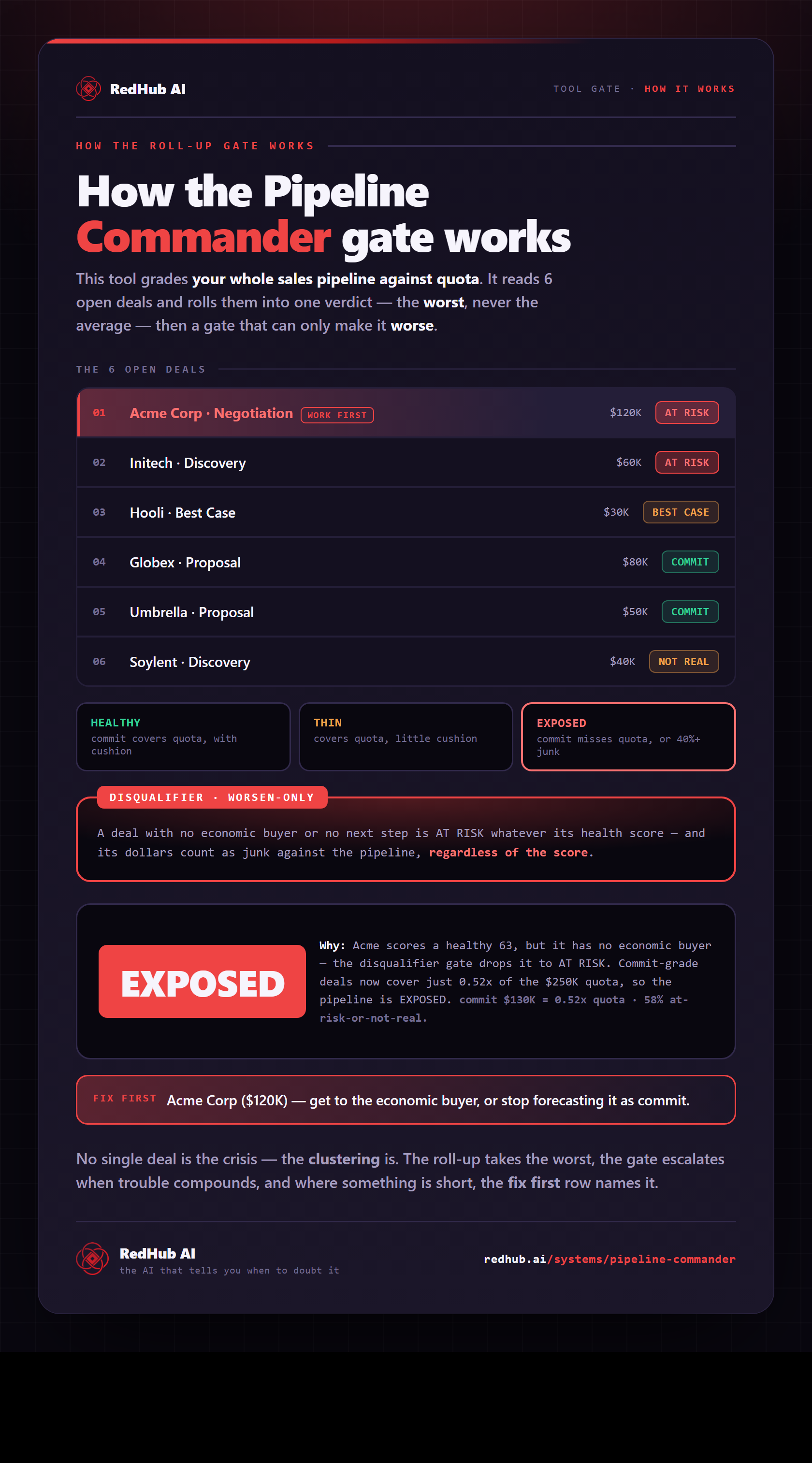
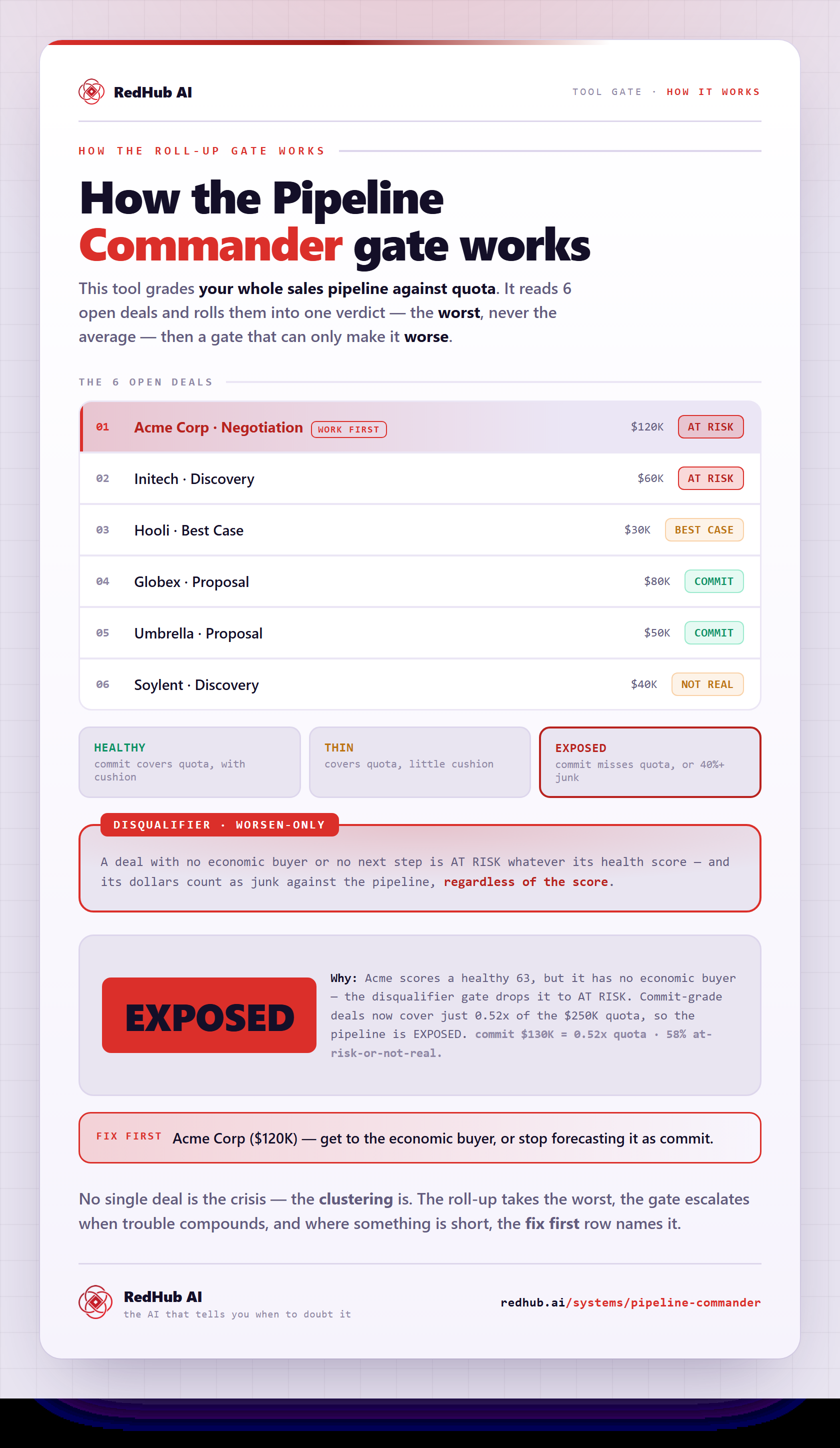
The gate this post refers to, drawn from the tool’s own logic. See the tool.