How to Update Old Blog Posts Without Breaking Your SEO
RedHub AI Editorialupdated September 7, 20265 min read

Jump to a section7
TL;DR
- What it is: the safe way to refresh a post so you gain rankings back without accidentally throwing away the authority you already have.
- Who it's for: anyone updating older content who's nervous about hurting a page that ranks. See the refresh engine.
- How it works: keep the URL, update in place, preserve what's working, and QA before publishing.
- Bottom line: the biggest SEO risk in a refresh is a needless URL change. Update in place and most risk disappears.
How do you update old blog posts without hurting SEO?
The safest way to refresh a post is to update it in place at the same URL, so it keeps the backlinks, history, and authority that make it rank. Change the content — facts, intro, structure, title, meta, internal links — but not the address. The mistakes that actually hurt SEO are avoidable: publishing the update at a new URL without a redirect, deleting sections that were bringing in traffic, stripping internal links, or changing the topic so the page no longer matches the query it ranks for. Preserve what's working, improve the rest, and QA before you hit publish.
Best for: teams refreshing pages that already rank and can't afford a slip — the Content Refresh & Publishing Engine preserves the URL and flags redirect needs. It stages a draft; you publish.
The fear that stops most refreshes is real: touch a page that ranks and you might make it worse. But that outcome almost always comes from a handful of specific, avoidable mistakes — not from updating the content itself. Do the refresh in place and preserve what's working, and you get the upside with very little of the risk.
The one rule: keep the URL
A page's ranking power lives in its URL — the backlinks pointing at it, its history with search engines, its accumulated authority. Refresh at that same URL and all of it carries forward. The single most common way people break a refresh is republishing the updated post at a new address (a new slug, a new date-based URL) and orphaning the original. If you absolutely must change the URL, a proper 301 redirect from old to new preserves most of the value — but the safe default is simply not to change it.
Key insight: updating the content of a page is low-risk; changing its address is where refreshes go wrong. When in doubt, keep the URL and change everything else.
Preserve what's already working
Before you cut anything, know what's earning the page its traffic. Refreshing isn't demolition — it's renovation.
- Keep the sections that rank. If a chunk of the post answers the query people arrive for, sharpen it — don't delete it. Cutting a high-performing section to "streamline" can drop the rankings it holds.
- Keep and add internal links. Existing internal links spread authority; preserve them and add relevant new ones. Stripping them in a rewrite quietly weakens the page.
- Stay on the same query. Update the answer, not the question. If you shift the topic so the page no longer matches what it ranks for, you're not refreshing — you're replacing.
- Update facts and cite them. Swap stale stats and examples for current ones, each tied to a source. Never invent a figure to fill a gap.
Refresh in place, safely
The Content Refresh & Publishing Engine drafts the update grounded in your original, preserves the URL, adds internal links, flags any redirect need, and hands you a pre-publish QA checklist — so the refresh gains rankings instead of risking them.
Get the Content Refresh Engine — $129 →QA before you publish
The last step is the one people skip and regret. Before publishing a refreshed post, check every updated claim against its source, confirm the URL is unchanged (or the redirect is in place), make sure no ranking section was cut, and confirm the title and meta still match search intent. A five-minute QA pass is what separates a refresh that lifts a page from one that quietly costs it. This is also where a human stays in the loop — a tool can draft and stage the change, but a person should review and click publish.
Safe refresh moves
- Update in place, same URL
- Keep ranking sections and internal links
- QA claims and redirects before publishing
SEO-breaking mistakes
- New URL with no redirect
- Deleting sections that bring traffic
- Changing the topic off the ranked query
For the full method, read the pillar on content refresh, and decide what deserves an update in the first place with refresh, rewrite, or retire.
Decision Guide
Use it if: you're updating pages that already rank and want the upside without the risk.
Skip it if: the page is being rebuilt from scratch on a new topic — that's a new post, handled differently.
Best first step: confirm you're updating in place at the same URL, then note which sections currently earn the traffic so you don't cut them.
FAQ
Will updating an old post hurt its ranking?
Usually not, if you update in place and preserve what's working. The damage comes from specific mistakes — a new URL with no redirect, deleting ranking sections, stripping internal links, or changing the topic — not from improving the content itself.
Should I change the URL when I update a post?
No, keep it. The URL holds the backlinks and history that make the page rank. If you truly must change it, use a 301 redirect from the old address — but the safe default is to update in place and leave the URL alone.
Should I change the publish date on a refreshed post?
Updating the "last modified" date to reflect a genuine refresh is reasonable and signals freshness. The thing to avoid is faking a fresh date on a post you didn't actually improve — a new date on stale or inaccurate content just puts weak content back in front of readers.
Can I delete parts of the old post?
Only parts that aren't earning traffic or relevance. Before cutting a section to "streamline," check whether it answers the query people arrive for — deleting a high-performing section can drop the rankings it holds. Sharpen what works; cut only genuine dead weight.
Do I need to redirect anything when refreshing in place?
No — that's the point of updating in place. Redirects only come into play if you change the URL. If the address stays the same, there's nothing to redirect, which is exactly why keeping the URL is the safe default.
Can AI do the refresh safely?
It can draft the update and stage it as a draft, but keep the guardrails: ground the rewrite in the original, preserve the URL, never invent a statistic, and never let the tool publish, overwrite, or delete on its own. A person reviews and clicks publish.
Gain rankings, don't risk them
Update in place, keep what works, QA before you publish. It stages a draft; you publish.
Get the Content Refresh Engine — $129 →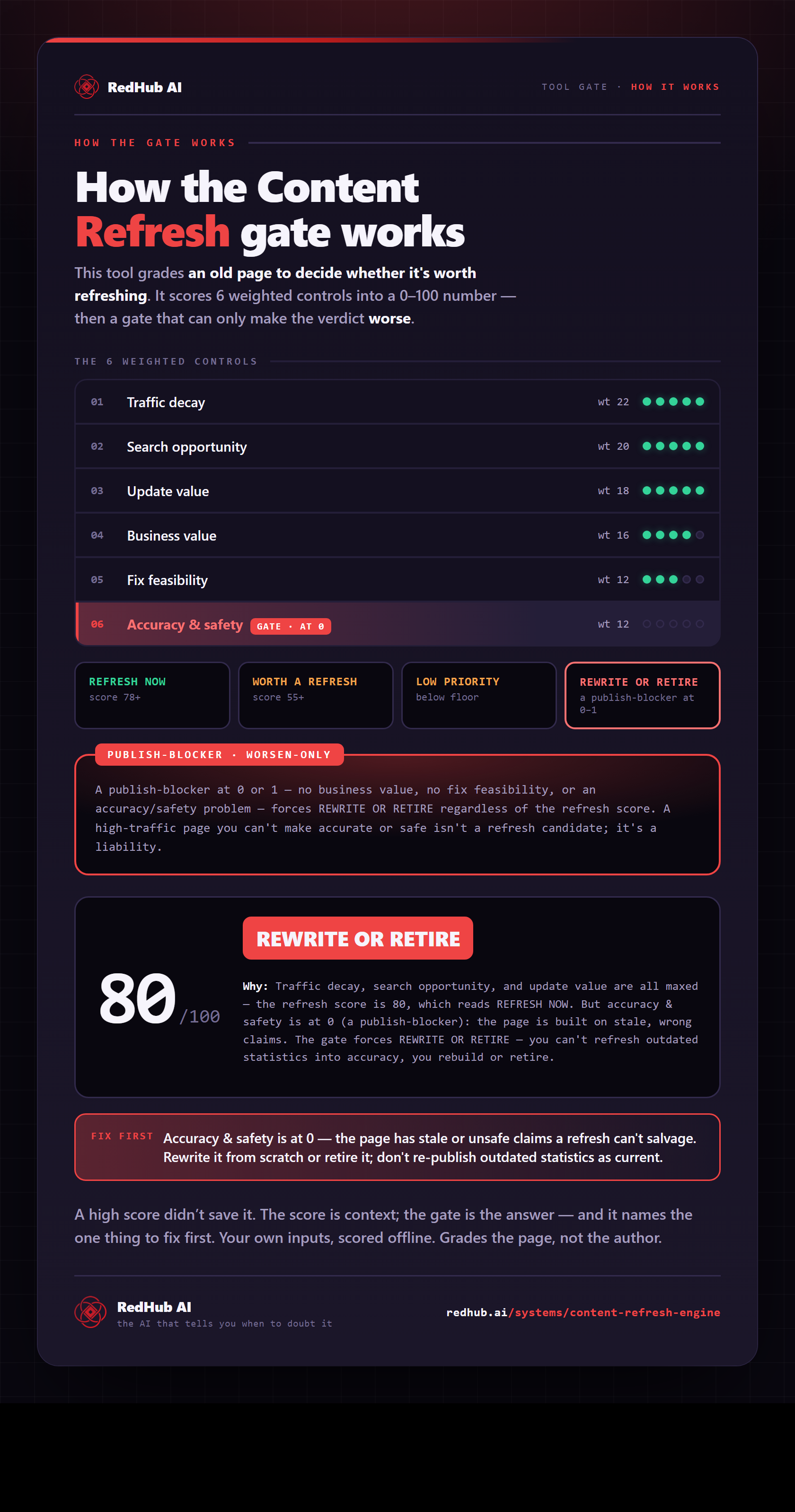
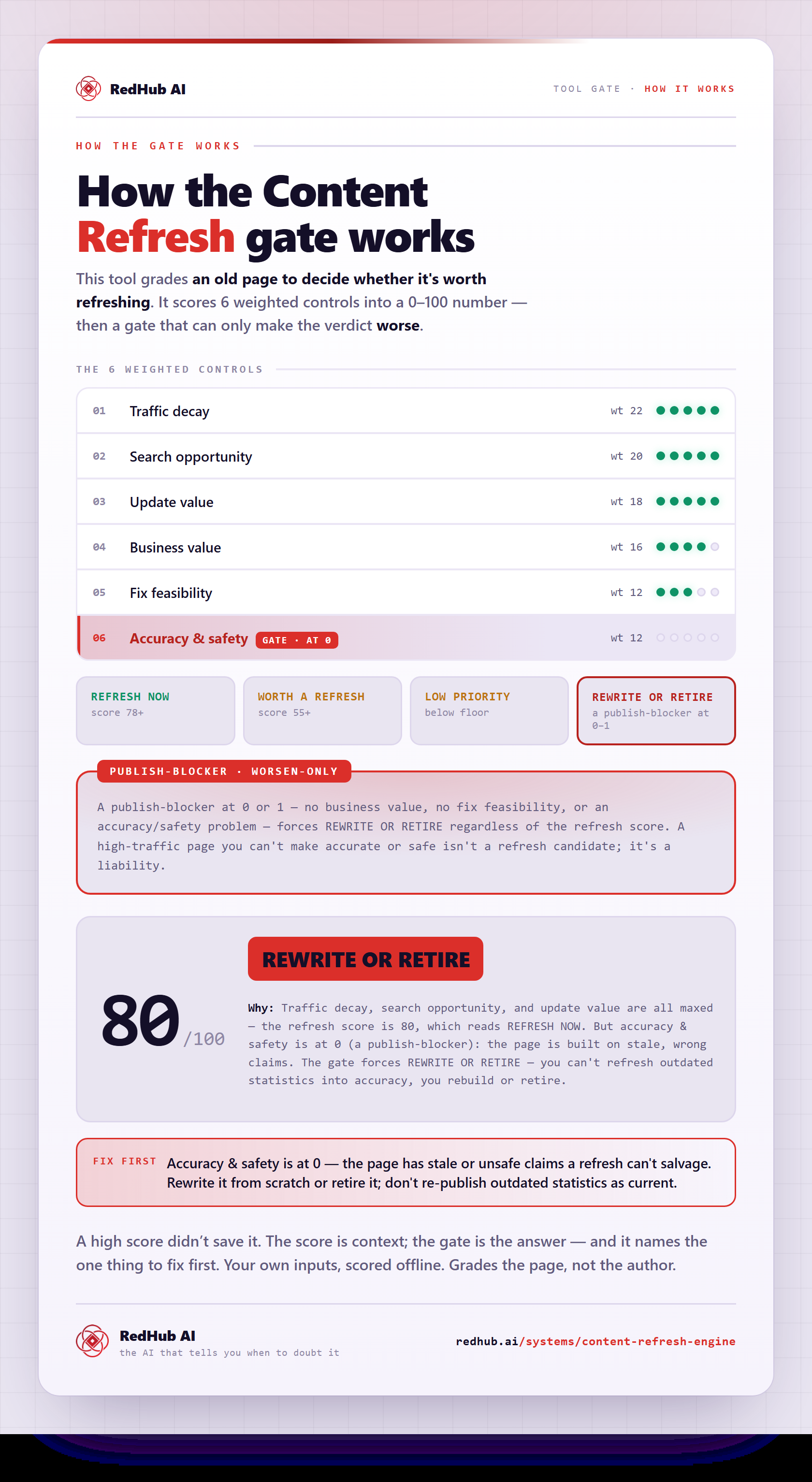
The gate this post refers to, drawn from the tool’s own logic. See the tool.