What "Add Back What Breaks" Can't See
RedHub AI Editorial7 min read

Jump to a section10
TL;DR
- The advice: delete your instructions, use the model, and add a line back only when it repeatedly stumbles without it.
- The blind spot: that loop only tests the work you happened to do. A stage you never ran cannot stumble, so its instructions look unused.
- What it misses: stages you did not run, tasks that come up monthly or seasonally, and mistakes that do not look like mistakes.
- The fix: list every stage, mark which ones your test touched, and keep every instruction in the ones it did not.
What does "add back what breaks" miss?
It misses everything you did not run. Deleting a skill and adding back only what fails tests the tasks you happened to do that week. A stage you never exercised cannot fail, so its instructions look unneeded when nothing has tested them. Before you cut, list every stage in the skill, mark which ones your test touched, and keep every instruction in the stages it did not touch.
Best for: anyone deleting a CLAUDE.md or skill and planning to rebuild from what breaks. The Skill Ablation Assay marks an unexercised stage NOT TESTED and holds the skill short of RETIRE.
The rebuild advice is simple. Delete your instructions, use the model for real work, and add a line back only when you see the same failure again and again. Claude Code creator Boris Cherny put it this way at Y Combinator's Startup School: "only when you see it repeatedly stumble on the same thing, that's when you add it back."
It is good advice for one reason. You cannot guess which instructions a new model needs, so you let the work tell you. But it has a limit built in. The loop can only see what you ran. This post is about the instructions that sit outside that view, and how to keep them from being deleted by default. For the full method, start with why you should ablate your CLAUDE.md instead of just deleting it.
A test is only as wide as the work you did
"Use it for a while and see what breaks" is a test. Its coverage is whatever tasks you happened to give the model that week. If the week was mostly drafting, you tested drafting. Everything else in the skill sat idle.
Idle instructions do not stumble. They produce no errors, no odd output and no complaints, because nothing called on them. To the person rebuilding, that silence looks the same as "not needed." It is not the same. It means untested.
Three things the loop cannot see
1. Stages you never ran
Many skills do more than one job in sequence. A content skill might draft, then render, then publish. A finance skill might extract totals, then post them to a ledger. Each stage carries its own instructions.
If your week only touched the first stage, the loop says nothing about the second. Cut the second stage's instructions and you will not find out until the day someone runs it, which may be the day it matters.
2. Tasks that come up rarely
Some work happens once a month, once a quarter or once a year. A month-end close. A year-end report. A product launch. An audit request. A week of normal use is unlikely to include any of them, so the instructions that handle them never get a chance to prove themselves.
3. Mistakes that do not look like mistakes
The loop depends on you noticing the stumble. Some failures are loud: a broken file, an error, a refusal. Others are quiet. A total that is off by a small amount. A house format applied almost right. A step skipped that nobody checks until later. If you are not checking against a written answer, a quiet failure reads as a pass.
What this looked like in our own test
We ran a three-way test on three of our own Claude skills, and ran it twice. One of them, a skill that scripts and renders short product videos, has two stages: authoring the script, then rendering, narration and sync. Our test task exercised authoring. It never reached rendering, in either run.
On authoring alone, the second run said the step-by-step method could go. If we had read that as a verdict on the whole skill, we would have cut the render instructions too, with no evidence about them at all. Instead the result was scoped to what we tested:
Card Explainer
  VERDICT: CUT THE METHOD   [SINGLE RUN]
  SCOPE: the cut applies to tested stages only.
    - Authoring: CUT THE METHOD   passed A 7 / B 7 / C 1 of 8
    - Render, narration and sync: NOT TESTED (not exercised by the test)
That is part of the real output from our second run. The render stage kept every instruction, because nothing had shown any of them to be unneeded.
The rule: untested licenses nothing
The fix is a rule, and it is easy to state. A cut is allowed only in a stage your test actually exercised. A stage you did not run keeps every instruction, whatever the rest of the skill showed. And if any stage is untested, the skill as a whole cannot be retired.
Here is how that plays out for a sample skill with two stages, an invoice checker that extracts totals and then posts them to a ledger. This is part of the Assay's own output for its sample file:
Invoice Checker (ledger step untested)
  VERDICT: CUT THE METHOD   [SINGLE RUN]
  GATE: tested stages read RETIRE, but an untested stage holds the skill at CUT THE METHOD.
    - Extract totals: RETIRE   passed A 2 / B 2 / C 2 of 2
    - Post to ledger: NOT TESTED (not exercised by the test)
  WORDS: 260 of 450 can go (57%)
  FIX FIRST: Remove the instructions for "Extract totals" only. "Post to ledger" was not tested, so the skill stays and every instruction in that stage stays.
The tested stage showed the model no longer needs help extracting totals. The ledger stage was never run. So the skill stays, and only the instructions for the tested stage can go. Run the ledger stage through the same test and the hold lifts. Nothing else lifts it.
How to make your coverage visible
The simplest protection is a coverage map, written before you delete anything. It takes ten minutes.
| Stage | Did the test touch it? | What you may cut |
|---|---|---|
| Draft | Yes, with a written checklist | What the results show is unneeded |
| Render | No | Nothing |
| Publish | Only once, not checked against anything | Nothing until it is checked |
- List every stage. Read the skill and write down each distinct job it does, in order.
- List the rare tasks. Month-end, year-end, launches, audits, anything the skill handles that a normal week would not include.
- Mark what your test touched. A stage counts as tested only if a task ran through it and you checked the result against a written list of pass or fail points.
- Fence off the rest. Every untested stage and rare task keeps its instructions, whatever happened elsewhere.
- Test the fenced stages on purpose. Pick a task that runs through each one and test it the same way. That is the only way a fenced stage earns a cut.
For writing pass or fail points that mean something, see how to evaluate prompts.
Get a verdict that knows what you did not test
The Skill Ablation Assay grades your full, slim and no-skill results stage by stage. A stage you did not exercise reads NOT TESTED, and one untested stage holds the whole skill short of RETIRE, with a fix-first line naming which stage's instructions can go. It is a deterministic, offline engine and workbook. It does not run your skill or call a model.
See the Skill Ablation Assay →Pairs well with
The Agent Reliability Harness produces pass and fail marks at the level of tool calls and steps, so a stage that runs as agent steps has its own evidence. The Prompt Regression Lab snapshots the slimmed version's results as your new baseline and fails any later change that regresses it. The AI Agent Go-Live Readiness Gate checks the approval gate and rollback path before a slimmed agent goes live.
Keep going: read the pillar, Don't Just Delete Your CLAUDE.md. Ablate It. Next, see the rules you should never delete, even when they look dead, and how to test a Claude skill three ways.
Decision Guide
Map coverage first if: the skill does more than one job in sequence, or handles work that only comes up monthly or yearly.
Delete and add back is fine if: the skill does one short job you run every day and can check at a glance.
Best first step: write down every stage in the skill and, next to each one, the last date a task actually ran through it.
FAQ
What does "add back what breaks" mean?
It is a way to rebuild a CLAUDE.md or skill after deleting it. You use the model for real work and add an instruction back only when the model repeatedly fails without it. Claude Code creator Boris Cherny described it at Y Combinator's Startup School.
Why is a quiet week not proof that an instruction is unneeded?
Because an instruction for work you did not do cannot fail. If the week never touched a stage or a rare task, its instructions produced no errors simply because nothing used them. That is untested, not unneeded.
What is an untested stage?
A part of a skill that your test task never ran through. A skill that drafts and then renders has two stages. If your test only drafted, the render stage is untested, and none of its instructions should be cut on the strength of that test.
Can I retire a skill if one stage was not tested?
Not under the rule in this post. A cut is allowed only in the stages your test exercised, so one untested stage holds the whole skill short of retirement. You may remove the instructions for the tested stages only.
How do I test a stage that rarely runs?
Build a task that runs through it on purpose, with realistic inputs, and test it the same way as the rest: full skill, slim copy and no skill, each checked against the same written pass or fail points.
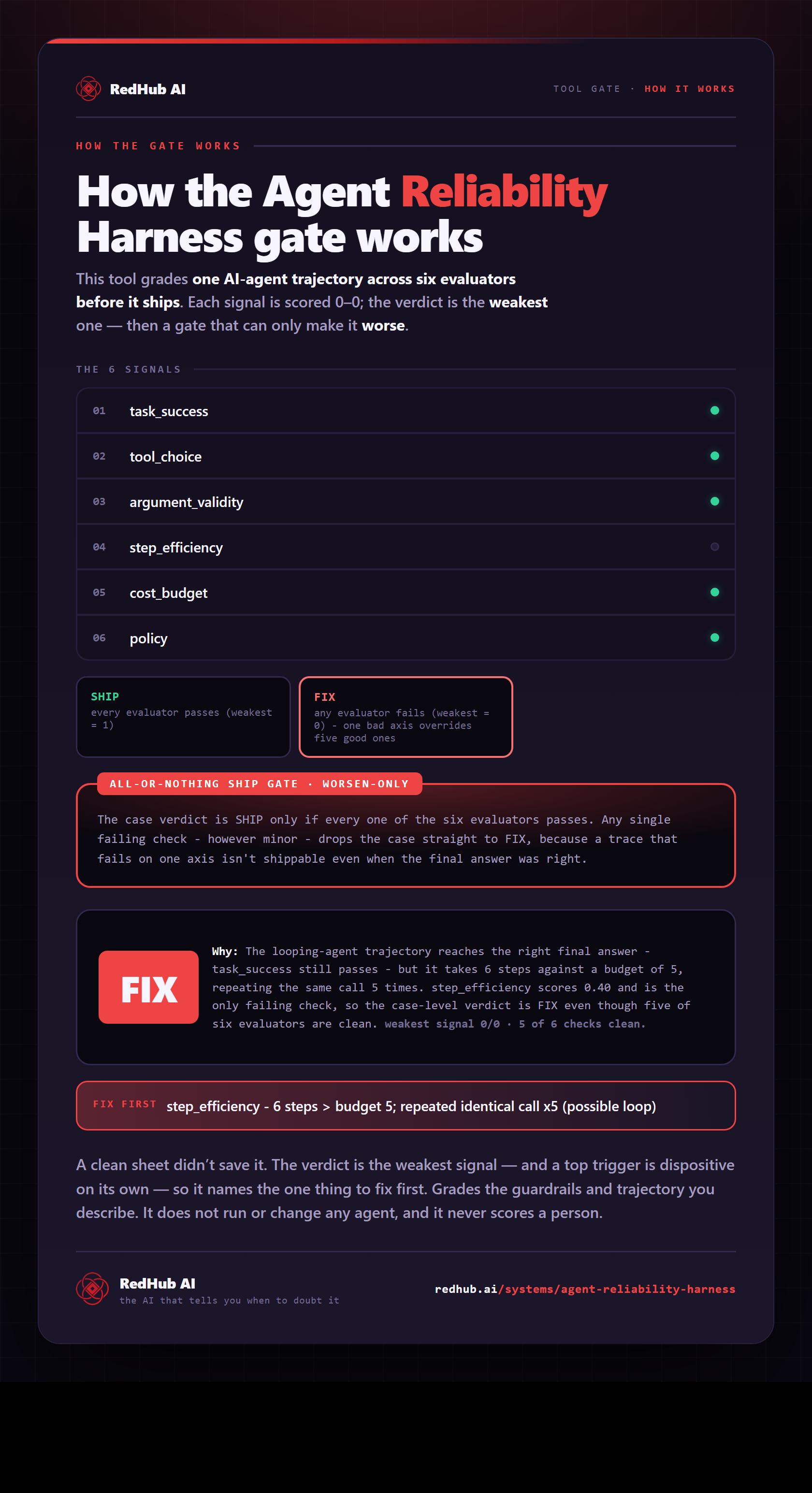
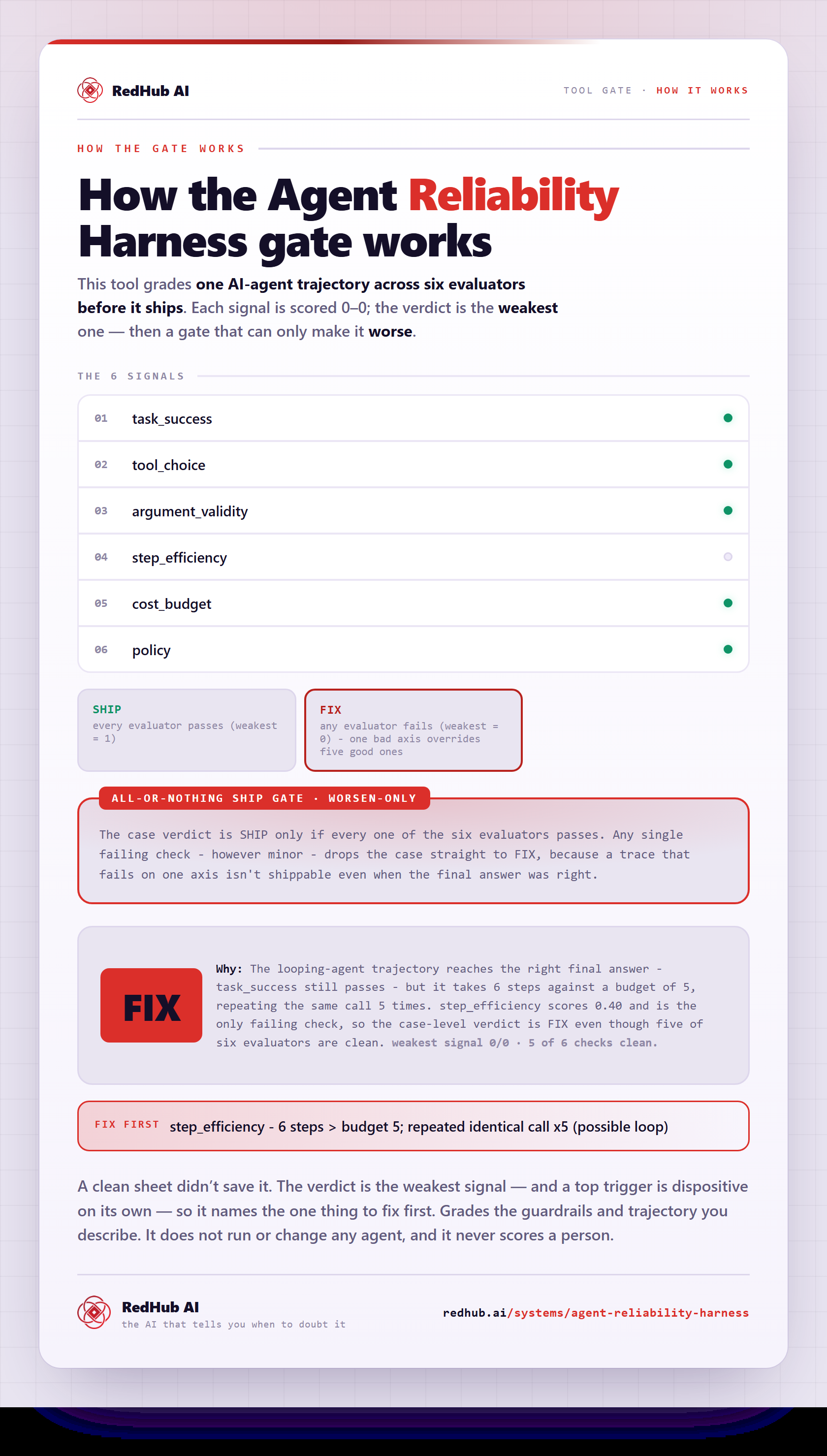
The gate this post refers to, drawn from the tool’s own logic. See the tool.