How to Audit Your Content Back Catalog (and Find the Pieces Worth Saving)
RedHub AI Editorialupdated September 20, 20266 min read

Jump to a section9
A channel audit is a straight look at every piece of content you've ever published, sorted by what it's actually doing for you today — not what you hoped it would do when you made it. You pull the real numbers (views, watch time, traffic source, how old it is), rank the results, and get a short list of pieces worth your time this month. That's the whole job. It doesn't tell you what to make next — it tells you where to look first.
TL;DR: A channel audit sorts your back catalog into three honest buckets — worth refreshing, worth leaving alone, and worth retiring. It runs on real data (views, engagement, age, search vs. suggested traffic), not gut feeling. It won't tell you which video to make next or write your titles for you — for that, use the Channel Audit & Back-Catalog Optimizer ($49) to score your library, then decide with your own judgment which flagged pieces are actually worth the effort.
What a channel audit actually does
Every creator who's been posting for more than a year has a back catalog — a pile of videos, blog posts, or podcast episodes sitting quietly in the archive. Some of it is still pulling in traffic every day. Some of it hasn't been watched in months. Most creators have no idea which is which, because nobody sits down and checks.
A channel audit fixes that by putting a number next to every piece: how many views it's getting now versus when it launched, how long people stick around, where the traffic is coming from, and how old the content is relative to how fast your niche changes. Line those numbers up side by side and patterns jump out fast — usually patterns you didn't expect.
Why most creators skip this — and why that's a mistake
Auditing your own catalog is boring. It's also unglamorous — there's no thumbnail to design, no hook to write, no dopamine hit when you publish. So creators keep making new content instead, and the back catalog just... sits there. Some of it quietly keeps earning. Some of it quietly keeps embarrassing you. You don't know which is which until you look.
The creators who do look tend to find the same three things every time: a handful of old pieces still pulling steady search traffic that nobody's touched in years, a batch of once-good content that's now flat wrong (pricing, tool recommendations, screenshots of an interface that doesn't exist anymore), and a stack of stuff that never worked and never will, no matter how much you polish it.
The three honest buckets
Run the numbers and everything in your catalog lands in one of three places:
- Worth refreshing. Still getting traffic, but the info is stale, the packaging is dated, or it's a near-miss that a smaller fix could push higher. This is where refresh effort pays off. See which old content is actually worth refreshing for the decision rules.
- Worth leaving alone. Doing fine as-is. Touching it risks breaking something that already works. Leave it — don't refresh for the sake of refreshing.
- Worth retiring or unlisting. Low traffic, no upward trend, and no realistic fix. This is dead weight. Polishing a video nobody wants doesn't make people want it — it just wastes an afternoon you could've spent on something with a pulse. See how to tell if content is actually underperforming before you decide.
How to actually run the audit
- Pull your full content list with basic stats — views, watch time or time-on-page, publish date, and traffic source (search, suggested/browse, external, direct).
- Score each piece against your own thresholds — a video pulling steady search traffic two years after publish is a different animal than a video that spiked for a week and died.
- Rank by opportunity, not by chronology. The oldest piece isn't automatically the highest priority; the piece closest to "good, but outdated" usually is.
- Cross-check the top of the list against what you know. Does the flagged video actually deserve a second look, or is there a reason (seasonal topic, one-time event, discontinued product) that explains the numbers?
- Commit to a short action list — refresh, leave, or retire — and move on. Don't let the audit become a permanent side project.
What this tells you — and what it doesn't
An audit is a map, not a to-do list someone else writes for you. It shows you where the traffic is and isn't. It does not know your audience's inside jokes, your brand's tone, or whether a "low performing" explainer is actually the thing your best clients quote back to you in sales calls. Treat the output as a shortlist to sanity-check, not a verdict to execute blindly.
It also isn't a packaging tool, a rewriting tool, or a sponsorship pitch generator. It's the audit step — the part that comes before you decide what to actually do with a flagged piece. That's on purpose: bundling triage and execution into one tool means you get a worse version of both.
What comes after the audit
Once you've got your three buckets, the next move depends on the medium and the bucket:
- Refreshing a video's packaging (new thumbnail, new title, better hook) without touching the content itself — that's the YouTube Packaging & Retention Engine ($99).
- Refreshing and republishing written content — updating a blog post's facts, structure, and SEO without a full rewrite — that's the Content Refresh & Publishing Engine ($129).
- Turning your best-performing catalog pieces into a sponsorship pitch — that's the Creator Sponsorship & Media-Kit System ($79).
For a rundown of what to actually measure before you touch anything, read the content audit checklist. And if you're wondering whether an old piece is genuinely worth the refresh effort or better left retired, that decision tree is in which old content to refresh, update, or leave alone.
Start with the numbers, not the guesswork
The fastest way to stop guessing which old content matters is to score the whole catalog at once instead of eyeballing a handful of favorites. That's exactly what the audit kit is built for — feed it your library, get back a ranked list of what's worth your time this month.
Pairs well with
Once your audit flags the pieces worth touching, pair it with the YouTube Packaging & Retention Engine to fix the packaging on flagged videos, the Content Refresh & Publishing Engine to update flagged blog posts, or the Creator Sponsorship & Media-Kit System to turn your top performers into a pitch deck advertisers can say yes to.
More in this guide
What is a channel audit?
A channel audit is a data-based review of every piece of content you've published, sorted by whether it's worth refreshing, worth leaving alone, or worth retiring — based on real numbers like views, watch time, and traffic source, not a hunch.
How often should I audit my back catalog?
Most creators get real value from auditing once or twice a year. Anything more frequent and you're spending more time auditing than making content; anything less and content quietly goes stale for years without anyone noticing.
Does a channel audit tell me what content to make next?
No. It only scores what already exists. Deciding your next topic is a separate creative decision the audit isn't built to make for you.
Should I refresh everything the audit flags?
No. The audit surfaces candidates — pieces worth a closer look. You still decide which ones are worth the actual time, based on context the numbers can't see, like whether a topic is still relevant or was a one-time event.
What's the difference between "worth refreshing" and "worth leaving alone"?
Worth refreshing means the piece is still getting traffic but has a fixable problem — stale info, dated packaging, a near-miss on ranking. Worth leaving alone means it's already doing its job; touching it risks breaking something that isn't broken.
Does the audit tool fix or rewrite my content?
No. It scores and ranks. Fixing packaging on video is the YouTube Packaging & Retention Engine; updating written content is the Content Refresh & Publishing Engine.
Is it bad to have a lot of underperforming content sitting in my archive?
Not automatically. Some underperforming content is fine to just leave alone — it's not hurting you, it's just not helping either. The real cost shows up when you don't know which pieces are dragging on your channel's overall performance versus which are neutral.
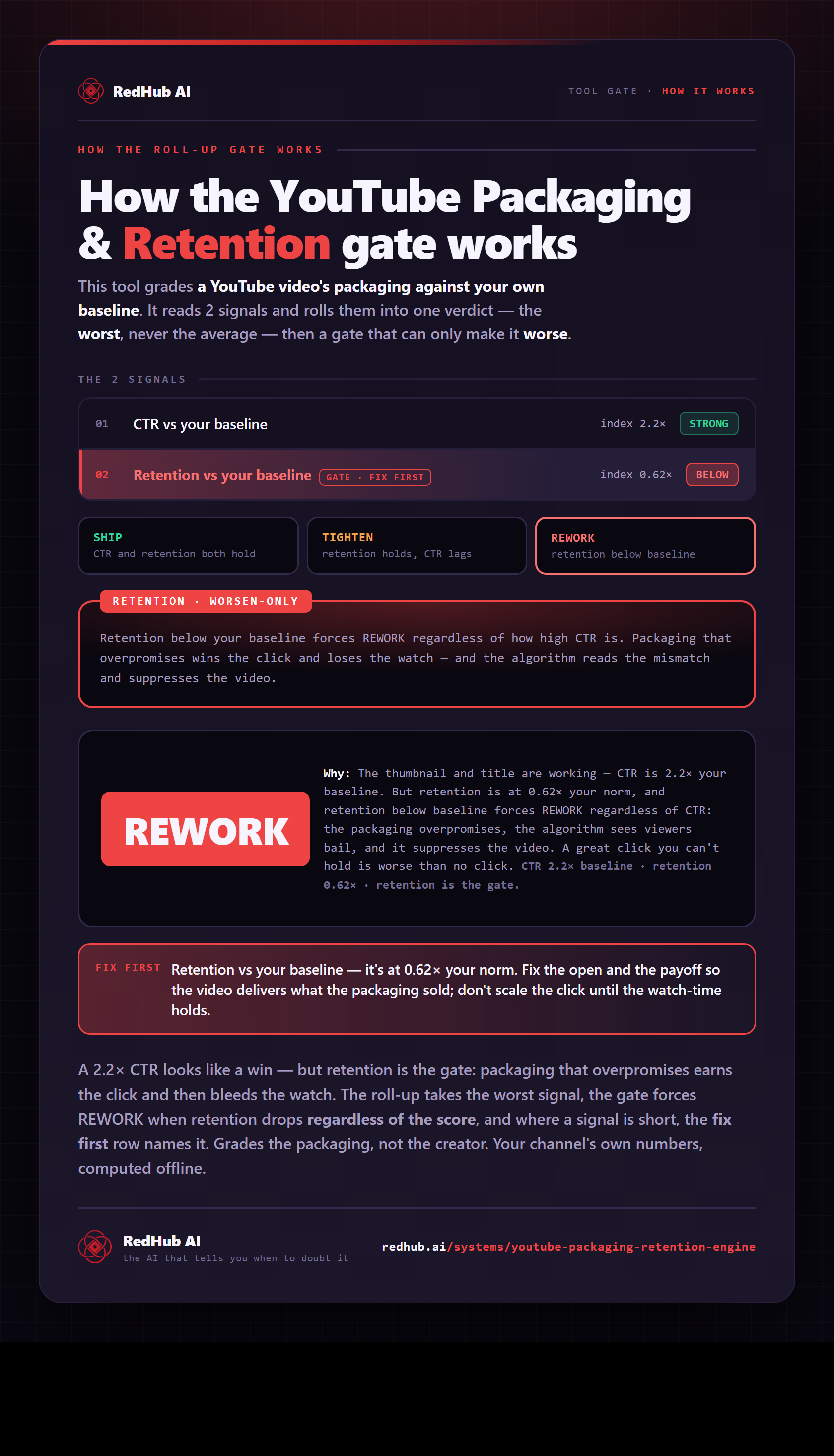
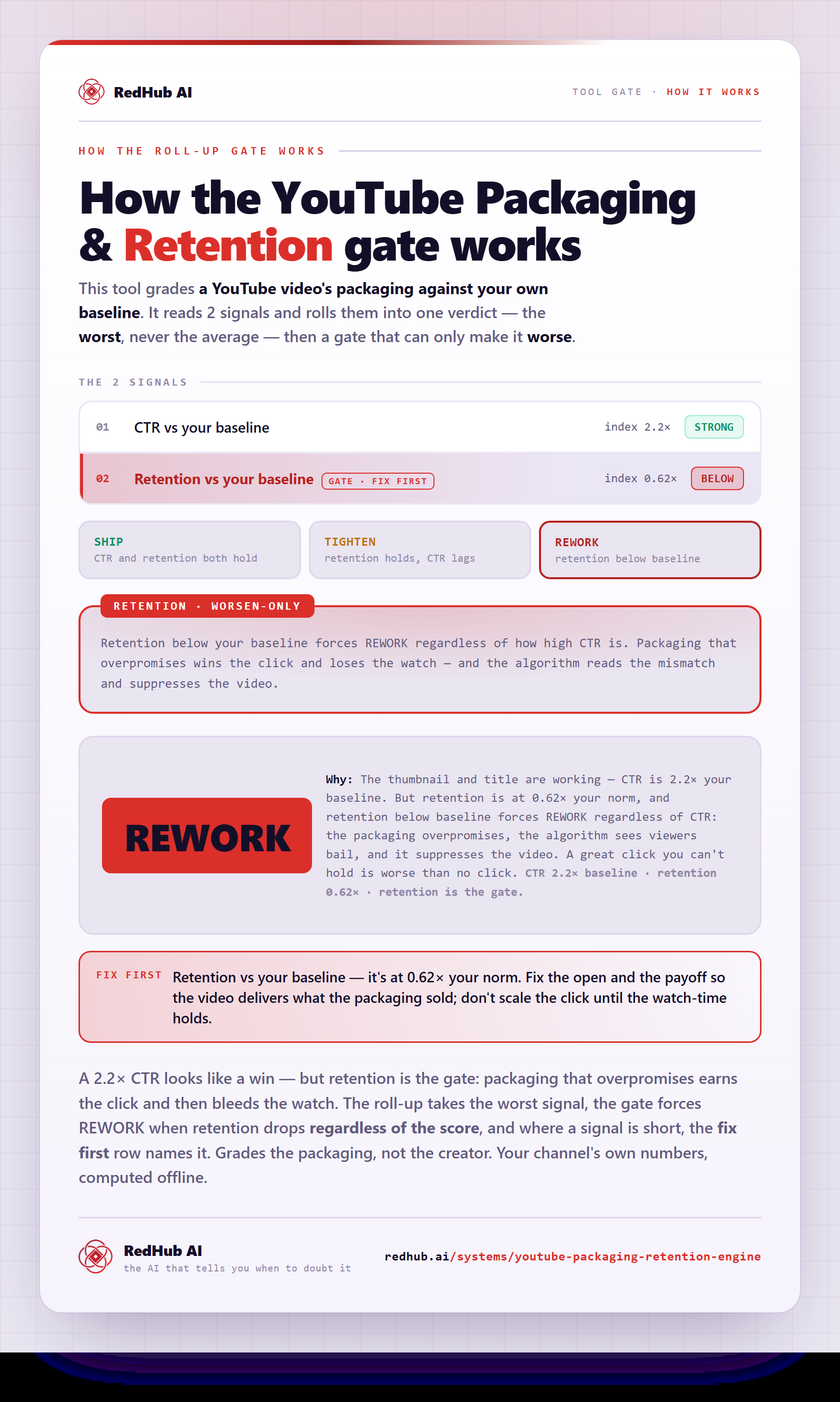
The gate this post refers to, drawn from the tool’s own logic. See the tool.