Content Audit Checklist: What to Measure Before You Touch a Thing
RedHub AI Editorialupdated September 20, 20266 min read

Jump to a section7
Before you refresh, retire, or leave alone a single piece of old content, measure five things for every item in your catalog: the views trend, watch-time or retention, whether traffic comes from search or suggested/browse, whether the information is still true, and how much effort a fix would actually take. Those five numbers, side by side, are what separate an evidence-based decision from a hunch.
TL;DR: A real content audit checklist covers views trend, watch-time/retention, search-vs-suggested traffic source, whether the content is still factually relevant, and the real effort required to fix it. This is a starting rubric, not a guarantee — you still apply your own judgment to what the numbers show. Run it across your whole catalog at once with the Channel Audit & Back-Catalog Optimizer ($49).
Why measure before you touch anything
The single biggest mistake in a back-catalog cleanup is starting with a gut call — "this one feels old, let's fix it" — instead of a measured one. Gut calls are wrong often enough that they waste real time: refreshing something that was already fine, or leaving alone something that's quietly bleeding traffic. A short, consistent checklist run against every piece removes the guesswork before you commit an afternoon to anything.
This checklist is the measurement layer underneath the decisions covered in the channel audit guide — read that first for the big picture of how the three buckets (refresh, leave alone, retire) work.
The five things to measure on every piece
1. Views trend, not just view count
A raw view count tells you almost nothing on its own — it depends entirely on when the piece was published and how it was promoted at launch. What matters is the trend: is this piece still gaining views month over month, holding flat, or clearly declining? A video with modest total views but a steady upward trend is a stronger candidate for investment than a video with huge total views that's flatlined for a year.
2. Watch-time or retention
Views tell you people are clicking. Watch time (for video) or time-on-page/scroll depth (for written content) tells you whether they're actually getting value once they arrive. A piece with decent traffic but a steep early drop-off has a content problem, not a discovery problem — no amount of promotion fixes that.
3. Search traffic vs. suggested/browse traffic
This one separates evergreen pieces from moment-in-time pieces. Content still earning meaningful search traffic years after publish has proven, durable demand — it's earning that traffic because people are actively looking for exactly what it covers. Content that only ever got traffic from suggested/browse feeds or a launch-day push has no organic pull of its own; once the algorithm stops surfacing it, it goes quiet, and there's no lever to pull that brings that traffic back on its own.
4. Is the information still true?
This is the one metric that doesn't come from analytics — it comes from you actually watching or reading the piece again. Has the tool changed its interface? Is the pricing wrong? Is the advice still sound, or has the landscape shifted underneath it? A piece can have great numbers and still be actively misleading people, which is its own kind of urgent.
5. Real effort required to fix it
Not every fixable piece is worth fixing, because "fixable" and "worth the time" are different questions. A five-minute thumbnail swap on a piece with strong search traffic is an easy yes. A full re-record of a 40-minute tutorial for a piece getting modest traffic might not clear the bar. Estimate the actual effort honestly before you commit — this is where a lot of well-intentioned refresh plans quietly die halfway through.
How to combine the five into a decision
| Pattern | Likely call |
|---|---|
| Rising or flat search traffic, good retention, low fix effort | Refresh — high priority |
| Rising or flat traffic, good retention, no factual issues | Leave alone |
| Declining traffic, weak retention, high fix effort | Retire or unlist |
| Good retention, weak or declining traffic, low fix effort | Refresh — likely a packaging problem |
| Flat suggested-only traffic, no search pull, factual issues | Retire — low upside even fixed |
This is a starting rubric, not a formula that spits out a guaranteed answer. Two pieces can show the exact same numbers and deserve different calls — one might be a seasonal topic due to bounce back next quarter, the other a genuinely dead trend. Use the table to narrow your list fast, then apply what you actually know about each piece before committing.
Running this across a full catalog
Applying five measurements by hand to every piece works for a small catalog. It stops working fast once you're past thirty or forty pieces — the manual comparison itself becomes the bottleneck. That's the exact gap a structured audit tool closes: it pulls all five signals for every piece in your library at once and ranks them, so you're reviewing a shortlist instead of building one from scratch.
Once you've got your shortlist, the next moves split by what the checklist revealed: see which old videos to refresh, update, or leave alone for the refresh call, or how to find your underperforming content if the checklist is turning up more retire candidates than expected. For the strategy on turning near-miss pieces into real traffic gains, see back-catalog optimization.
Run the checklist automatically
Instead of pulling views trend, retention, traffic source, and fix effort by hand for every item in your catalog, run it once through a tool built to score exactly these signals — and get a ranked list back in minutes.
Pairs well with
Once your checklist flags a shortlist, use the YouTube Packaging & Retention Engine for video packaging fixes, the Content Refresh & Publishing Engine for written content updates, or the Creator Sponsorship & Media-Kit System to package your strongest pieces for advertisers.
More in this guide
What should a content audit checklist include?
At minimum: views trend over time, watch-time or retention, whether traffic comes from search or suggested/browse, whether the information is still factually accurate, and a realistic estimate of the effort required to fix it.
Is view count enough to judge whether content is worth fixing?
No. Raw view count depends heavily on when a piece launched and how it was promoted. The trend — rising, flat, or declining — matters far more than the total.
Why does search traffic matter more than suggested/browse traffic?
Search traffic reflects real, ongoing demand for the topic — people actively looking for it. Suggested/browse traffic depends on an algorithm continuing to surface the piece, which can stop at any time with no organic pull to fall back on.
Does this checklist guarantee the right decision every time?
No. It's a starting rubric that narrows your list fast, not a formula with a guaranteed right answer. Two pieces with identical numbers can deserve different calls depending on context the numbers can't capture.
What if a low-traffic piece is still valuable to my business?
Trust that over the checklist. Analytics can't see whether a piece closes deals, gets quoted by clients, or anchors a niche audience that matters more than its raw numbers suggest.
How long does a full content audit checklist take to run manually?
For a handful of pieces, an afternoon. Past thirty or forty pieces, manual review becomes the actual bottleneck — which is why most creators eventually run it through a structured tool instead.
What comes after I've run the checklist?
Sort flagged pieces into refresh, leave-alone, or retire, then route the refresh candidates to the right fix — packaging via the YouTube Packaging & Retention Engine, or written content via the Content Refresh & Publishing Engine.
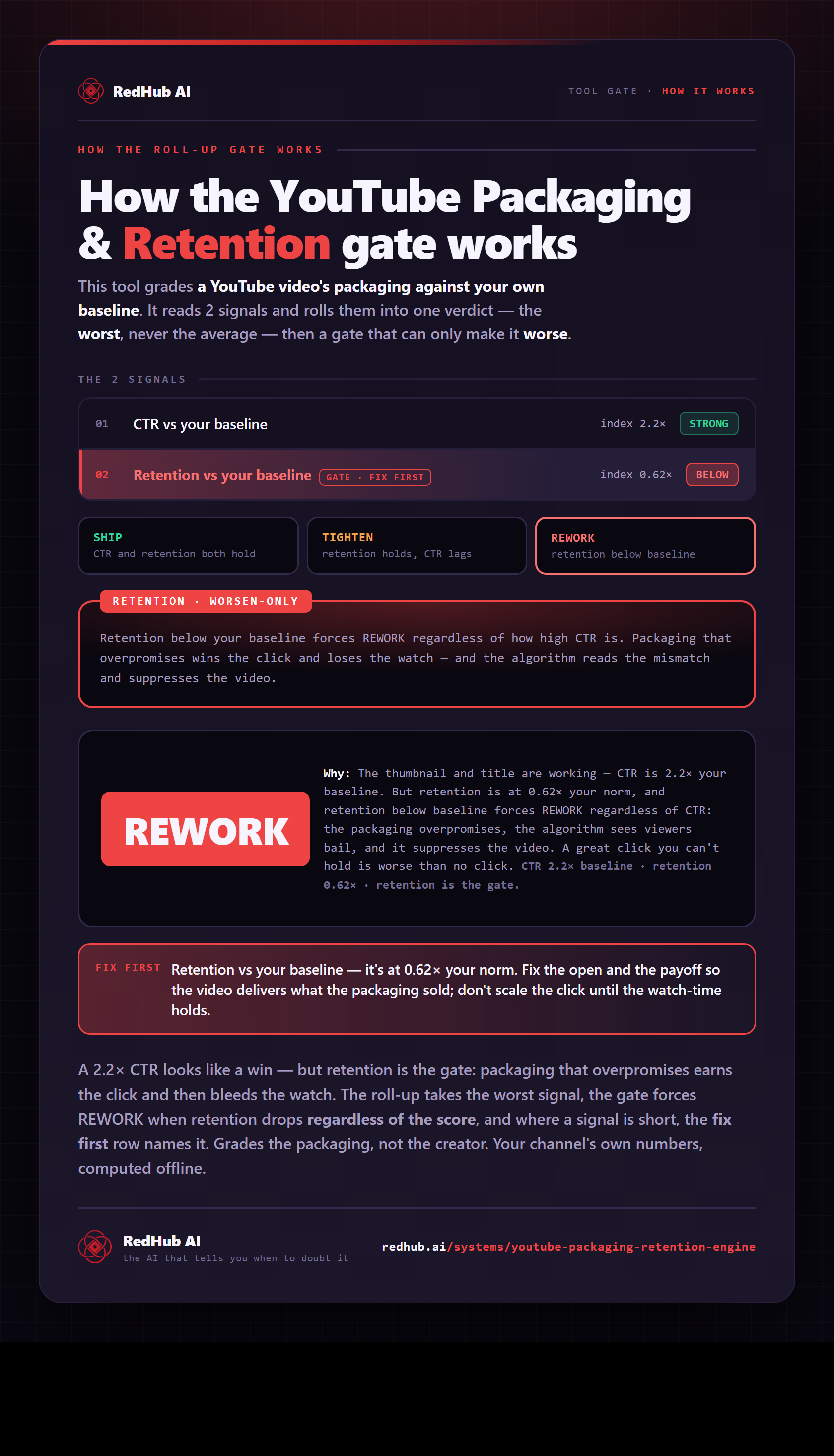
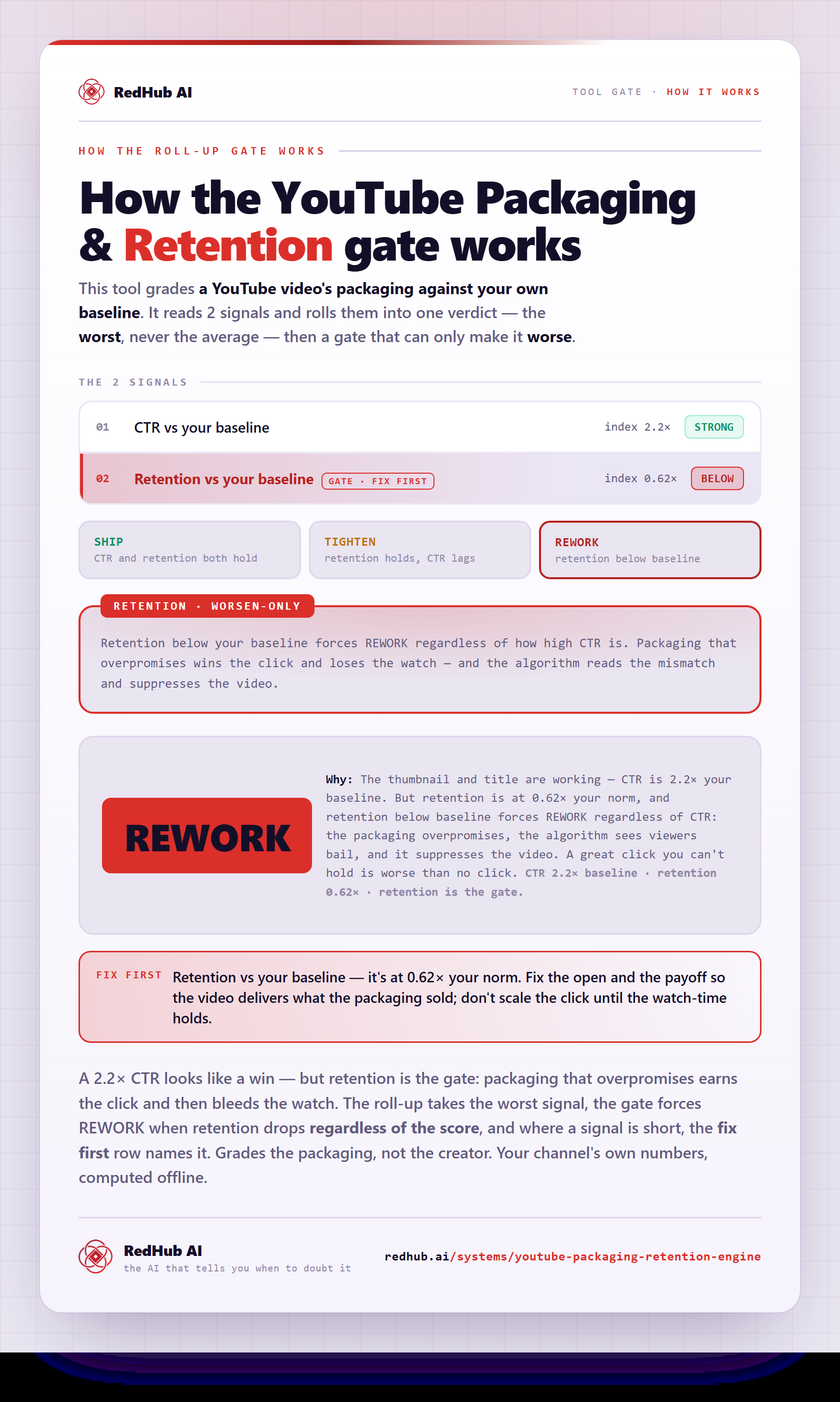
The gate this post refers to, drawn from the tool’s own logic. See the tool.