How to Find Your Underperforming Content (and Why It's Dragging You Down)
RedHub AI Editorialupdated September 20, 20266 min read

Jump to a section9
Underperforming content is anything in your catalog getting meaningfully less traffic or engagement than it should for its age, topic, and effort — and it drags you down when it's clogging your channel page, confusing search algorithms about what you're really about, or sitting at the top of a playlist scaring off new viewers. Not all of it needs fixing. Some of it just needs to be found, understood, and either left alone or quietly retired.
TL;DR: Underperforming content is content that's falling short of what you'd expect for its age and effort — not simply "old" or "low view count." Finding it requires comparing pieces against each other, not against a made-up benchmark. Once found, most underperforming content splits into "worth fixing" and "worth retiring" — very little of it is worth ignoring on purpose. Score your whole library at once with the Channel Audit & Back-Catalog Optimizer ($49).
What "underperforming" actually means
Underperforming doesn't mean "low view count." A five-minute niche tutorial that gets 300 views a month might be your best-performing piece if it converts viewers into customers at a high rate. A flashy video with 50,000 views might be underperforming if it did nothing for your business and cost you a week to produce.
Underperforming means relative — a piece doing worse than similar pieces from around the same time, worse than what its topic normally pulls, or worse than its own trend line used to show. You find it by comparing your content against itself, not against some outside benchmark that doesn't know your niche.
Why underperforming content is a drag, not just a shrug
It's tempting to think of a low-performing video as harmless — it's just sitting there, not hurting anyone. But a back catalog full of it creates real drag:
- It clutters discovery. A channel page or playlist stuffed with flat content makes it harder for a new visitor to find your best work. First impressions matter, and your worst content is often what's easiest to stumble into.
- It muddies your topical signal. Search and recommendation algorithms partly judge a channel by the pattern of what it publishes. A catalog full of scattered, low-relevance topics can make it harder for your best content to get recognized as the authority piece it actually is.
- It eats your own time. Every piece you haven't reviewed is a piece you're implicitly deciding to ignore. That's fine if it's a deliberate call. It's a problem if you genuinely don't know your catalog well enough to know it's there.
How to actually find it
- Pull the full list — every video, post, or episode, with views, watch time or dwell time, and publish date.
- Group by rough age bands (0-6 months, 6-18 months, 18+ months) so you're comparing apples to apples, not judging a two-month-old post against a three-year-old one.
- Within each age band, sort by performance and look for the pieces sitting well below the median for that band.
- Check traffic source for each flagged piece — search traffic that's declining is a different problem than suggested/browse traffic that never showed up in the first place.
- Cross-reference against what you remember about each piece. A flagged video might have underperformed because of a bad title, or because the topic itself just doesn't have an audience — those are two very different fixes.
A real example: the "best tools 2023" video
A "best tools of 2023" roundup is a textbook underperformer by mid-2026 — not because it was ever bad, but because its entire premise has an expiration date baked into the title. Search traffic for "best tools 2023" naturally falls off once the year passes; anyone still landing on it via search knows the title is outdated before they even click.
The audit will flag this video as declining. What the audit won't tell you is whether it's worth fixing. If the underlying tool list is still mostly accurate, this is a real refresh candidate — retitle it, update the picks, and it can keep earning. If the tools listed are mostly discontinued or replaced, no title change saves it — that's a retire candidate, not a refresh candidate.
Not every underperformer needs fixing
This is the part creators get wrong the most: finding underperforming content isn't the same as deciding to fix it. Some underperforming pieces are underperforming for reasons no refresh can solve — a niche topic that genuinely has a small audience, a one-time event video, an experiment that just didn't land. Refreshing those doesn't improve them; it just polishes something nobody was going to watch anyway.
Sorting flagged content into next steps
Once you've got your list of underperformers, split it further:
- Fixable and worth it — real traffic potential, specific problem. Send it to a refresh. See which old videos to refresh, update, or leave alone for the decision rules.
- Not fixable, not worth it — low traffic ceiling even fixed, or a dead topic. Leave it or unlist it. No further effort.
- Fine as-is — sometimes what looks like underperformance is actually just a slow, steady niche piece doing exactly what it was built to do. Leave it alone.
This whole triage is the middle step of a full channel audit — finding the underperformers is only useful once you know what you're going to do with each one.
Find it without guessing
Manually comparing every piece in your catalog against every other piece doesn't scale past a handful of videos. A structured audit runs that comparison automatically across your whole library and hands you a ranked list — so you spend your time deciding, not digging.
Pairs well with
Once you've found your underperformers, pair the audit with the YouTube Packaging & Retention Engine to fix packaging on the fixable ones, or the Content Refresh & Publishing Engine for written pieces that need an update.
More in this guide
What counts as underperforming content?
Content that's doing meaningfully worse than similar pieces from around the same age or topic in your own catalog — not simply content with a low view count. Underperformance is relative to your own baseline, not an outside benchmark.
Is old content automatically underperforming?
No. Some old content keeps earning steady search traffic for years. Age alone isn't the signal — the trend and the comparison against similar pieces is.
Does underperforming content hurt my channel?
It can, indirectly — by cluttering discovery, muddying your topical signal to search and recommendation algorithms, and eating time you could spend on higher-potential pieces. But a small amount of underperforming content in any catalog is normal.
Should I fix every piece of underperforming content I find?
No. Some underperformers are worth refreshing, but some have no realistic fix — a dead topic, a one-time event, a niche that shrank. Refreshing those wastes effort without changing the outcome.
How do I tell if a video underperformed because of bad packaging or a bad topic?
Check watch time alongside click-through. Good watch time with weak click-through points to a packaging problem — the content works but nobody's clicking. Weak watch time and weak click-through together usually points to a topic problem the packaging can't fix.
What's the difference between underperforming and dead content?
Underperforming content is doing worse than expected but may still have upside. Dead content has flat or falling traffic with no plausible fix and is a retirement candidate, covered in the channel audit guide.
Can an audit tool tell me why a video underperformed?
It can show you the pattern — declining search traffic, weak click-through, flat watch time. It can't tell you the real-world reason behind the pattern. That context comes from your own memory of the piece.
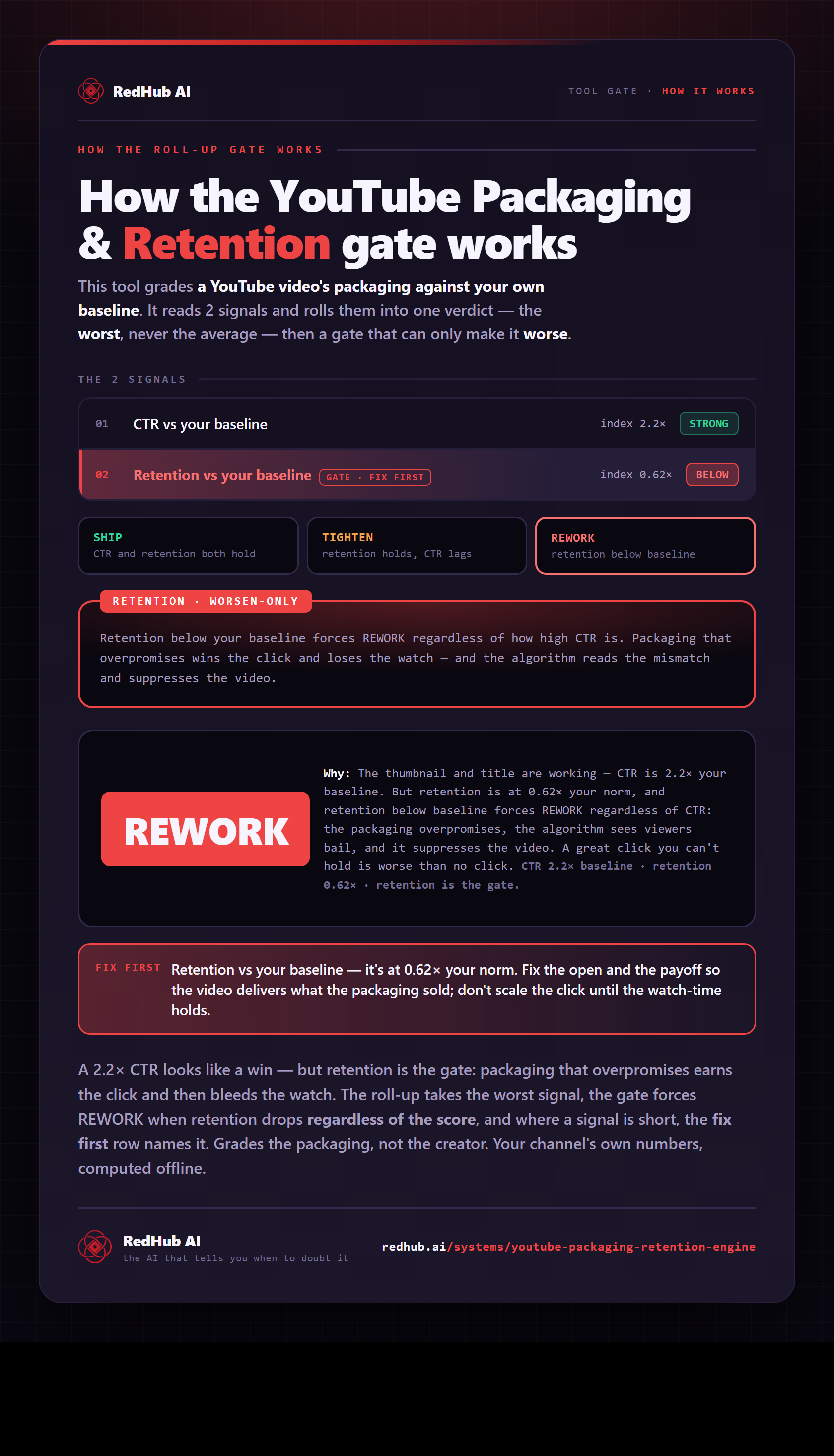
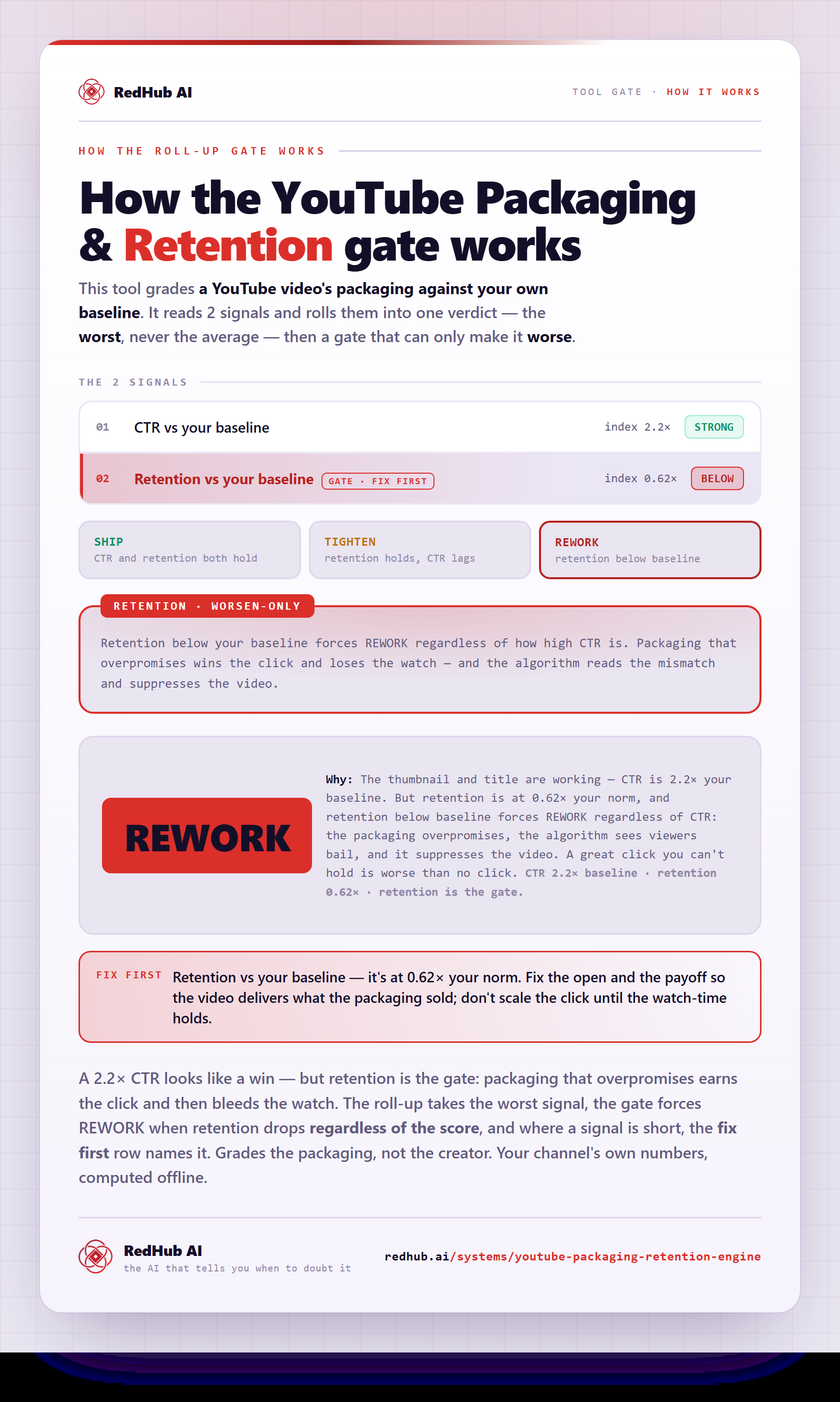
The gate this post refers to, drawn from the tool’s own logic. See the tool.