Set Up Lead Notifications So No Lead Goes Unseen
RedHub AI Editorialupdated October 4, 20266 min read

Jump to a section7
Every lead alert needs one person's name on it. That is the core of a lead notification setup: the alert goes to a named owner, arrives on a channel that person watches, and comes from an authenticated sender so it does not land in spam. Miss any of the three and a stored lead goes unseen, which leaves it as lost as one the form never delivered. The tool matters less than the ownership. If no one specific is responsible for seeing each lead quickly, some lead will eventually slip, and you won't know which one.
TL;DR: A lead nobody is told about is lost. Send alerts to a named owner, not a catch-all, on a channel they watch, from an authenticated sender, in real time rather than a daily digest. Use an escalation with a timer instead of a CC, and decide what happens when the owner is away. The Website Lead-Leak & Form-Failure Gate ($49) grades verified delivery and notification, and speed to notification, among its six signals. Part of the guide on website lead leak.
The catch-all inbox problem
A shared address like info@, contact@ or leads@ looks like coverage. Everyone can see it, so each person assumes someone else is handling it, and a lead can sit for days. A notification works only when one named person owns it. Route each alert to an individual, or to a system that assigns each lead to one person on arrival. "The team gets it" means nobody in particular does.
Set it up so alerts land and get seen
- Pick a channel people watch. Email works if the inbox is monitored. A Slack or Teams channel, or a text message for high-value leads, is often seen faster. Match the channel to how your team works.
- Name an owner. Each lead reaches one accountable person. In a CRM, assign on receipt. In email, route to an individual, not a catch-all.
- Send authenticated. Send notifications through an authenticated mail service from a domain with SPF and DKIM set up, so the alert is not filtered. Our post on SPF and DKIM covers the records.
- Send it now, not later. A daily digest is a notification that arrives up to a day late. The Gate's speed-to-notification signal asks for a real-time alert to the person who acts on the lead.
- Cover the away case. Decide what happens when the owner is out: a fallback person or a rule that reassigns, so leads don't pile up during a vacation.
A backup recipient can bring the problem back
The obvious fix is to copy a second person on every alert. That can rebuild the catch-all on a smaller scale. With two people on the alert, each can assume the other took it, and the lead waits the way it did in info@. A CC is shared ownership, and shared ownership is the thing you were trying to remove.
An escalation works better than a copy. The owner gets the alert alone, and if nobody claims the lead within a set time, say 15 minutes during business hours, it goes to a named second person. That needs a tool that can tell a claimed lead from an unclaimed one, which a plain email alert can't. A one-person business has no second person at all. There, the honest answer is a channel you won't miss, such as a text, and a clear note on the form about when you reply.
Confirm it with a real test
Setup is not done until you have proven it: submit a test lead as a real visitor and confirm the named owner was alerted, on the right channel, within minutes, and that the alert reached an inbox and not spam. Setup you haven't tested is a guess. The walk-through is in how to test your lead forms end to end. If alerts aren't arriving at all, diagnose it with contact form not sending. The full map of breaks is in where leads get lost, and what happens after the alert is the subject of speed to lead.
When the owner leaves
An alert addressed to a person leaves with that person. When someone changes roles or leaves the company, their mailbox is closed or forwarded, and the lead alerts that pointed at it go with it. Add one line to your offboarding checklist: reassign every lead alert the person owned, then submit a test lead the same day. The Website Lead-Leak & Form-Failure Gate ($49) gives that test a scorecard: six plumbing signals per form, a no-delivery gate, and a verdict of CAPTURING, LEAKING or BLACK HOLE, with the weakest signal named first where one is short.
Prove the alert reaches a person
The Gate's first signal is verified delivery and notification, and it overrides the rest: a form with no verified delivery path reads BLACK HOLE regardless of the other five. Speed to notification is graded separately. One .xlsx, deterministic and offline.
Get the Website Lead-Leak & Form-Failure Gate — $49Pairs well with
The Speed-to-Lead Routing Kit ($69) audits a routing setup on six rules, including assignment and ownership, escalation if unclaimed, and after-hours coverage, and returns PASS, FIX or BLOCK. The Lead Response-Time Revenue Calculator ($39) turns your own leads, deal value and contact rates into what slower response costs. The Lead-to-Meeting Engine ($149) drafts first-touch replies with real open times once the alert lands.
More in this guide
How do I set up lead notifications?
Send each lead to one named owner, on a channel they watch, from an authenticated sender so it doesn't hit spam, in real time rather than a daily digest. Add an escalation to a second named person if the lead goes unclaimed, and a rule for when the owner is away.
Why do leads to a shared inbox get missed?
Because everyone who can see it assumes someone else is handling it. A catch-all like info@ or leads@ is seen by all and owned by none. Routing to a specific owner, or auto-assigning in a CRM, removes the ambiguity.
Should I copy a backup person on every alert?
A copy can recreate the shared-inbox problem, because each person may assume the other took it. An escalation is safer: the owner gets the alert alone, and it moves to a named second person only if nobody claims it within a set time.
How do I stop lead alerts going to spam?
Send them through an authenticated mail service from a domain with SPF and DKIM, not from an unauthenticated address on your web server. Then submit a real test lead and confirm the alert lands in the inbox, not spam or promotions.
What happens to lead alerts when someone leaves?
They go wherever that person's mailbox goes, which may be nowhere. Reassign every alert the person owned as part of offboarding, and submit a test lead the same day to confirm the new owner receives it.
How does the Gate handle notifications?
It grades verified delivery and notification as its gate signal, so a form with no verified path to a person reads BLACK HOLE, and it grades speed to notification separately. Routing ownership is not one of its six signals. The Speed-to-Lead Routing Kit covers that.
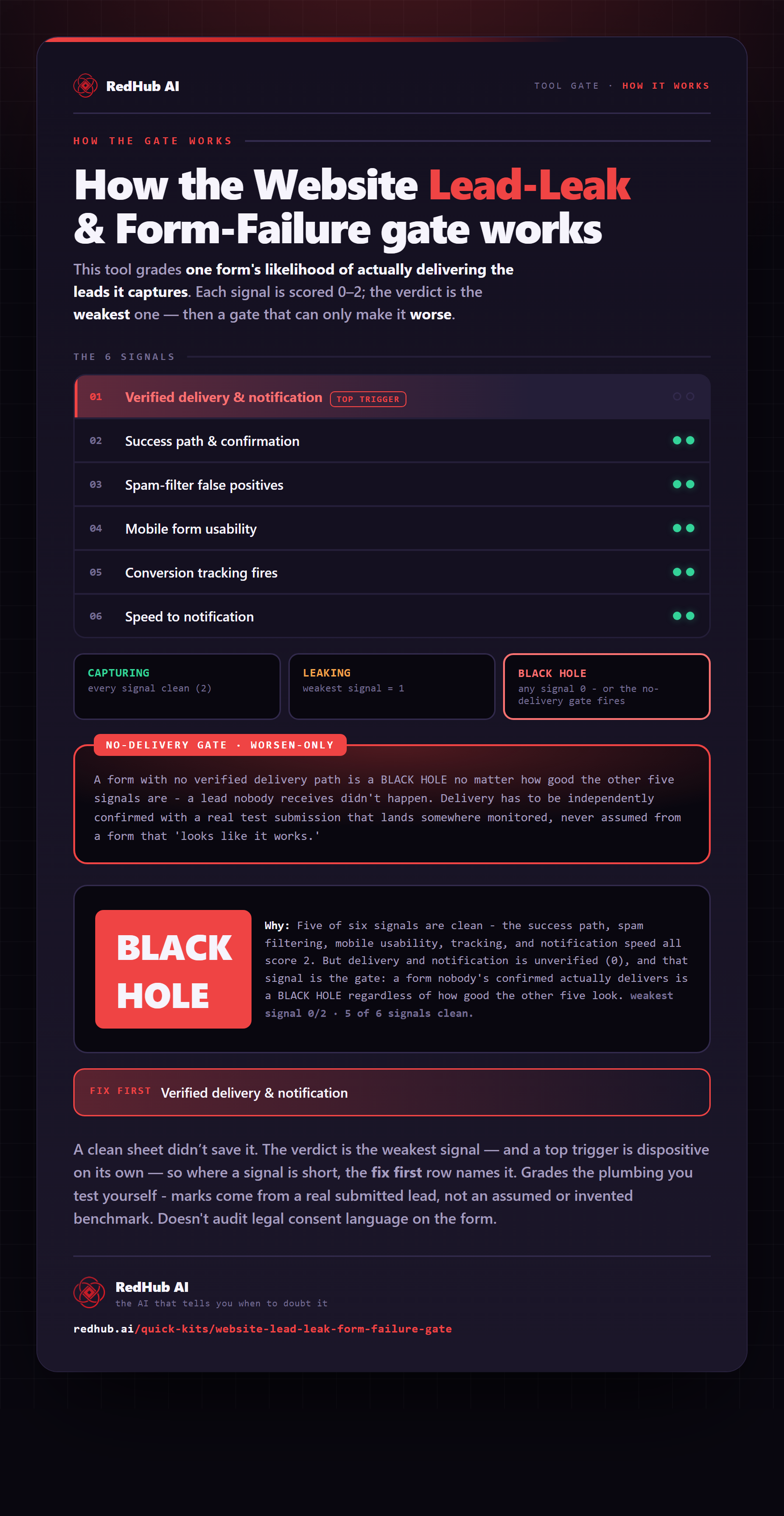
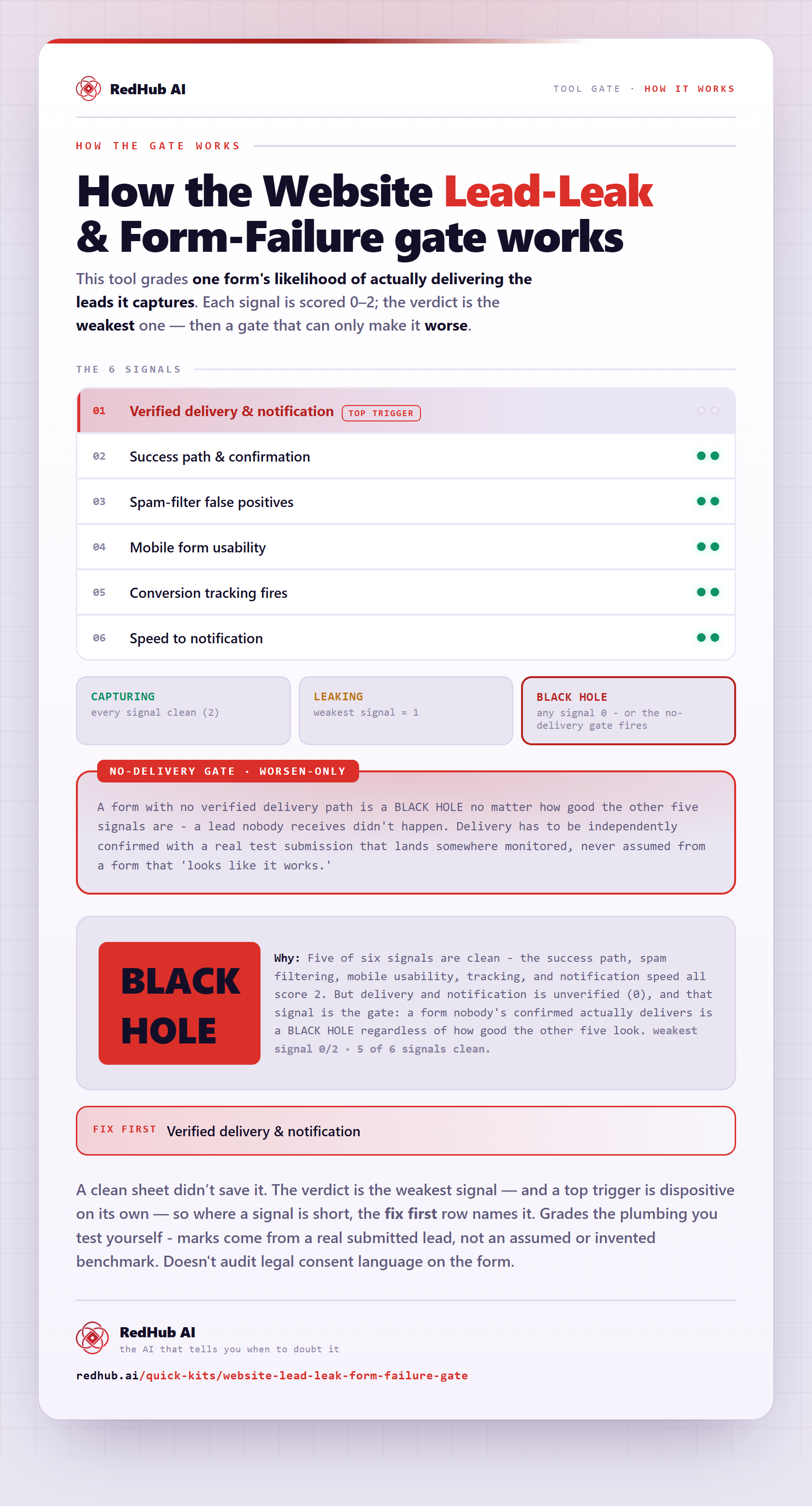
The gate this post refers to, drawn from the tool’s own logic. See the tool.