Human-in-the-Loop Document Processing, Done Right
RedHub AI Editorialupdated August 17, 20266 min read

Jump to a section8
TL;DR
- What it is: A review design where humans check only the documents the system flags as risky — not everything, not nothing.
- Who it's for: Ops and finance teams automating document entry — see the AI Document Extraction Kit.
- How it works: Three lanes — auto-accept, review queue, reject — routed by per-field confidence and validation, plus a weekly sample audit.
- Bottom line: "Human in the loop" isn't a checkbox. It's a routing rule: the machine decides what it can't decide.
What is human-in-the-loop document processing?
Human in the loop document processing is a workflow where AI extracts data from documents and a person reviews only the results the system flags — low-confidence fields, missing required values, failed validation checks — instead of re-checking every document or trusting all of them blindly. Documents route into three lanes: auto-accept (everything validated and confident), review (something flagged), and reject (unreadable or wrong document type). A weekly sample audit of the auto-accepted lane keeps the trust earned.
Best for: teams past the "should we automate?" question and onto "how do we stay safe?" — part of our AI document extraction guide.
"Human in the loop" is the most-said and least-designed phrase in document automation. Everyone agrees a person should be involved. Almost nobody decides which person, looking at what, triggered by what rule. So teams land in one of two failure modes.
Failure mode one: review everything. A person re-checks every extracted document. That isn't human in the loop — it's manual entry with extra steps, and it quietly erases the time automation was supposed to save. Failure mode two: review nothing. The extraction runs, the data loads, and the loop's human is whoever finds the wrong total at reconciliation. That isn't a loop either. It's an incident report with a delay.
Human in the loop document processing, done right, is a routing rule: the system itself decides which documents need a person — and physically can't proceed without one.
The three lanes
Every processed document lands in exactly one lane. Click through what each lane means:
Who decides: the machine — deterministically. Every field validated (dates parse, numbers numeric, required fields present) and every field came back confident. No human touches these, which is where the time savings live. The condition: this lane is only safe because the other two exist — and because a sample of this lane gets audited weekly.
Who decides: the machine flags; a human resolves. At least one field was low-confidence, missing, or invalid — so it's marked REVIEW and the document waits for a person. The reviewer confirms or corrects only the flagged fields, not the whole document. This lane is the loop: bounded, visible, and staffed on purpose.
Who decides: the machine, with a human fallback. The document was unreadable, the wrong type, or failed so broadly that field-level review makes no sense. It goes back to the source for recapture — a better scan, the right form — rather than eating review time. A reject lane keeps the review queue honest.
The routing signal comes from the extraction itself: per-field confidence plus deterministic validation, with the result expressed as an exit code any workflow can branch on. That mechanism — and why the machine "deciding what it can't decide" is really deterministic checks doing the deciding — is covered in unstructured to structured data: a working pipeline.
When to trust, when to review
Confidence flags do most of the routing, but stakes should tighten the rules. A sensible default matrix:
| Situation | Trust the extraction? | Why |
|---|---|---|
| All fields validated + confident, routine document | Auto-accept (and sample-audit) | This is the case automation exists for |
| Any flagged field | Review — always | The system told you it isn't sure; believe it |
| Money, legal, or identity fields on high-value documents | Review above a threshold, even unflagged | Stakes justify a stricter rule than confidence alone |
| Sensitive documents (personal data, health, HR) | Human review, plus handling rules | Extraction accuracy isn't the only risk in play |
That last row deserves a word: documents containing personal information carry obligations beyond getting the fields right. If your document stream includes PII, redaction and handling readiness is its own discipline — the lane of the PII Redaction Readiness Kit ($89).
Key insight: the auto-accept lane is a loan, not a gift. You're extending trust to the machine on the strength of your flags and your audits. Sample-audit weekly and the loan stays good. Stop auditing and you won't know when it went bad — only that it did.
Designing the review job itself
- Name an owner. The review queue is a job, not a hobby. If it's everyone's job, it's nobody's — and flagged documents age silently.
- Review fields, not documents. The reviewer sees the flagged fields with the source document beside them. Confirm or correct those fields; don't re-key the document.
- Set a service level. Flagged documents resolved within one business day. A review queue with no clock becomes a backlog with a nicer name.
- Feed patterns back. Same vendor flagging weekly? Same field failing? Fix the schema or the source — don't keep paying the same review tax. Metrics for this live in document extraction accuracy: what to expect and verify.
- Audit the trusted lane. A fixed sample of auto-accepted documents, verified weekly against the source. This is what makes "we trust it" a measured statement instead of a mood.
The same discipline, everywhere automation touches customers
Confidence-routed escalation isn't just a document pattern. It's the same spine as honest support automation — answer the easy tickets, escalate the ones the bot shouldn't answer, always offer a person. If this design philosophy fits how you want to run ops, the AI Support Deflection Kit ($89) applies it to the support queue. If you're starting with invoices, the AP-specific version of this post is invoice data extraction: automate AP without bad data.
Decision Guide
Use confidence-routed review if: you're automating document entry and need the hours back without inheriting silent errors.
Skip it if: your volume is tiny (just review everything) or your documents are so high-stakes that every one warrants a full human read regardless.
Best first step: define your three lanes on paper — what auto-accepts, what routes to review, what rejects — before touching any tool. The lanes are policy; the tool just enforces it.
FAQ
What does human in the loop mean in document processing?
A person reviews the documents the system flags as risky — low confidence, missing fields, failed validation — while fully-validated, confident documents proceed automatically. The human handles exceptions, not everything.
How much human review is enough?
All flagged documents, plus a fixed weekly sample of the auto-accepted ones, plus stricter rules for high-stakes fields like totals on large payments. More than that re-creates manual entry; less than that is blind trust.
Who should staff the review queue?
A named owner who knows the documents — usually the AP or ops person who used to key them. Reviewing flagged fields takes a fraction of the old keying time, but only if it's clearly someone's job with a service level.
Why sample-audit documents that weren't flagged?
Flags catch what the model knows it's unsure of. Sampling catches what it was confidently wrong about. Without the audit, your trust in the auto-accept lane is an assumption that ages badly.
Should sensitive documents ever auto-accept?
Treat them separately. Documents with personal, health, or HR data carry handling obligations beyond extraction accuracy — keep a human in that lane and get your redaction practices in order first.
How does the AI Document Extraction Kit support this workflow?
Its extractor rates every field, validates the result, marks anything shaky REVIEW, and exits non-zero so your pipeline routes flagged documents to a person automatically. The included QA tracker runs the flag-rate and sample-audit discipline. One-time $99.
Put the human where the risk is
The AI Document Extraction Kit ($99, one-time) builds the three-lane workflow for you: per-field confidence, deterministic validation, REVIEW flags, a pipeline-ready exit-code gate, and a QA tracker for the audits. 30-day guarantee. No accuracy guarantee — the loop is the guarantee's honest replacement.
Get the AI Document Extraction Kit — $99 →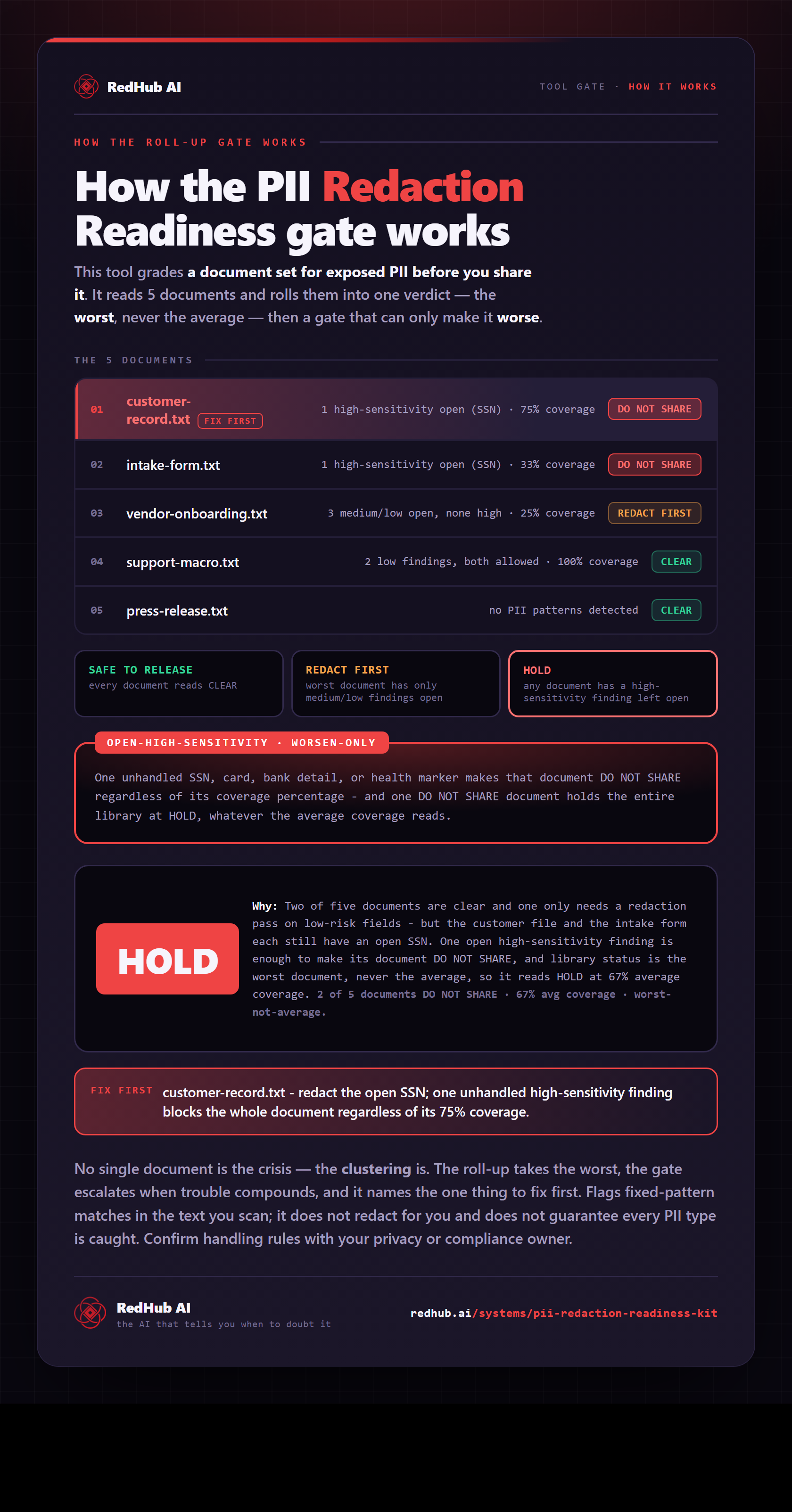
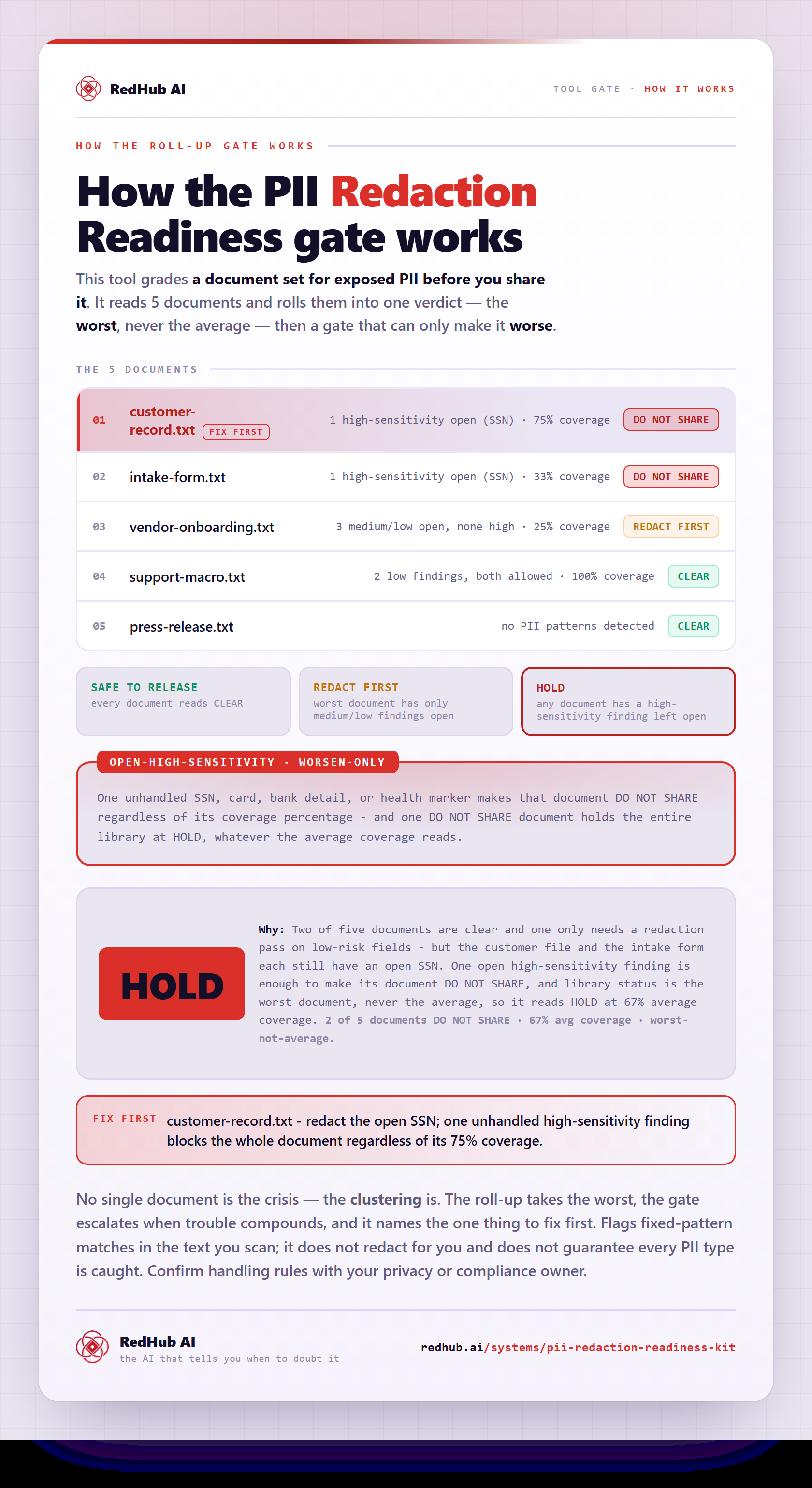
The gate this post refers to, drawn from the tool’s own logic. See the tool.