Resource Allocation for Billable Teams: A Simple System
RedHub AI Editorialupdated August 17, 20266 min read

Jump to a section8
TL;DR
- What it is: Resource allocation is deciding — ahead of time — whose hours go to which work, so load matches demand.
- Who it's for: Agency owners, ops managers, and fractional COOs running billable teams — see the Capacity & Utilization Planner.
- How it works: Look per person, not at the team average; compare capacity to the pipeline; check every new engagement before saying yes.
- Bottom line: Most "capacity problems" are allocation problems. Rebalancing is free; hiring is not.
What is resource allocation?
Resource allocation is the practice of assigning your team's limited hours to specific work on purpose — balancing load across people, matching total capacity to the demand in your pipeline, and deciding what happens when the two don't line up. For a billable team it means three habits: check per-person load (not just the team average), compare next month's booked work to next month's capacity, and run a capacity check before accepting any new engagement.
Best for: teams where some people are drowning while others are idle — part of our capacity planning guide.
Here's a pattern almost every services firm recognizes. The team's overall utilization looks fine — say 72 percent. But your senior developer hasn't had a free hour in six weeks, your designer is quietly refreshing job boards out of boredom, and a project just slipped because the one person who could do the work was triple-booked.
That's not a capacity problem. It's a resource allocation problem — and the difference matters, because the fixes cost wildly different amounts. Capacity problems are fixed with hiring or selling. Allocation problems are fixed with a whiteboard.
The team average is lying to you
Averages blend the extremes into a comfortable middle. A six-person team can post a healthy average while carrying both burnout and bench:
| Person | Utilization | Reality |
|---|---|---|
| Senior dev | 110% | Overloaded — quality and retention risk |
| Designer | 45% | Half a bench nobody is selling |
| PM | 85% | Near ceiling |
| Writer | 60% | Sellable room |
| "Team" | 75% | Looks perfect. Isn't. |
The numbers above are an illustration, not client data — but the shape is the point. Run utilization per person before you trust any team-level read (the formula lives in our utilization rate guide). The spread between your most- and least-loaded person is often the single most actionable number in the business.
Key insight: before every hire conversation, ask the allocation question first — "is the team full, or is the load just lopsided?" Rebalancing lopsided load is free and takes effect Monday. A hire costs a loaded salary and takes effect in three months.
Capacity versus demand: the forward look
Per-person load is the snapshot. Allocation also needs the movie: what does booked work look like next month, against next month's capacity? This is where most small firms fly blind — they know today's chaos in detail and next month's not at all.
The forward comparison sorts into three cases, each with different moves:
- Demand exceeds capacity. Your levers, cheapest first: rebalance, subcontract the spike, raise rates to shape demand, hire if it's sustained, or decline work honestly. (The hire branch has its own math — run it before posting the job.)
- Capacity exceeds demand. You have a bench. Sell it first — outreach to past clients, expanded scopes, productized offers — and put the remainder into chosen productive work. Don't let it silently become "everyone seems busy anyway."
- Roughly matched. Healthy — protect it by checking every new engagement before it lands, which is the next section.
The check before every yes
Allocation falls apart one enthusiastic yes at a time. The fix is a standing habit: no new engagement gets accepted until it's been checked against real capacity. The check takes five minutes:
- Size the engagement — weekly hours and rate, roughly.
- Lay it against current load — whose hours would it consume, and what are those people running at now?
- Read the verdict — it fits inside target; it fits only by running hot (fine for a sprint, not a lifestyle); or it doesn't fit, and the yes requires subcontracting, hiring, or a start-date shift.
- Decide out loud — take it, stage it, staff it, or decline it. Any of these beats the silent yes that overloads your best person again.
This is exactly what the Planner's New Work Check automates: enter the prospective client's hours and rate, and it shows whether the team absorbs it within target, only above target, or not at all — plus the added revenue and the extra capacity (in FTE) a yes would need.
Allocation decisions, from one sheet.
The Capacity & Utilization Planner ($49, one-time) shows per-person utilization and flags, the team dashboard with the sell/hire/turn-away verdict, and the New Work Check before you say yes — pre-loaded with an example team so you can see it working immediately. One .xlsx; Excel, Google Sheets, or Numbers.
Get the Planner — $49 →Make it a cadence, not a crisis
Resource allocation works as a monthly rhythm, not a fire drill: update per-person numbers, glance at the spread, compare next month's demand to capacity, and pre-check anything in the pipeline that might close. Twenty minutes a month keeps the two expensive surprises — a burnout resignation and a panic hire — off your calendar.
If you run an agency, the Agency Operators Skills Pack ($89) picks up where the math ends — installable Claude skills for the status reports, scope-creep pushback, and renewal comms that allocation decisions turn into. And if you do this professionally across client companies, the Fractional Executive & Consultant Skills Pack ($99) packages the operator playbook for running someone else's capacity honestly.
Decision Guide
Fix allocation if: the team average looks fine but specific people are drowning, projects slip on one bottleneck person, or work lands on whoever answered Slack fastest.
Fix capacity if: the load is already balanced and everyone is genuinely at or over target — then it's a sell, hire, or say-no decision.
Best first step: compute per-person utilization for this week and look at the spread. If it's wider than about 30 points, you have free capacity to reclaim before spending a dollar.
FAQ
What is resource allocation in a services business?
Deciding on purpose whose hours go to which work — balancing load across people, matching capacity to pipeline demand, and checking new engagements before accepting them.
How is resource allocation different from capacity planning?
Capacity planning asks "do we have enough hours overall?" Allocation asks "are the hours going to the right work and people?" Most teams need the allocation check first — it's the cheaper fix.
Why is the team utilization average misleading?
Because it blends extremes. One person at 110 percent and one at 45 average to a healthy-looking number while hiding both a burnout risk and an unsold bench. Always read per person.
What do I do when demand exceeds capacity?
Work the levers cheapest-first: rebalance the load, subcontract the spike, raise rates to shape demand, hire only if the overload is sustained and pipeline-backed, or decline the work honestly.
How do I check whether we can take a new client?
Size the engagement's weekly hours, lay it against current per-person load, and see whether it fits inside your target utilization. The Planner's New Work Check runs this in one tab, including what a yes would cost in extra capacity.
Do I need resource-scheduling software?
Not to start. If you need live multi-project scheduling across dozens of people, that's software territory — the Planner itself is honest that it's not that. For teams up to a few dozen, a monthly spreadsheet cadence covers the decisions that matter.
Which RedHub tool fits this problem?
The Capacity & Utilization Planner ($49) for the load, bench, and new-work math; the Agency Operators Skills Pack ($89) for executing the decisions in client-facing comms.
Put the right hours on the right work.
Per-person utilization and flags, the sellable bench, a sell/hire/turn-away verdict, and a New Work Check before every yes. One-time $49, instant download, 30-day guarantee. It does the math — the decisions stay yours.
Get the Capacity & Utilization Planner — $49 →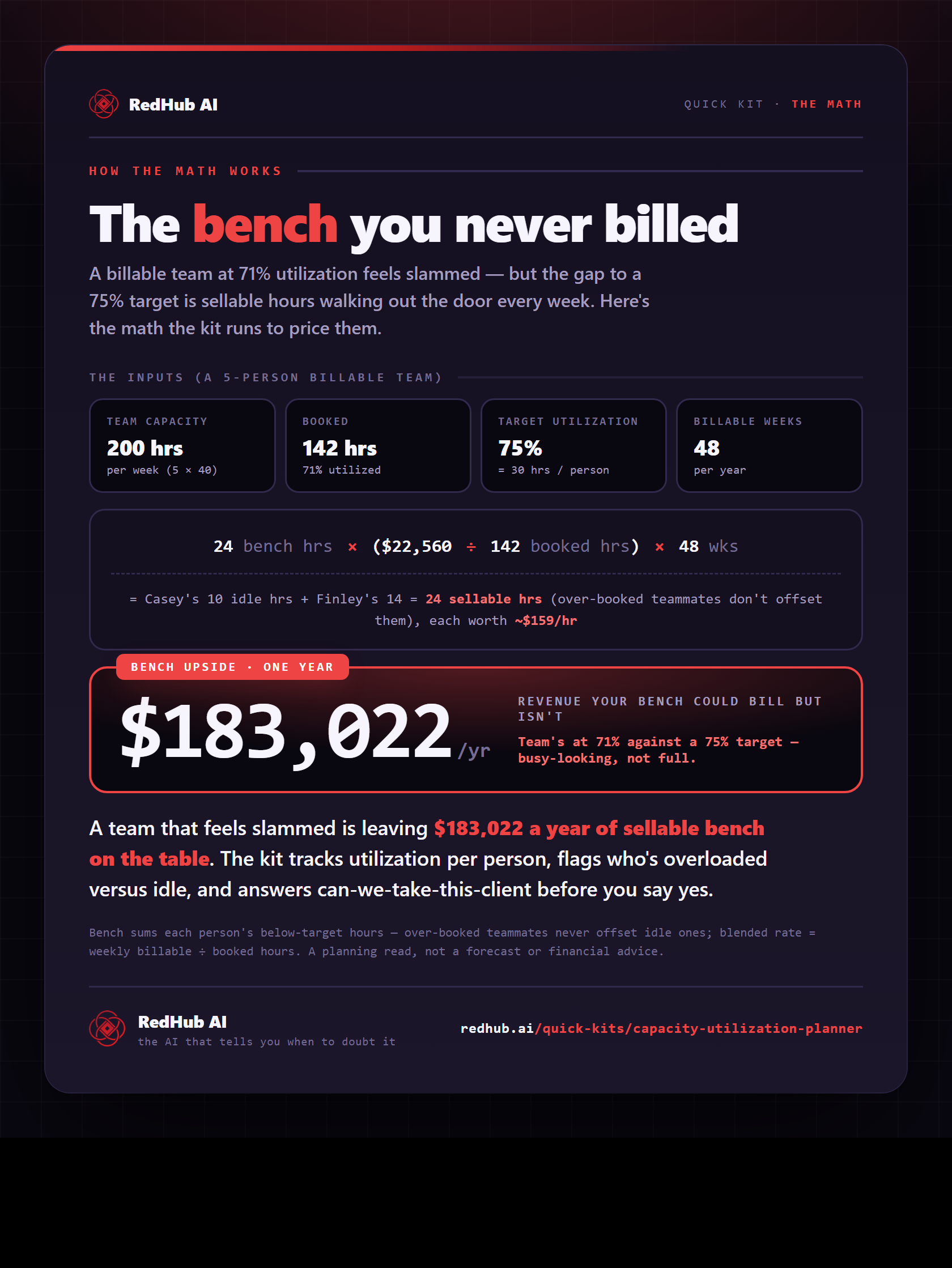
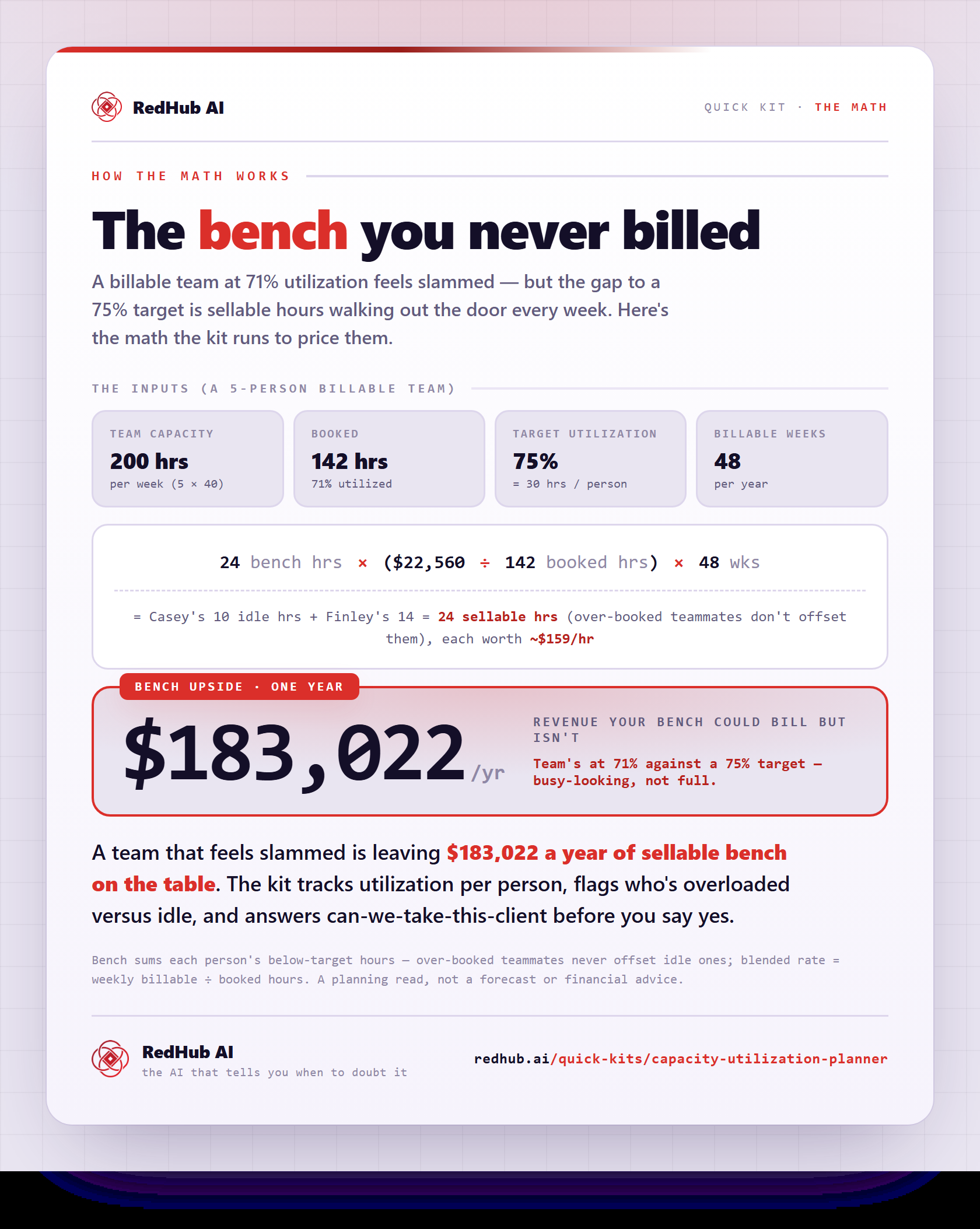
The gate this post refers to, drawn from the tool’s own logic. See the tool.