Content Pillars: The Few Topics You Own
RedHub AI Editorialupdated August 18, 20263 min read

Jump to a section7
TL;DR
- What it is: the three to five core topics your content always comes back to.
- Who it's for: creators who feel scattered or run dry — see how to create content consistently.
- How it works: pick a few topics you can speak to credibly and want to be known for; every post ladders to one.
- Bottom line: pillars answer "what am I about?" once, so you never start a post from a blank slate.
What are content pillars?
Content pillars are the three to five core topics your content consistently returns to — the themes you want to be known for and can speak to credibly. Instead of posting about whatever comes to mind, every piece ladders up to one of your pillars. They solve the two biggest solo-content problems at once: feeling scattered (a random feed nobody can follow) and running dry (staring at a blank page with no angle). Pillars turn "what should I post?" into "which pillar today?"
Best for: anyone whose content feels random. The Content Engine builds your calendar around your pillars.
Most people's content is a scatter of whatever crossed their mind that week. It's why the feed feels random and why the ideas dry up. Content pillars fix both. Here's how to pick yours and use them so you never face a blank page again.
How to pick your pillars
- List what you can speak to credibly. The topics where you have real experience or a genuine point of view — not just what's trending.
- Cross it with what your audience wants. The overlap between "what I know" and "what they need" is where your pillars live.
- Narrow to three to five. Fewer than three feels repetitive; more than five feels scattered. Three to five is the range that reads as focused but not one-note.
- Name them plainly. A pillar you can say in a few words ("solo marketing," "pricing for freelancers") is one you'll actually use.
Pillars are a filter, not a cage. They're not the only things you can ever post — they're the default topics that fill most of your calendar so you're not deciding from zero. The occasional off-pillar post is fine; the pillars just carry the load.
How pillars kill the blank page
The blank page is really a blank-topic problem: you don't know what to write about, so you write nothing. Pillars remove that. When today's slot says "pillar: pricing," you're not inventing a subject — you're just choosing an angle within a topic you already know. That's a far smaller, far easier decision, and it's the difference between posting and staring.
From pillars to a full calendar
Pillars are the input to everything else in a content system. Once you have them, you rotate them across your calendar, generate angles within each, and batch a week or month at a time. The Content Engine for One Person maps your pillars to a calendar and gives you prompt blocks that draft angles within each — so the pillar does the deciding and you do the writing. A Brand Voice Engine keeps every pillar sounding like you.
Turn your pillars into a full calendar
Map three to five pillars to a repeatable calendar with prompt blocks for angles — one spreadsheet, one person.
Get the Content Engine — $39 →Pillars are the foundation. See how they feed the whole system in the consistent-content guide.
Decision Guide
Set pillars if: your content feels random or you keep running out of things to post.
Rethink them if: you dread posting on one — a pillar you don't enjoy won't survive a year.
Best first step: write down three to five topics you can speak to and want to be known for.
Common Questions
What are content pillars?
The three to five core topics your content always returns to — what you want to be known for and can speak to credibly. Every post ladders to one.
How many content pillars should I have?
Three to five. Fewer feels repetitive; more feels scattered. That range reads as focused without being one-note.
How do I choose my pillars?
Find the overlap between what you can speak to credibly and what your audience wants, then narrow to three to five and name each plainly.
Can I post outside my pillars?
Yes. Pillars are a filter, not a cage — they carry most of the calendar so you're not deciding from zero, but the occasional off-pillar post is fine.
How do pillars help me stay consistent?
They remove the blank-topic problem. "Pillar: pricing" turns an impossible blank page into an easy choice of angle within a topic you know.
What do I do once I have pillars?
Rotate them across a calendar, generate angles within each, and batch-produce. Pillars are the input the rest of the system runs on.
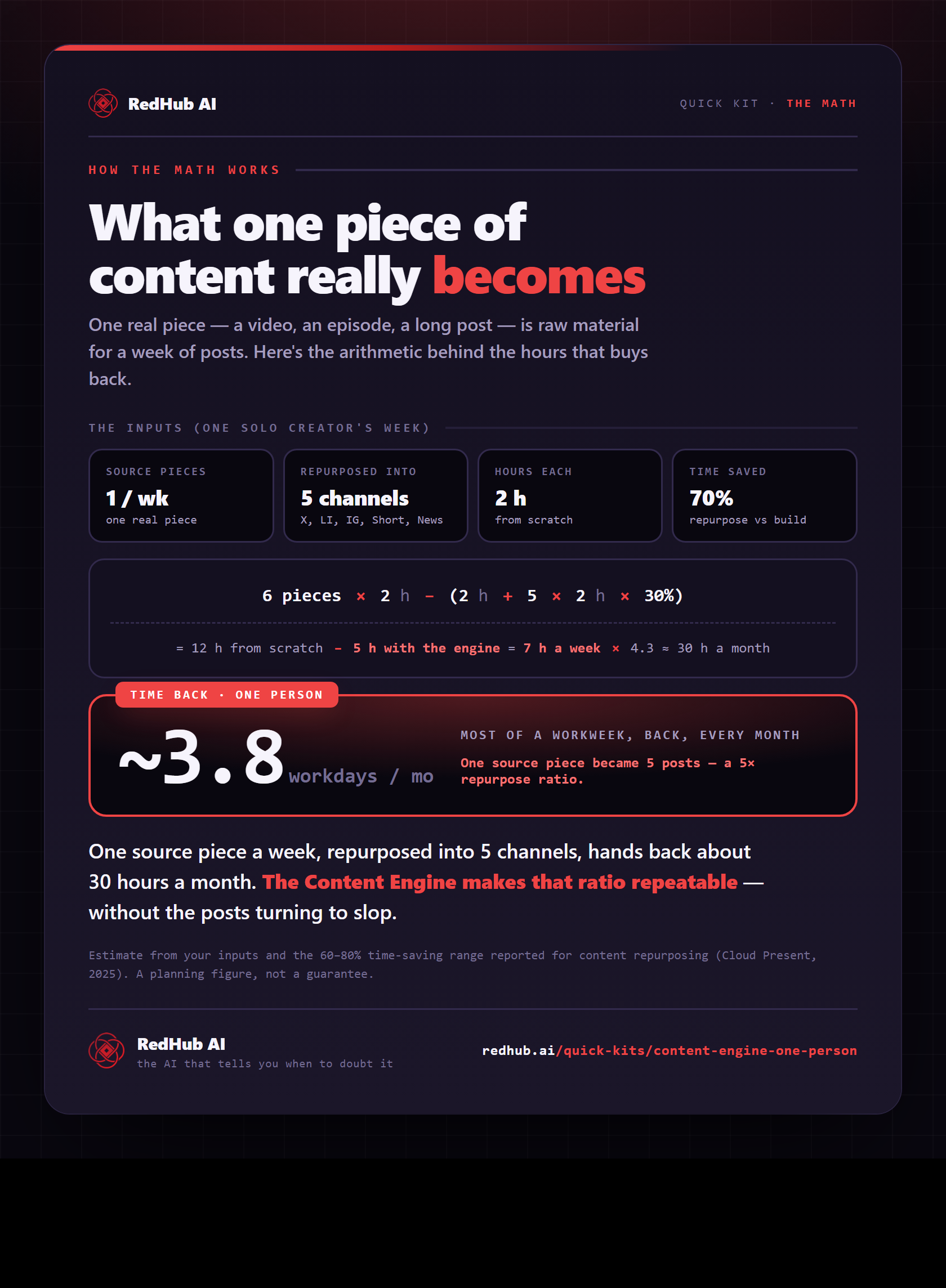
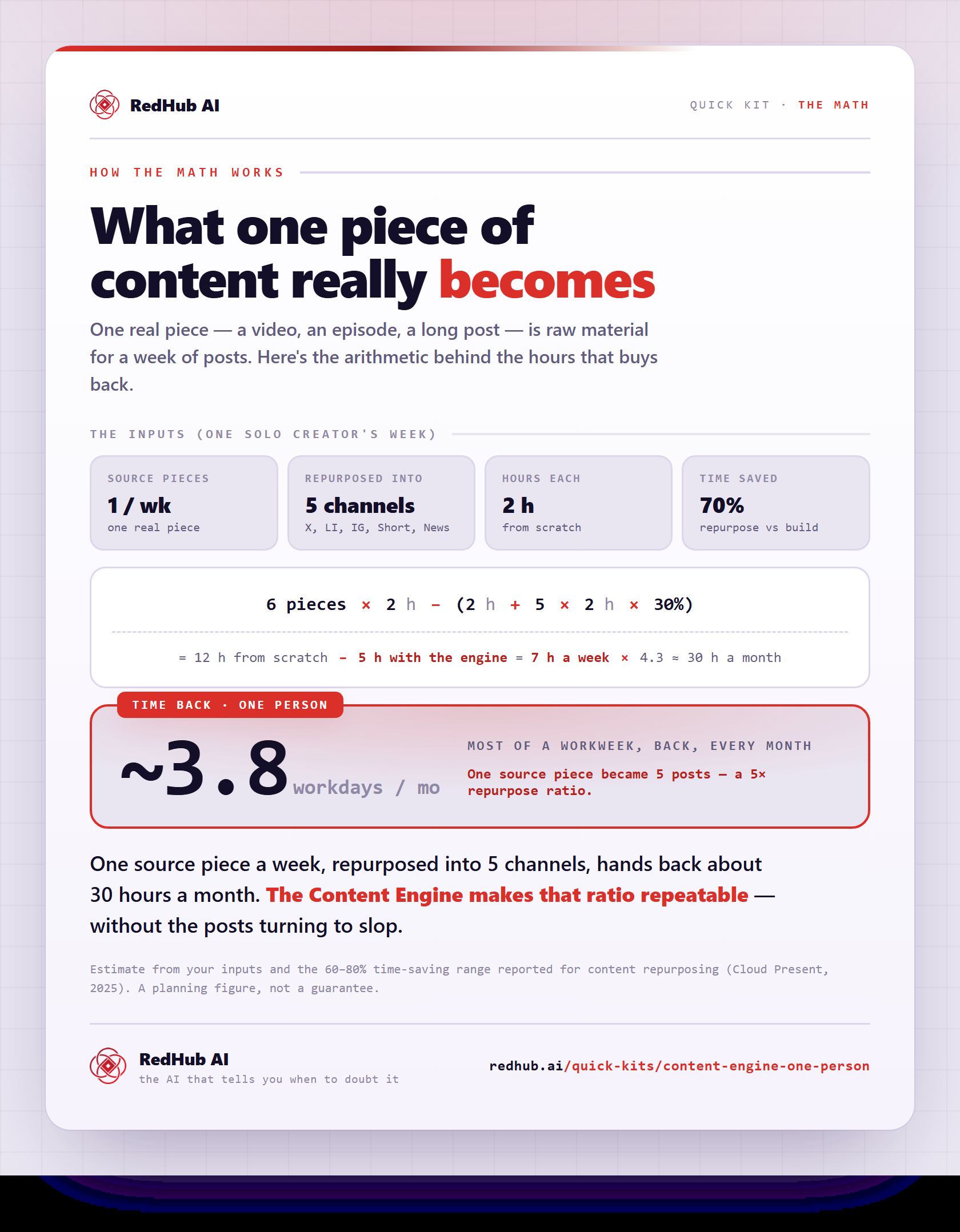
The gate this post refers to, drawn from the tool’s own logic. See the tool.